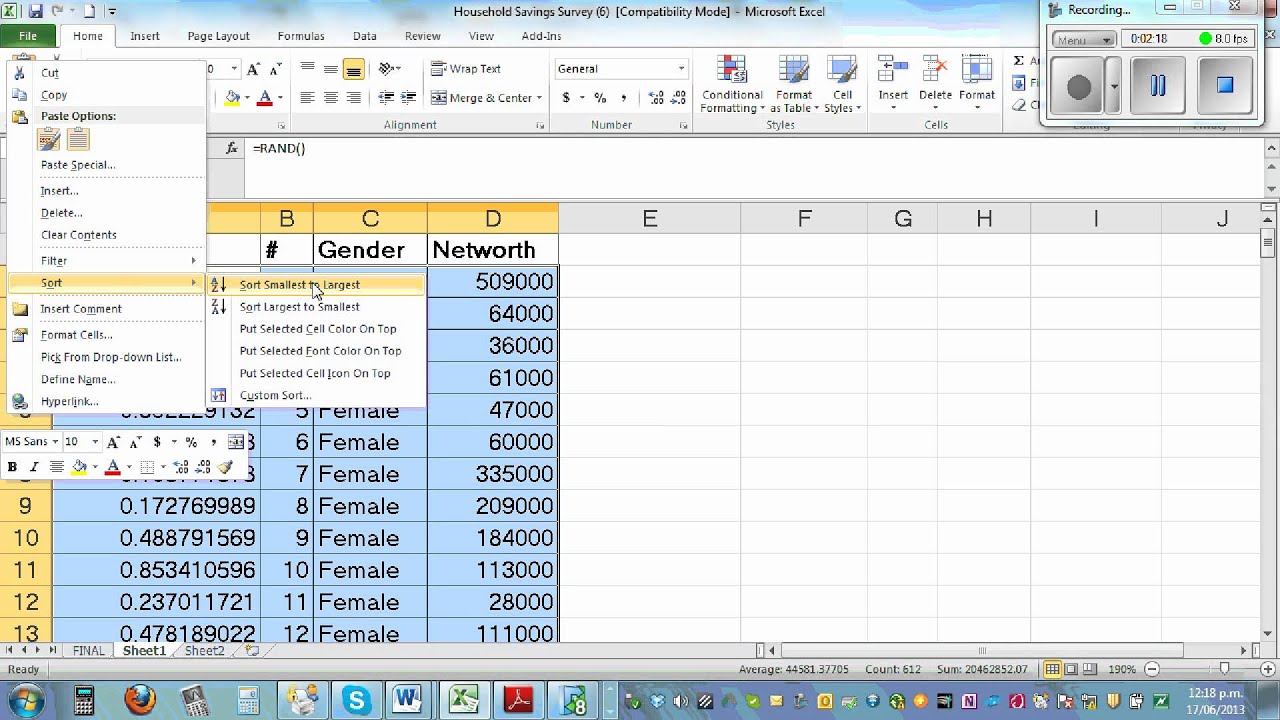
Choose Random Sample In Excel Selecting A Random Sample Using Simple Random Sampling Method Using Excel 2013 Statistical Analysis 43 Simple Random Sampling In Excel Random Sampling With Excel Excel VBA For Random Sampling YouTube How To Select A Random Sample In Excel Step by Step Step 1 Create a Dataset First enter the values of your dataset into a single column For this example we ll enter 20 different values in column A Step 2 Create a List of Random Values Next type RAND into cell B2 This creates a random value between 0 and 1
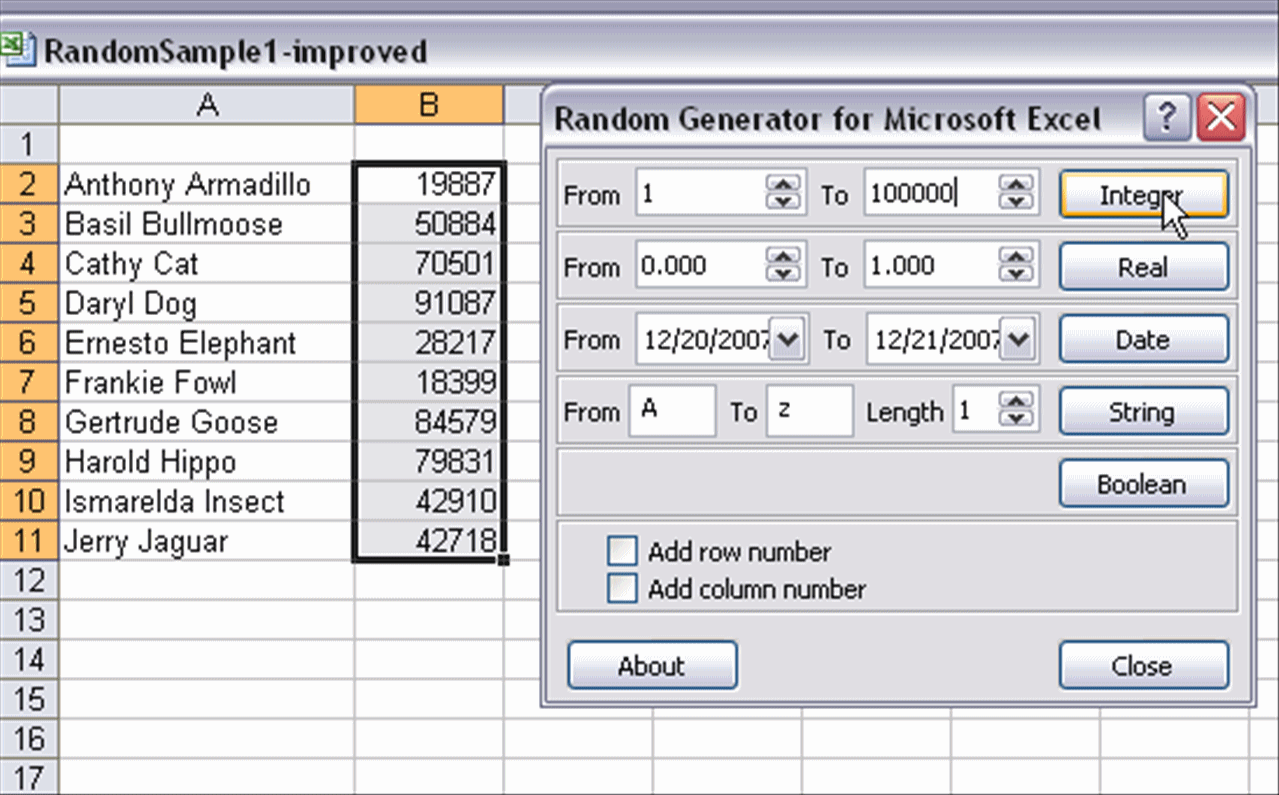
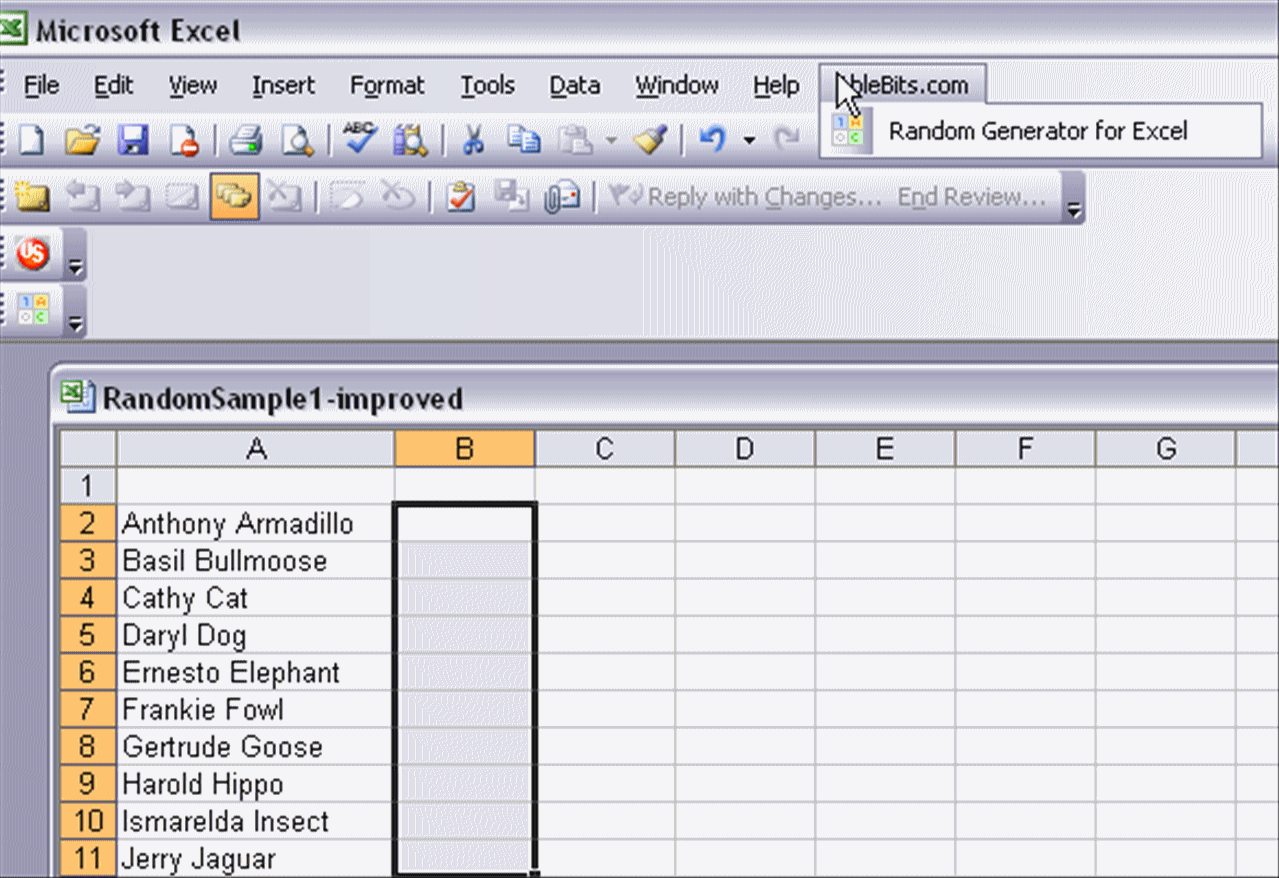
On the Ablebits Tools tab click Randomize Select Randomly Select the range from which you want to pick a sample On the add in s pane do the following Choose whether you want to select random rows columns or cells Define the sample size that can be a percentage or number Click the Select button Often you may want to randomly select a cell based on specific criteria in Excel This tutorial provides two examples of how to do so using the following dataset in Excel Example 1 Randomly Select Cell Based on One Criteria We can use the following formula to randomly select one player who is on the Mavs team
How To Select A Random Sample In Excel Step by Step Random Sample Excel Create Random Text With CHOOSE In Excel YouTube How To Create A Random Sample In Excel with Easy Pictures Random Sample In Statistics Sample Site G Random Sampling With Excel How To Select A Random Sample In Excel Step by Step How To Create A Random Data Sample In Excel 2013 YouTube Simple Random Sample In Excel YouTube
Choose Random Sample In Excel
 Choose Random Sample In Excel
https://i.ytimg.com/vi/yJi0UoNg2jQ/maxresdefault.jpg
In the first cell underneath your heading row type RAND Press Enter and a random number will appear in the cell Copy and paste the first cell into the other cells in this column Once each row contains a random number sort the records by Random number column Choose the first 500 emails Those will be the random 500 out of 3000 emails
Templates are pre-designed files or files that can be used for numerous purposes. They can conserve time and effort by offering a ready-made format and design for creating different kinds of content. Templates can be utilized for personal or professional jobs, such as resumes, invitations, flyers, newsletters, reports, discussions, and more.
Choose Random Sample In Excel
Random Sampling With Excel

Random Sample Excel
Create Random Text With CHOOSE In Excel YouTube

How To Create A Random Sample In Excel with Easy Pictures
Random Sampling With Excel

How To Select A Random Sample In Excel Step by Step
Select random rows in Excel Randomly select a number or percentage of cells rows or columns What is random sample Before discussing sampling techniques let s provide a bit of background information about random selection and when you might want to use it

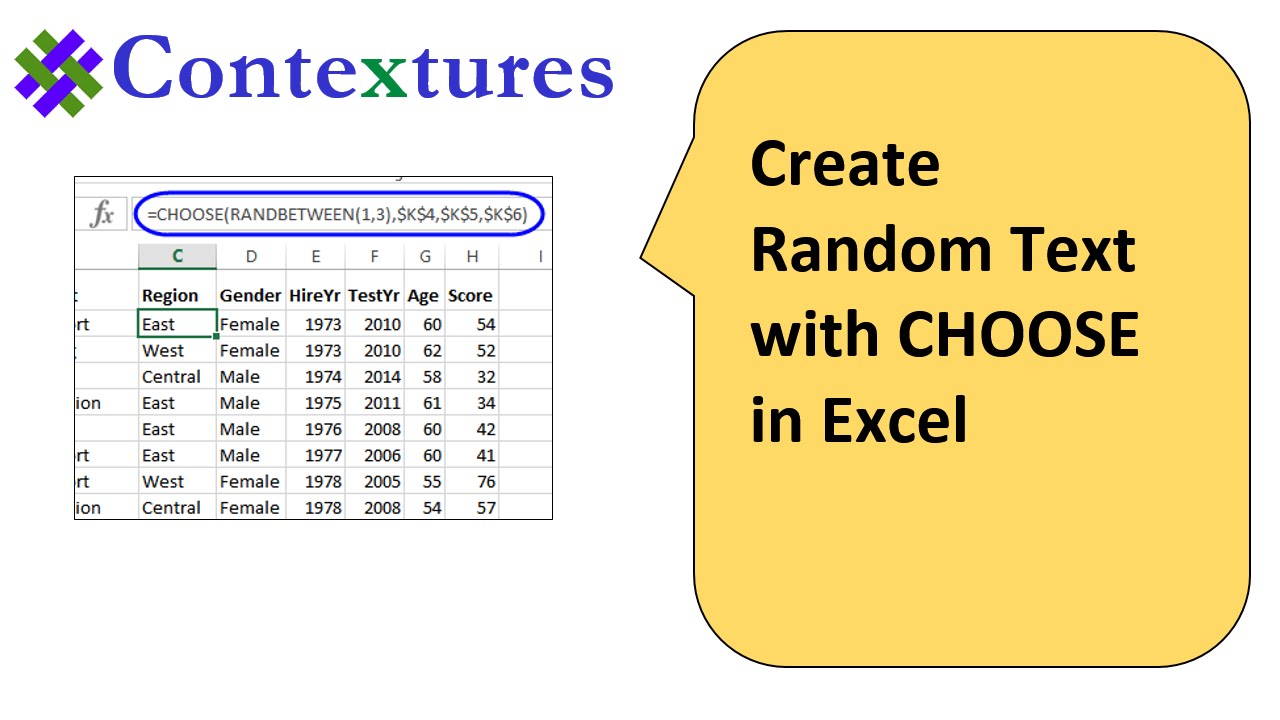
Using Excel CHOOSE and RANDBETWEEN Functions to Select from a List Randomly 3 Combining INDEX RAND and RANK Functions to Randomly Select Without Duplicates 4 Randomly Select Multiple Unique Values Using INDEX RAND RANK and MATCH Functions 5 Using XLOOKUP Function to Randomly Select Multiple Values Without Duplicates in Excel Conclusion

Often you may want to select a random sample from a dataset in Excel Fortunately this is easy to do using the RAND function which generates a random number between 0 and 1 This tutorial provides a step by step example of how to use this function to select a random sample in Excel Step 1 Create a Dataset

There are several ways to Select Random Sample in Excel Among them we will show you 4 simple easy and effective methods to select random samples in Excel Table of Contents hide 4 Methods to Select Random Sample in Excel Method 1 Using Data Analysis Toolbar to Select Random Sample Method 2 Using RAND Function

What Is Random Sample Selection in Excel 1 Using RAND Function to Select Random Sample from Population in Excel 2 Applying Excel Formula to Select Random Sample from Population 2 1 Combining RANDBETWEEN and INDEX Functions 2 2 Merging INDEX with RANK Functions 2 3 Joining COUNTIF and INDEX Functions 3
Sort on cell values Select the sort order you need Click the OK button See screenshot Now the entire data range has been sorted by the helper column Step 3 Copying and pasting the random rows or values to get results After sorting the rows in your original data range will be in a random order Random Sampling is a technique that allows us to extract a representative subset of data from a larger dataset for analysis In Excel this powerful feature enables us to make informed decisions and draw accurate insights without analyzing the entire dataset
So you want to excel to choose a random name from the names of your friends First prepare the list of names Now in any cell write this Excel formula INDEX A2 A7 RANDBETWEEN 1 6 Now whenever you ll do something in your sheet it will give a random name