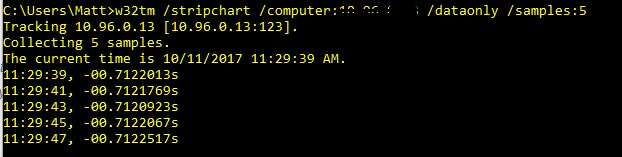
Check Windows Time Server Command Line Windows Time Server Hopf PCI DCF77 GPS Receiver Synchronize Windows Time Server At Logon Windows Time Server Network Time Synchronization How To Use Net Use Command In Windows Command Line LaptrinhX Infojo Blog WEB Apr 27 2021 nbsp 0183 32 Here s a quick and easy way to verify they are reporting the correct time Open a command prompt and type the following w32tm stripchart
WEB Aug 23 2023 nbsp 0183 32 W32tm exe is the preferred command line tool for configuring monitoring or troubleshooting the Windows Time service w32tm query status gives you information such as stratum leap WEB Essentially I want to get an accurate time from a public NTP server in DOS or powershell I know there s the w32tm which can query a remote ntp server but the result it gives is
Infojo Blog What Is DHCP Lease Time What Should I Set It To Home Network Admin Command To Check Last Reboot In Windows 2008 Silicon Valley Gazette Resuelta Windows Eliminar La Solicitud De Reinicio De How To Close A Database In Access Mysql Command Cmd Connect Database Windows Line Through Windows Find Your Uptime PeteNetLive 6 Easy Ways To Check Windows Uptime On Your Computer Www vrogue co Freeware Time Trackers How To Use The Ping Command To Test Your Network Axee Tech
Check Windows Time Server Command Line
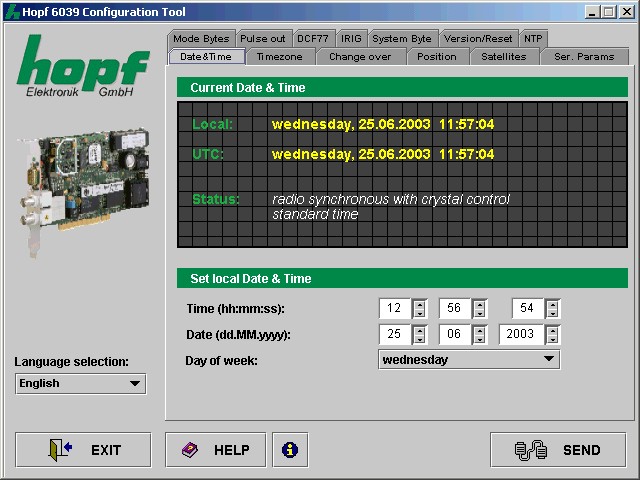 Check Windows Time Server Command Line
https://www.bytefusion.com/products/ntm/pts/hopf_6039_gps_synchronized_mode.jpg
WEB Dec 12 2019 nbsp 0183 32 Here s how to change your time server from what ever it is now to another NTP server I m going to use us pool ntp in my example To check the status of your
Templates are pre-designed documents or files that can be used for various functions. They can save effort and time by offering a ready-made format and layout for developing different type of content. Templates can be used for individual or expert tasks, such as resumes, invites, flyers, newsletters, reports, presentations, and more.
Check Windows Time Server Command Line
How To Check NTP Server Date Time Using Windows Command Line VCallaway

What Is DHCP Lease Time What Should I Set It To Home Network Admin
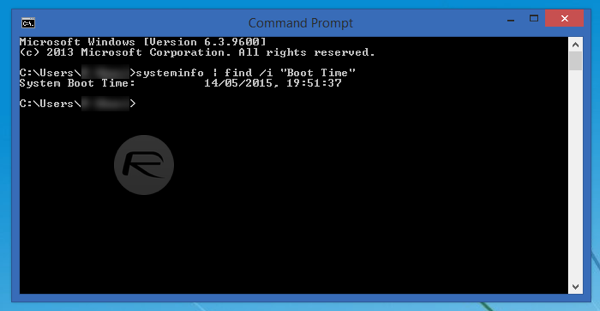
Command To Check Last Reboot In Windows 2008 Silicon Valley Gazette

Resuelta Windows Eliminar La Solicitud De Reinicio De
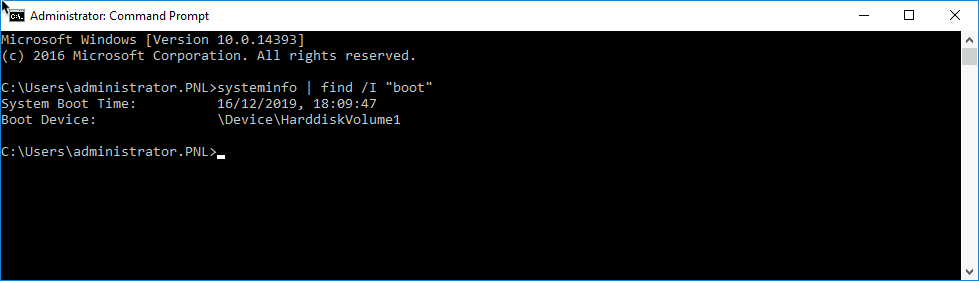
Windows Find Your Uptime PeteNetLive

6 Easy Ways To Check Windows Uptime On Your Computer Www vrogue co
WEB Apr 27 2022 nbsp 0183 32 In Windows 10 open your command prompt and type the below command to check your current NTP configuration w32tm query configuration The above gives

WEB Jan 27 2020 nbsp 0183 32 You can use the W32tm exe tool to configure Windows Time service W32time settings You can also use W32tm exe to diagnose problems with the time
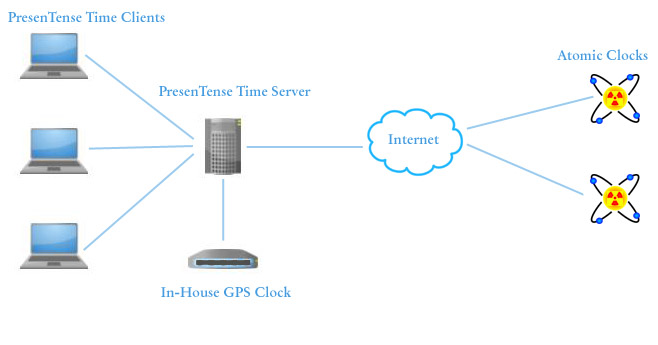
WEB The w32tm command provides a convenient way to check the date and time reported by an NTP server using the Windows Command Prompt By following these simple steps

WEB Jul 5 2019 nbsp 0183 32 How to Find NTP Server in a Domain to Sync All PCs To keep all PCs synchronized updating the internet time will help you pull it off And to do that you need to find the NTP Network Time Protocol

WEB Here s how to check if a NTP Server is reporting the correct time and date using the Windows command line Open a command prompt and type the following w32tm
WEB Feb 19 2024 nbsp 0183 32 Explains how to configure the Windows Time service in Windows Server Provides information about troubleshooting and Windows Time service synchronization WEB May 14 2024 nbsp 0183 32 In this guide I ll show you how to sync your Windows 11 clock with an internet time server change your Network Time Protocol NTP server and update
WEB Apr 16 2015 nbsp 0183 32 If you want to know what your domain controllers Time Server configuration is you can run two simple command line query s Open a CMD prompt as an