Check User Environment Variables Windows Cmd Liste Compl te Des Variables D environnement Sur Windows 11 10 How To Set Environment Variables In Windows Youtube Www vrogue co Add Environment Variables In Windows ScribbleGhost How To Setup System Environment Variables In Windows Geekflare How To Setup Environment Variables For Java In Windows 11 1 Open a command prompt 2 Type the set command into the command prompt press Enter and make note of the user variable name ex Downloads you want to edit the value for see screenshot below 3 Type the command below into the command prompt and press Enter see screenshot below setx variable name variable value
To add or modify environment variables the user selects System from the Control Panel then selects the Environment tab The user can also add or modify environment variables at a command prompt using the set command Environment variables created with the set command apply only to the command window in which they are set and to its child 1 1 3 Just get rid of the quotes and reference existing variables as varname e g set a a 10 or set a b a 10 Berend Sep 9 2021 at 13 41 but it still will create a new variable and I don t want it to do this I want to change existing environment variable maor averbuch Sep 9 2021 at 13 42
How To Setup Environment Variables For Java In Windows 11 How To List All Environment Variables In Windows Www vrogue co How To Edit PATH Variable On Windows 11 TestingDocs Solved How To Set Environment Variables Windows 10 MiniTool Why Won t My Windows 8 Command Line Update Its Path Super User How To List All Environment Variables In Windows Www vrogue co How To See Names And Values Of Environment Variables In Windows 10 How To Set The Path And Environment Variables In Windows 10 Youtube How To Set Environment Variables In Windows 10 Helpful Guide
Check User Environment Variables Windows Cmd
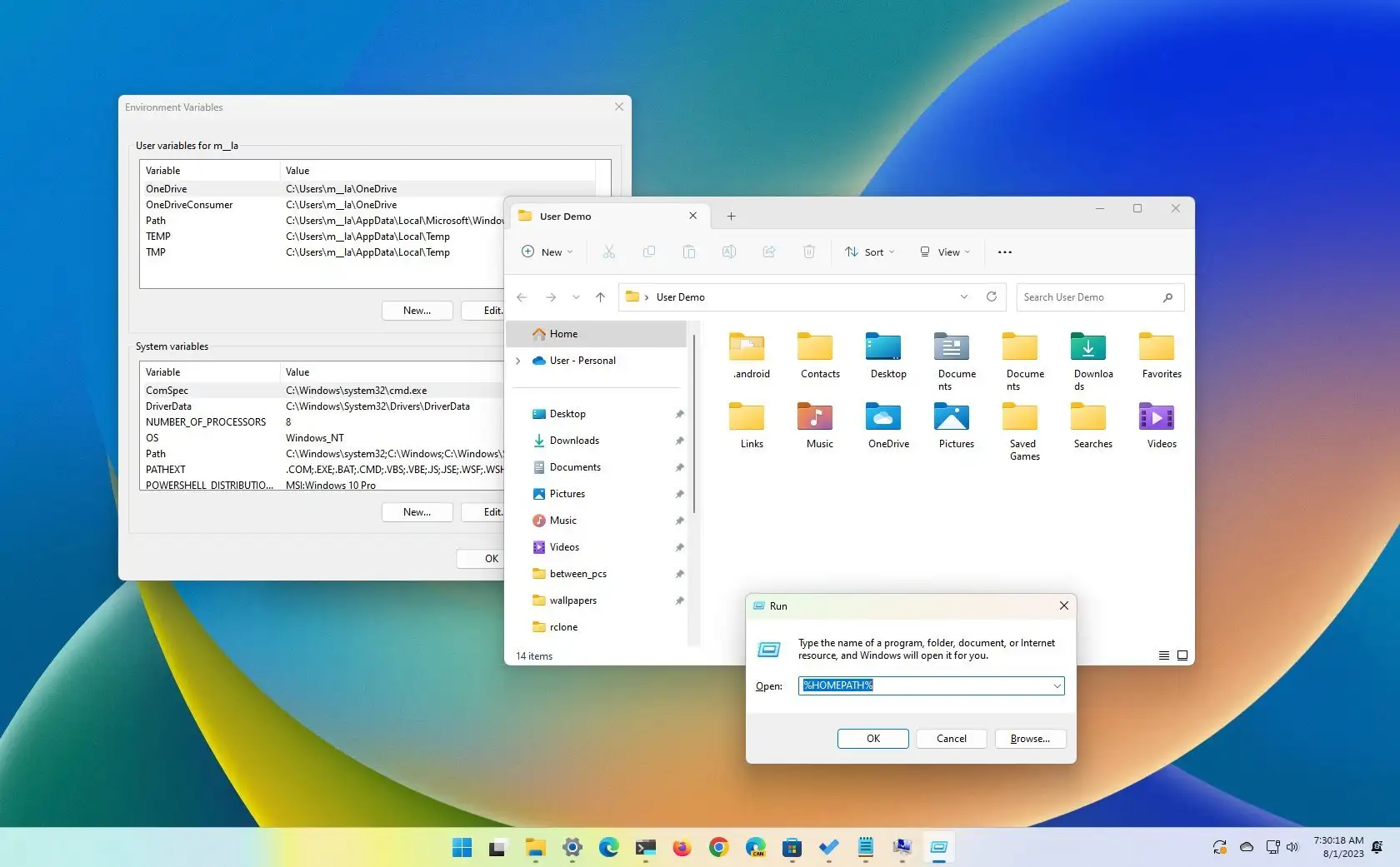 Check User Environment Variables Windows Cmd
https://pureinfotech.com/wp-content/uploads/2022/11/windows-11-environment-variables-hero.webp
How to Array Variables in CMD How to User Shell Folders Profile Start Menu Location of user profile folders How to Detecting 32 vs 64 bit Windows CALL Evaluate environment variables SET View environment variables set local variables SETX Set environment variables How the environment building process works Raymond Chen MSFT
Pre-crafted templates use a time-saving solution for producing a diverse series of documents and files. These pre-designed formats and layouts can be utilized for various personal and expert jobs, including resumes, invitations, flyers, newsletters, reports, presentations, and more, improving the content development procedure.
Check User Environment Variables Windows Cmd
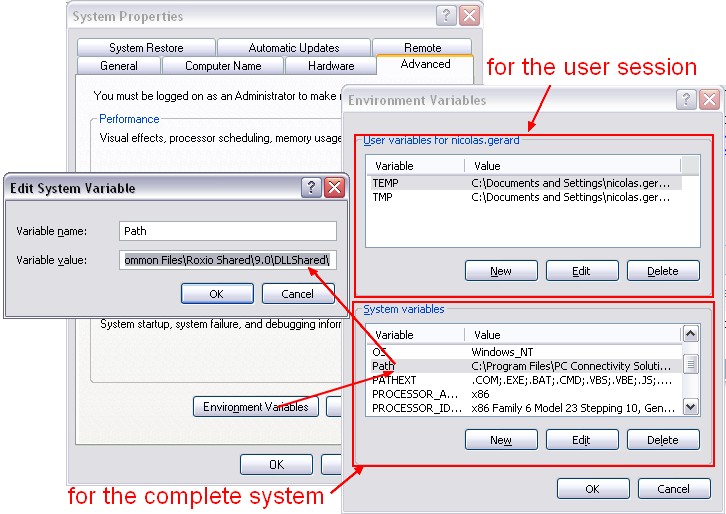
Windows Environment Variable
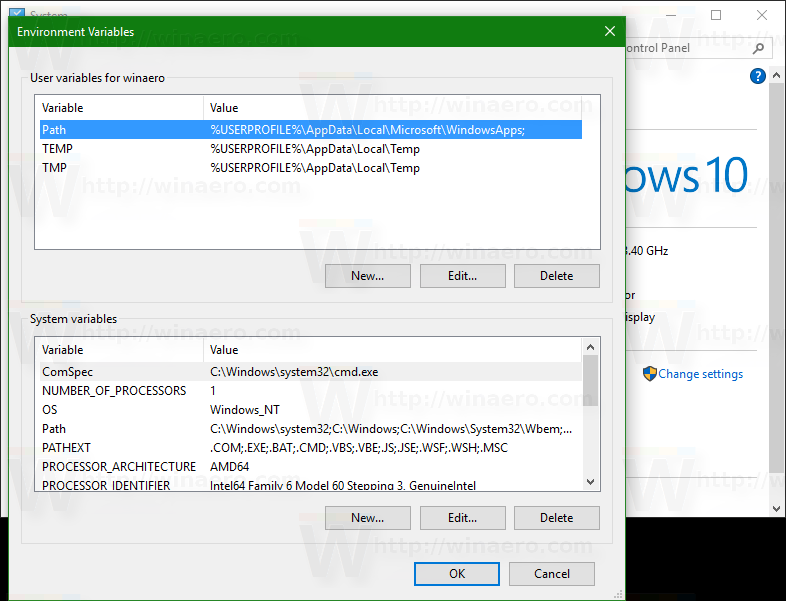
How To List All Environment Variables In Windows Www vrogue co
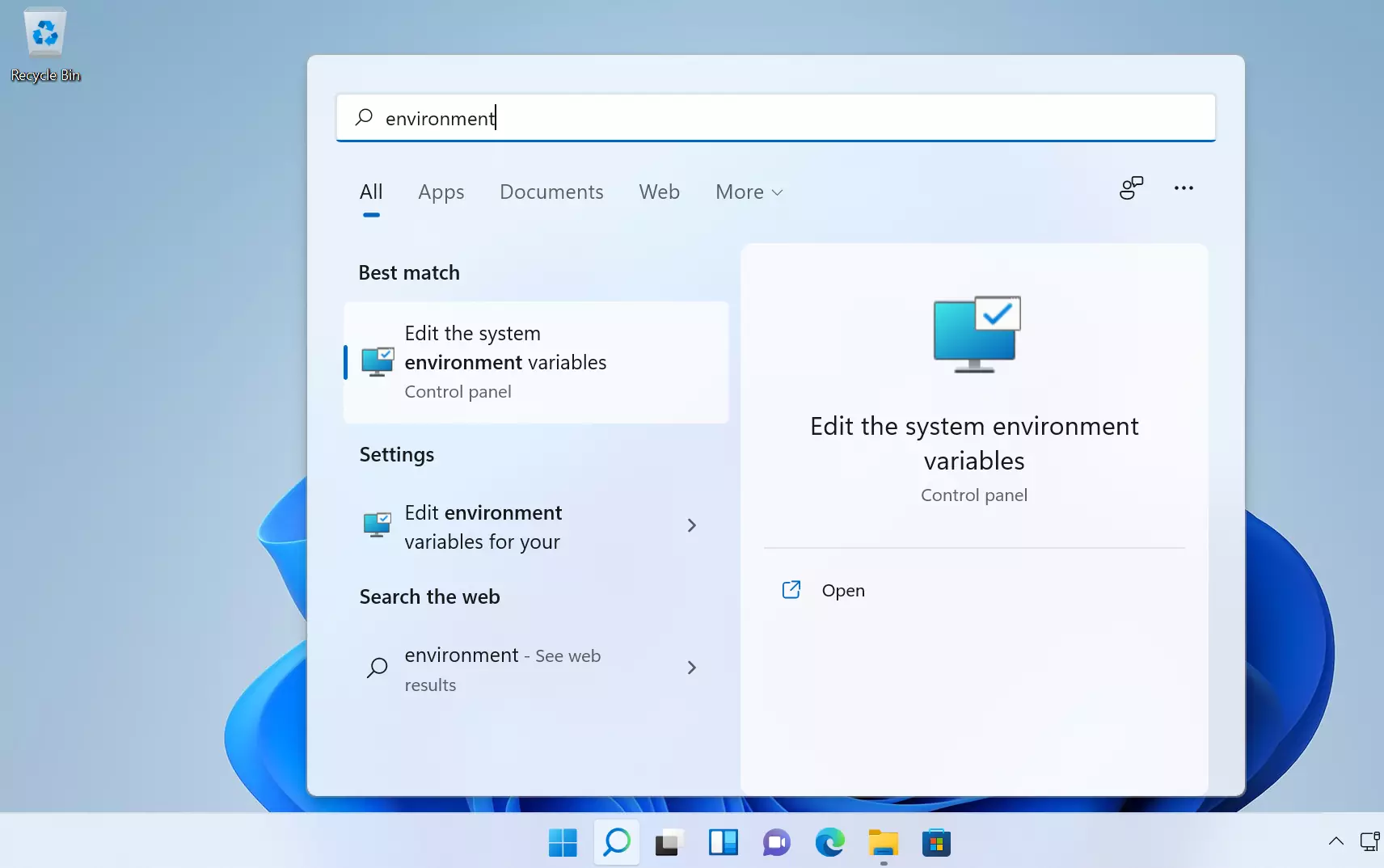
How To Edit PATH Variable On Windows 11 TestingDocs

Solved How To Set Environment Variables Windows 10 MiniTool

How To List All Environment Variables In Windows Www vrogue co
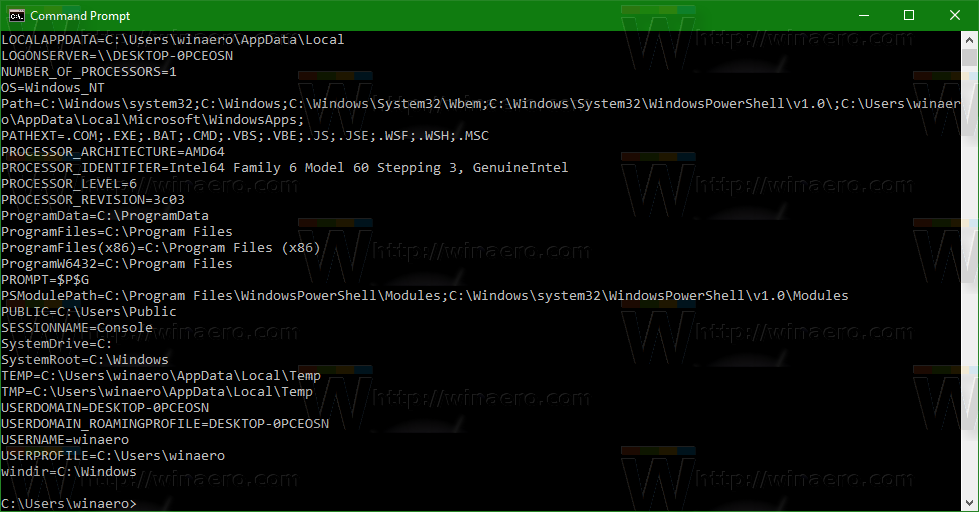
How To See Names And Values Of Environment Variables In Windows 10
The environment variables in Windows can be printed using the Windows command line prompt CMD or using the PowerShell Windows Command Line Prompt CMD List all Windows environment variables and their values C set Echo the contents of a particular environment variable C echo ENVIRONMENT VARIABLE Windows PowerShell Print all

5 Answers Sorted by 348 To make the environment variable accessible globally you need to set it in the registry As you ve realised by just using set NEWVAR SOMETHING
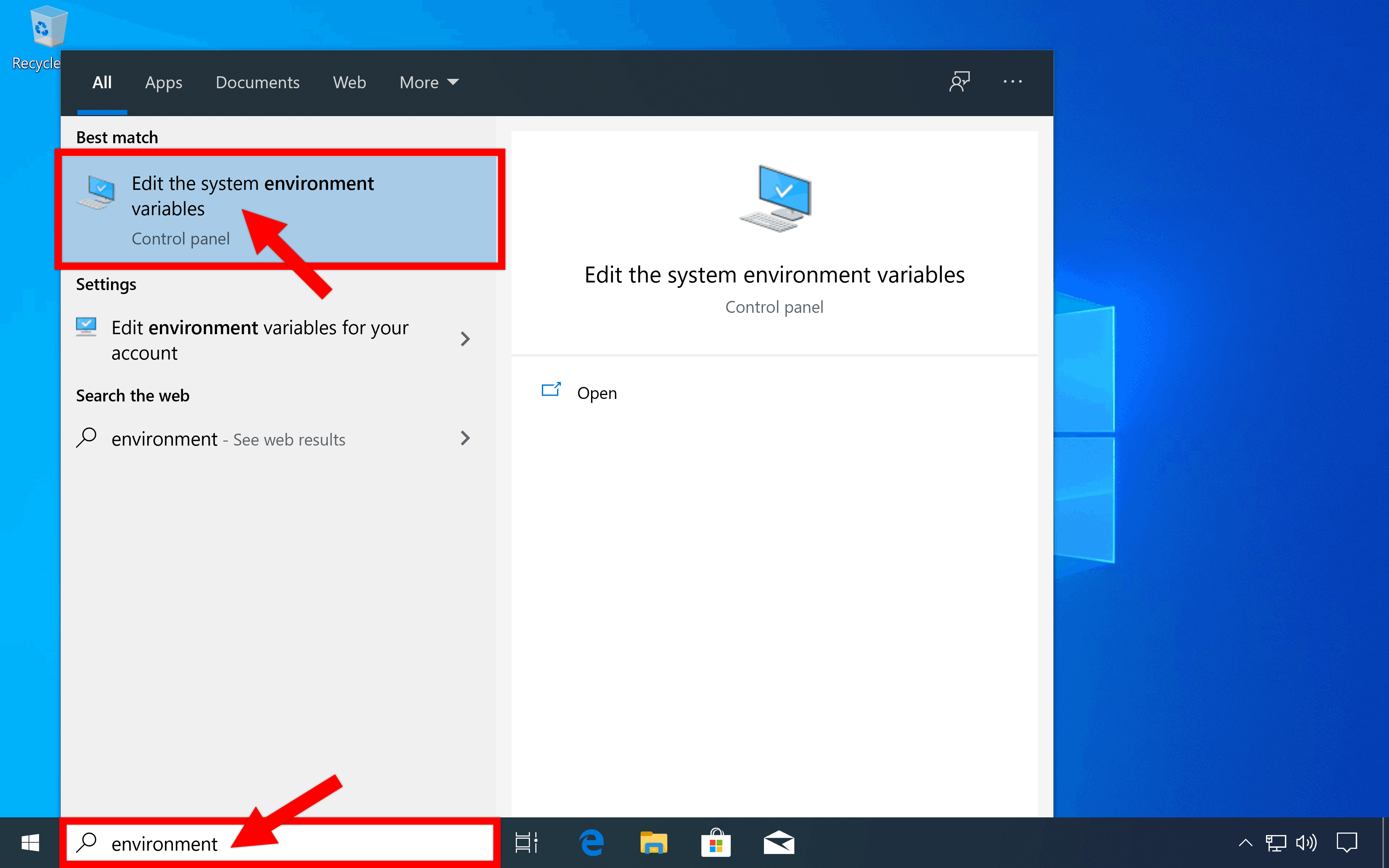
There is no Env on cmd exe Just use the path command or echo PATH The solution was a bit different for me it won t recognize the system environment variable JAVA HOME so I had to set JAVA HOME as User environment variable so that i can use JAVA HOME in system environment variable setting up
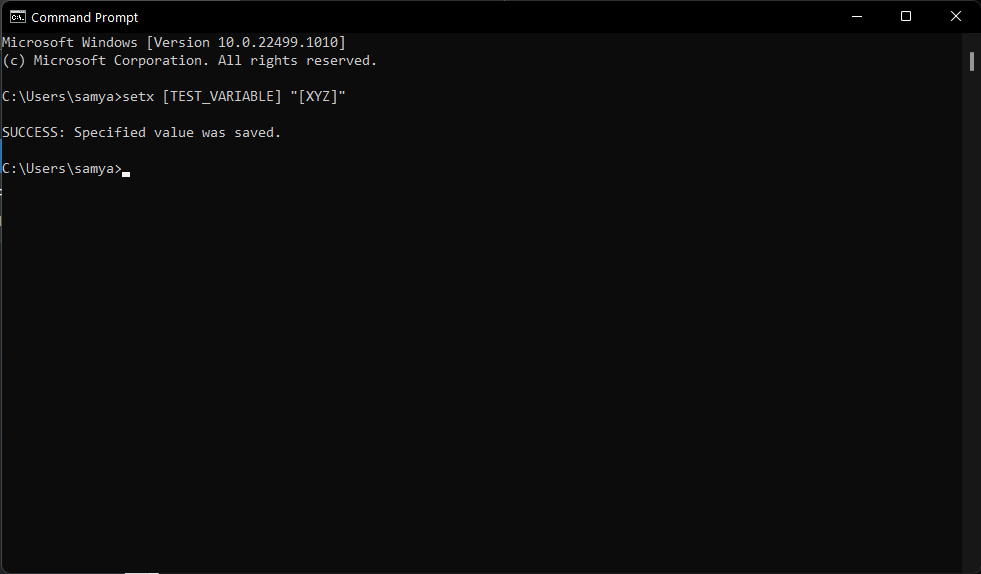
3 Answers Sorted by 22 Things are a little more complicated than Microsoft sometimes make it seem A lot of the environment variables are stored in the Registry This means you can query them using the reg command Common to all users reg query HKLM SYSTEM CurrentControlSet Control Session Manager Environment Specific to current user session

In the System Properties window click Environment Variables Click on the variable you d like to change click Edit Many environment variables will simply take a name and value like Number of processors All you have to do to edit them is to change the value and click OK
Cmd Start a new CMD shell and optionally run a command executable program endlocal End localisation of environment changes in a batch file Pass variables from one batch file to another redirection Redirection operators set Display set or remove CMD environment variables To set a variable Environment SetEnvironmentVariable PATH C TestPath User the first parameter is the name of the variable the second is the value the third is the level of There are different ways to work with environment variables and certain quirks with them in PowerShell so consult the link for details
For example to list all variables starting with s you can run the below command set s Example C set s SESSIONNAME Console SystemDrive C SystemRoot C WINDOWS Environment variables can be used in batch files to find the corresponding value For example to get the user login id we can use username variable