Check Remote Desktop Licensing Status Powershell Get Service Status From Remote Computer Using PowerShell Delft Stack How To Check The Autodesk Desktop Licensing Service On Windows YouTube Windows Autodesk Desktop Licensing Service Fixed Remote Desktop 0x904 Error 2 Solutions RDS RD Windows Server Microsoft Learn Web Apr 6 2019 nbsp 0183 32 if LicenseStatus is 1 it means that the system is permanently activated Good thing about this is that you can easily check RemoteMachines by specifying the ComputerName Parameter Get
Web Sep 27 2017 nbsp 0183 32 Hi You can use WMI to check activation status Sample powershell below Invoke WmiMethod Win32 TSLicenseServer Name GetActivationStatus Web Mar 25 2021 nbsp 0183 32 I have a question iam running a PowerShell command to retrieved RDS LicenseKeyPack details according to win32 tslicensekeypack KeyPackType should a
RDS RD Windows Server Microsoft Learn 10 Tested Solutions For Remote Desktop Can t Connect To The Remote Computer Setting Up A Remote Control Desktop Gaswwholesale Full Tutorial Remote Desktop Session Host Configuration Remote Desktop Licensing On Azure AD Domain Services AAD Support Notes The Remote Desktop In Licensing Protocol Windows 10 Tip Find Your PC s Original Product Key ZDNET The Remote Desktop Session Host Server Is In Per Device Licensing Mode How To Enable Remote Desktop Remotely Using PowerShell Command PUPUWEB
Check Remote Desktop Licensing Status Powershell
 Check Remote Desktop Licensing Status Powershell
https://www.delftstack.com/img/PowerShell/access the local computer services.png
Web Dec 26 2023 nbsp 0183 32 Always check the health status of your RDS license server First off the RDS license server should be activated Secondly you should have purchased the
Pre-crafted templates provide a time-saving option for producing a diverse series of files and files. These pre-designed formats and layouts can be utilized for numerous personal and professional projects, including resumes, invites, flyers, newsletters, reports, presentations, and more, simplifying the content production process.
Check Remote Desktop Licensing Status Powershell

Server Licensing Tips For A Hybrid Remote Workforce
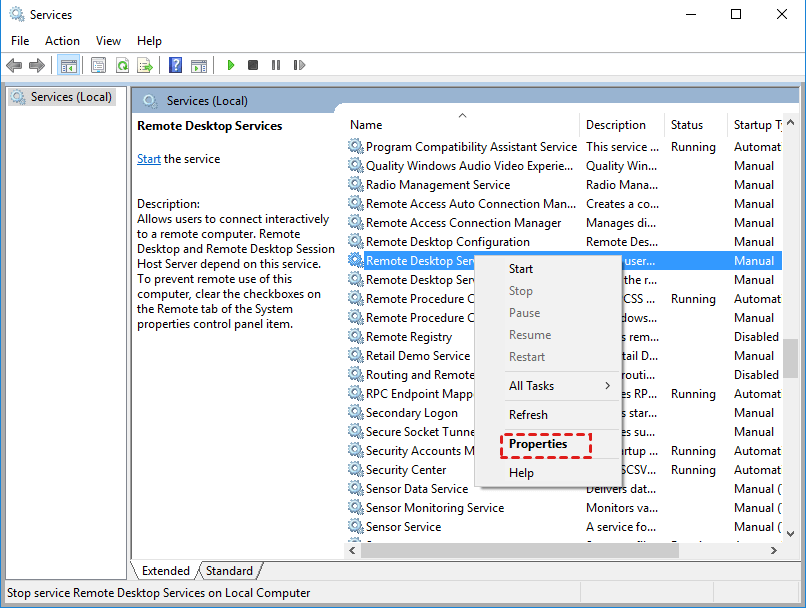
10 Tested Solutions For Remote Desktop Can t Connect To The Remote Computer
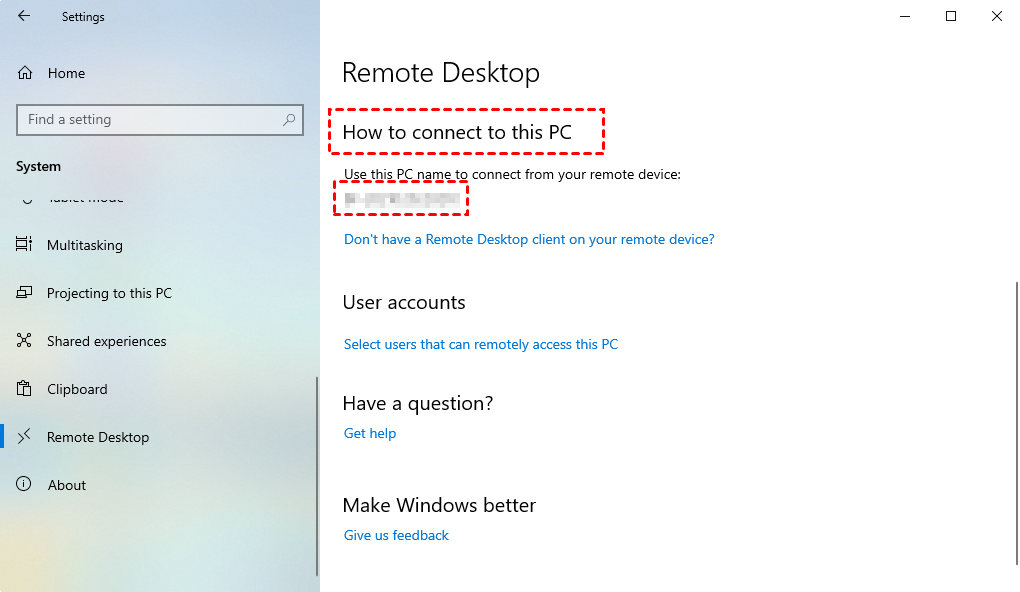
Setting Up A Remote Control Desktop Gaswwholesale
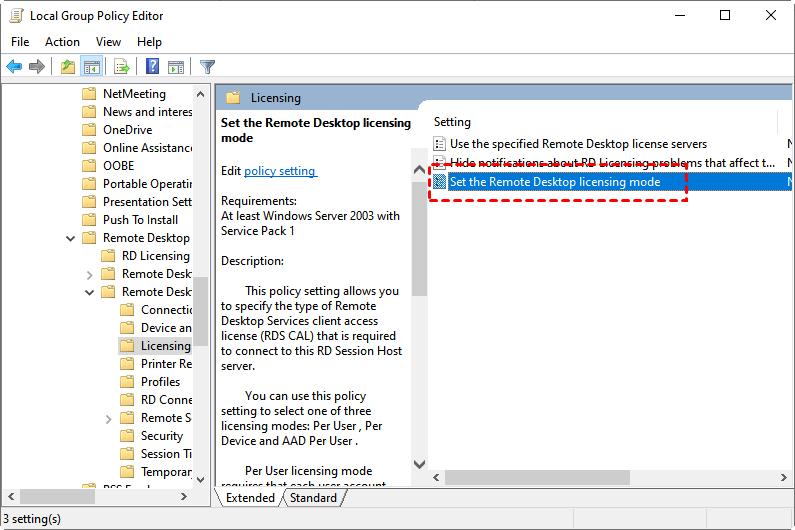
Full Tutorial Remote Desktop Session Host Configuration

The Remote Desktop In Licensing Protocol

Windows 10 Tip Find Your PC s Original Product Key ZDNET

Web Sep 20 2022 nbsp 0183 32 1 Answer Sorted by 0 To determine if RDP connections to the local machine are enabled in principle based on this helpful techdirectarchive blog post

Web Jan 27 2018 nbsp 0183 32 Today we will be focusing on monitoring the RDS Security layer and licensing status we often have RDS deployments in which a small oversight happens
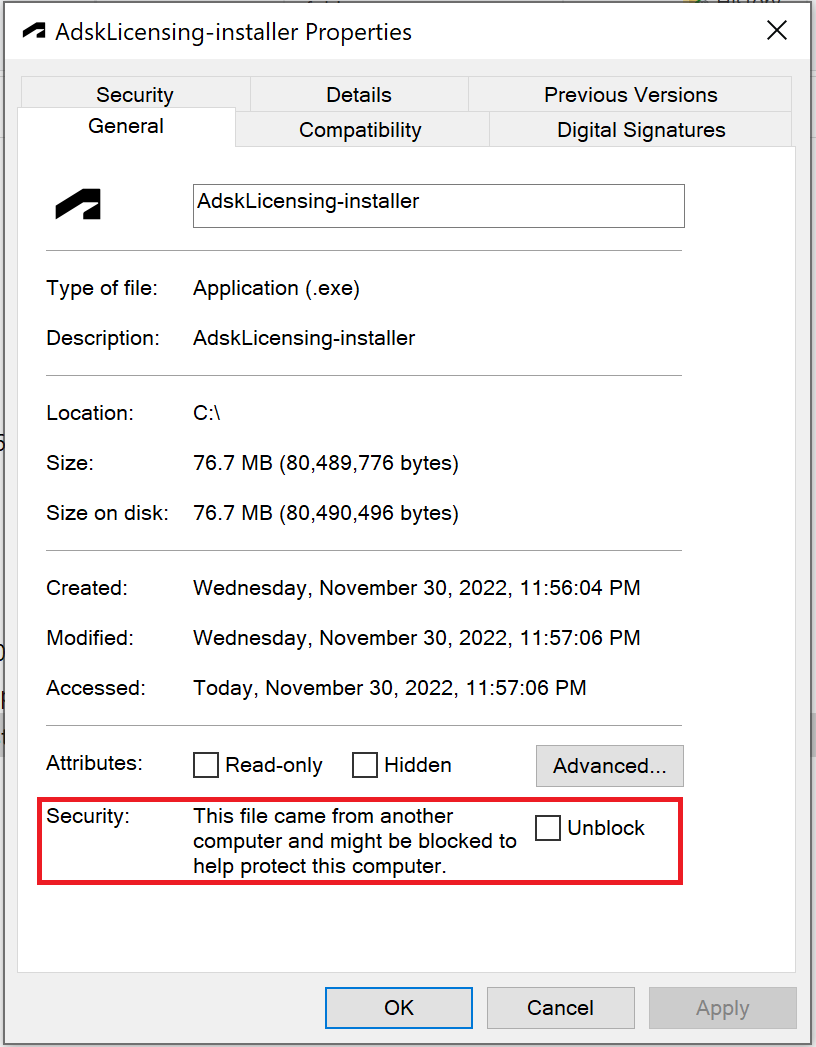
Web The Get RDLicenseConfiguration cmdlet retrieves the current settings for the Remote Desktop Licensing RD Licensing server and the licensing mode of the Remote
Web Jun 14 2015 nbsp 0183 32 Small PowerShell script to retrieve statistics about your current RDS CAL licenses Requirements PowerShell v2 installed Run the script on the server where RDS

Web Feb 20 2023 nbsp 0183 32 Try to check the RD License Server status and the number of the issued licenses using the Remote Desktop Licensing Diagnoser tool lsdiag msc or Administrative Tools gt Remote Desktop Services gt
Web Mar 10 2022 nbsp 0183 32 Once you have the necessary permissions and tools you can run the command in the Windows PowerShell console It s worth noting that the license server Web Aug 24 2023 nbsp 0183 32 2 Check for open ports between the RDS host and the licence server 3 Try specifying the RDS licence server on the RDSH via the GPO options Use the
Web Sep 7 2018 nbsp 0183 32 Working with RDS PowerShell To get started first install the Remote Desktop Services role and then launch RDS PowerShell Step 1 Install Remote