Check Paper Size Error Canon Fix Error 5B00 On Canon Pixma Printers MG5320 Clear Code YouTube Printing Konica Minolta Bizhub C250i Paper Size Error Super User Canon Photocopier Machine Canon Ir I Photocopy Machine A Size My XXX Solved How To Check Paper Size 9to5Science How To Fix Canon Printer Error E02 Troubleshooting Guide Solution The paper size setting on the operation panel does not match the loaded paper size Match the paper size setting specified in and the size of the
Canon Knowledge Base If the Message Appears Models related to this article Color imageCLASS MF733Cdw Color When the paper size setting for printing is different from the paper size setting set to the printer Ex Paper size setting for printing A5 Paper size setting set to the printer A4 When you start printing an error code
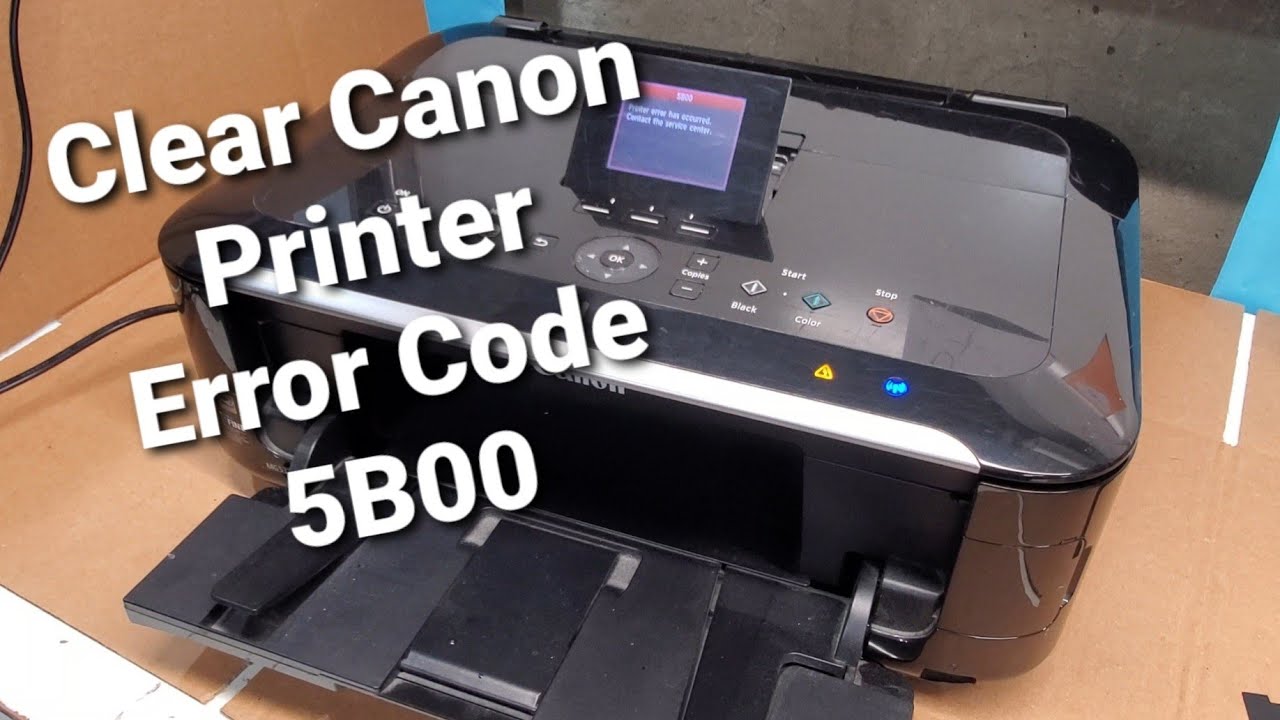
How To Fix Canon Printer Error E02 Troubleshooting Guide Met Andere Bands Spookachtig Brandwond Fout B200 Canon Printer MANXIGROUP COM TOKO PRINTER TIPS MENANGANI ERROR 5B00 PADA PRINTER Check Paper Personal Size Checks 4 Per Page Solved How To Check Paper Size 9to5Science Fix Canon Printer Error 5b00 In A Couple Of Easy Steps 5b00 Canon How To Fix The Error E02 Printers Canon PIXMA MP145 En Relenado How To Fix A Canon Printer Paper Jam Error Call 1 888 480 0288
Check Paper Size Error Canon
 Check Paper Size Error Canon
https://i.ytimg.com/vi/nYWit0H_Nv8/maxresdefault.jpg
If the error occurs again set the printer not to detect the paper width Depending on the paper type the printer may not detect the paper width If the top cover
Pre-crafted templates offer a time-saving solution for developing a varied series of documents and files. These pre-designed formats and designs can be utilized for different personal and expert projects, including resumes, invitations, flyers, newsletters, reports, presentations, and more, streamlining the content production procedure.
Check Paper Size Error Canon
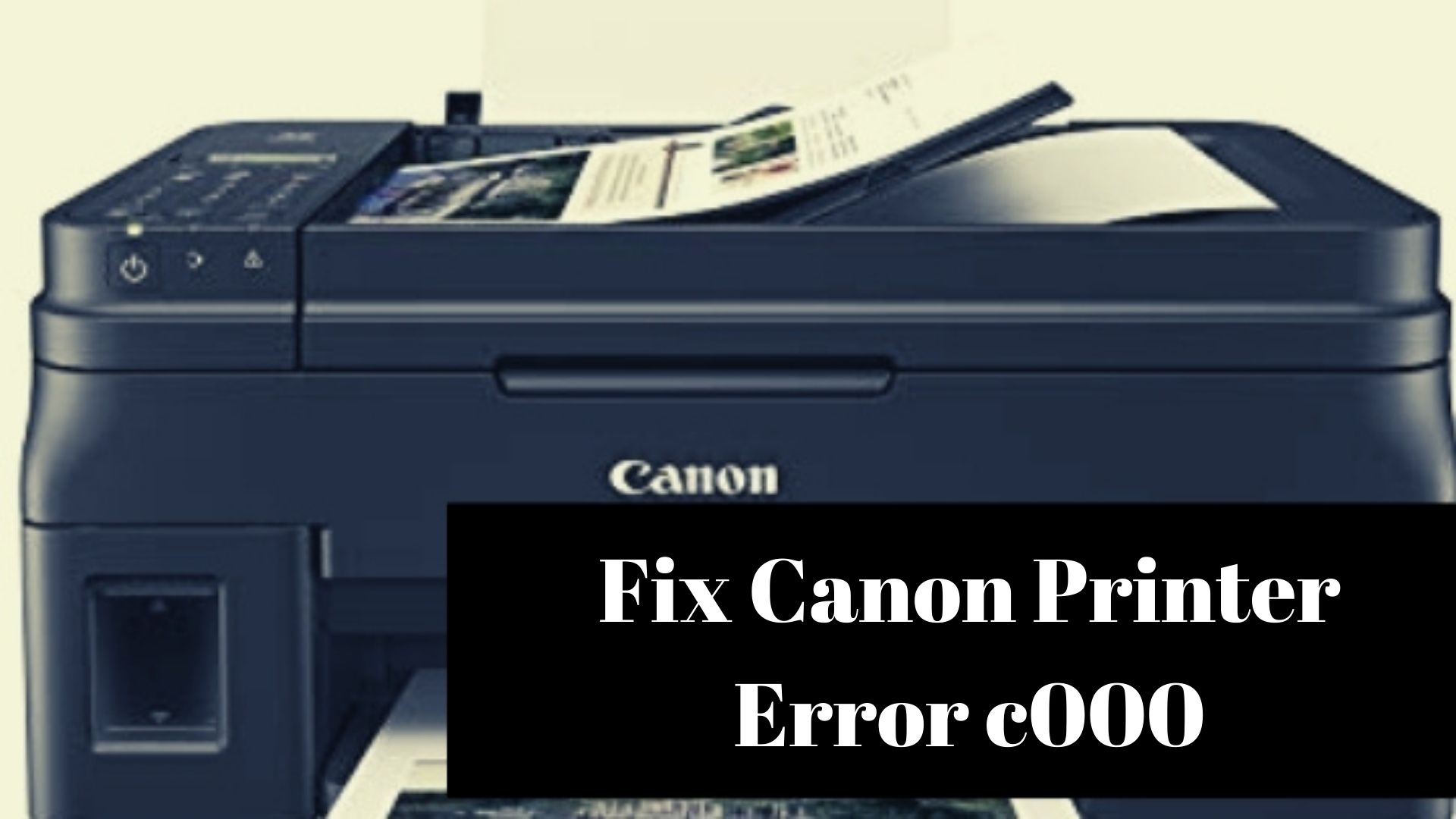
How To Fix Canon Printer Error C000 Easy Ways To Fix
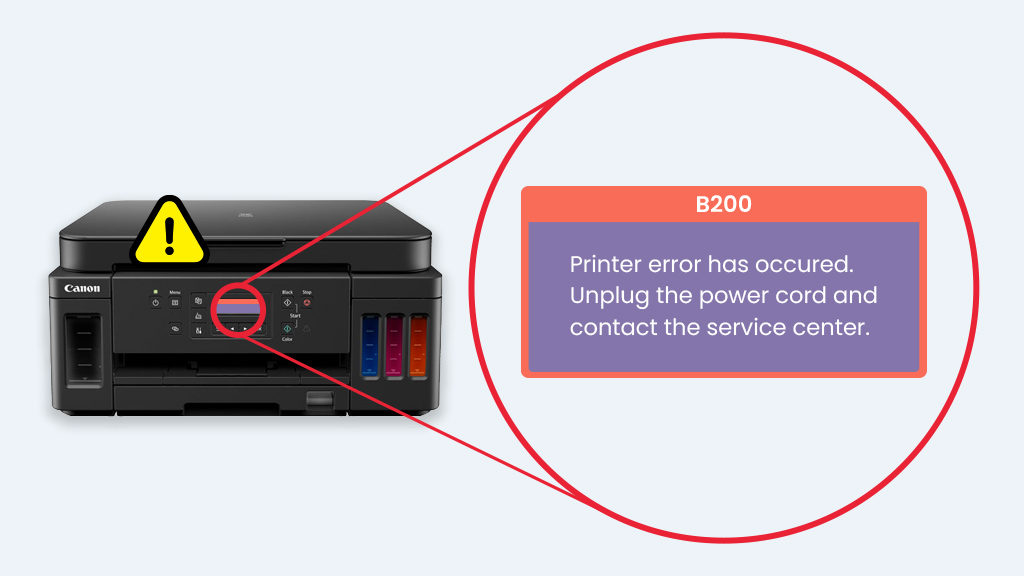
Met Andere Bands Spookachtig Brandwond Fout B200 Canon Printer
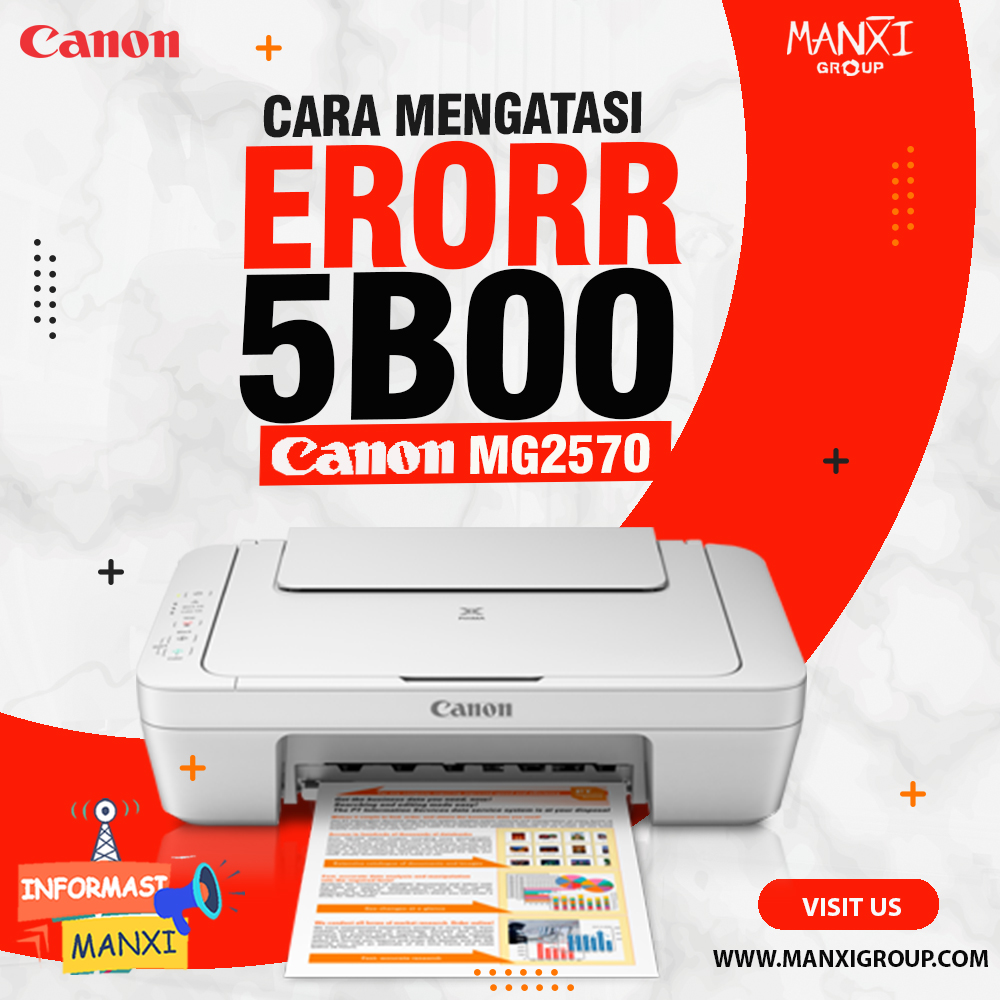
MANXIGROUP COM TOKO PRINTER TIPS MENANGANI ERROR 5B00 PADA PRINTER
Check Paper Personal Size Checks 4 Per Page
Fix Canon Printer Error 5b00 In A Couple Of Easy Steps
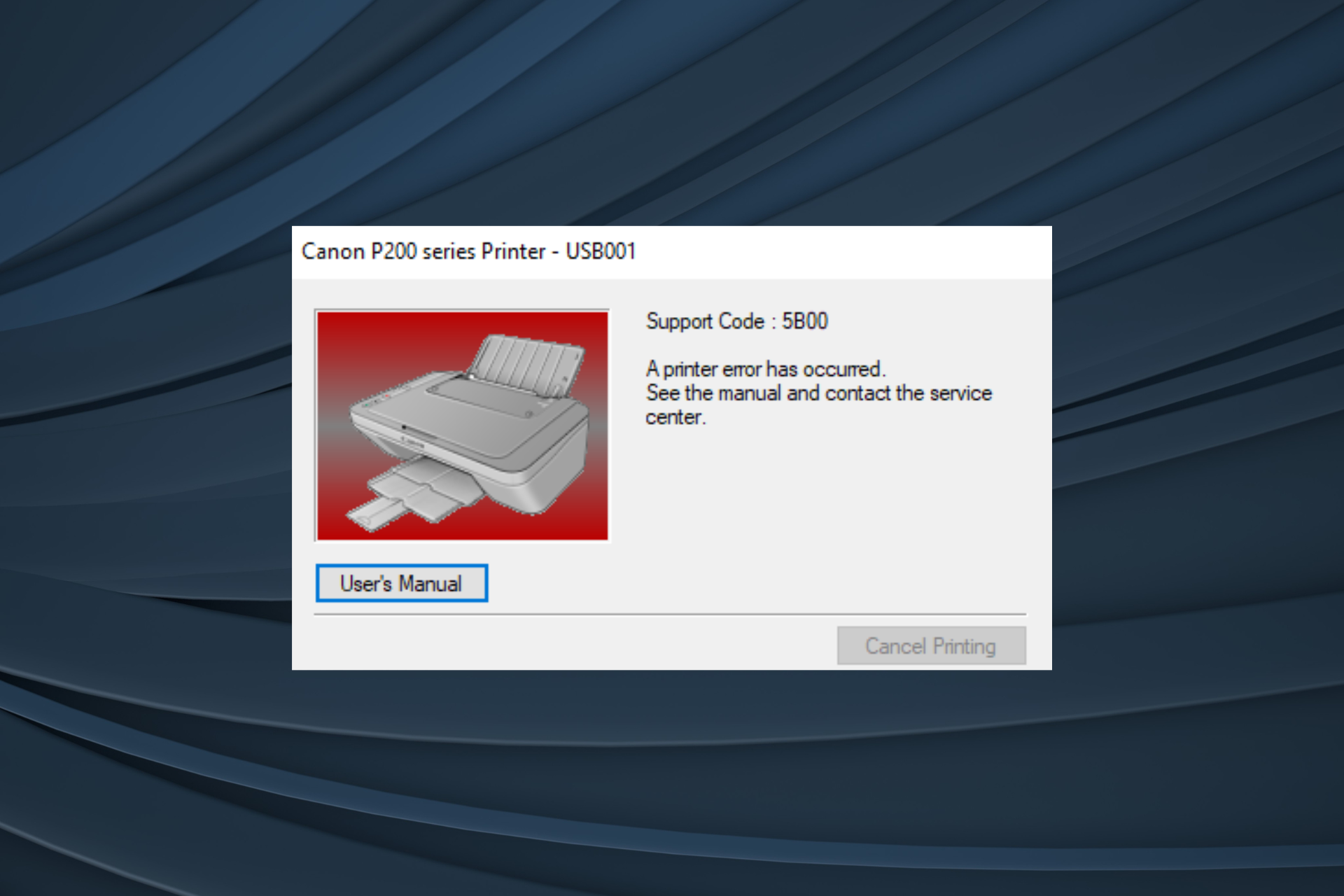
5b00 Canon
1 Load the paper Check that the paper guides are set in the correct positions When loading Legal size paper 2 Select in the Home

Paper Size Settings Mismatch Cause The paper size setting on the operation panel does not match the loaded paper size Summary Match the paper

1 Move to the printer then press Online on the control panel The Online indicator goes off allowing you to specify the settings on the control panel 2 Press
Solution When the paper settings for printing or copying are different from the paper information registered to the printer Ex Paper setting for printing or copying A5 Paper information registered to the

Clear the check boxes for paper sizes you do not want displayed Ensure that only the check boxes for frequently used paper sizes are selected Paper sizes that
When Appears 0HH3 09A This message appears when the paper size loaded in the drawer or multi purpose tray does not match the size specified Check paper replacement If you select Yes the printer detects that the paper is loaded or removed When the paper registration screen is displayed after loading paper register
1 Load the paper Align the paper guide snugly with the width of the paper MF746Cx MF645Cx MF643Cdw MF641Cw MF543x MF449x MF445dw MF441dw 2