Check Mysql Process How To Find And Kill MySQL Process PhoenixNAP KB MySQL CHECK Constraint A Complete Guide MySQLCode How To Check MySQL Version In Windows 5 Instructive Methods MySQL Slow Template Root Cause Analysis Template Mysql Workbench Not Opening Mac Keyssenturin I am new to Mysql server I use the below query to see what are all processes or queries that users are currently executing SHOW FULL
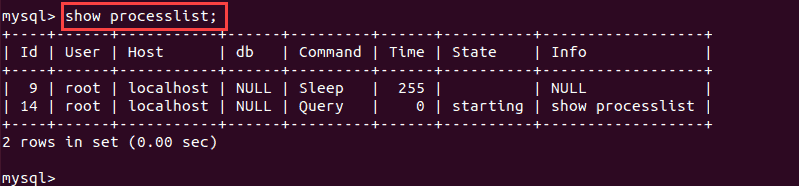
There are different ways for checking mysql process list from a cPanel server As you all know for most of the production server it is needed to Learn how to show what MySQL processes are currently running on your server This can help
Mysql Workbench Not Opening Mac Keyssenturin How To Check If MySQL Is Installed On Linux Command Line RaspberryTips How Do I Check MySQL Database Usage KimballRexford How To Install MySQL On Ubuntu 20 04 5 Step Process PhoenixNAP Python MySQL Installation Of MySQL Codingstreets MySQL ADD INDEX Statement TestingDocs Check MySQL Status Ubuntu How To Check Mysql Processlist On A CPanel Server Post MySQL 3 Greg lee s Blog
Check Mysql Process
 Check Mysql Process
https://phoenixnap.com/kb/wp-content/uploads/2021/04/mysql-show-processlist.png
How to show running queries in MySQL ProcesslistHow can I view live MySQL queriesHow to
Pre-crafted templates use a time-saving service for producing a varied variety of documents and files. These pre-designed formats and layouts can be utilized for different personal and professional tasks, including resumes, invitations, leaflets, newsletters, reports, discussions, and more, improving the content development procedure.
Check Mysql Process

MySQL Show Processlist Beginner s Introduction MySQLCode

How To Check If MySQL Is Installed On Linux Command Line RaspberryTips

How Do I Check MySQL Database Usage KimballRexford
How To Install MySQL On Ubuntu 20 04 5 Step Process PhoenixNAP
MySQL ADD INDEX Statement TestingDocs
Check MySQL Status Ubuntu
Login to MySQL Run a query Select concat KILL id from information schema processlist where user user to print all processes with
MySQL SHOW PROCESSLIST To kill a query we first need to track down the query that is slowing the performance it s usually the one that takes the most time

Another way to retrieve information about currently running processes in MySQL is by querying the INFORMATION SCHEMA PROCESSLIST table This

Type in the password when prompted When the MySQL shell loads the prompt displays mysql To locate a process to kill or terminate load the
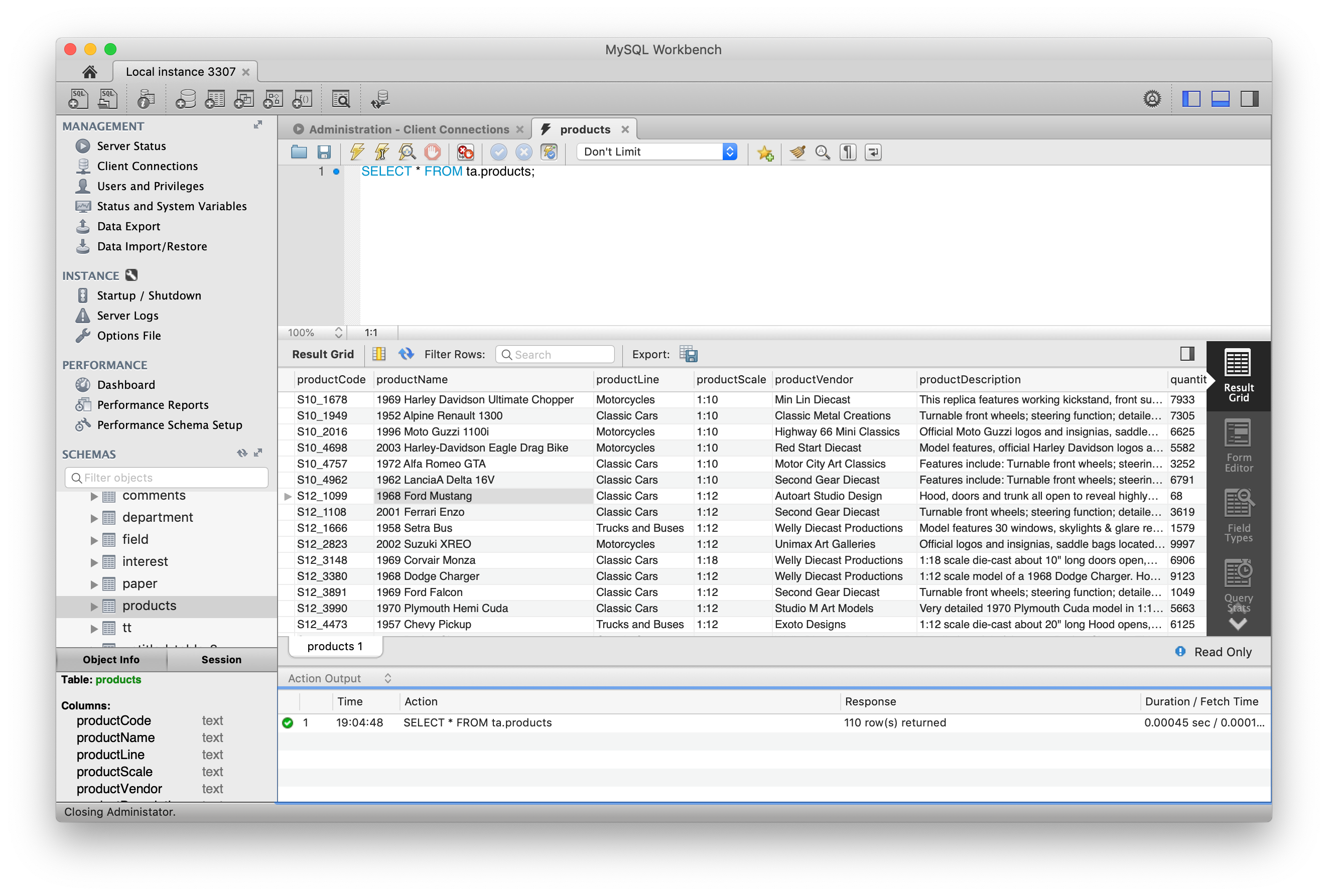
After logging in click on the Status tab in the top menu Under the Status tab click on the Processes sub tab The process list will be displayed in a
There are different ways for checking the mysql process list from a cPanel server It is necessary to check the mysql process list to check the currently The SHOW PROCESSLIST command returns all currently running threads You then can terminate the idle threads with the KILL statement The following shows the
This interface lists all of the processes that currently run on any database on your server Process information The interface displays this