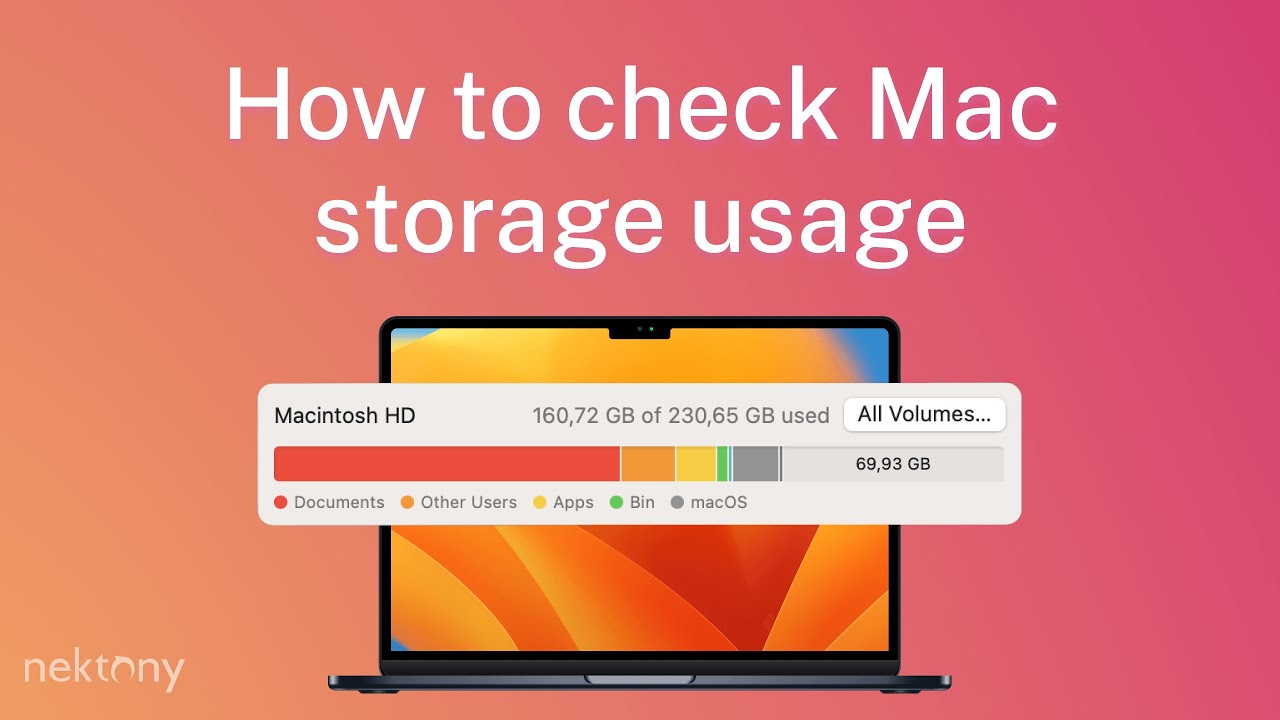
Check Mac Storage Size How To Check Mac Storage Usage YouTube How To Force Empty Trash On Mac External Drives Landgai 7 Ways To Fix IMovie Won t Export On Mac Get Started With Storage Explorer Microsoft Learn Time Machine Backup Mac Address Molqyday Web 1 Click on the Apple logo at the top left of your screen 2 Click quot About This Mac quot 3 Click quot Storage quot You should see a stacked bar graph depicting how much of your total storage is being
Web Jan 19 2023 nbsp 0183 32 In the upper left hand corner of the screen click the Apple icon On the drop down list select About this Mac 3 Click Storage While the advertised flash storage will be displayed on the left side of the pop up the actual storage size below Macintosh HD Web May 23 2021 nbsp 0183 32 Open Finder Click on your hard drive or user name s Mac This can be listed as either Macintosh HD or username s MacBook or similar Right click Macintosh HD You can also tap space on Macintosh HD to get a glance view of the remaining storage space Click Get Info View the available capacity of the hard drive under Available
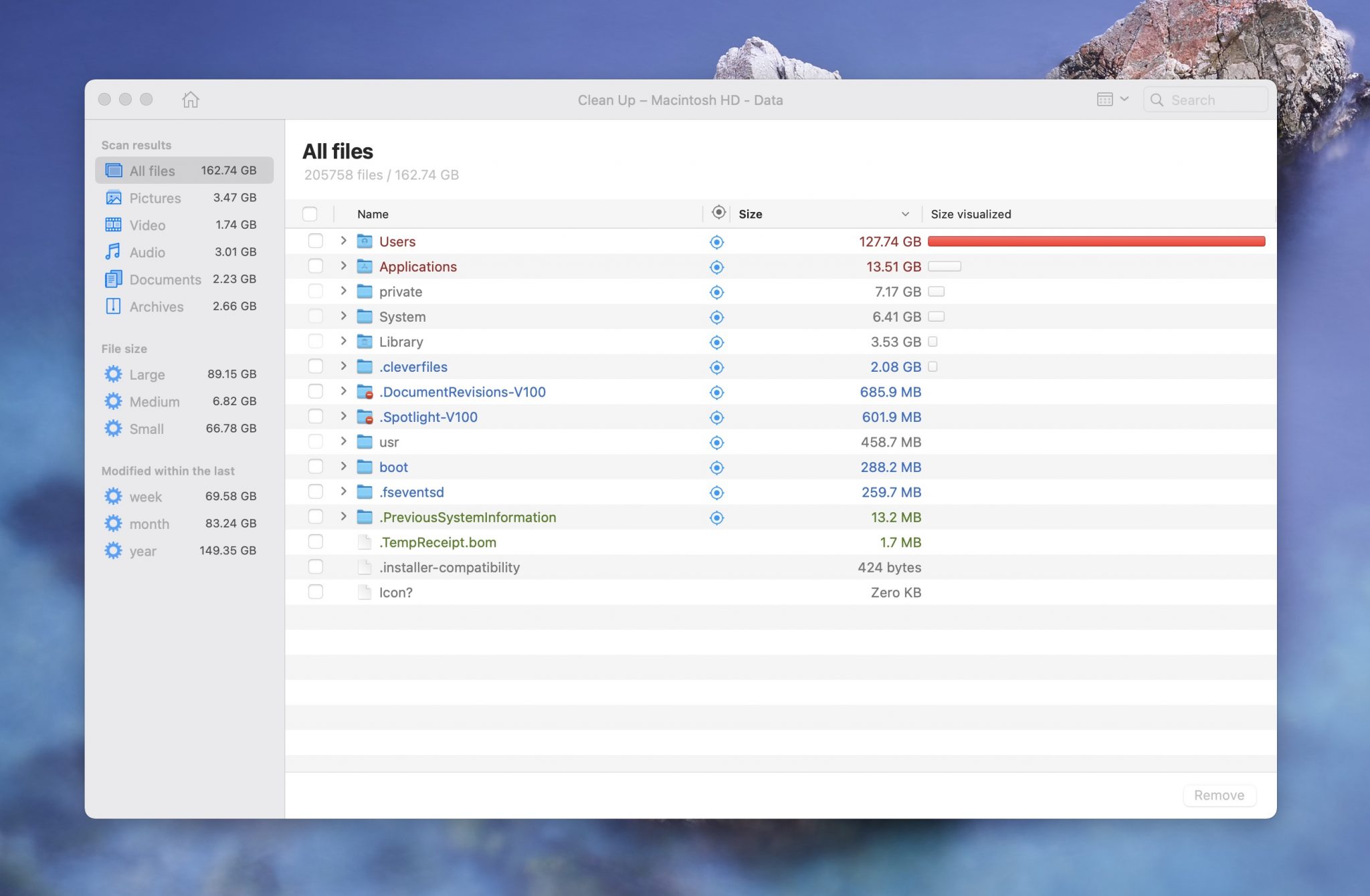
Time Machine Backup Mac Address Molqyday 5 Best Free Disk Space Analyzers For Ma Updated In 2022 2022 Check Disk Space Mac Terminal Asrpostribe How Check Disk Space Mac Copaxyu How To Check The Storage Space On Your Mac How Smart Technology Changing Lives Mac Storage Check Space Usage And Available Storage How To Check Mac Storage YouTube MacOS Catalina 10 15 How To Check Mac Storage And Clean Up Step BY Step
Check Mac Storage Size
 Check Mac Storage Size
https://i.ytimg.com/vi/_7N6i-Omvg8/maxresdefault.jpg
Web Dec 17 2020 nbsp 0183 32 Now check how much storage is available on your Mac Step 1 Apple menu gt About This Mac Step 2 Storage tab Step 3 Look at the system data distribution You can also hover over the bar graph to see the used storage categories In macOS Monterey this includes Apps Bin Documents and Others macOS and System Data
Templates are pre-designed files or files that can be utilized for various purposes. They can save time and effort by offering a ready-made format and design for producing different type of material. Templates can be used for personal or expert projects, such as resumes, invites, flyers, newsletters, reports, discussions, and more.
Check Mac Storage Size

How To Check Mac Storage 2 WAYS Tech Leveller
5 Best Free Disk Space Analyzers For Ma Updated In 2022 2022

Check Disk Space Mac Terminal Asrpostribe

How Check Disk Space Mac Copaxyu

Mac Storage Check Space Usage And Available Storage

How To Check Mac Storage YouTube

Web Mar 1 2021 nbsp 0183 32 Here s how to check the size of your Mac s internal storage First click the quot Apple quot logo in the upper left corner of your screen and select quot About This Mac quot from the menu In the window that appears click the quot Storage quot button In some earlier versions of macOS this button may appear as a tab

Web Jul 25 2023 nbsp 0183 32 A quick and easy way to check your Mac s storage is using the About This Mac window Here s how to do it Go to Apple menu gt About This Mac from the menu bar Click More Info from the resulting window The Mac will direct you to the About section of System Settings

Web Jun 25 2020 nbsp 0183 32 The most basic way to check free disk space on a Mac is by using Finder Open a new Finder window by pressing Command N or selecting File gt New Finder Window in the menu bar You can also use a little known shortcut to open one from anywhere In the window that opens click on the drive you d like to check in the sidebar

Web Nov 1 2021 nbsp 0183 32 Step 1 Click the Apple menu in the top left corner of your Mac s screen then click About This Mac Step 2 Click the Storage tab This will show how much of your Mac s storage is taken

Web Feb 5 2021 nbsp 0183 32 Click Get Info In the pop up window the Available line lists how much storage your MacBook has You can also use this technique from the Finder To do that open a new Finder window In the Locations section of the sidebar right click the hard drive icon and click Get Info How to Check MacBook Storage About This Mac
Web Oct 23 2023 nbsp 0183 32 Here s how to check how much storage space you have left on your Mac using macOS Click on the Apple logo in the top left of your screen and select About This Mac Click on the Storage tab at the top of the panel On macOS 10 12 Sierra it will look like the panel below Web Jan 18 2023 nbsp 0183 32 Click Settings gt General Toggle on the items under Show these items on the desktop On your Desktop click Mac HD then press the spacebar From here you can see the total storage capacity of
Web Mar 8 2022 nbsp 0183 32 Choose Storage This is the easiest method for how to see storage on Mac but you can go deeper If you need a closer look at your Mac s memory use there are a few ways to go about it From the Storage screen you can select Manage which takes you to a new window