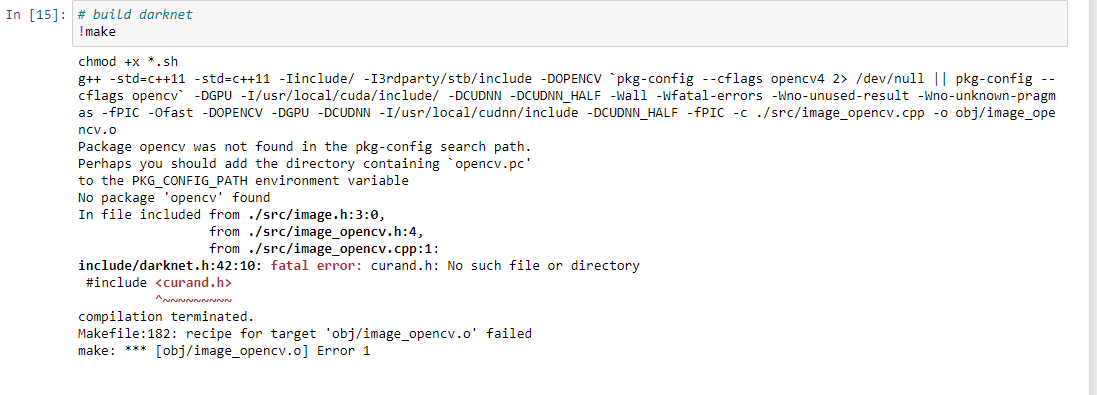
Check Installed Package Version Ubuntu Ubuntu 20 04 Install Meld Jetiop How To Check Installed Software In Ubuntu Terminal Hello Raspberry Pi Check Installed Package In Raspberry Pi OS Using Dpkg dpkg query Problem With OpenCV And Jupyterhub PullAnswer How To Install Specific Package Version In Linux Mint Method 1 Ubuntu Linux package version apt cache command The syntax is apt cache policy package OR apt cache madison package For example before I install nginx package I would like to know what version of nginx I would get on my system run apt cache policy nginx OR apt cache madison nginx
List Specific Packages There are three different ways to list a specific package 1 Add the package name to the apt list command to fetch a specific package from the list apt list package name installed Omit the installed tag to fetch a package regardless of installation 2 Package ruby1 8 Status install ok installed Priority optional Section interpreters Installed Size 272 Maintainer Ubuntu Core Developers ubuntu devel lists ubuntu Architecture i386 Version 1 8 4 5ubuntu1 2 Depends libc6 2 4 1 libruby1 8 1 8 4 Suggests ruby1 8 examples rdoc1 8 ri1 8
How To Install Specific Package Version In Linux Mint Images Of Microsoft Schedule Plus JapaneseClass jp How To Install AMD Radeon Drivers On Ubuntu 18 10 Cosmic Cuttlefish Linux Linux Tutorials Comment V rifier La Version Du Paquet Install Sur Ubuntu Et Debian Linuxteaching How To List Installed Packages On Ubuntu Pi My Life Up Check Installed Modules In Python Javatpoint How To Check Installed Software Or Packages Versions On Linux LookLinux HowTo Check Installed R Server Version Linux Ubuntu ARKIT How To Make Horizontal Boxplot With Ggplot2 Version 3 3 0 Data Viz With Python And R
Check Installed Package Version Ubuntu
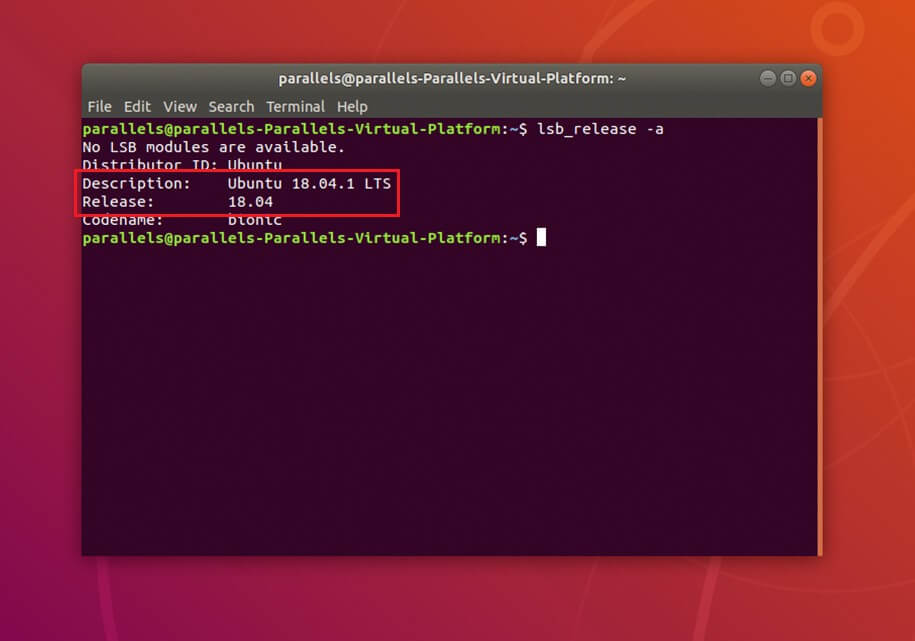 Check Installed Package Version Ubuntu
https://www.ionos.mx/digitalguide/fileadmin/DigitalGuide/Screenshots_2020/view-version-ubuntu-in-terminal.jpg
With more recent releases you can use apt list packagename to get a display of the most pertinent information version installation status in one line or apt show packagename for fuller information as provided by apt cache The other commands and aptitude too if installed still work as before Be sure to heed the warning emitted to
Templates are pre-designed files or files that can be used for different functions. They can save time and effort by offering a ready-made format and layout for producing different type of material. Templates can be utilized for personal or expert projects, such as resumes, invitations, flyers, newsletters, reports, presentations, and more.
Check Installed Package Version Ubuntu
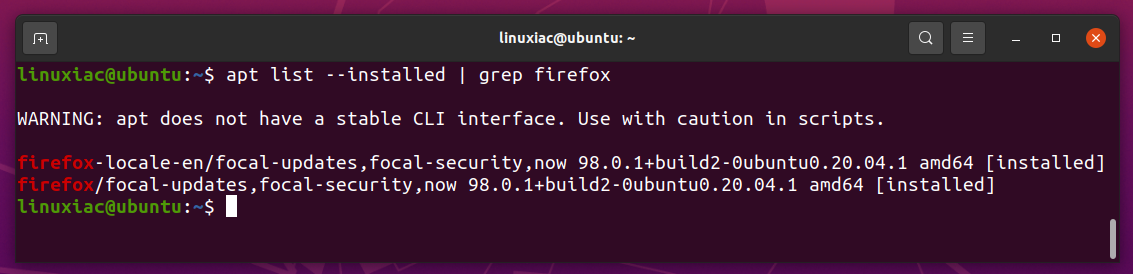
How To List Installed Packages In Ubuntu
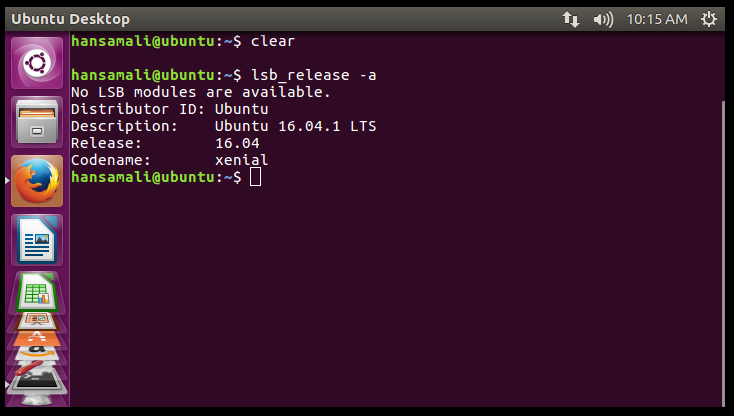
Images Of Microsoft Schedule Plus JapaneseClass jp
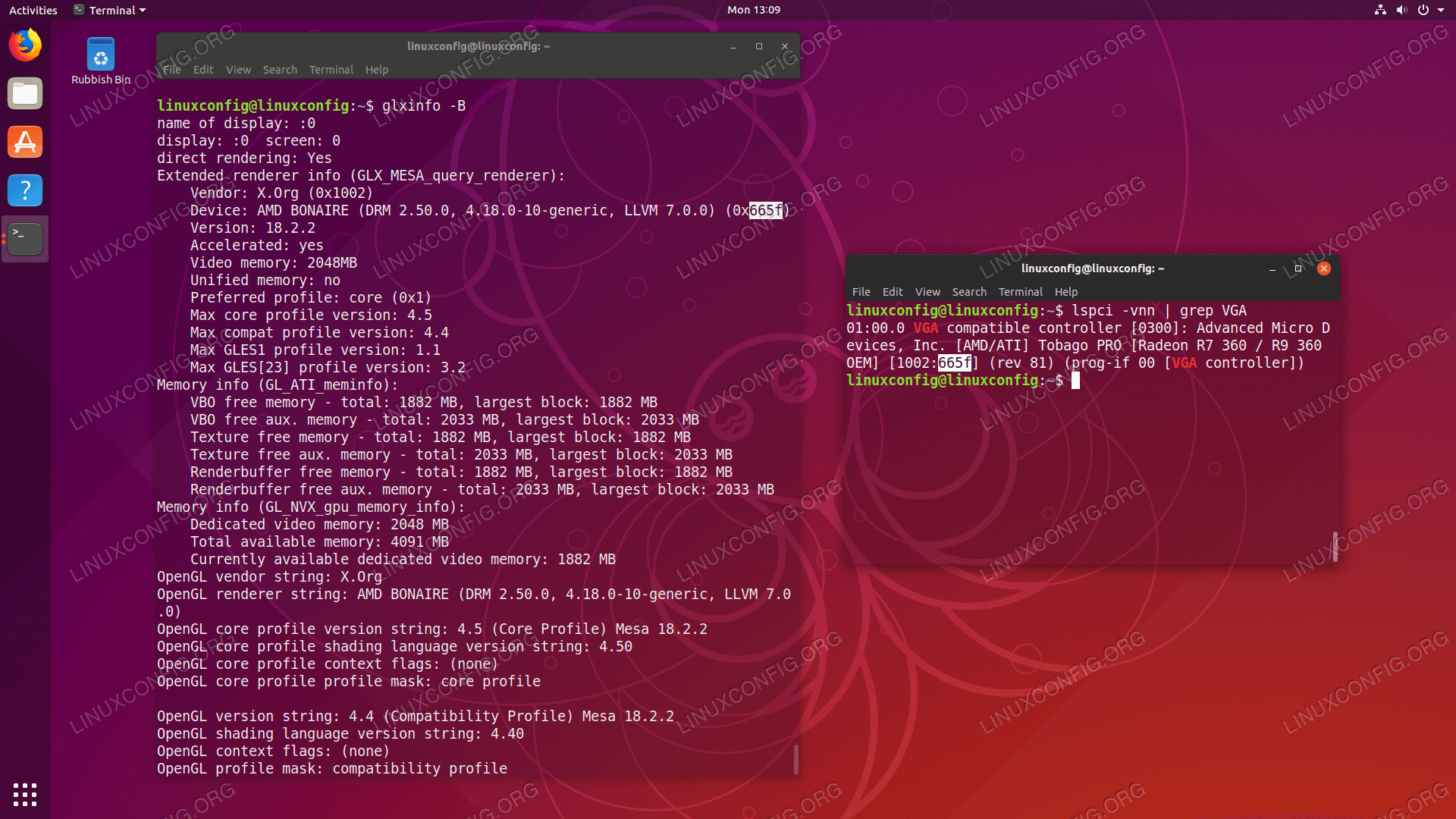
How To Install AMD Radeon Drivers On Ubuntu 18 10 Cosmic Cuttlefish Linux Linux Tutorials

Comment V rifier La Version Du Paquet Install Sur Ubuntu Et Debian Linuxteaching
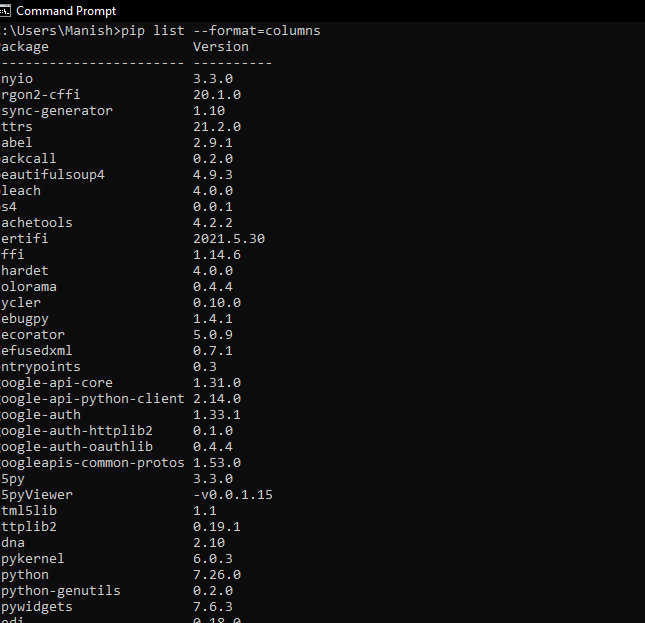
Check Installed Modules In Python Javatpoint

How To Check Installed Software Or Packages Versions On Linux LookLinux
To list the installed packages on your Ubuntu system use the following command sudo apt list installed As you can see from the output above the command prints a list of all installed packages including information about the packages versions and architecture

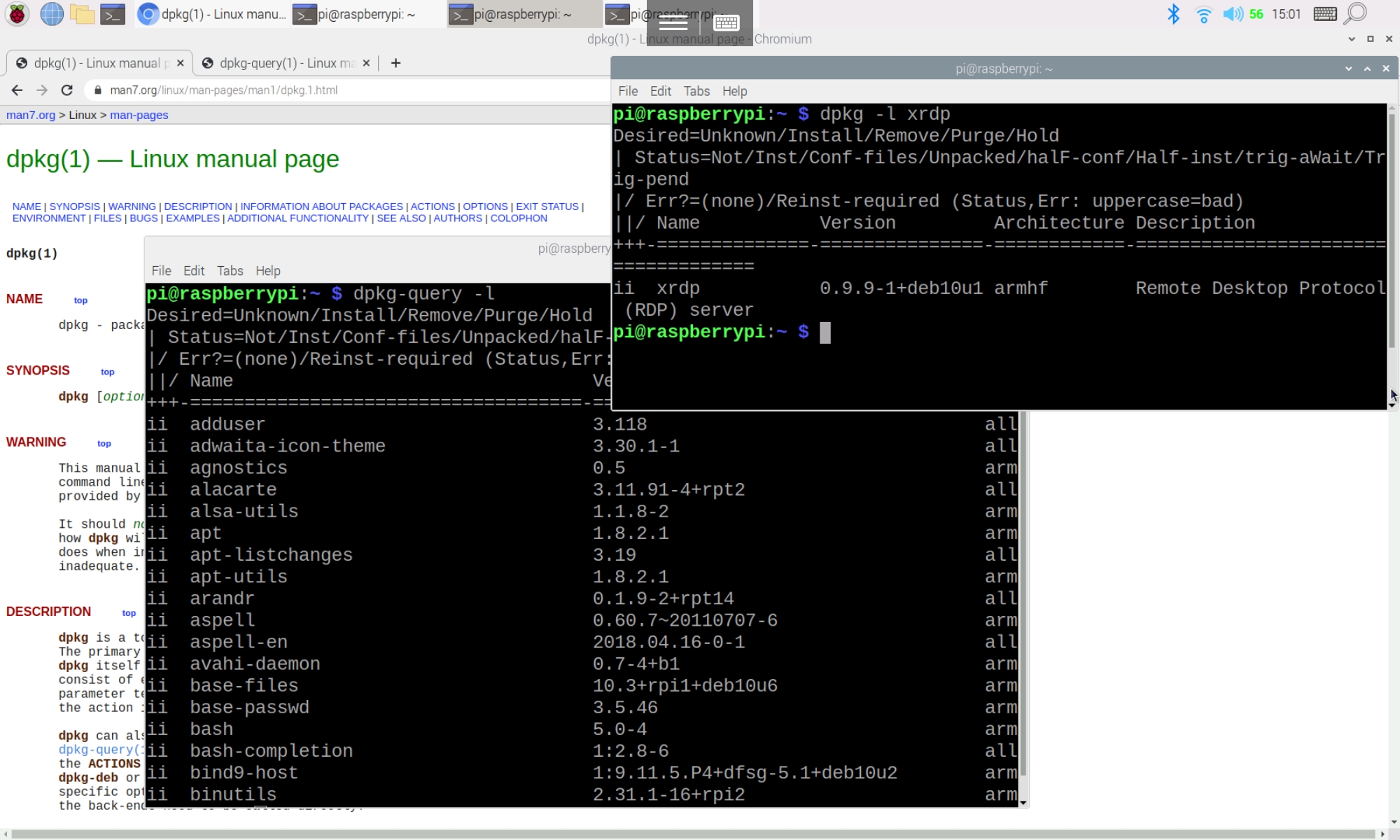
How can I find the version number of an installed package via dpkg Ask Question Asked 13 years 2 months ago Modified 3 years 1 month ago Viewed 155k times 111 I use the dpkg l command to find out what version of a package I have installed For example dpkg l network manager returns the information on the package
7 Answers Sorted by 691 apt get You can run a simulation to see what would happen if you upgrade install a package apt get s install package To see all possible upgrades run an upgrade in verbose mode and to be safe with simulation press n to cancel apt get V s upgrade apt cache
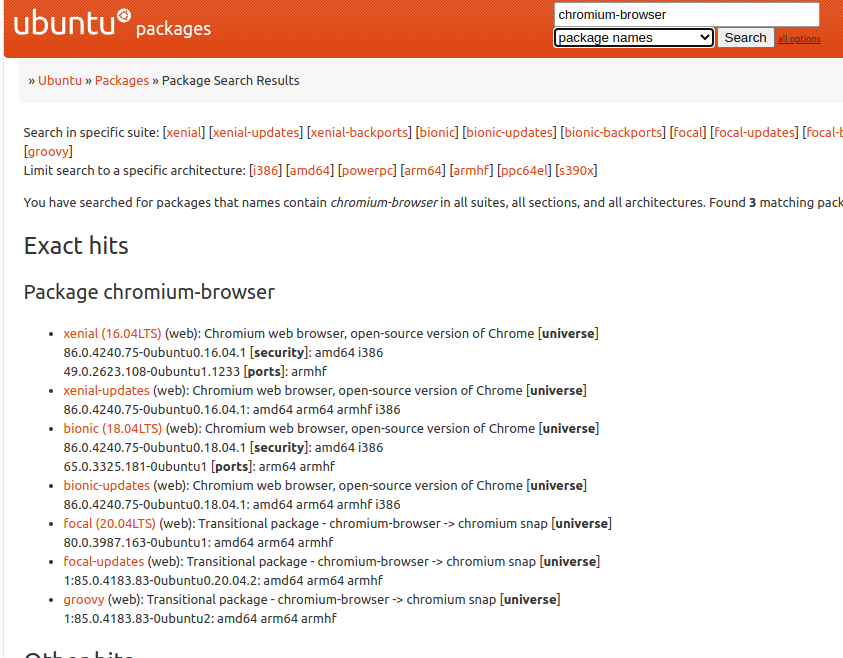
How do I check if a package is installed on my server 14 answers Closed 7 years ago I installed a JDK package on my Ubuntu 14 04 a few months ago but I don t know how to check which version it is So how to do I find whether a package is installed on Ubuntu and which version of it is installed 14 04 package management installed programs Share
1 Find installed version 1 1 dpkg Use dpkg l pkg name to get package version e g dpkg l firefox it s going to give you some information Name Version Architecture Description ii firefox 53 3 build1 0ubuntu0 amd64 Safe and easy web brow 1 2 pkg version
How can I check if a package is installed and install it if not Ask Question Asked 14 years 6 months ago Modified 4 months ago Viewed 340k times 301 I m working on a Ubuntu system and currently this is what I m doing if which command dev null then echo e Command not found Apt cache command options to use to check version of installed packages showpkg pkg showpkg displays information about the packages listed on the command line Remaining arguments are package names The available versions and reverse dependencies of each package listed are listed as well as forward dependencies for each version
To list installed packages on your system issue the following command in the Terminal sudo apt list installed From the output of the above command you will get a list of all the packages including the ones installed as dependencies The result lists the installed packages names along with their versions