Check If Ssh Agent Forwarding Is Working Tera Term SSH Agent Forwarding SSH Agent Forwarding Connecting To EC2 Instance Best Practices Tera Term SSH Agent Forwarding SSH Agent Error error Error AppError Error Could Not SSH Configuration Ssh config My SSH agent forwarding is not working The answer from this question is quite old and the answer is conflicting with the comments Can we have an updated answer please Basically I can SSH from computer A to computer B or from computer A to computer C but not from computer A to computer B then computer B to computer C
Ssh agent forwarding must be allowed on the client ForwardAgent option in ssh config and on the server AllowAgentForwarding option in sshd config Chances are that your machines have different default settings for one or both of these options First method is using private public keys between local machine and the remote one Using SSH Public Key access As we know if we try to connect to a server using basic SSH It will prompt interactive shell asking us the password In order to avoid for the server prompting to enter a password each time that we want to connect
SSH Configuration Ssh config Install Ssh Ubuntu Hot Sex Picture Run SSH Agent Using A Command On Controller 5 SSH Agent Best Practices ProxyJump Is Safer Than SSH Agent Forwarding InfoWorld SSH Agent Forwarding With MobaXterm On Windows Hyperchicken HPC Cluster SSH Agent Forwarding In AWS Mistwire SSH Agent Forwarding What Are The Best Practices And Current Security SSH Port Forwarding Podalirius
Check If Ssh Agent Forwarding Is Working
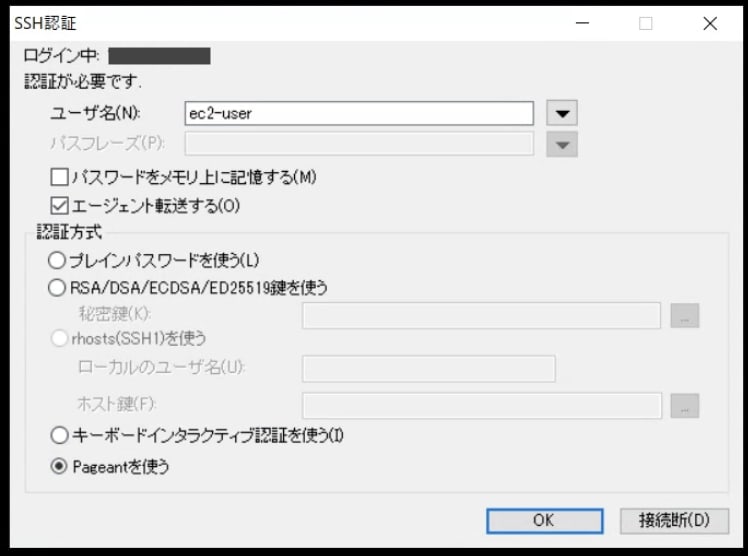 Check If Ssh Agent Forwarding Is Working
https://res.cloudinary.com/zenn/image/fetch/s--ktykT9pf--/c_limit%2Cf_auto%2Cfl_progressive%2Cq_auto%2Cw_1200/https://hirose-public.s3-ap-northeast-1.amazonaws.com/zenn/2021/11/08/564477aa-9730-4a15-be57-aa2735dcf98f.png
11 When I ssh from my macOS client with AgentForwarding enabled into a Windows 10 host I cannot access the client keys on the host The built in OpenSSH server on the Windows host has AllowAgentForwarding enabled Also agent forwarding works correctly when I ssh into other non windows hosts
Pre-crafted templates offer a time-saving solution for producing a diverse variety of documents and files. These pre-designed formats and layouts can be used for various individual and expert jobs, consisting of resumes, invitations, flyers, newsletters, reports, presentations, and more, simplifying the content development process.
Check If Ssh Agent Forwarding Is Working

Install Openssh Server Windows 10 Brotherstyred
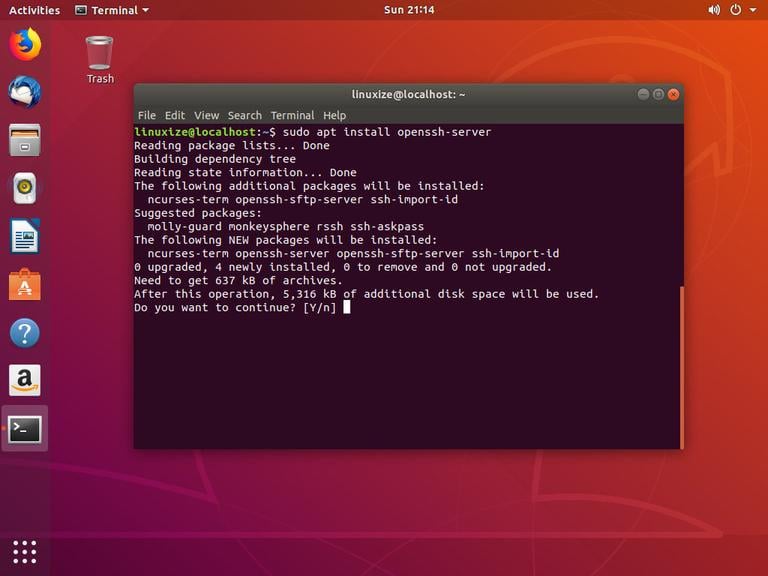
Install Ssh Ubuntu Hot Sex Picture
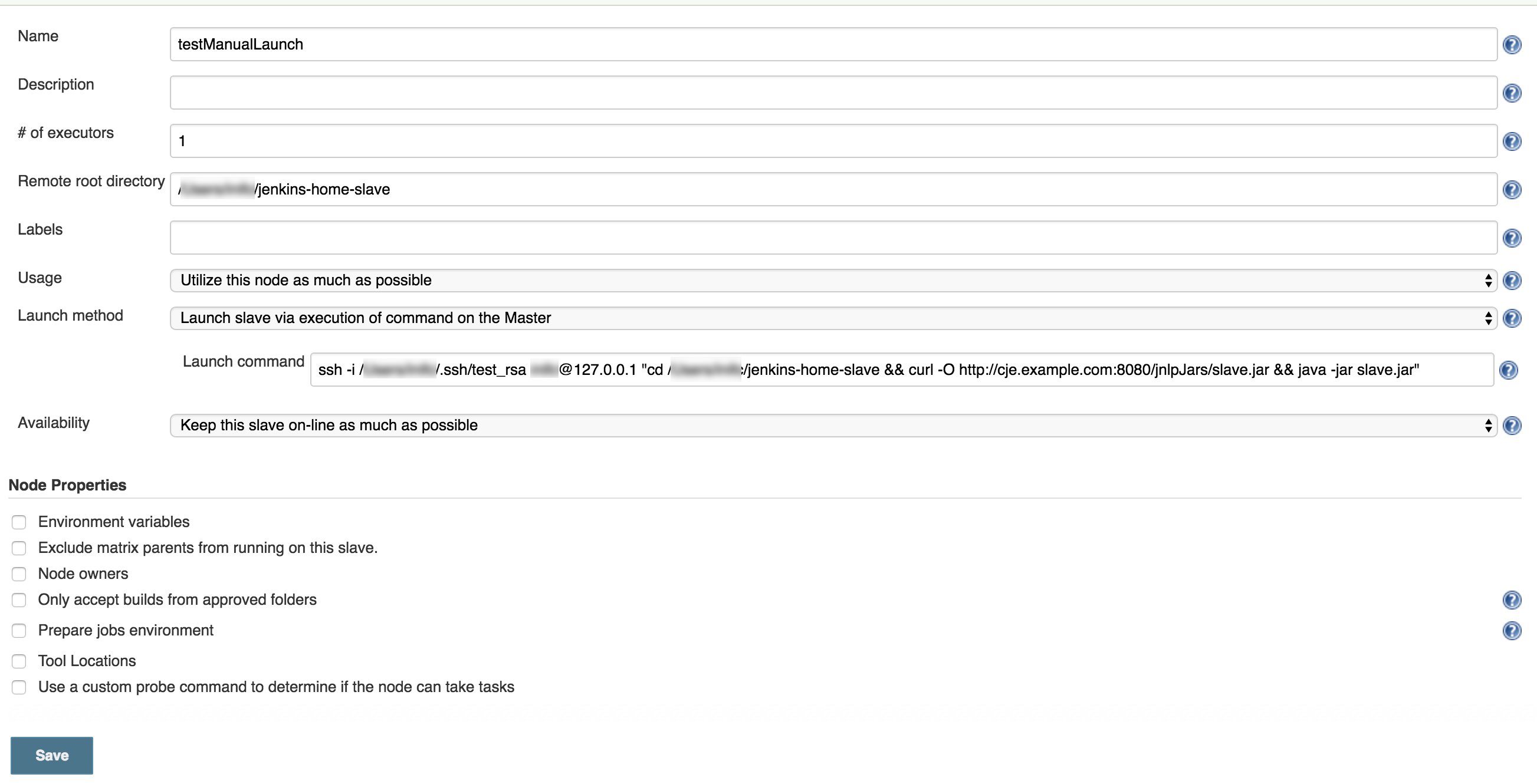
Run SSH Agent Using A Command On Controller

5 SSH Agent Best Practices
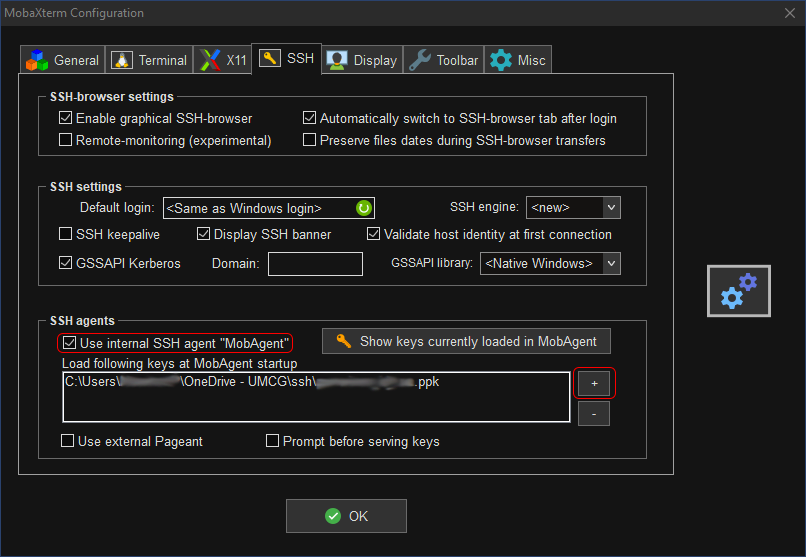
SSH Agent Forwarding With MobaXterm On Windows Hyperchicken HPC Cluster
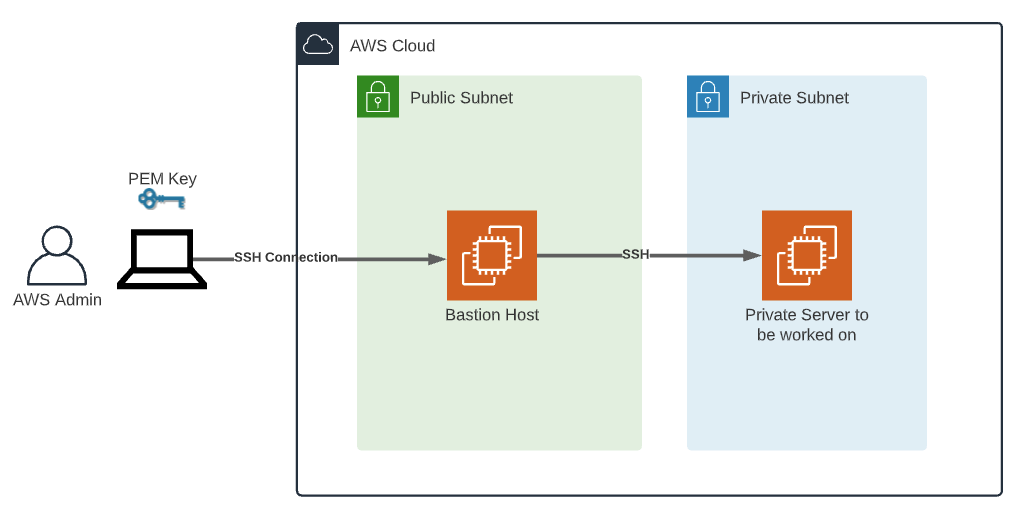
SSH Agent Forwarding In AWS Mistwire
89 I have a sample sh script on my Linux environment which basically run s the ssh agent for the current shell adds a key to it and runs two git commands bin bash eval ssh agent s ssh add home duvdevan ssh id rsa git C var www duvdevan reset hard origin master git C var www duvdevan pull origin master

SSH agent forwarding can be used to make deploying to a server simple It allows you to use your local SSH keys instead of leaving keys without passphrases sitting on your server If you ve already set up an SSH key to interact with GitHub you re probably familiar with ssh agent
1 Answer Sorted by 4 If the variable is not set on server it means that agent forwarding is not working Forwarding working example echo SSH AUTH SOCK Print out the SSH AUTH SOCK variable tmp ssh 6hNGMk10AZC agent 89543

The problem is exactly described by the topic SSH Agent Forwarding is not working From Troubleshoot SSH issues https confluence atlassian bitbucket troubleshoot ssh issues 271943403 html it says To list your loaded keys enter ssh add l If you don t see the SSH key you want to use
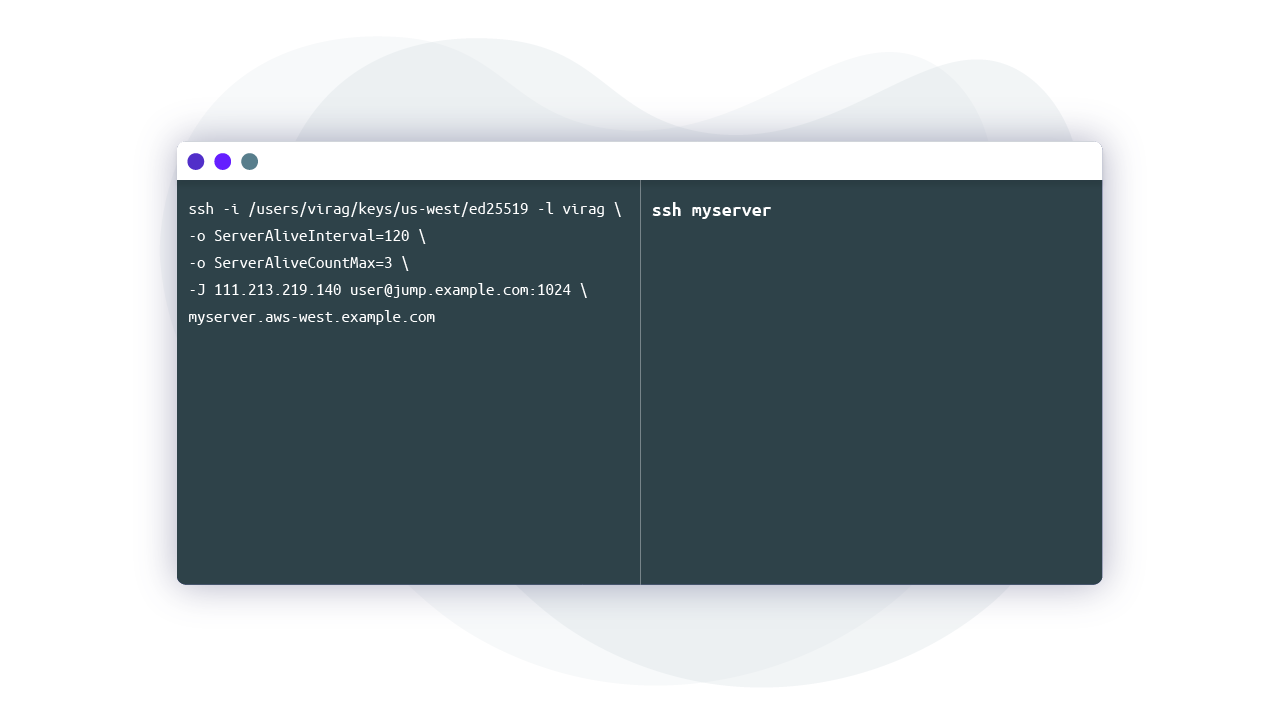
SSH agent forwarding allows you to use your private local SSH key remotely without worrying about leaving confidential data on the server you re working with It s built into ssh and is easy to set up and use What Is an SSH Agent Your public SSH key is like your username or identity and you can share it with everybody
The easiest way to check is to check the value of the SSH AGENT SOCK environment variable If it is set then the agent is presumably running It can be checked by echo SSH AGENT SOCK Also to allow key based logins to servers public key authentication must be enabled on the server In OpenSSH it is enabled by default The SSH agent is a little daemon that holds your private keys in memory This is particularly handy when your keys are protected by a passphrase you can unlock and add your keys to the agent once and from then on any SSH client such as ssh 1 can interact with the keys without asking you for the passphrase again The SSH agent becomes even handier when you primarily work on a remote
What is the SSH agent ssh agent is a key manager for SSH It holds your keys and certificates in memory unencrypted and ready for use by ssh It saves you from typing a passphrase every time you connect to a server It runs in the background on your system separately from ssh and it usually starts up the first time you run ssh after a reboot