Check Folder Permissions Powershell Grant Mailbox Permissions To Other M365 Mailboxes Using PowerShell Get All Public Folders And Permissions Using PowerShell Jak Sprawdzi Uprawnienia Folderu Za Pomoc PowerShell Krita Won t Open On Windows Things You Should Try Get Permissions On Folders And Subfolders Using PowerShell ShellGeek To view and parse the permissions on folder use get acl cmdlet Powershell for extracting Permissions on Current Working Folder or Directory To view the NTFS permissions report on current working folder or directory in PowerShell we ll be using Get ACL cmdlet without no parameters It will return the access control list for directory folder
PowerShell List File and Folder Permissions The NTFS Filesystem has a wide collection of permissions that you can configure in various combinations for both files and folders To view all the available permissions you can use the System Security AccessControl FileSystemRight The command is as shown Description To view the permissions that are available on public folders see Public folder permissions for Exchange Server You need to be assigned permissions before you can run this cmdlet
Get Permissions On Folders And Subfolders Using PowerShell ShellGeek Get All Public Folders And Permissions Using PowerShell Get Permissions On Folders And Subfolders Using PowerShell ShellGeek Script PowerShell Per Trovare I File In Base Al Proprietario ManageEngine ADAudit Plus How To Use PowerShell To Manage Folder Permissions Petri IT Knowledgebase 2022 How To Check Folder Permission Linux How To Give Send As Permission In Office 365 Using Powershell Check Folder Permissions Remotely Via PowerShell Powershellbros Linux List Directory Contents And Permissions Hromtry
Check Folder Permissions Powershell
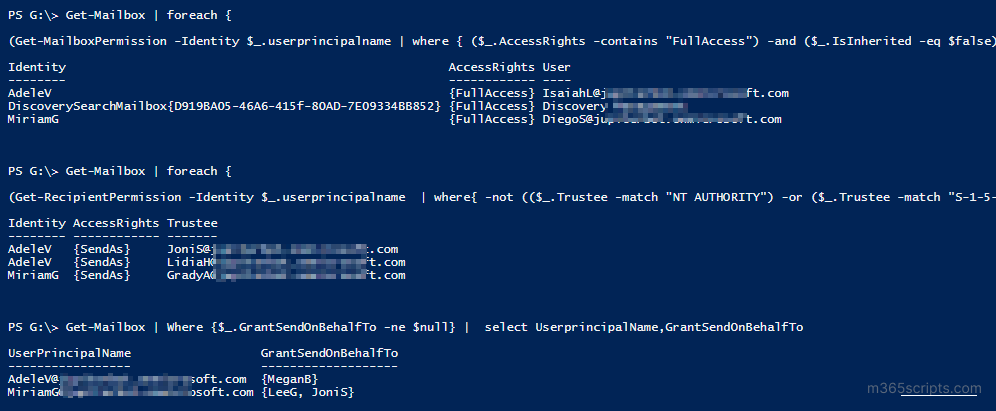 Check Folder Permissions Powershell
https://m365scripts.com/wp-content/uploads/2022/02/Set-mailbox-permission.png
How To Get NTFS File Permissions Using PowerShell Blog Windows Server Post iCacls is a built in command line tool for reporting NTFS access permissions in Windows And while it is a
Pre-crafted templates use a time-saving service for creating a diverse range of documents and files. These pre-designed formats and designs can be used for numerous individual and professional projects, consisting of resumes, invitations, flyers, newsletters, reports, presentations, and more, simplifying the material production procedure.
Check Folder Permissions Powershell

Powershell Acl Permissions

Get All Public Folders And Permissions Using PowerShell
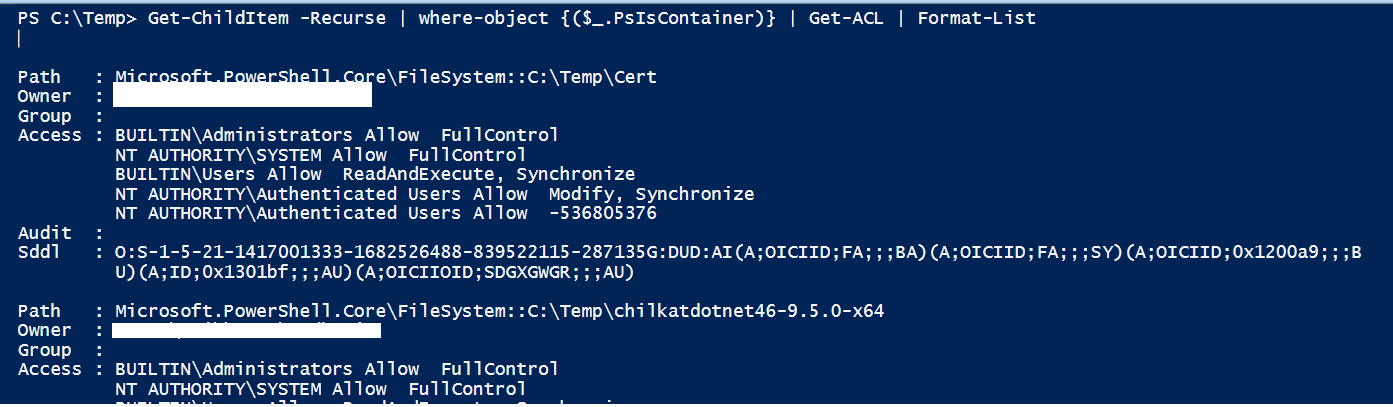
Get Permissions On Folders And Subfolders Using PowerShell ShellGeek
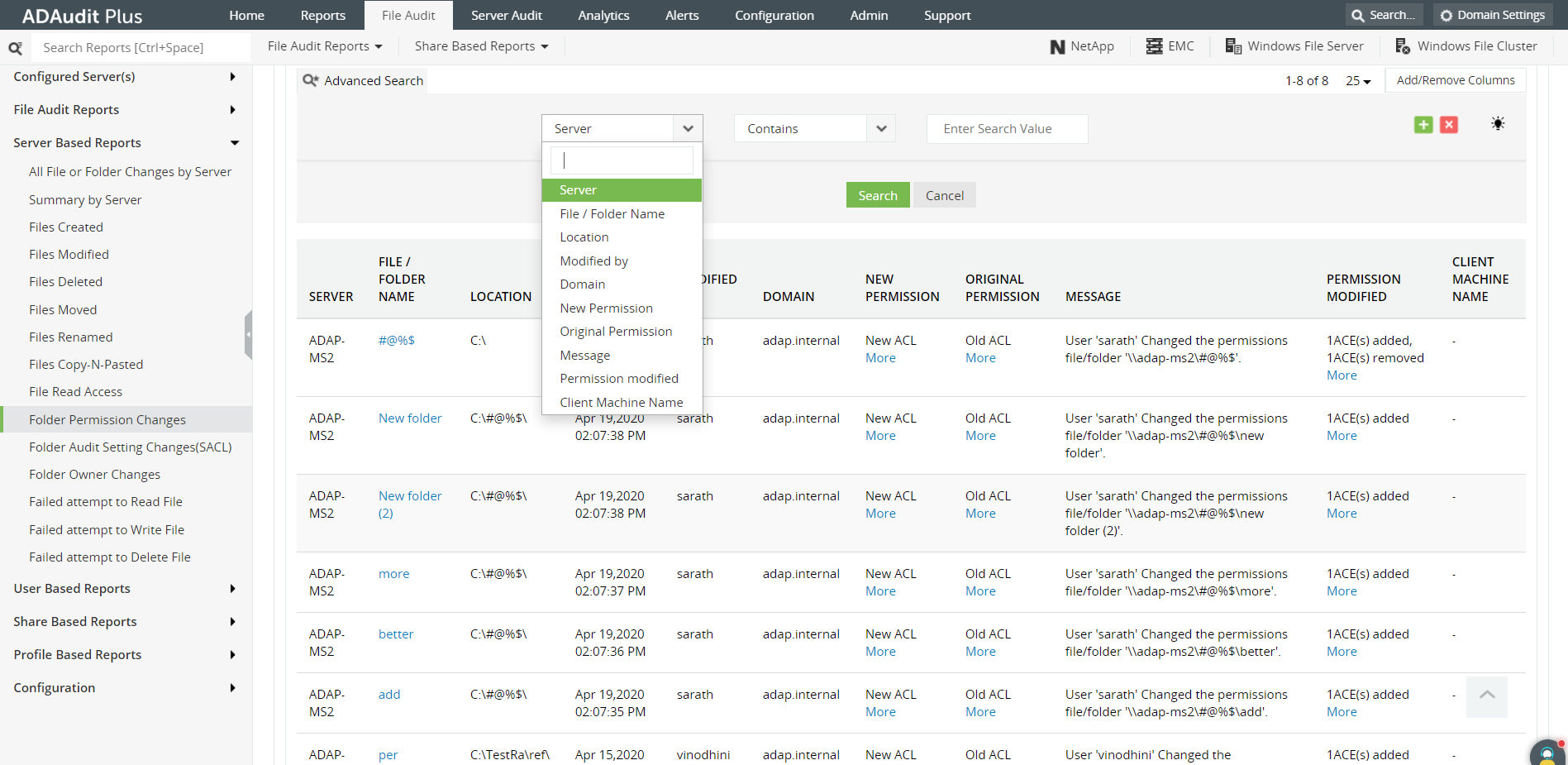
Script PowerShell Per Trovare I File In Base Al Proprietario ManageEngine ADAudit Plus

How To Check Folder Permission Linux
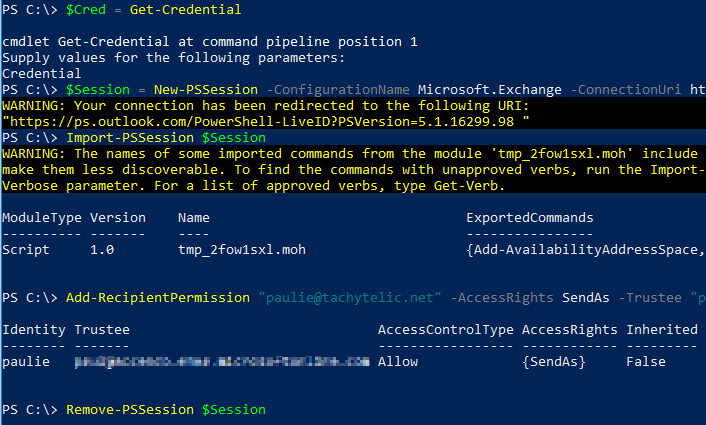
How To Give Send As Permission In Office 365 Using Powershell
1 Answer Sorted by 1 To display access permissions of a file or a folder using PowerShell you can use something like this Get Item D Data Get NTFSAccess Get NTFSAccess Path D Data Which will give you results which look like this Reference Reading the permissions of a single item Share Improve this answer Follow
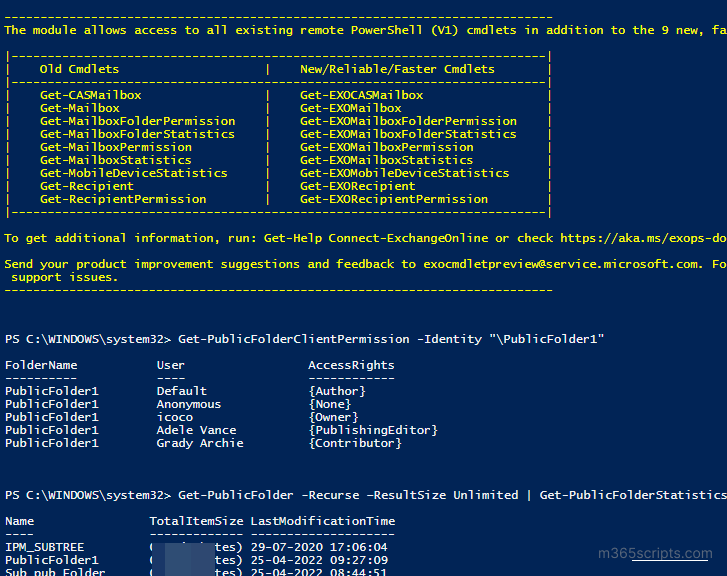
What can PowerShell do to assist in managing file and folder permissions There are a number of ways that PowerShell makes this process easier Listing file and folder permissions
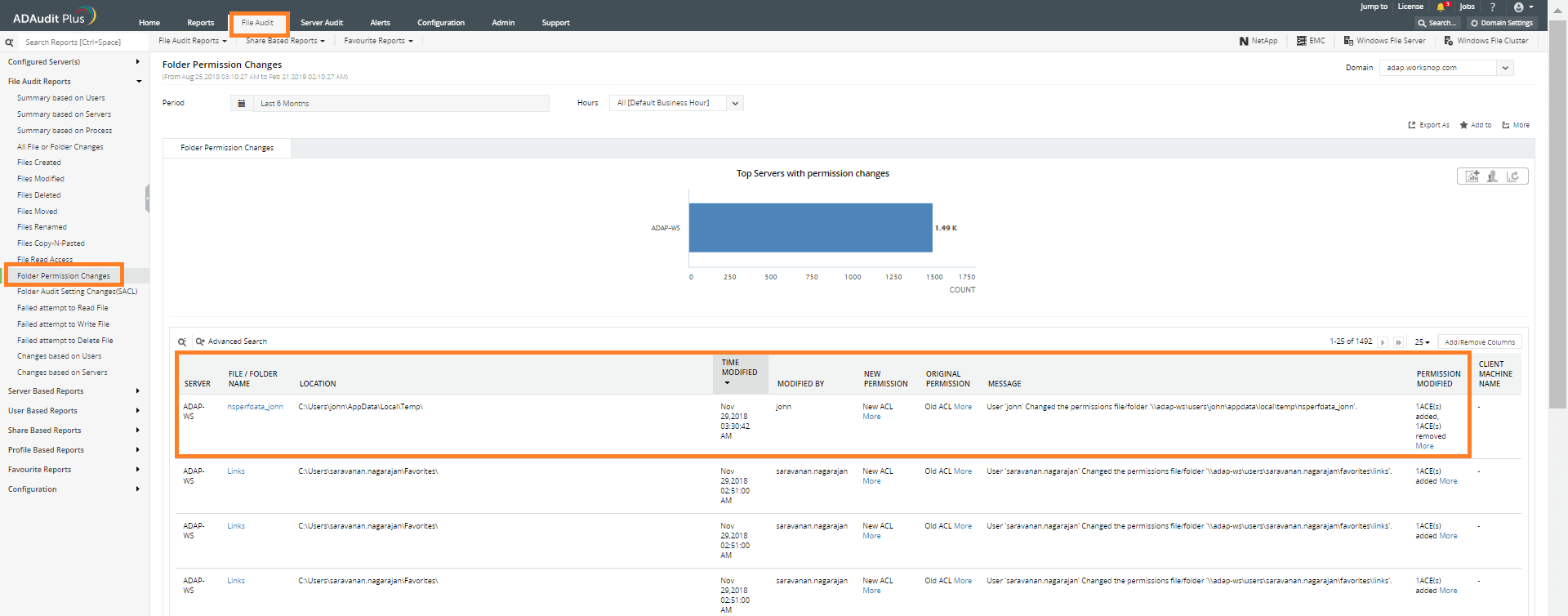
Description This cmdlet is only available on the Windows platform The Get Acl cmdlet gets objects that represent the security descriptor of a file or resource The security descriptor contains the access control lists ACLs of the resource The ACL specifies the permissions that users and user groups have to access the resource

Use the Get MailboxFolderPermission cmdlet to view folder level permissions in mailboxes Note In Exchange Online PowerShell we recommend that you use the Get EXOMailboxFolderPermission cmdlet instead of this cmdlet For more information see Connect to Exchange Online PowerShell
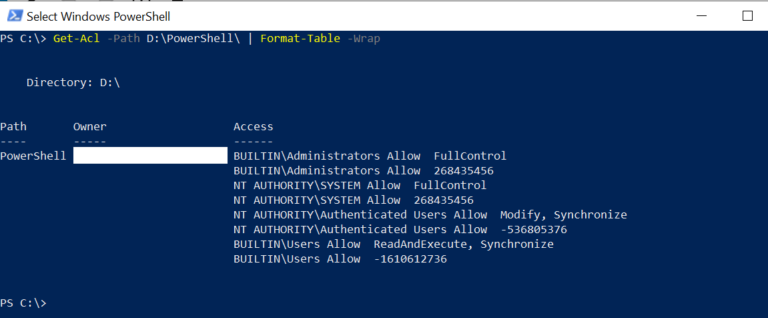
Steps to get an NTFS permissions report In PowerShell the Get Acl command can be used to retrieve NTFS permissions reports The script mentioned below helps retrieve ACL set on the C commands folder Get Acl Path C commands Access However this particular command cannot retrieve all the permissions of folders in the tree
The following command will show the folder permissions Get Acl Marketing The output gives the folder path the folder s owner and the folder access list One of PowerShell s default cmdlets Get Acl will show information contained in the folder s security descriptor Retrieve Permissions at folder and file level in Powershell Ask Question Asked 6 years 7 months ago Modified 4 years 1 month ago Viewed 41k times 5 We re on Sharepoint Online After migration would like to validate that all permissions are applied accordingly Have following code
I don t want the permissions for all subfolders only one level down after the initial path has been added i e C Temp I want the permissions on the folders within the temp folder I understand that I remove the recurse option to stop that happening So how do I get the permissions of the folders with the Temp folder not file permissions