Check Firewall Status Centos 7 LINK How To Check Debian Linux Version Firewallwindows7 How To Check Ubuntu Firewall Status With Ufw Status Command How To Verify Firewall Is Enable Start Or Disable Stop In CentOS 7 MS Redhat Disable Firewall Start Stop Enable Disable Linux [desc-7]
[desc-6] [desc-8]
Redhat Disable Firewall Start Stop Enable Disable Linux How To Check Firewall Status In Kali Linux Systran Box Estado Del Firewall Centos Linuxteaching How To Check Firewall Status In Suse Linux 11 Checking The Firewall Status On A Linux Server Check Firewall CentOS 7 Open Port HoiCay Top Trend News How To Check The Firewall Status And Settings In F Secure Computer How To Check Firewall Status In Ubuntu Firewall Check Firewall Status How To Check Firewall Firewall In Hindi
Check Firewall Status Centos 7
 Check Firewall Status Centos 7
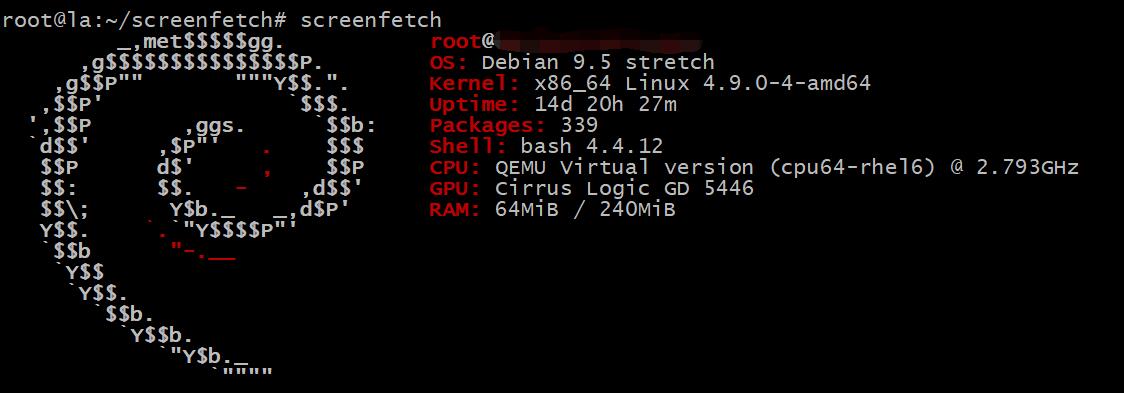
http://www.jwtechtips.top/wp-content/uploads/2018/08/screenfetch.jpg
[desc-9]
Pre-crafted templates use a time-saving service for creating a varied range of files and files. These pre-designed formats and layouts can be made use of for various personal and professional jobs, including resumes, invitations, flyers, newsletters, reports, discussions, and more, enhancing the content creation procedure.
Check Firewall Status Centos 7

How To Check Firewall Status In Suse Linux

How To Check Firewall Status In Kali Linux Systran Box

Estado Del Firewall Centos Linuxteaching

How To Check Firewall Status In Suse Linux 11
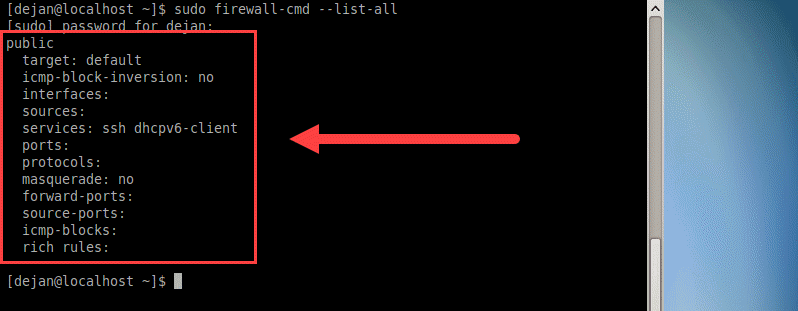
Check Firewall CentOS 7 Open Port HoiCay Top Trend News

How To Check The Firewall Status And Settings In F Secure Computer

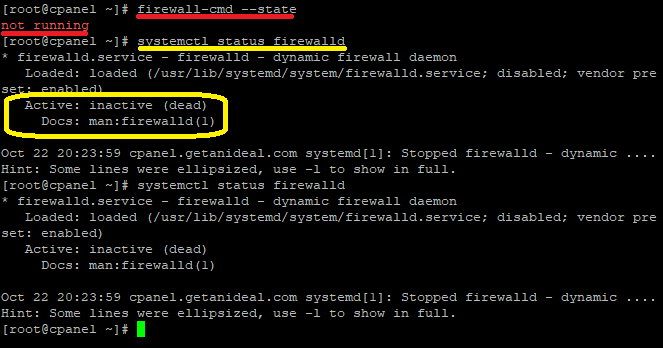
Check the Firewall Status To view the current status of the FirewallD service you can use the firewall cmd command sudo firewall cmd state If the FirewallD service is running on your CentOS system the command above will print the following message running Disable Firewall
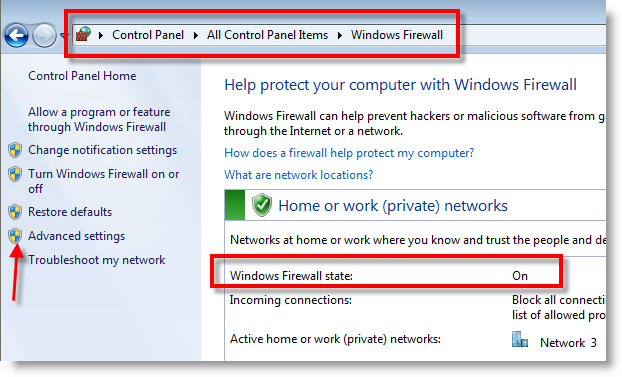
Basic Concepts in Firewalld Before we begin talking about how to actually use the firewall cmd utility to manage your firewall configuration we should get familiar with a few basic concepts that the tool introduces Zones The firewalld daemon manages groups of rules using entities called zones Zones are basically sets of rules dictating what traffic should be allowed depending on

For instance when the firewall is running and the rules are set the rules are listed sudo iptables L v Chain INPUT policy DROP 1899K packets 119M bytes pkts bytes target prot opt in out source destination 13M 1737M ufw before logging input all any any anywhere anywhere Chain FORWARD policy DROP 0 packets 0 bytes pkts bytes target prot opt in out source destination 0 0 ufw
Firewalld Zones Zones are predefined sets of rules that specify the level of trust of the networks your computer is connected to You can assign network interfaces and sources to a zone Below are the zones provided by FirewallD ordered according to the trust level of the zone from untrusted to trusted

[desc-5]
[desc-11] [desc-12]
[desc-13]