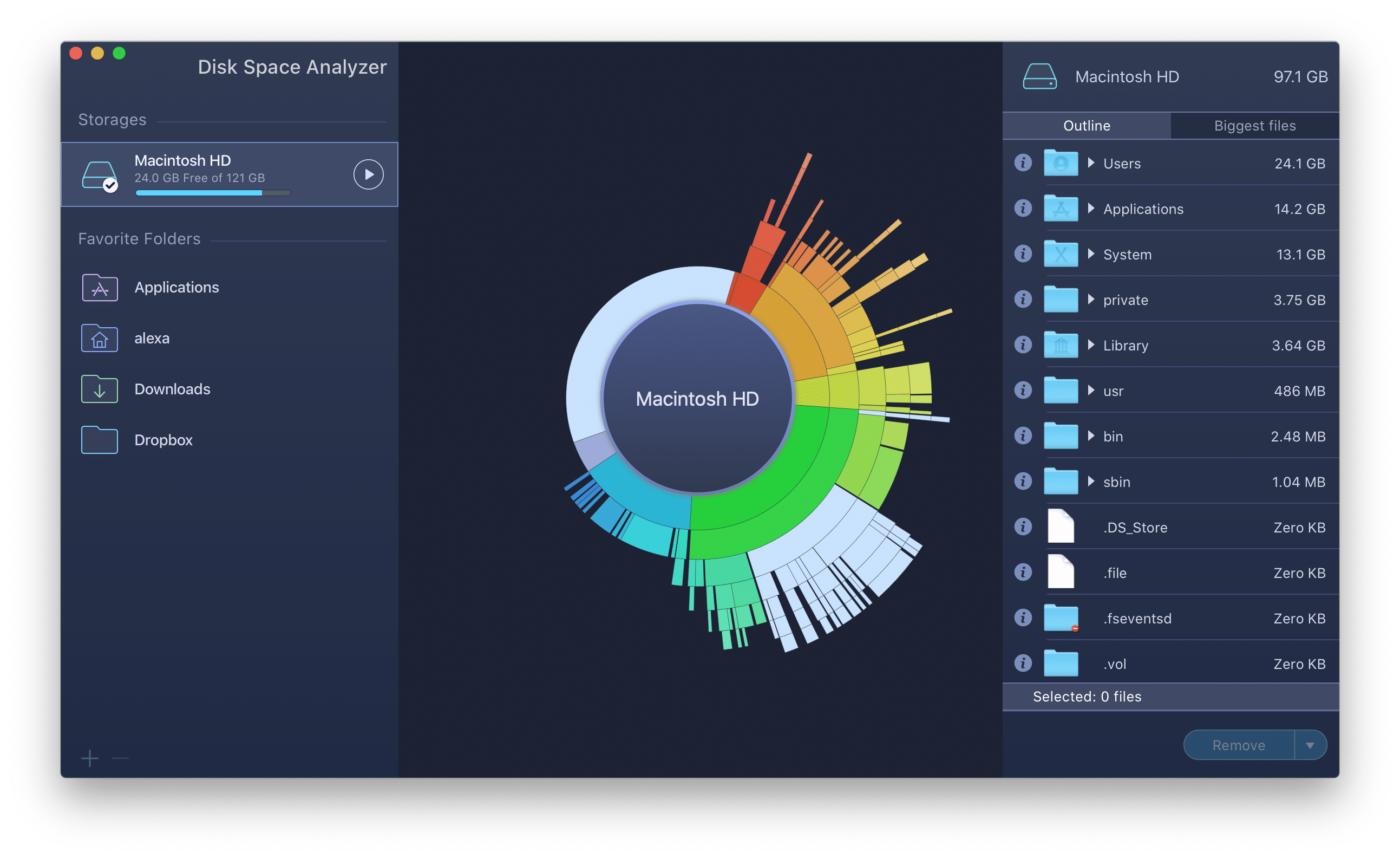
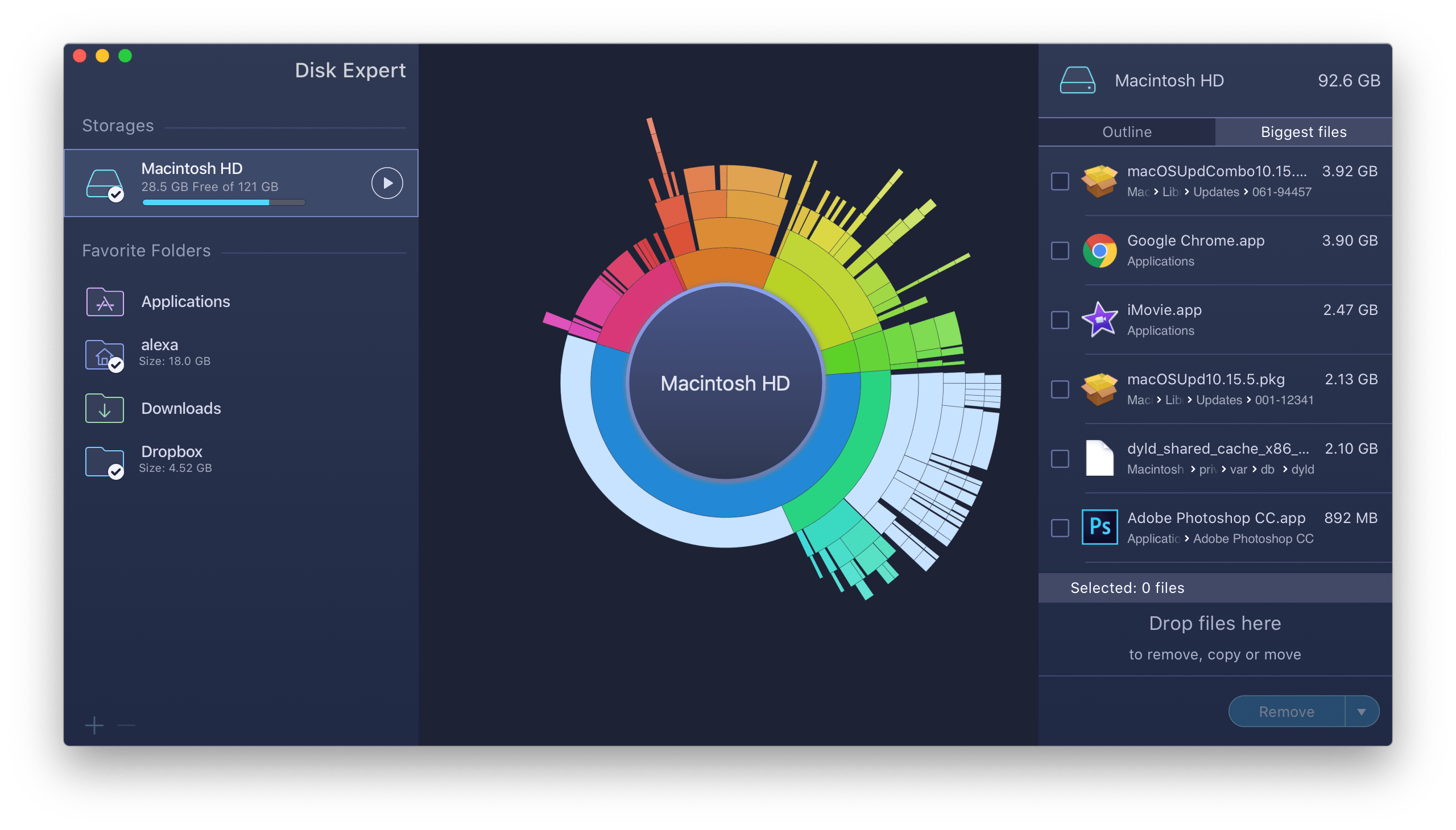
Check Disk Space Mac Osx How To Check Disk Space Storage On A Mac 2022 YouTube How To Check Disk Space In Linux With Df Command How To Check Disk Space Mac Lasopaxs How To Make Disk Space On Mac Mazwin Look Up Mac Hard Drive Space Portlandsexi Now that you know why we recommend you use third party apps let s explore the best Mac disk space analyzers to inspect and analyze disk space 1 GrandPerspective GrandPerspective is a utility app that uses a treemap structure for visualizing disk space
DaisyDisk DaisyDisk by Software Ambience Corp is one of the oldest and best disk space analyzers for macOS On startup a list of attached volumes is displayed in a single window Clicking Scan As you take the steps in this article to free up storage space this storage information updates automatically macOS Ventura or later Choose Apple menu System Settings click General in the sidebar then click Storage on the right Earlier versions of macOS Choose Apple menu About This Mac then click Storage
Look Up Mac Hard Drive Space Portlandsexi Checking OSX Version And Available Disk Space ADM Technology Blog Free Allshare App For Iphone Visualgagas 5 Best Free Disk Space Analyzers For Ma Updated In 2022 2022 Mac Disk Space Mac How Check Disk Space Mac Safasrocks How Check Disk Space Mac Copaxyu How To Check Disk Space On Mac Your Ultimate Guide 2021 How To Disable Mac OSX Firmware Password FileCluster Reviews
Check Disk Space Mac Osx
 Check Disk Space Mac Osx
https://i.ytimg.com/vi/tBmscAnM0Lk/maxresdefault.jpg
If you re having problems with a disk Disk Utility can check the disk and repair problems it detects To explore the Disk Utility User Guide click Table of Contents at the top of the page or enter a word or phrase in the search field Helpful Learn how to use Disk Utility on your Mac to manage APFS volumes test and repair disks erase
Templates are pre-designed documents or files that can be utilized for various purposes. They can conserve time and effort by supplying a ready-made format and layout for creating different sort of content. Templates can be used for individual or expert jobs, such as resumes, invitations, flyers, newsletters, reports, presentations, and more.
Check Disk Space Mac Osx

Terminal Command To Check Disk Space Mac Bodydad

Checking OSX Version And Available Disk Space ADM Technology Blog

Free Allshare App For Iphone Visualgagas
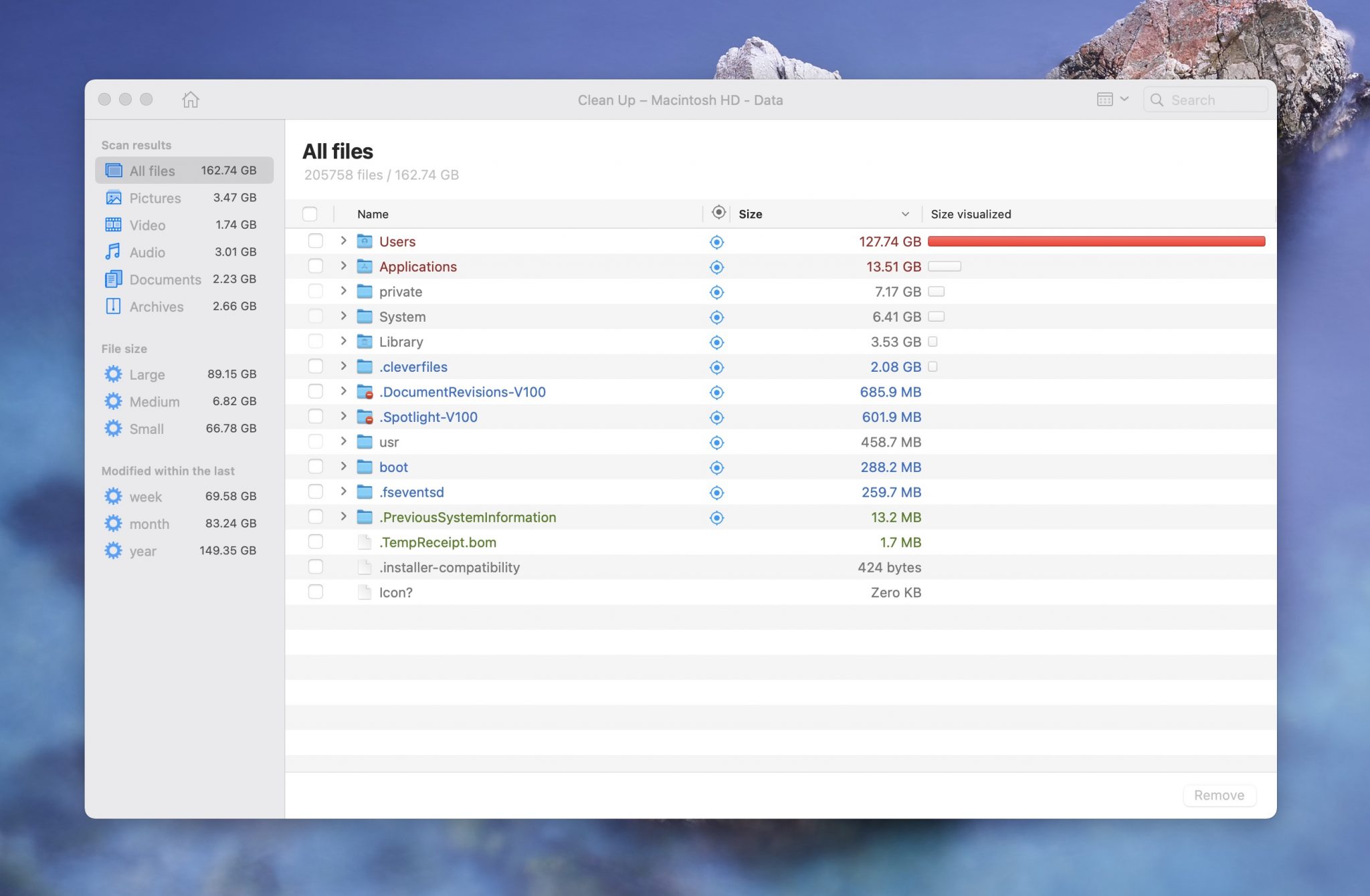
5 Best Free Disk Space Analyzers For Ma Updated In 2022 2022
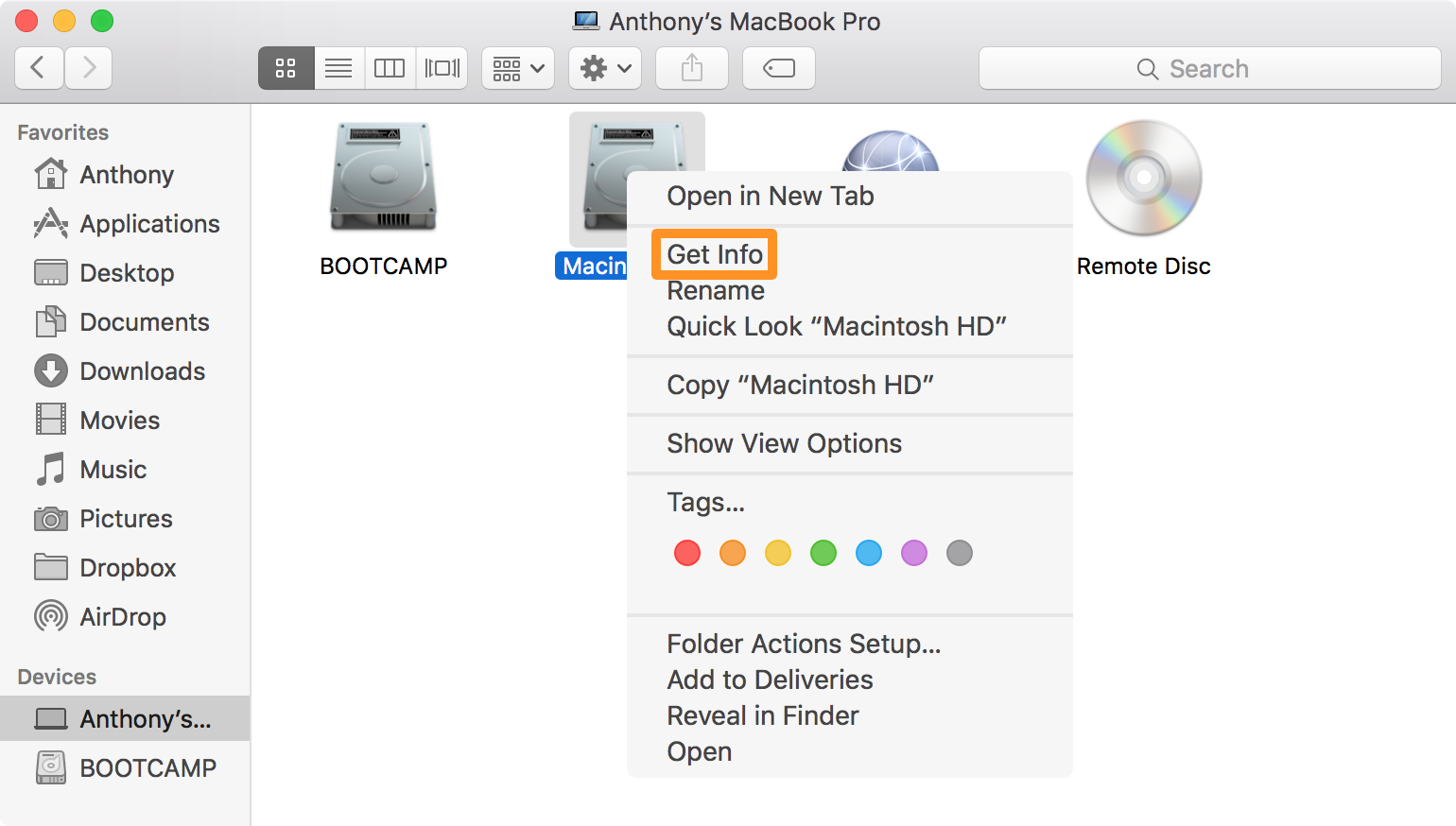
How Check Disk Space Mac Safasrocks

How Check Disk Space Mac Copaxyu

On your Mac choose Apple menu System Settings then click General in the sidebar You may need to scroll down Click Storage on the right then click All Volumes Open Storage settings for me Move the pointer over a color to see the amount of space each category uses Light gray space represents free storage space

6 Run a Terminal Command If you re comfortable using Terminal you can use a command to determine how much free space is available on your Mac Start by opening Terminal on your Mac After that type or copy and paste the following command and press the Return key df h

In order to know the available free disk space on your Mac device Macbook iMac or Mac Mini running macOS you can make use of the Terminal command df h command Example df h Filesystem Size Used Avail Capacity iused ifree iused Mounted on dev disk3s3s1 228Gi 14Gi 115Gi 11 501138 1208959160 0 devfs 200Ki 200Ki 0Bi 100 692 0 100
1 Open the Apple menu then select About This Mac 2 Click the Storage tab in the toolbar to see how much disk space you have available On OS X Mountain Lion or Mavericks click the More info
In the Disk Utility app on your Mac choose View Show All Devices If Disk Utility isn t open click the Launchpad icon in the Dock type Disk Utility in the Search field then click the Disk Utility icon Select an item in the sidebar then click the Info button in the toolbar See also Add delete or erase APFS volumes in Disk Utility
On macOS High Sierra with SSD formatted with APFS I ve got diskutil info all Device Identifier disk0 Device Node dev disk0 Whole Yes Part of Whole disk0 Device Media Name APPLE SSD SM0512L Volume Name Not applicable no file system Mounted Not applicable no file system File System None Content IOContent GUID partition scheme OS Can Be Installed No Media Type Generic Examine with sudo gdisk l dev disk0 make change partitioning with GUID diskutil is the OS X program to get info on and change partitions diskutil list dev disk0 TYPE NAME SIZE IDENTIFIER 0 GUID partition scheme 4 0 TB disk0 1 EFI EFI 209 7 MB disk0s1 2 Apple HFS iMac HD 4 0 TB disk0s2 BVs iMac 3 bvimac
Running fsck Using the device list info returned by diskutil above you can tell fsck to check only a specific volume For example sudo fsck fy dev disk4s2 tells fsck to check and attempt to