Check Connection In Linux How To Set Up A Local Network Connection In Linux Sony Middle East 150516 A CZ070 002 Hohenfels Germany Mechanics From Seve Flickr How To Check Your Firewall Connection In Linux Systran Box C mo Usar El Comando Ping Para Probar Su Red Electrum Personal Server RaspiBolt Restart the connection to enable new options sudo nmcli con down enp1s0 sudo nmcli con up enp1s0 Add a new connection profile sudo nmcli connection add con name enp7s0 ifname enp7s0 type ethernet ip4 192 168 64 88 24 nmcli also allows you to edit a connection profile interactively
The ip command has a lot to tell you about the configuration and state of your network connections but what do all those words and numbers mean Let s take a deep dive in and see what all the For checking server connectivity you have 4 tools at your disposal ping This will check to see if any of the servers you re attempting to connect through but won t be able to see if middle server 1 can reach server b for example You can gate how long ping will attempt to ping another server through the use of the count switch c
Electrum Personal Server RaspiBolt Set Up Broadband Ethernet Connection In Linux Mint By Terminal 2020 YouTube Check Your Internet Connection On Linux Mint 13 YouTube How To Check Connection To Mssql Database From Linux CertSimple How To Troubleshoot Your Internet Connection In Linux Commands To Check Filesystem In Linux Ubuntu How To Connect To Azure Vms Youtube Www vrogue co Setting Up Mobile GPRS Connection In Linux Nokia And Samsung Phones NixFAQ 5 Simple Methods To Test Ssh Connection In Linux Unix GoLinuxCloud
Check Connection In Linux
 Check Connection In Linux
https://www.sony-asia.com/support/attachments/Linux/image018.jpg
To check the use of a specific DNS server in this case query using the specific nameserver ns1 nsexample root server nslookup example ns1 nsexample Checking DNS A records to see the IPs of a domain is a common practice but sometimes you need to verify if an IP address is related to a specific domain
Templates are pre-designed files or files that can be used for numerous functions. They can save effort and time by offering a ready-made format and design for creating various type of material. Templates can be used for personal or expert tasks, such as resumes, invites, flyers, newsletters, reports, discussions, and more.
Check Connection In Linux
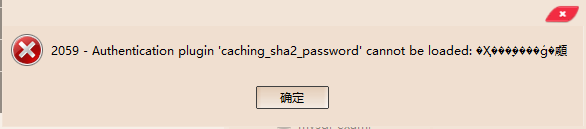
Solved Deploying Tomcat Connection In Linux Navicat Reports Error 2059 Authentication Plugin
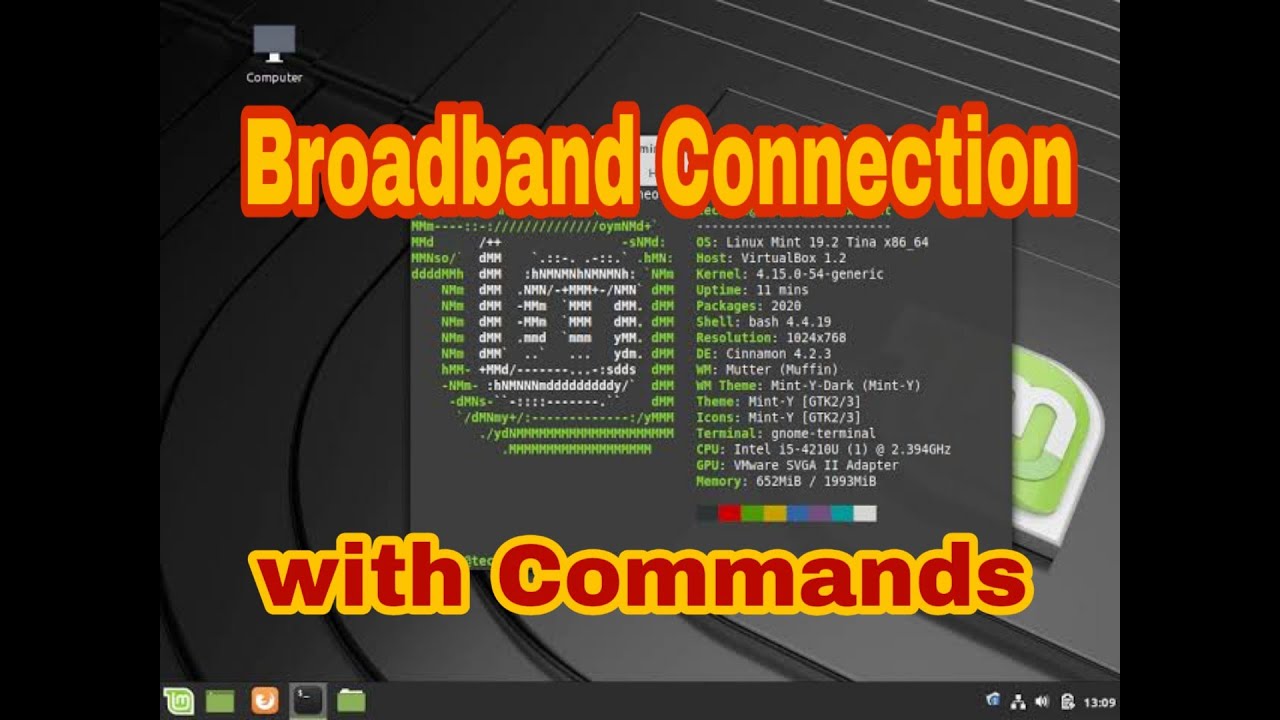
Set Up Broadband Ethernet Connection In Linux Mint By Terminal 2020 YouTube

Check Your Internet Connection On Linux Mint 13 YouTube

How To Check Connection To Mssql Database From Linux CertSimple

Commands To Check Filesystem In Linux Ubuntu

How To Connect To Azure Vms Youtube Www vrogue co
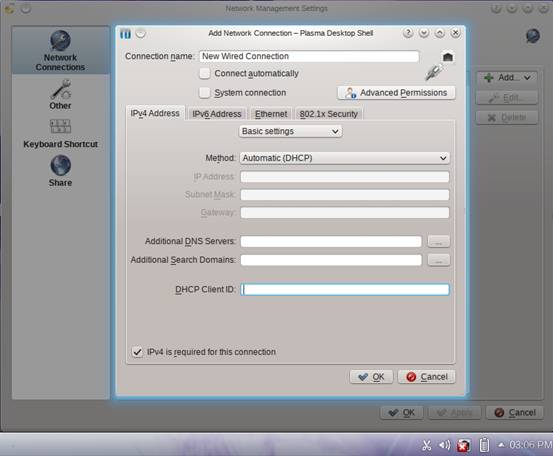
7 Linux Commands to Check Network Connectivity Wednesday May 17 2023 By Damon M Garn Suppose you just completed deploying a new network device Maybe it s a Linux server Windows workstation or Raspberry Pi device You need to verify its network connectivity and perhaps evaluate the connection s quality What kinds of tests could you run

How to Manage Linux Network Connections from the Command Line The nmcli command lets you tap into the power of the Linux NetworkManager straight from the command line making it perfect for servers with no desktop environment and remote SSH shell administration

There are quite a few tools that can help test your connectivity on the Linux command line In this post we ll look at a series of commands that can help estimate your connection speed test

To check the network status in Linux you can use the ifconfig command This command will give you information on the status of your network interfaces If you want to check the status of a specific interface you can use the ifconfig command followed by the interface name

Ncat a k a nc is a powerful network utility with many features like bind and accept a connection execute commands remotely write and read data etc It works on IPv4 and IPv6 both To do a simple test to check if the port is opened or not you will execute the following nc vz HOSTNAME PORT
If you want to check cable state you can use sudo ethtool eth0 From output excerpt Speed 1000Mb s Duplex Full Port Twisted Pair Link detected yes However this is not telling whether you really have connectivity or not just whether cable is connected and something is on other end Share Netcat l 4444 received file The in this command redirects all the output of netcat into the specified filename On the second computer create a simple text file by typing echo Hello this is a file original file We can now use this file as an input for the netcat connection we will establish to the listening computer
To list all TCP or UDP ports that are being listened on including the services using the ports and the socket status use the following command sudo netstat tunlp The options used in this command have the following meaning t Show TCP ports u Show UDP ports n Show numerical addresses instead of resolving hosts