Character Code For Checkmark Inzerovat Sv t Satira Check Mark Symbol Keyboard Shortcut Hrad Ztlumit How To Insert A CheckMark Tick Symbol In Excel HARDIP DABHI Insert A Check Mark PowerPoint How To Check A Checkbox Using Keyboard Resortanxiety21 A Green Check Mark On A White Background Web Mar 20 2023 nbsp 0183 32 For example the character code of the tick symbol is 252 as shown in the screenshot above Knowing this code you can easily write a formula to insert a check symbol in Excel or count tick marks in a selected range
Web Aug 16 2021 nbsp 0183 32 Create a check mark symbol by pressing and holding Alt and then typing 0252 using the numeric keypad on the right side of the keyboard After creating the check mark symbol switch back to the desired font for text in the document Microsoft Notepad Web The octal and hexadecimal columns provide additional numeric representations of each character The binary column shows the binary value of each character represented by a 8 digit number between 00000000 and 11111111 Our ASCII table also includes columns for symbol HTML number and HTML entities
A Green Check Mark On A White Background Check Mark Text Symbol Eiryte Ascii Code For Checkmark In Mac Excel Roadfoo Check Mark Symbol For Word Insert Tick Sign In Excel Click On The Symbol Icon How To Type Check Mark Checkbox Symbols In Word Alt Code Journallader Blog How To Type Check Mark In Word Alt Code How To Type Anything Character Code Check Mark Word
Character Code For Checkmark
 Character Code For Checkmark
https://i0.wp.com/howtotypeanything.com/wp-content/uploads/2020/02/2-Insert-Checkmark-in-Word-using-Symbol-dialog.png?resize=621%2C452&ssl=1
Web Mar 7 2023 nbsp 0183 32 To add the regular check mark icon in your document first press Alt 0252 on your keyboard Then highlight the character that appears like a character select quot Wingdings quot from the quot Font quot drop down menu and press Enter To add a check mark that s inside a box first press Alt 0254
Templates are pre-designed documents or files that can be used for numerous functions. They can save effort and time by supplying a ready-made format and design for creating different sort of content. Templates can be used for personal or expert jobs, such as resumes, invites, leaflets, newsletters, reports, presentations, and more.
Character Code For Checkmark
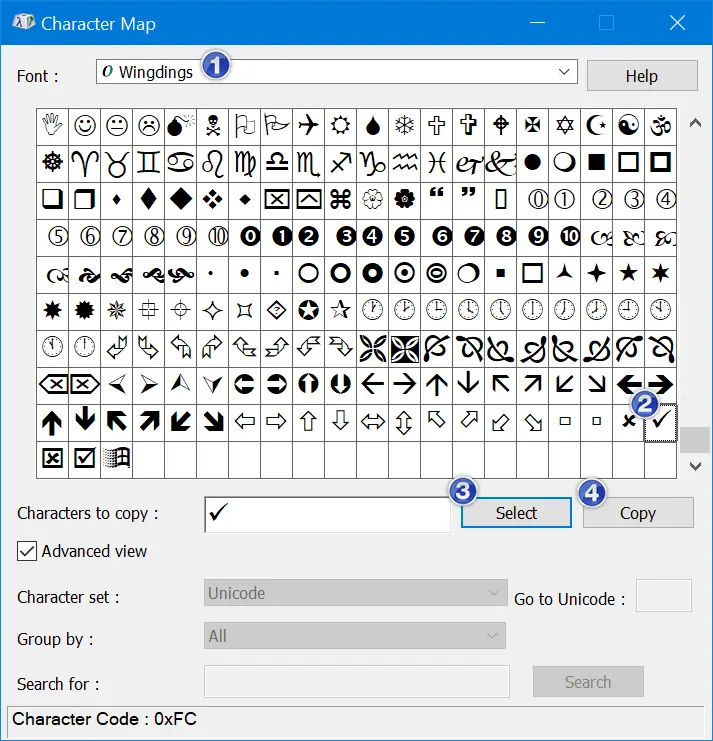
How To Type Check Mark Symbol In Windows And Mac WebNots
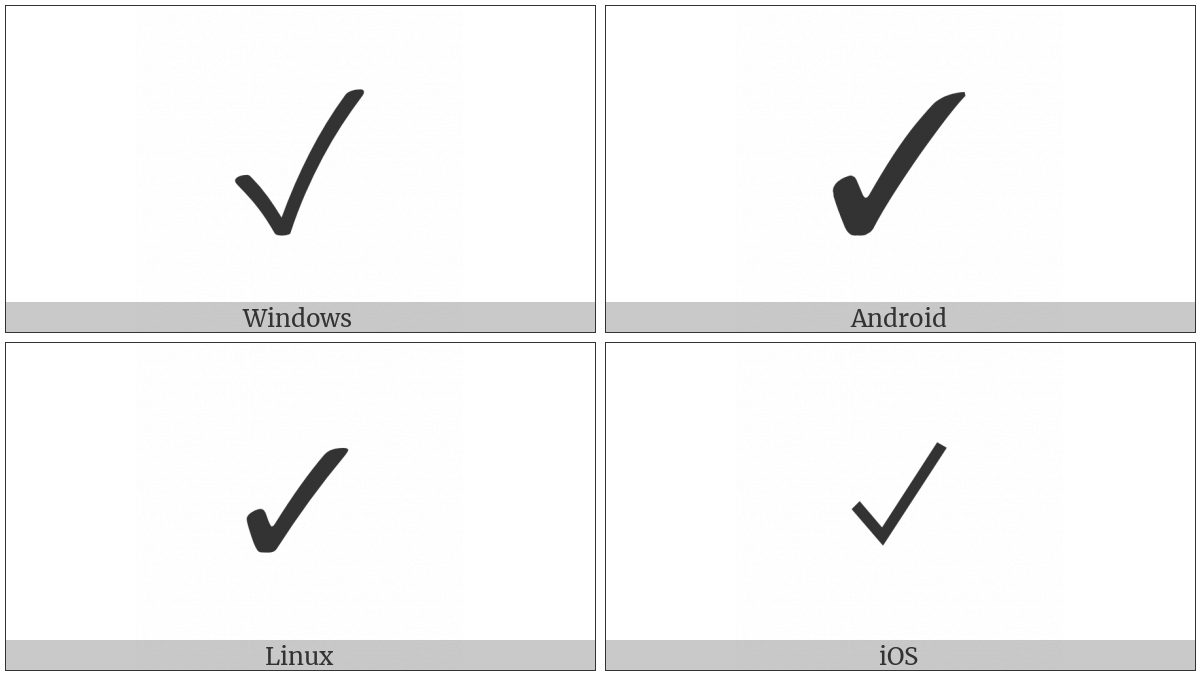
Check Mark Text Symbol Eiryte
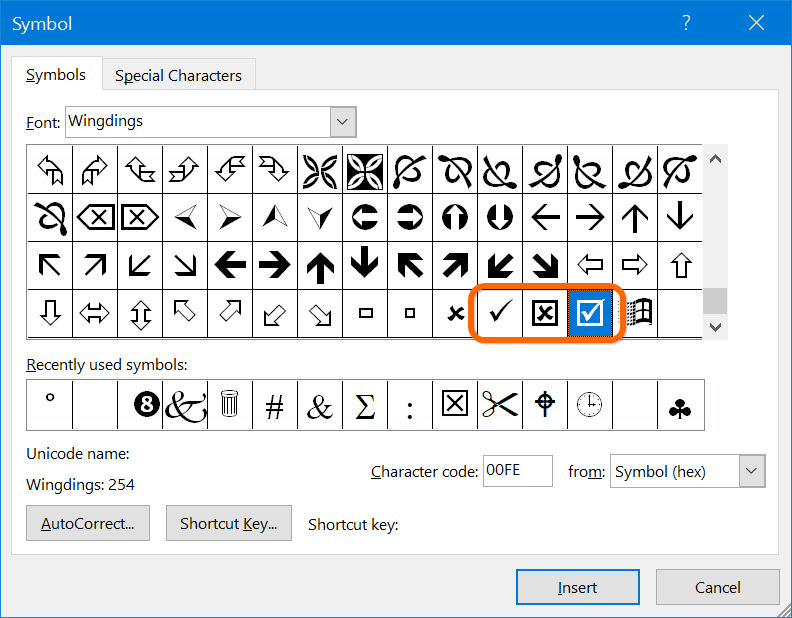
Ascii Code For Checkmark In Mac Excel Roadfoo

Check Mark Symbol For Word

How To Type Check Mark Checkbox Symbols In Word Alt Code
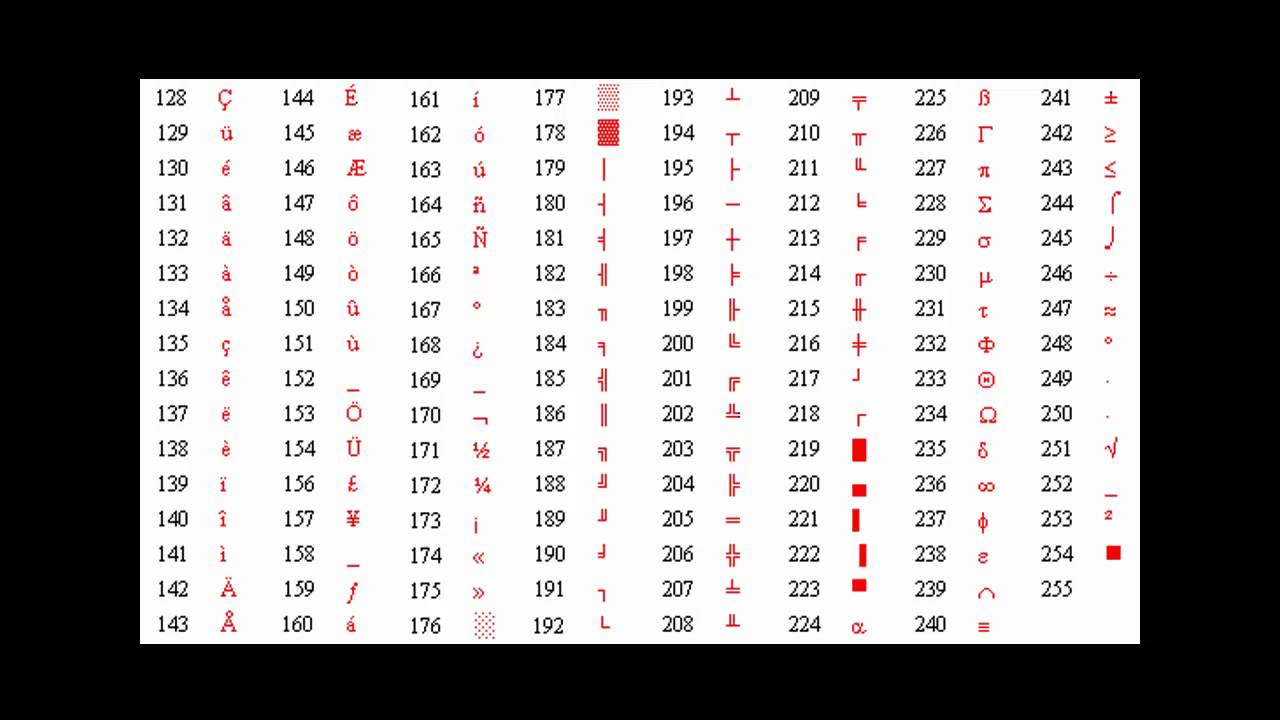
Journallader Blog

Web Jul 13 2021 nbsp 0183 32 Enter the code below then save it checkmark u u2705 editor addText checkmark When you want to insert the checkmark character go to Plugins gt Plugins Admin gt Python Script gt Scripts and select the script you saved It will be automatically inserted Workaround 2 Another workaround is to use find and replace

Web Check Mark Symbols List of check mark symbols and emojis with their Unicode Hex values You

Web September 20 2020 Tick symbol also known as a check mark is a symbol for Yes Sometimes tick in a box is preferred over tick symbol to denote yes or completion In this blog we have covered four different ways to insert tick and tick in box symbol in Microsoft Word

Web Ballot X A symbol representing a ballot mark with an X used to indicate incorrect or wrong options Heavy Ballot X A heavy ballot mark with an X similar to used to indicate mistakes or incorrect choices Cross Mark A red X mark typically used to indicate incorrect or canceled items

Web The below code would insert a check mark in cell A1 and change the font to Wingdings to make sure you see the check symbol Sub InsertCheckMark Range quot A1 quot Font Name quot Wingdings quot Range quot A1 quot Value quot 252 quot End Sub
[desc-11] [desc-12]
[desc-13]