Change Windows Time Server Cmd Windows Time Server Settings Tab Windows Time Server About Tab How To Change Date And Time Format In Windows 10 Winbuzzer AI Art Tony Perez Windows 10 Apr 6 2011 nbsp 0183 32 2 change 3 modify 4 transform
Enter your new password then select Change Password Change password Reset your password Follow the steps to recover your account You ll be asked some questions to confirm it s your How to change your name For example if you get married you could change from quot Lisa Brown quot at sportsfan gmail to quot Lisa Jones quot at sportsfan gmail Important You can t change
Windows 10 How To Troubleshoot Time Server Synchronization Problems CallTower How To Change Date And Time Formats On Windows 10 Windows Central How To Add Different Time Servers In Windows 11 Technoresult Freeware Time Trackers How To Manage Time Servers On Windows 10 Windows Central How To Restart Shutdown Using CMD How To Find CMD cmd exe Path Location On Windows YouTube How To Change Time Using CMD YouTube
Change Windows Time Server Cmd
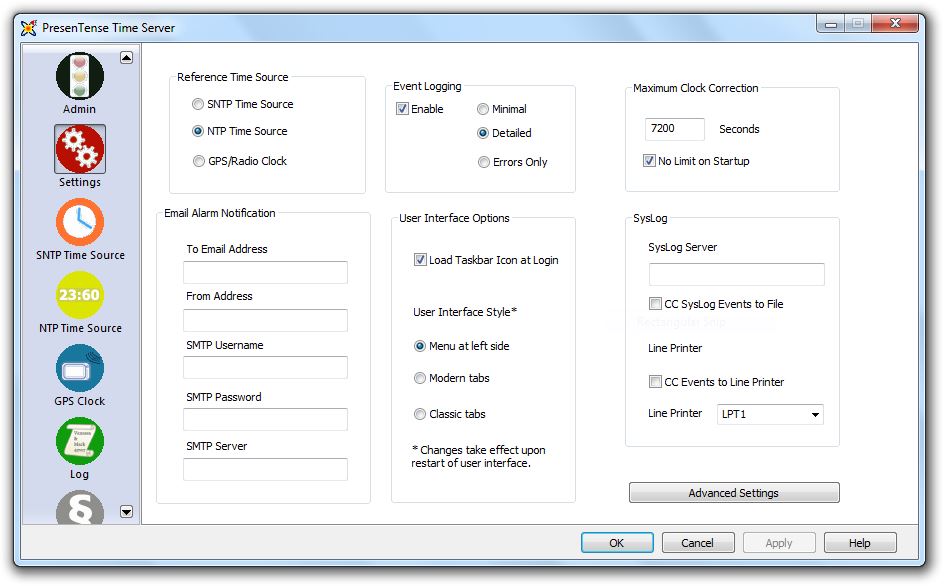 Change Windows Time Server Cmd
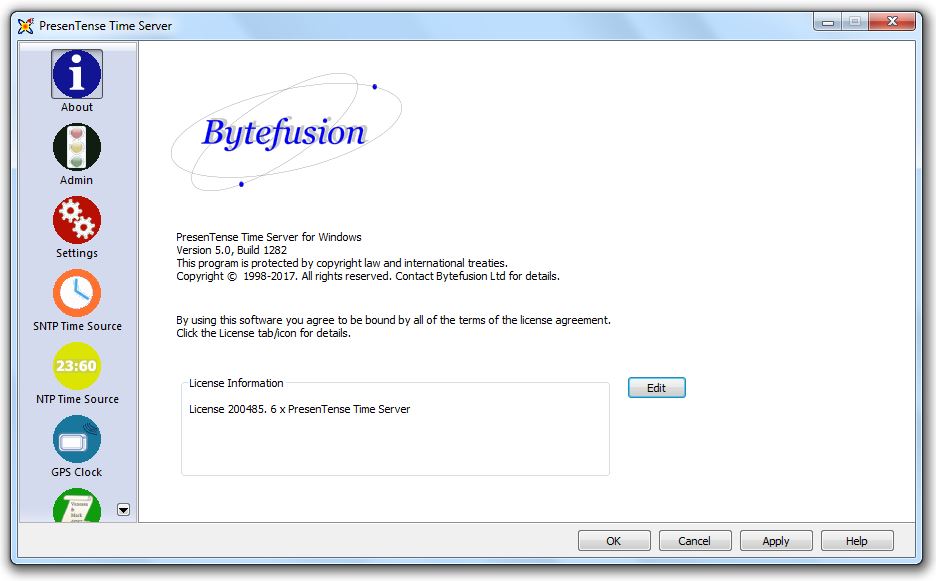
https://www.bytefusion.com/products/ntm/pts/time_server_settings.jpg
Change volume sound amp vibrate settings Y ou can make your phone s volume louder or quieter You can also change your ringtone sound and vibration
Pre-crafted templates provide a time-saving service for producing a varied range of documents and files. These pre-designed formats and designs can be used for various personal and expert jobs, consisting of resumes, invites, flyers, newsletters, reports, discussions, and more, enhancing the content production process.
Change Windows Time Server Cmd

NTP Network Time Server Setup Windows 7
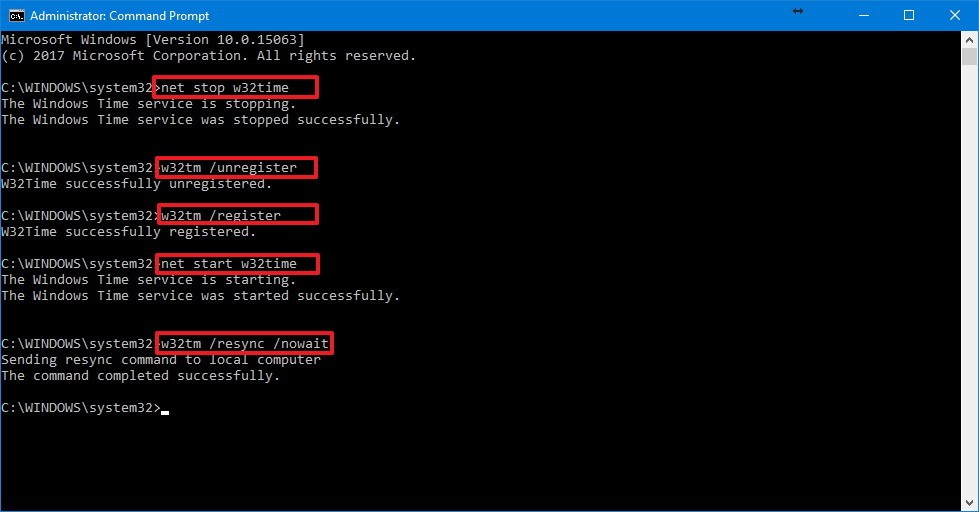
How To Troubleshoot Time Server Synchronization Problems CallTower

How To Change Date And Time Formats On Windows 10 Windows Central
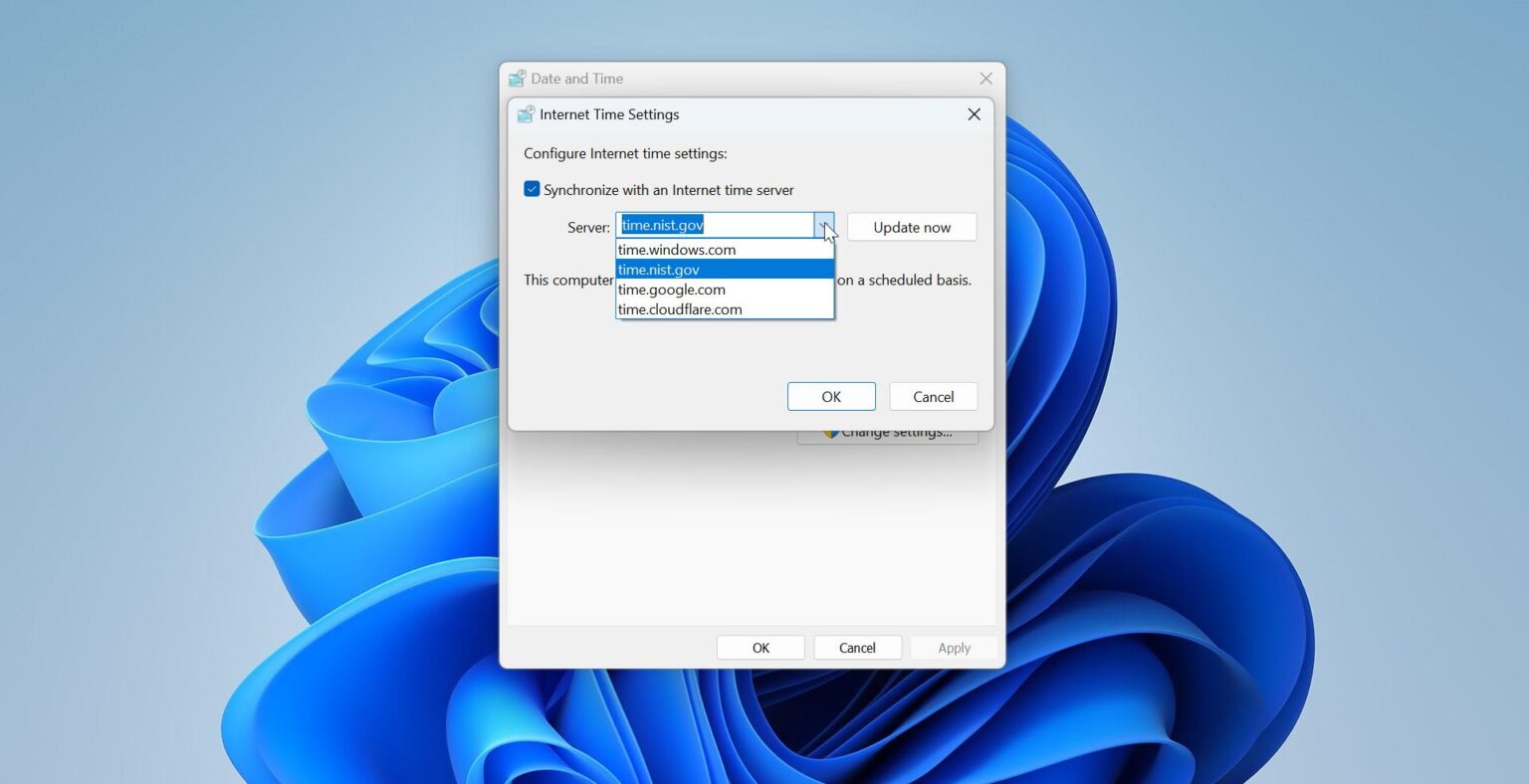
How To Add Different Time Servers In Windows 11 Technoresult

How To Manage Time Servers On Windows 10 Windows Central
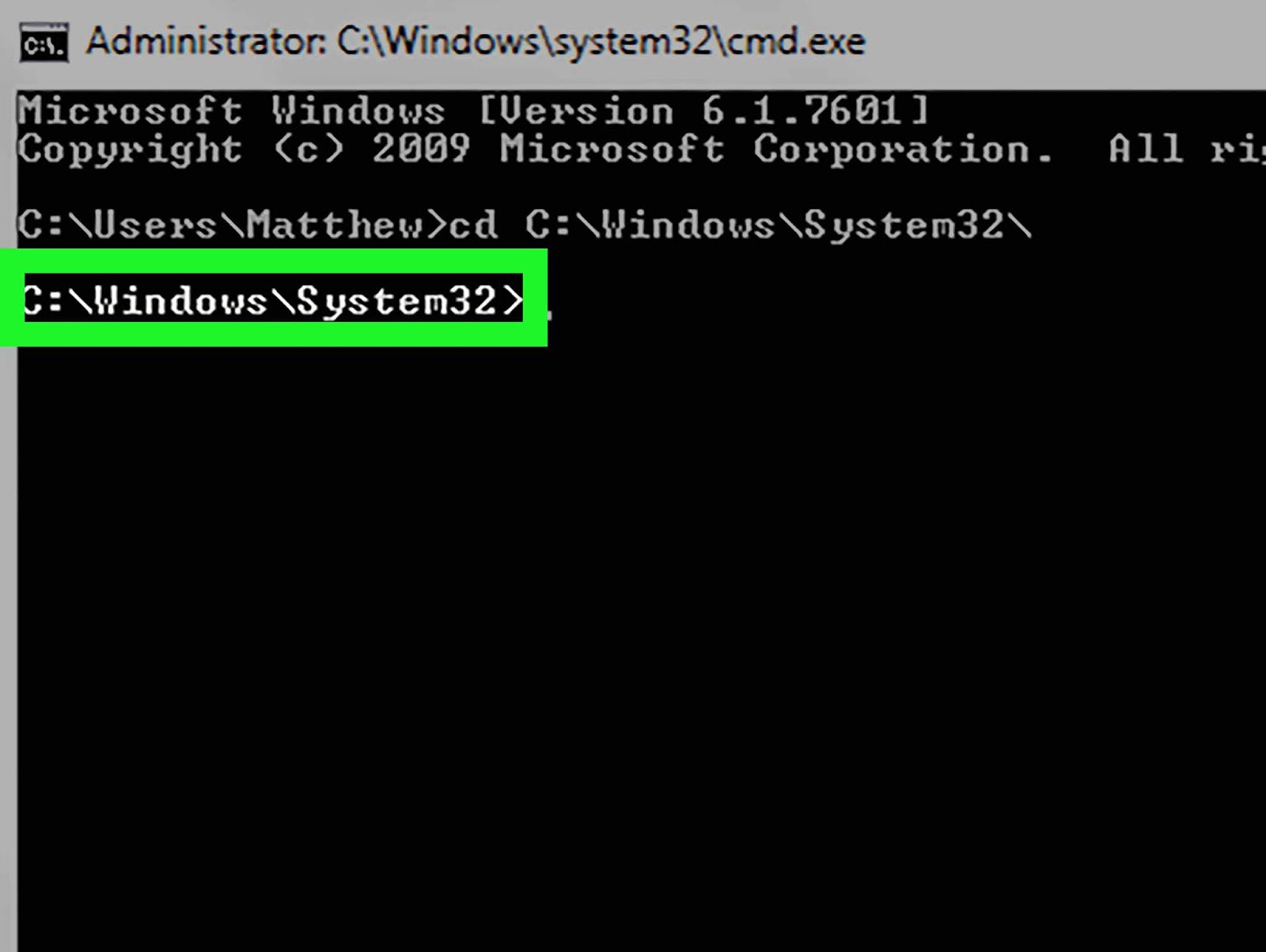
How To Restart Shutdown Using CMD
change of change in quot Change of quot quot change in quot
Change or add a recovery address The recovery address allows you to receive an e mail to reset your password if you need it Your recovery address should be an email address that you use

On your computer go to Gmail In the top right click Settings See all settings At the top choose a settings page such as General Labels or Inbox Make your changes After you re done with

Google is stuck as my homepage Google won t change your homepage settings without your permission Reset your homepage Choose a browser above then follow the steps to replace
To make sure the change applied to the correct file types review the list below the quot Set default quot button To easily open Chrome later add a shortcut to your taskbar
[desc-11] [desc-12]
[desc-13]