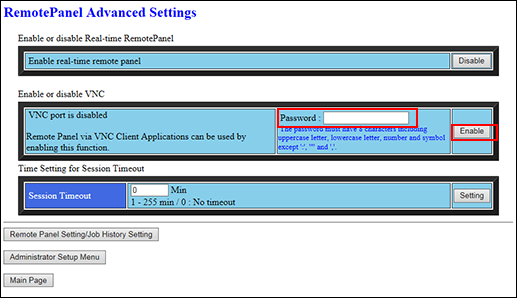
Change Vnc Password Remotely How To Change The VNC Password In Virtualizor HostPinnacle YouTube Tight Vnc Proxmox Mindsfasr How To Find Vnc Password Mertqnut Enabling VNC Function Of The Machine How To Find VNC Password Of KVM VPS In SolusVM Solus Help Center Apr 6 2011 nbsp 0183 32 2 change 3 modify 4 transform
Enter your new password then select Change Password Change password Reset your password Follow the steps to recover your account You ll be asked some questions to confirm it s your How to change your name For example if you get married you could change from quot Lisa Brown quot at sportsfan gmail to quot Lisa Jones quot at sportsfan gmail Important You can t change
How To Find VNC Password Of KVM VPS In SolusVM Solus Help Center How To Change Your RealVNC Password RealVNC How To Disable Rescue Mode In Virtualizor ABC Tutorials 2023 Apple ID Hacked CopyTrans Blog Change VNC Password Virtualizor VNC Viewer Learn How To Access Your VPS Console Via VNC Viewer Kvm Vnc BIRCH Using A Unix Desktop Remotely From A Windows PC How To Reset A Lost IPMI Password Remotely X360Recover Axcient
Change Vnc Password Remotely
 Change Vnc Password Remotely
https://i.ytimg.com/vi/erYYe7BuOJc/maxresdefault.jpg
Change volume sound amp vibrate settings Y ou can make your phone s volume louder or quieter You can also change your ringtone sound and vibration
Pre-crafted templates offer a time-saving option for creating a varied series of files and files. These pre-designed formats and designs can be used for different personal and expert tasks, including resumes, invitations, leaflets, newsletters, reports, discussions, and more, simplifying the material production process.
Change Vnc Password Remotely
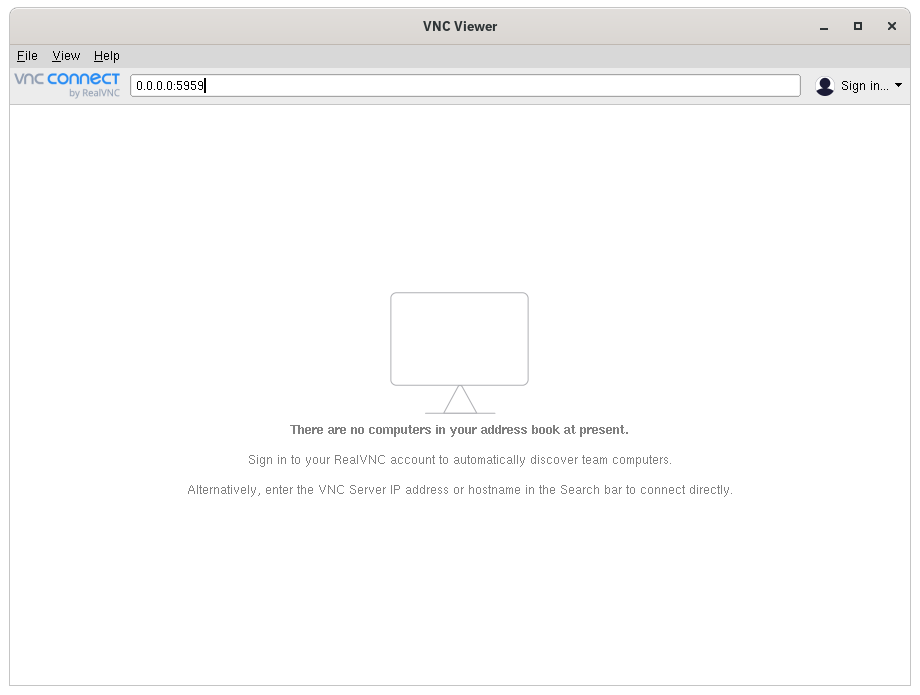
Setting Up Intrinsic VNC Server With VMs Fedora Developer Portal

How To Change Your RealVNC Password RealVNC

How To Disable Rescue Mode In Virtualizor ABC Tutorials
2023 Apple ID Hacked CopyTrans Blog
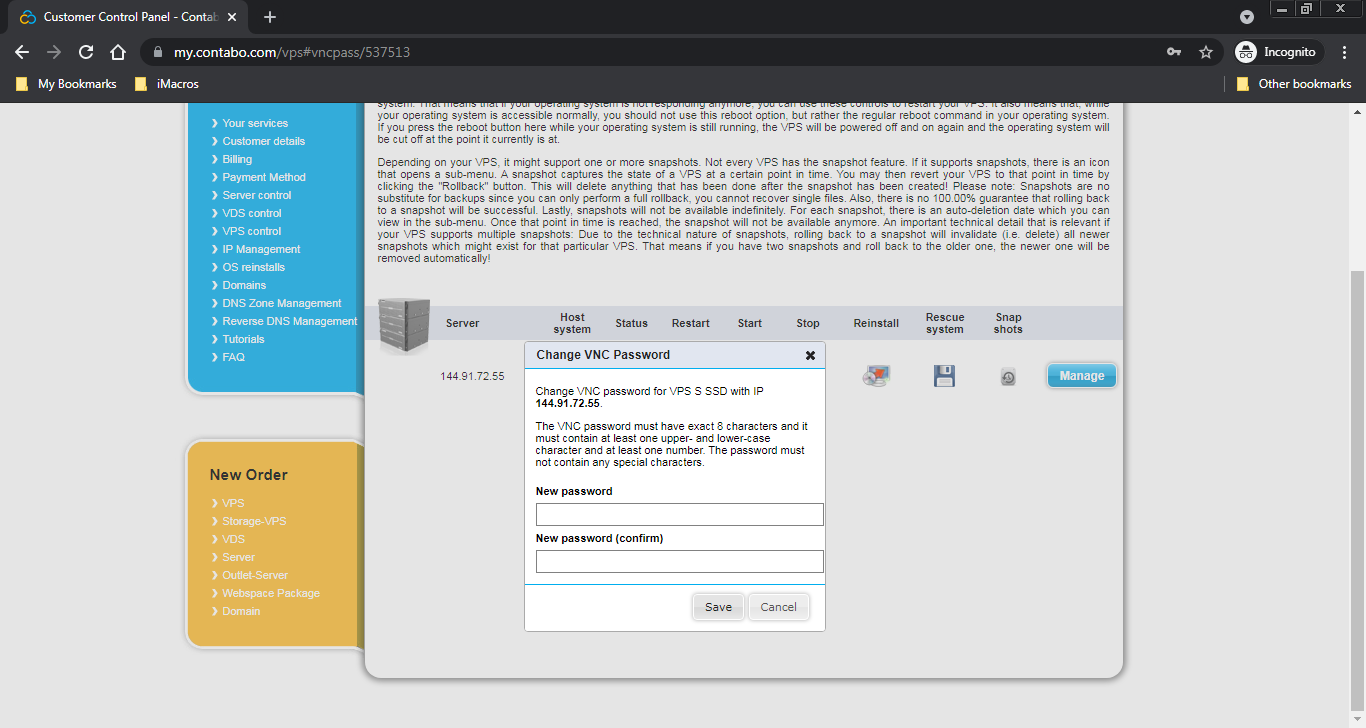
VNC Viewer Learn How To Access Your VPS Console Via VNC Viewer
Kvm Vnc

change of change in quot Change of quot quot change in quot

Change or add a recovery address The recovery address allows you to receive an e mail to reset your password if you need it Your recovery address should be an email address that you use

On your computer go to Gmail In the top right click Settings See all settings At the top choose a settings page such as General Labels or Inbox Make your changes After you re done with
Google is stuck as my homepage Google won t change your homepage settings without your permission Reset your homepage Choose a browser above then follow the steps to replace

To make sure the change applied to the correct file types review the list below the quot Set default quot button To easily open Chrome later add a shortcut to your taskbar
[desc-11] [desc-12]
[desc-13]