Change Vnc Password Command Line Windows Commercial Add on Qt VNC Server How To Find Vnc Password Mertqnut How To Change Your RealVNC Password RealVNC How To Change A Windows User Account Password From Command Prompt VNC Password Recovery Download Review Add a comment 1 Configure TightVNC server using the GUI and set the password you want Then run from an elevated command prompt reg export HKLM Software TightVNC Server foo reg The generated file foo reg contains your password in vnc encrypted format and your other preferences for the TightVNC server Review the file using Notepad if desired
Im trying to change VNC password using command line registry or shat ever is there any way im using UltraVNC 1 0 4 thank you Description vncpasswd manages password s when the VNC password authentication scheme is chosen for VNC Server It is an alternative to specifying a new or changing an existing password via the VNC Server user interface Note vncpasswd is not relevant when VNC Server is set to use the system authentication or single sign on SSO schemes
VNC Password Recovery Download Review How To Find VNC Password Of KVM VPS In SolusVM Solus Help Center Vnc change VNC Password VNC Tool Tkinter Download For Windows Treepack Command Line Commands Cheat Sheet Mobile Legends VNC Viewer Learn How To Access Your VPS Console Via VNC Viewer Lab 4 Comparing Windows 10 File Systems Lab 4 Comparing Windows GitHub IDNT vncsnapshot VNC Snapshot Is A Command Line Utility For
Change Vnc Password Command Line Windows
 Change Vnc Password Command Line Windows
https://www.qt.io/hubfs/remotedesktop-example.png#keepProtocol
You can remotely set the registry key HKEY LOCAL MACHINE SOFTWARE RealVNC WinVNC4 Password hex xx xx xx xx to figure out what hex value to set you can set it on a test machine and copy the resultant value or you could use a tool which there a many of to generate one for you
Templates are pre-designed files or files that can be utilized for different purposes. They can save time and effort by supplying a ready-made format and layout for developing various type of content. Templates can be utilized for personal or expert jobs, such as resumes, invitations, flyers, newsletters, reports, discussions, and more.
Change Vnc Password Command Line Windows
VNC Remote Access A Raspberry Pi The MagPi Magazine

How To Find VNC Password Of KVM VPS In SolusVM Solus Help Center
Vnc change VNC Password
VNC Tool
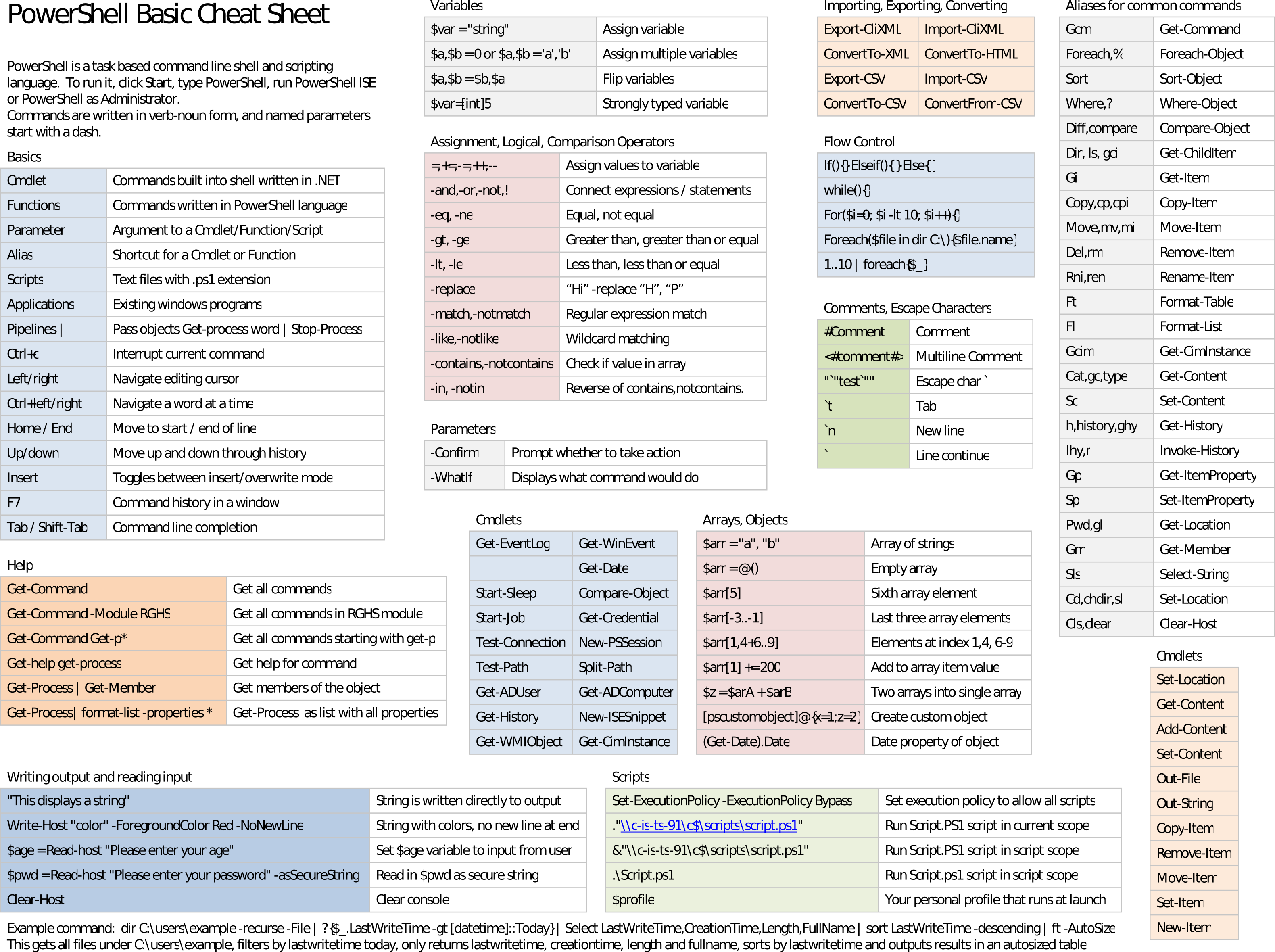
Command Line Commands Cheat Sheet Mobile Legends

VNC Viewer Learn How To Access Your VPS Console Via VNC Viewer
Click Yes on the UAC Prompt Windows or enter your Administrator Credentials Mac Linux Click Security then change the Authentication dropdown to VNC Password Click OK

VNC Password If you forget your VNC Server password you can reset it by visiting the remote computer and Right clicking the VNC Server tray or notification icon to open the menu and selecting Open In the VNC Server dialog selecting Change password and following the instructions Was this article helpful 730 out of 2705 found this helpful

Should you need to change your RealVNC account password go to the sign in page Once there input your registered email address and click the Next button You must have access to the registered email address in which we ll email you a link with instructions the link will only work for a set period

The password must be at least six characters long unless the f command line option is used see below and only the first eight characters are significant Note that the stored password is not encrypted securely anyone who has access to this file can trivially find out the plain text password so vncpasswd always sets appropriate

In RDP session tray icon of Service Mode VNC is hidden So connect to your VNC Server using default VNC password and then change your authentication to your desired password But What s my username and password VNC Server password protects remote access out of the box so your computer is safe as soon as you power it on
Okay so I installed ultravnc on windows server 2003 It uses the ultravnc i i file to store password and configuration information But I d like to be able to set the password using the command line This is the script I developed to update VNC password without needing to know the Registry Byte Array for the password Also has a remote update script with use of PS Remoting This works great if you need to manage multiple systems that are not connected to AD or domain 1 Sea Television 5851
To update or change your VNC password you should use the vncpasswd command vncpasswd will promt you two times to enter your new password vncpasswd Password Verify The vncpasswd command also accepts a password input from STDIN which also allows you to store the password file into different location The following example will change the