Change User Of Git Bash Bitperfect Change Directory Signtews Git Bash What Is It And A Few Useful Tips What Is Git Bash Change Directory Using Linux On Windows Git Bash Windows Terminal MINGW64 Git Bash IT Web 14 jan 2021 nbsp 0183 32 The commit quot made as B quot have nothing to do with user credentials Those commits author are from git config user name git config user email Change those
Web 16 apr 2023 nbsp 0183 32 To change your Git account in Git Bash you can create a Git alias Here are the steps Open Git Bash and navigate to your Git repository Type the following Web 26 okt 2021 nbsp 0183 32 First switch the repository root directory cd Code myapp Set a Git username and email address git config user name quot Your Name quot git config user email quot youremail yourdomain quot Verify that the
MINGW64 Git Bash IT Het Root Wachtwoord Wijzigen In Linux met Afbeeldingen Wiki How To git Push u Origin Main Git Bash How To Change Directories In Windows Using Git Bash Command Line Git For Windows What Is The Use Of The Vim Screen In Git Bash How To Change Directory In Git Bash How To Change The Git Username And Pword Tutorial Pics Quick Tip Changing Default Directory Of Git Bash Shawn Hymel Git Bash Windows 10 Git Bash Is A Source Control Management System
Change User Of Git Bash
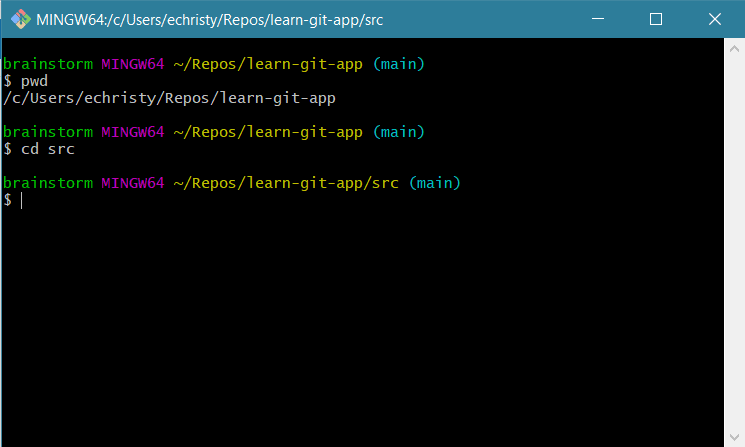 Change User Of Git Bash
https://brainstormcreative.co.uk/wp-content/uploads/git-bash-change-folder-or-directory.png
Web 15 jun 2022 nbsp 0183 32 git config global user name quot GeeksforGeeks quot Step 3 After that you will have to configure your email For that type git config global user email
Pre-crafted templates use a time-saving service for developing a diverse series of files and files. These pre-designed formats and designs can be made use of for various individual and professional jobs, consisting of resumes, invites, flyers, newsletters, reports, presentations, and more, simplifying the content production procedure.
Change User Of Git Bash

Basic Working Of Git Bash And Creating New Project In Hindi YouTube

Het Root Wachtwoord Wijzigen In Linux met Afbeeldingen Wiki How To

git Push u Origin Main Git Bash
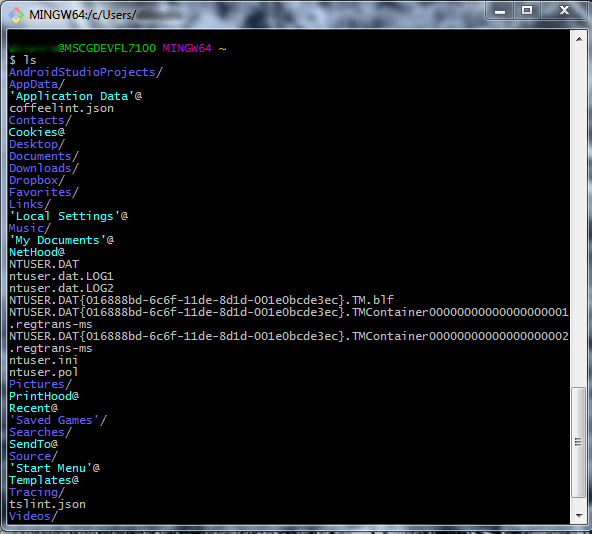
How To Change Directories In Windows Using Git Bash Command Line

How To Change Directory In Git Bash
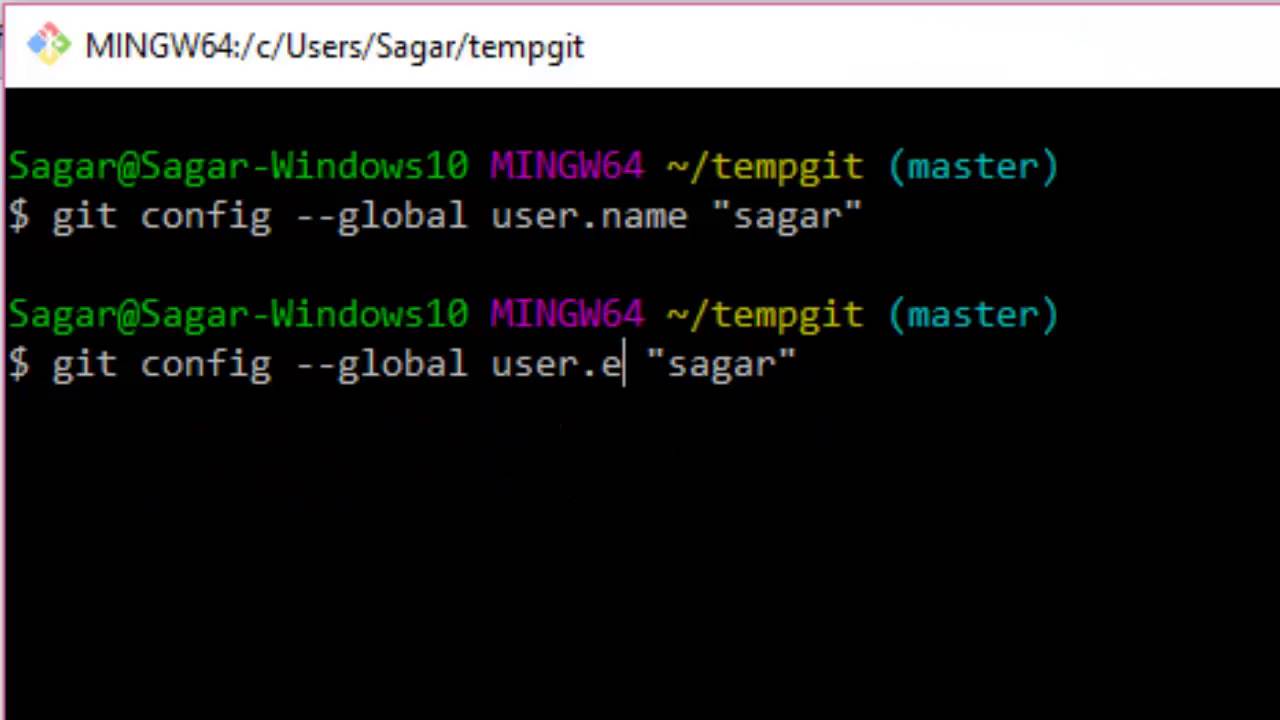
How To Change The Git Username And Pword Tutorial Pics

Web 16 jan 2017 nbsp 0183 32 git config global user name quot lt username gt quot git config global user email quot lt email gt quot Change username and email for current

Web It will ask for username and password when you are using HTTPS and not SSH You can check the file git config or run git config e or git remote show origin to verify the URL
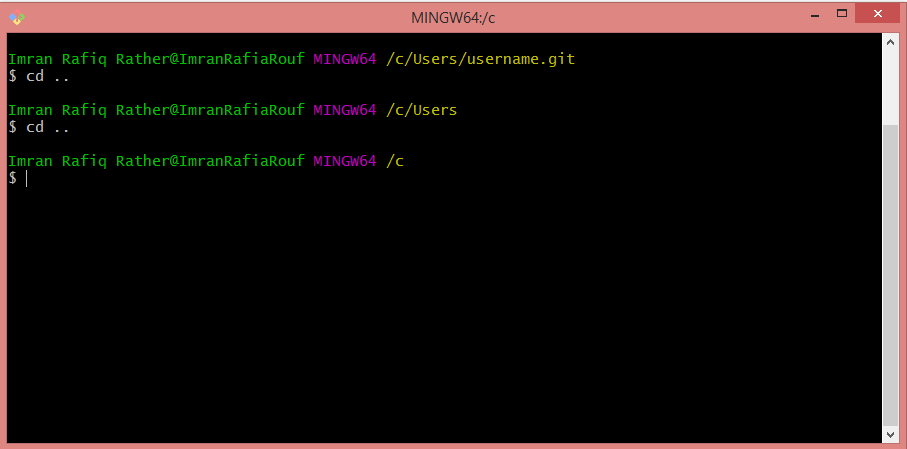
Web 3 jun 2013 nbsp 0183 32 6 Answers Sorted by 151 When you open up your Git Bash you should be in your home directory by default Now create the bashrc file if on Windows 7 the file

Web 6 mei 2019 nbsp 0183 32 Systemwide change of that properties git config system user name quot user5148540 quot changes on Windows user level git config global user name

Web List your git config git config list Change username and email global git config global user name quot Nanhe Kumar quot git config global user email quot email protected quot Change username and email for current repo git
Web Git Bash Change the current working directory to the local repository where you want to configure the name that is associated with your Git commits Set a Git username git Web Go to Control Panel gt User Accounts gt Manage your credentials gt Windows Credentials Under Generic Credentials there are some credentials related to Github Click on them
Web As you read briefly in Getting Started you can specify Git configuration settings with the git config command One of the first things you did was set up your name and email