Change Table Size In Excel Mac How To Replace Formatting In Excel Mac YouTube Change Decimal Comma To Dot In Excel Mac Excel 2016 On Mac Is Changing Links On Save Microsoft Community How To Increase Cell Size In Excel SpreadCheaters How To Change Table Size In Power Bi Brokeasshome Web Go to Home gt Cells gt Format Under Cell Size select Column Width In the Column width box type the value that you want Select OK Tip To quickly set the width of a single
Web Aug 21 2023 nbsp 0183 32 Click on the Resize Table command found in the Properties section This will open the Resize Table menu which will allow you to select a new range for the table Edit the range in the input to the new size or Web Adjust the table size column width or row height manually or automatically You can change the size of multiple columns or rows and modify the space between cells If you
How To Change Table Size In Power Bi Brokeasshome Keyboard Shortcuts In Excel Mac Keyboard Shortcuts In Excel Studocu Table Size In Reading Mode Issue 121 Kepano obsidian minimal GitHub Change Space Width Of Bars In Ggplot2 Barplot In R 2 Examples Images No Option To Change Histogram Bin Sizes Microsoft Community Downloading Data Analysis Excel Mac Searchlimfa How To Change Table Size In Powerpoint Brokeasshome Calculating Group Size In Excel Long Range Hunting Forum Change Table Size In Word Resume Template Resume Example Gallery
Change Table Size In Excel Mac
 Change Table Size In Excel Mac
https://i.ytimg.com/vi/wzEF2VflLws/maxresdefault.jpg
Web Change the tables size from A1 F12 to A1 D5 Press and hold the bottom right corner of the table Move the pointer marking the range A1 D5 The table range has been changed
Templates are pre-designed files or files that can be used for numerous purposes. They can conserve time and effort by providing a ready-made format and layout for producing various sort of content. Templates can be utilized for personal or expert tasks, such as resumes, invitations, flyers, newsletters, reports, discussions, and more.
Change Table Size In Excel Mac
How To Compress Spreadsheet Files Size In Microsoft Excel Windows Central

Keyboard Shortcuts In Excel Mac Keyboard Shortcuts In Excel Studocu

Table Size In Reading Mode Issue 121 Kepano obsidian minimal GitHub
Change Space Width Of Bars In Ggplot2 Barplot In R 2 Examples Images
Downloading Data Analysis Excel Mac Searchlimfa

How To Change Table Size In Powerpoint Brokeasshome

Web Do this Change the column width to fit the contents Double click the separator Change the column width to any size Drag the separator until the column is the width that you

Web Mar 2 2023 nbsp 0183 32 1 Open the Excel spreadsheet containing the table you wish to resize 2 Select the table by clicking and dragging your mouse over the table 3 Click the Layout

Web Feb 18 2023 nbsp 0183 32 I am using Excel for Mac version 16 7 where is the resize table button When I search in the Help menu it says that if I click on any cell in the table a Table
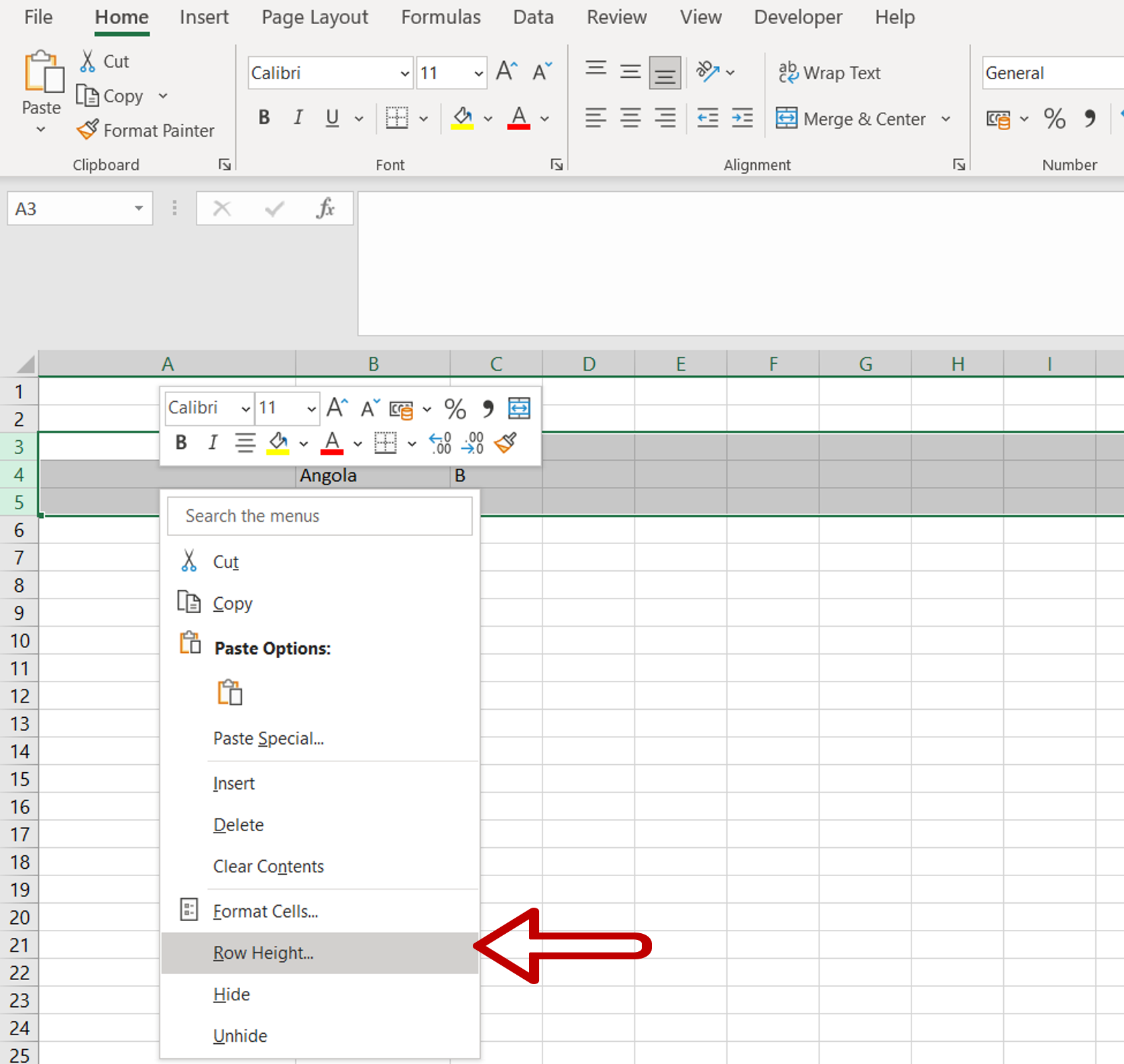
Web Mar 15 2023 nbsp 0183 32 How to Quickly Resize a Table in Excel for Mac Resizing tables in Excel for Mac is a quick and easy process Whether you need to make a table larger or

Web You can move a chart to any location on a sheet or to a new or existing sheet You can also change the size of the chart for a better fit By default a chart is moved and sized with
Web Resize table rows and columns in Pages on Mac You can change the width of selected columns and the height of selected rows in a table or you can resize all rows or Web Resize a table Move a table Lock or unlock a table See also Add or remove rows and columns in Numbers on Mac Helpful Previous Use table styles Next Add text to tables
Web Nov 7 2023 nbsp 0183 32 Step 3 Access the quot Chart Elements quot Button You ll see a small quot quot plus icon in the upper right corner of the chart Click on this icon to open the quot Chart