Change Source List Kali Linux How To Update Your Kali Linux System Finding Commands That Didn t Want To Be Found Fix Kali Linux Source List Update Upgrade Errors Sources list Kali Linux Vs Ubuntu 8 Most Valuable Differences To Know Tips Tricks To Do List Kali Linux 2020 4 YouTube Step 1 Check the Source List Files When downloading updates using the APT package manager ensure the system is connecting to the correct remote repository Configuration files etc apt source list and etc apt source list d contain URLs from which Kali installs packages and applications Open the configuration files to check the source
There are simple steps to configure the Kali Linux repository on your system Follow the given two steps Step 1 Use leafpad or another text editor to open and edit etc apt sources list leafpad etc apt sources list Step 2 Add the following code to the file and save the file You can add the following anywhere in the file The correct sources list to use with Kali Linux is shown in the Kali sources list Repositories documentation According to that documentation the contents of sources list should be for the current release of Kali Linux since the release of Kali 2016 1
Tips Tricks To Do List Kali Linux 2020 4 YouTube Kali Linux Review And Installation Guide With Screenshots How To Reset Your Forgotten Root Password In Kali Linux 2019 2 YouTube Here Is An Easy To Read List Of The Kali Linux Commands In Alphabetical Kali Linux Source list etc apt sources list GitHub Add Kali Linux Official Repositories To Sources list TECH DHEE New Version Of Kali Linux Released See New Features Kali Linux 2021 2 Released Kaboxer Kali Tweaks New Tools And More Kali Linux Installation Kali Linux 2020 3 Latest Version By Sai
Change Source List Kali Linux
 Change Source List Kali Linux
https://linuxhint.com/wp-content/uploads/2020/08/word-image-59.jpeg
The source list file is a crucial component that determines the software repositories from which your system retrieves packages and updates By correctly configuri more more In this
Pre-crafted templates use a time-saving solution for producing a diverse range of documents and files. These pre-designed formats and designs can be made use of for various personal and professional tasks, including resumes, invites, leaflets, newsletters, reports, discussions, and more, enhancing the material production procedure.
Change Source List Kali Linux

Kali Linux 2019 1 Feb 2019 Desktop 32 bit 64 bit ISO Disk Image

Kali Linux Review And Installation Guide With Screenshots
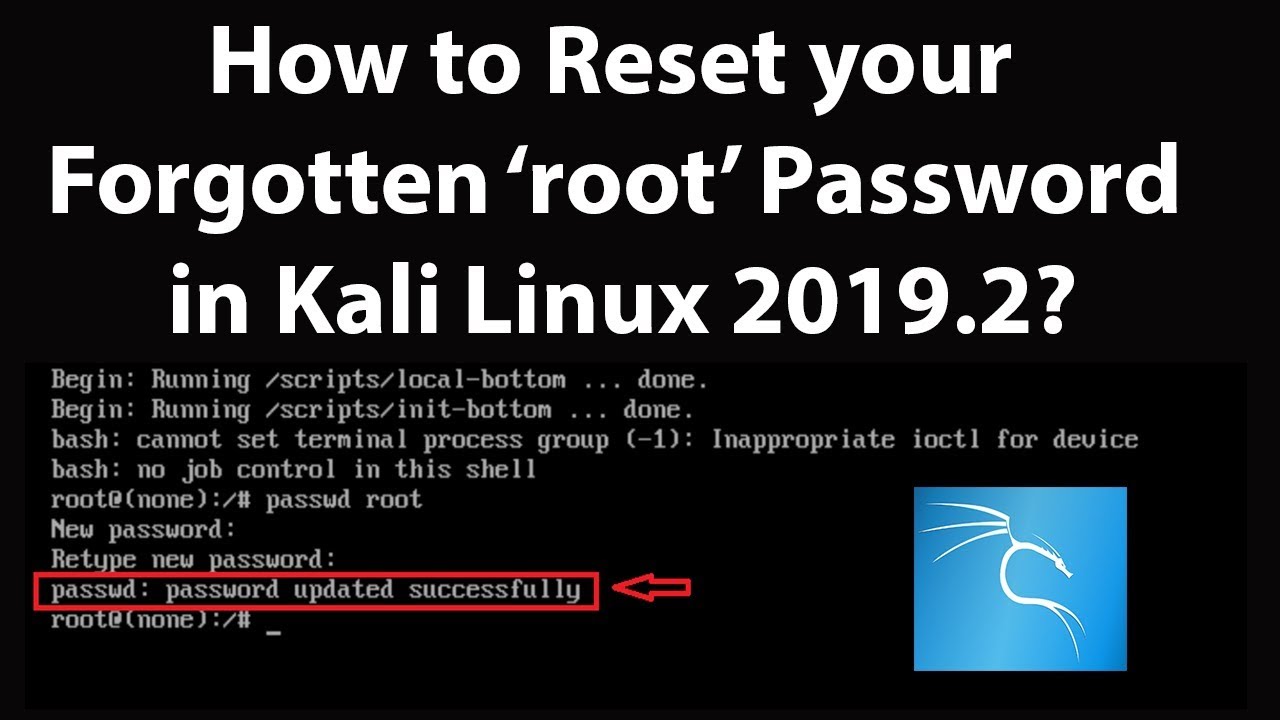
How To Reset Your Forgotten Root Password In Kali Linux 2019 2 YouTube

Here Is An Easy To Read List Of The Kali Linux Commands In Alphabetical
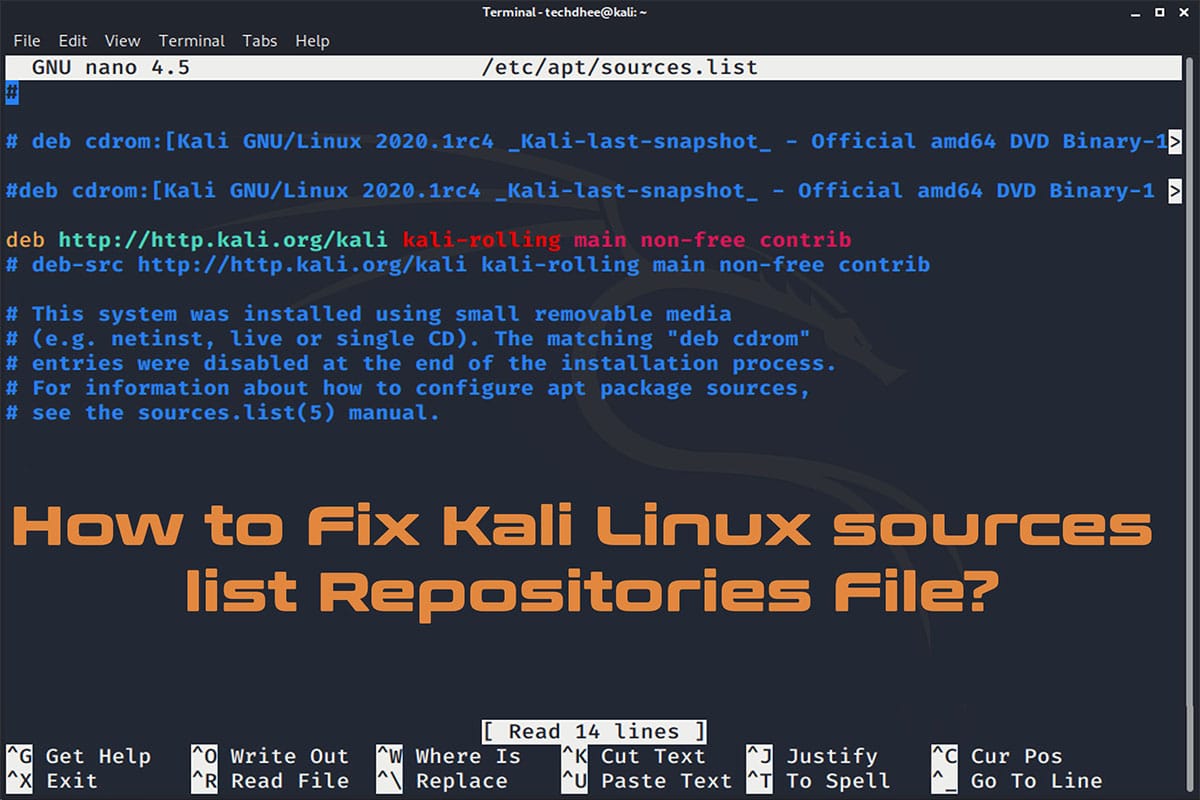
Add Kali Linux Official Repositories To Sources list TECH DHEE

New Version Of Kali Linux Released See New Features
After installation of Kali Linux from ISO file you may need to manually update the APT sources list file with the official list of repositories This guide will show you how to add Kali Linux apt repositories to sources list The software repositories are required by Apt for downloading packages and installing them onto your computer
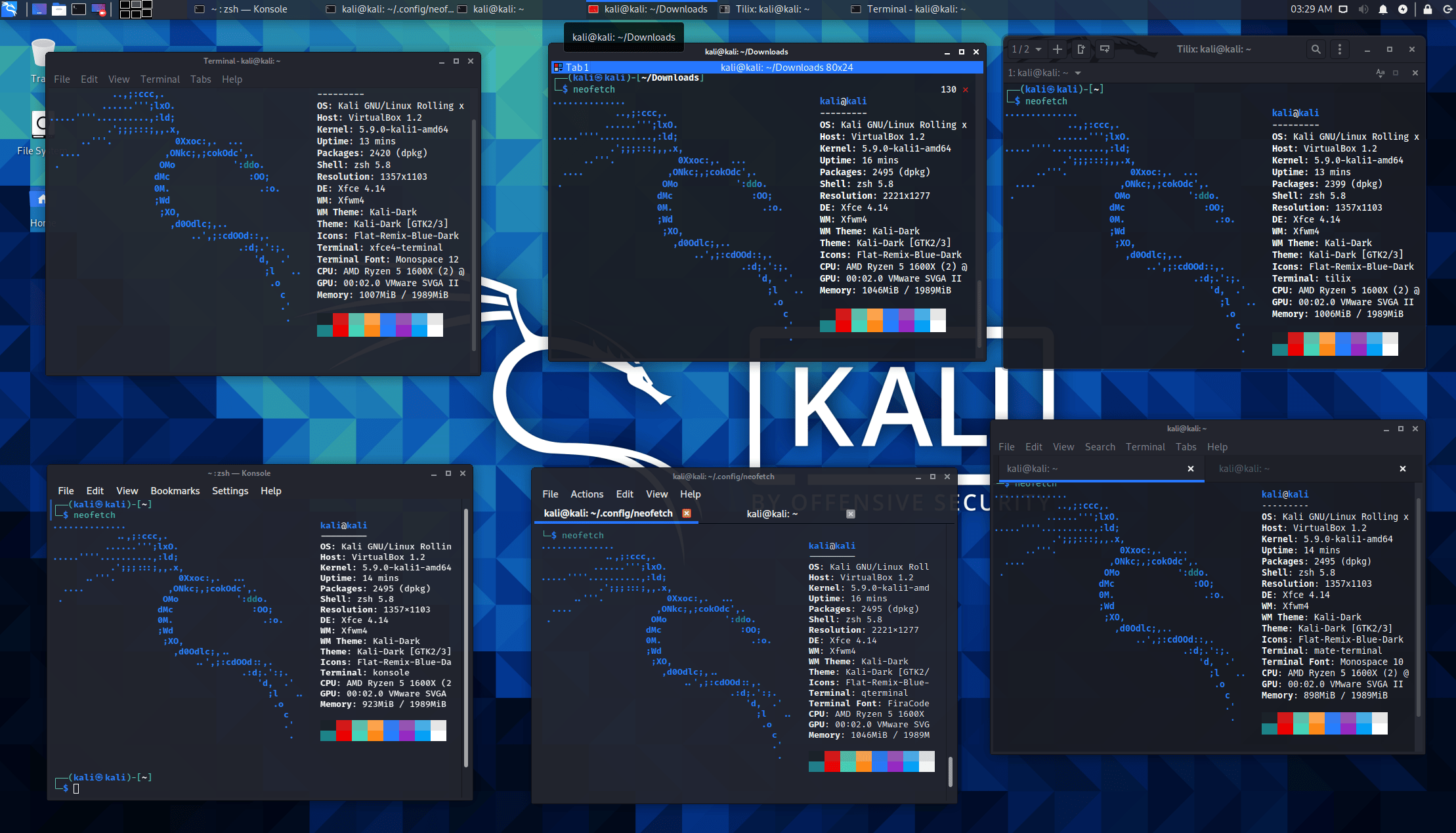
According to the Kali FAQ you linked to your sources list should contain exactly whatyou have posted Follow these steps to make it so Open a terminal and run sudo gedit etc apt sources list I am not sure if gedit is installed by default Apparently Kali uses gvim as its default editor if you know how to use vim and gedit is not installed replace gedit with gvim in the command above

If you really insist against advice and common sense you just need to add a line like to the file etc apt sources list This line is for saucy Ubuntu careful that the correspondence between Debian and Ubuntu kernel wise or otherwise is not one to one Kali suggests putting additional sources in etc apt sources list d in a separate file

Kali update repository different to sources list Ask Question Asked 6 years 1 month ago Modified 5 years 3 months ago Viewed 11k times 4 I did a fresh install of Kali Linux and during installation I opted to choose the best mirror however in my etc apt sources list I have the following

Tour Start here for a quick overview of the site Help Center Detailed answers to any questions you might have Meta Discuss the workings and policies of this site
Stack Exchange network consists of 183 Q A communities including Stack Overflow the largest most trusted online community for developers to learn share their knowledge and build their careers Visit Stack Exchange 5 Easiest way on Ubuntu Go to Ubuntu Software Centre Edit Software Sources Add Paste the line from the Tor website into the APT line box You could also manually edit etc apt sources list but probably simplest to go through the Software Centre Make sure to input the line correctly as well e g
Update sources list I did a install from a USB thumb drive on to this 1TB H D I have a few questions on updating Kali Version Code uname a Linux localhost localdomain 5 5 kali2 amd64 1 SMP Debian 5 5 17 1kali1 2020 04 21 x86 64 GNU Linux I want to get the sources list correct for I read that on the install the way I did it may not