Change Shortcuts Vs Code How To Delete A Line Using The Keyboard Shortcut In Vscode VS Code Tips Removing Keyboard Shortcuts YouTube 10 VS Code Keyboard Shortcuts You Should Be Using More Frequently YouTube Problem With Emmet Shortcuts And VS Code The FreeCodeCamp Forum Python And Visual Studio Begginner 2 By Lucidlear Python Code With Mosh Forum In this developer productivity video we go over how to customize your Visual Studio Code keyboard shortcuts First we go over the two methods you can use t
Visual Studio Code Tips and Tricks Tips and Tricks lets you jump right in and learn how to be productive with Visual Studio Code You ll become familiar with its powerful editing code intelligence and source code control features and learn useful keyboard shortcuts Customize a keyboard shortcut On the menu bar choose Tools Options Expand Environment and then choose Keyboard Optional Filter the list of commands by entering all or part of the name of the command without spaces in the Show commands containing box In the list choose the command to which you want to assign a keyboard shortcut
Python And Visual Studio Begginner 2 By Lucidlear Python Code With Mosh Forum Jupyter Notebook Magic Commands Cheat Sheet Heretfil Vs Code Shortcuts Key Elite Corner Visual Studio Code Keyboard Shortcuts Windows Paasflower In Visual Studio Shortcuts Lasemon Skillthrive 15 Essential Keyboard Shortcuts For VS Code Fuera Ver Internet Contradecir Visual Studio Code Corrector Ortografico Jerarqu a Desempacando Visual Studio Shortcuts Cheat Sheet 25 Most Used Vs Code And More Vrogue Customize Keyboard Shortcuts JetBrains Rider Documentation
Change Shortcuts Vs Code
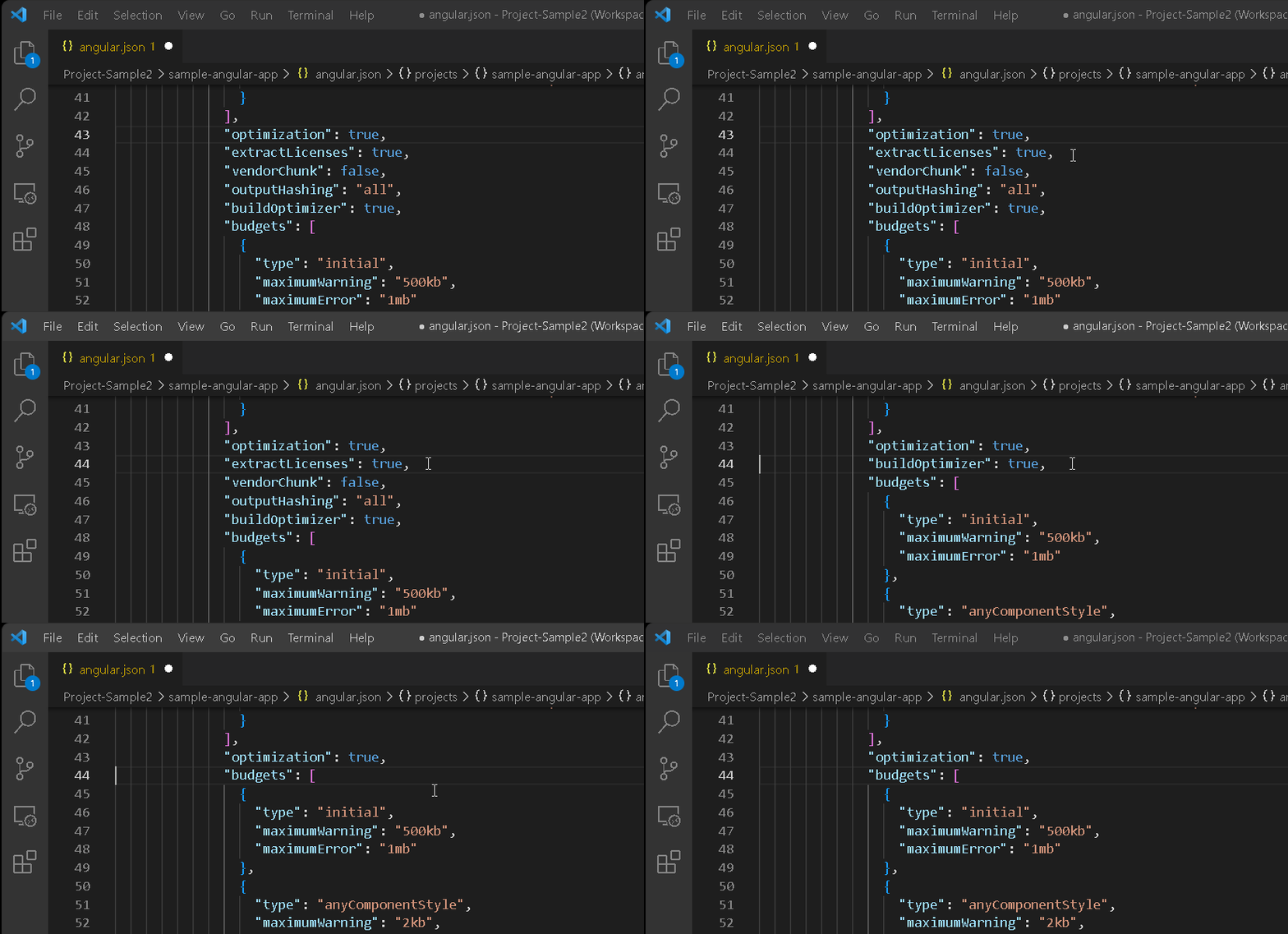 Change Shortcuts Vs Code
https://codetryout.com/wp-content/uploads/vscode-delete-line.gif
Sign Up https semicolon dev YouTube We re free online community meet other makers How to edit default VSCode keyboard shortcuts Press Ctrl K the
Templates are pre-designed documents or files that can be used for various functions. They can save effort and time by offering a ready-made format and layout for developing various sort of content. Templates can be utilized for personal or professional tasks, such as resumes, invitations, flyers, newsletters, reports, presentations, and more.
Change Shortcuts Vs Code
VS Code Keyboard Shortcuts For Windows
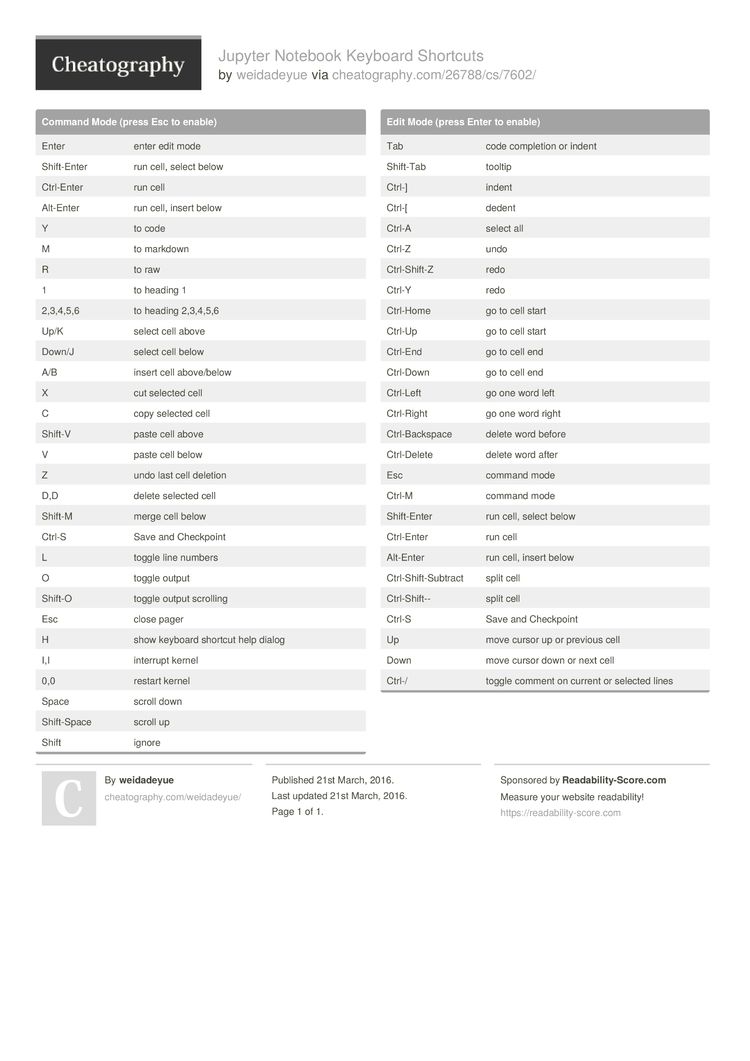
Jupyter Notebook Magic Commands Cheat Sheet Heretfil

Vs Code Shortcuts Key Elite Corner
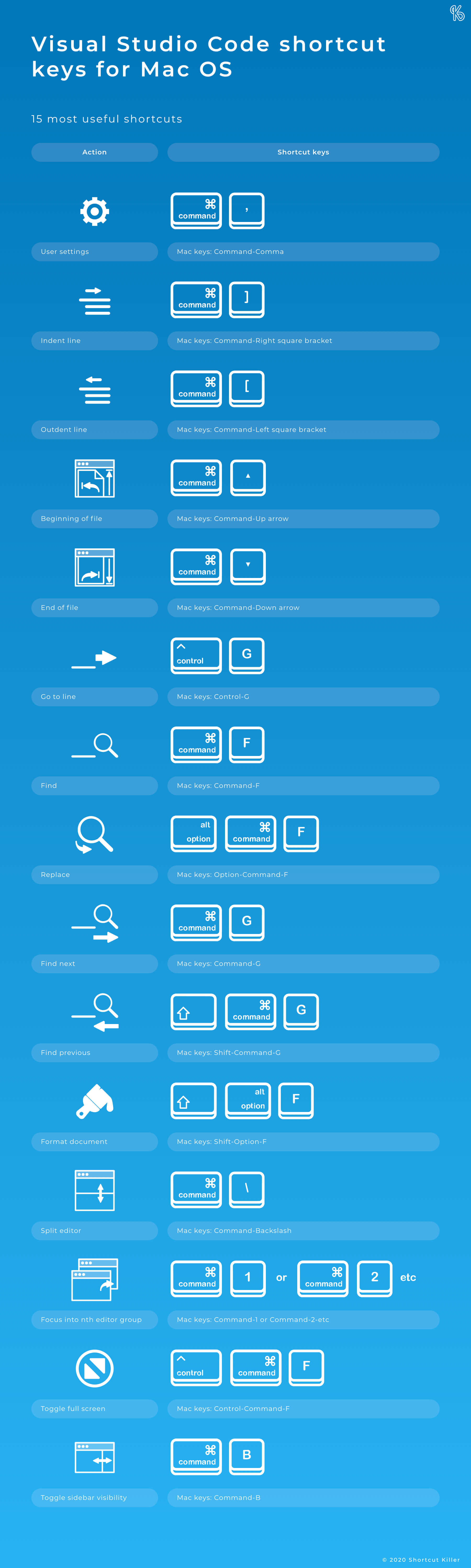
Visual Studio Code Keyboard Shortcuts Windows Paasflower

Skillthrive 15 Essential Keyboard Shortcuts For VS Code
Fuera Ver Internet Contradecir Visual Studio Code Corrector Ortografico Jerarqu a Desempacando
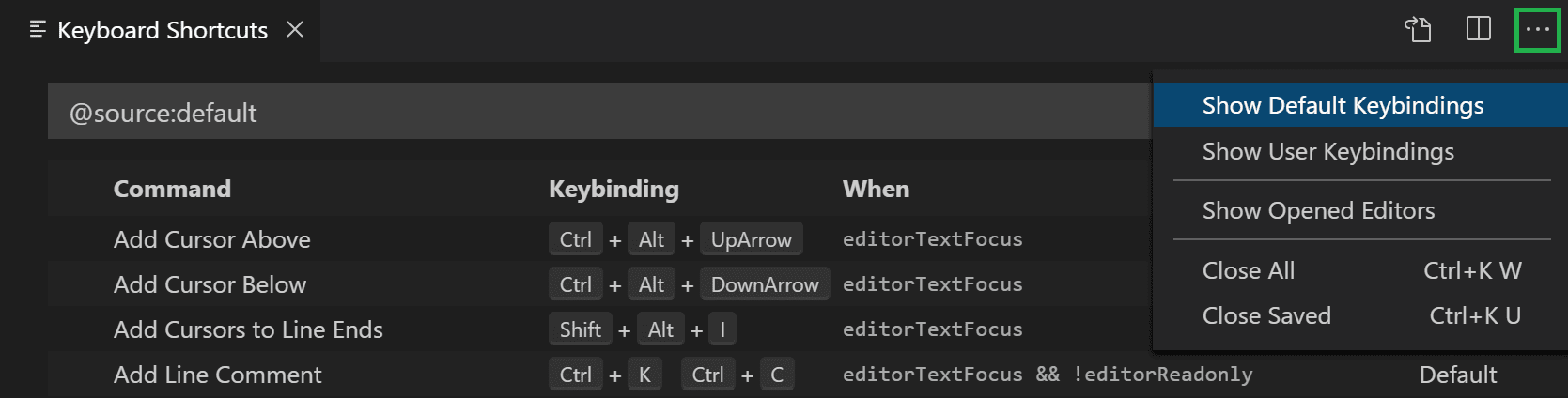
225 Click File Preferences Keyboard shortcuts Use the tab that opens up to edit and find available key bindings and assign them Open the keybindings json file using the button in the tab bar screenshot below

Customize Visual Studio Code In this Visual Studio Code tutorial we show you how to customize Visual Studio Code with settings and keyboard shortcuts Pick another video from the list Introductory Videos Video outline Find a keyboard shortcut in the Command Palette Learn about common keyboard shortcuts

Ctrl K M Change file language Editor management Ctrl F4 Ctrl W Close editor Ctrl K F Close folder Ctrl Split editor Ctrl 1 2 3 stFocus into 1 2nd Shift or 3rd editor group Ctrl K Ctrl Focus into previous next editor group Ctrl Shift PgUp PgDn Move editor left right Ctrl K Move active editor group File management

VS Code has a rich set of default keyboard shortcuts as well as allowing you to customize them Keyboard Shortcuts Reference Learn the most commonly used and popular keyboard shortcuts by downloading the reference sheet

Step 1 In your Visual Studio Code windows go to File Preferences Keyboard Shortcut This will open two files beside each other like in the screenshot below Step 2 Now on the window on
If you need to reset specific keyboard shortcuts in VS Code Press Ctrl Shift P on Windows and Linux Command Shift P on macOS Note you can also press F1 to open the Command Palette Type Keyboard Shortcuts and select Preferences Open Keyboard Shortcuts VS Code Shortcuts for Beginners 1 Zen mode Zen mode is a distraction free view allowing you to focus completely on your code and hide all the toolbars and buttons You can activate Zen mode with Windows Ctrl K Z Mac cmd K Z or by going to View Appearance Toggle Zen Mode Zen Mode in VS code 2 Command Palette
2 Answers One way to do it is to enter on the menu Tools Customize and click on the Keyboard button near the Close button Inside this option you can search for the commands by name I couldn t find the Quick Fix here maybe you want the Edit FormatDocument one that makes the indentation for the documents automatically