Change Selected Text To Lowercase How To Transform Selected Text To Lowercase Or Uppercase In PHPStorm How To Quickly Switch Text Between Uppercase And Lowercase On Mac How To Copy Photos Or Text From IPhone To An IPad Using Gestures How To Use Change Case In Word Safasvip How To Change Capital Letters To Lowercase In Excel The fastest way to change text to all caps is to highlight the text and press the keyboard shortcut Shift F3 Press Ctrl A to highlight all the text on the page You may need to press the shortcut combination a few times because the text in the document might be in another case such as sentence case or all lowercase
To change text case Select the text you want to convert To convert text to all upper case choose Edit Advanced Make Uppercase or press Ctrl Shift U To convert text to all lower case choose Edit Advanced Make Lowercase or press Ctrl U If you have the C development workload installed this keybinding may be used by a There are also some programs that support the ability to change the case of text that has already been typed For example in Microsoft Word you can highlight text and press the keyboard shortcut Shift F3 to change between lowercase uppercase and proper case Click the link below for the program you want to convert the case
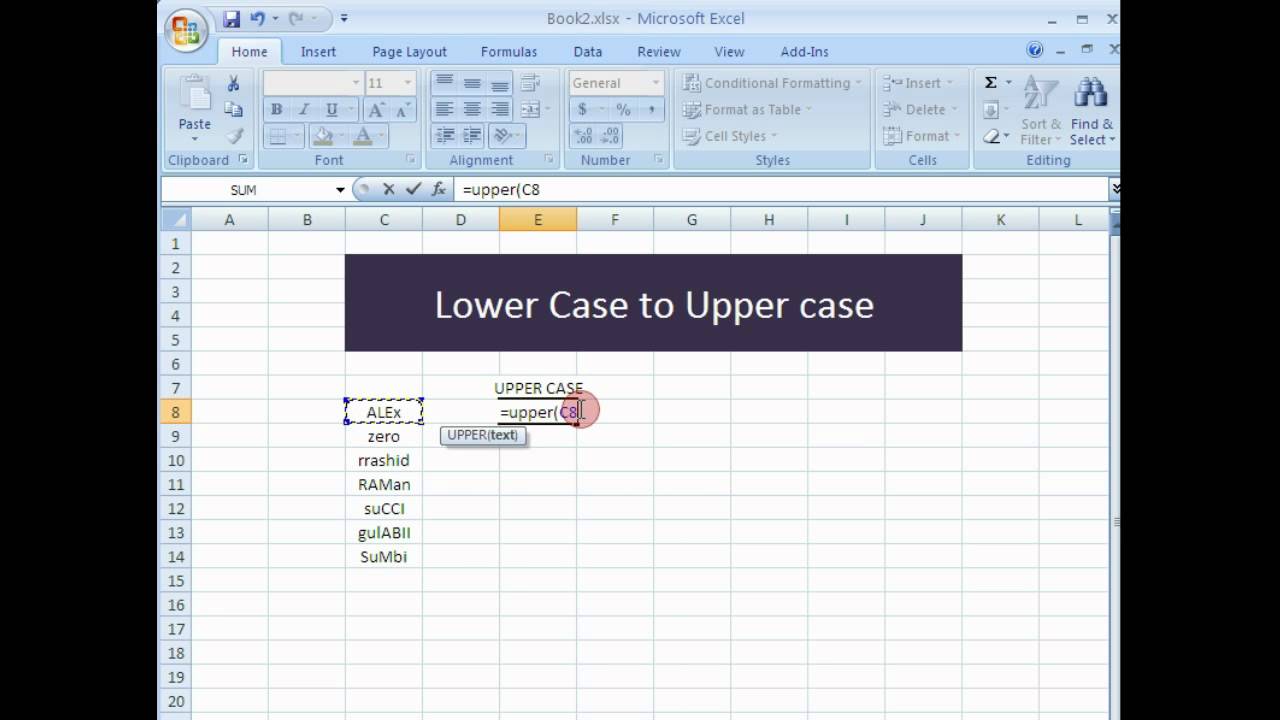
How To Change Capital Letters To Lowercase In Excel How To Change Uppercase Letter To Lowercase In Excel YouTube Convert Text To Upper Lower Or Proper Case In Excel How To Change Small Letter To Capital Letter In MS Excel Uppercase Change Text Uppercase To Lowercase Social Media Hako IT 4 Ways To Change From Lowercase To Uppercase In Excel WikiHow How To Change Lowercase To UPPERCASE In Excel YouTube How To Change Case In Word 10 Lasopawe How Do I Change An HTML Selected Option Using JavaScript 2022 Code
Change Selected Text To Lowercase
 Change Selected Text To Lowercase
https://i.ytimg.com/vi/eWsa10hMVrM/maxresdefault.jpg
Capitalized Case The capitalized case converter will automatically convert the starting letter of every word into an upper case and will leave the remaining letters as lower case ones Simply copy the content that you will like to generate into this format then paste into the box form above and select the Capitalized Case tab
Templates are pre-designed documents or files that can be used for numerous functions. They can save effort and time by offering a ready-made format and design for developing different type of content. Templates can be utilized for personal or expert jobs, such as resumes, invites, flyers, newsletters, reports, presentations, and more.
Change Selected Text To Lowercase
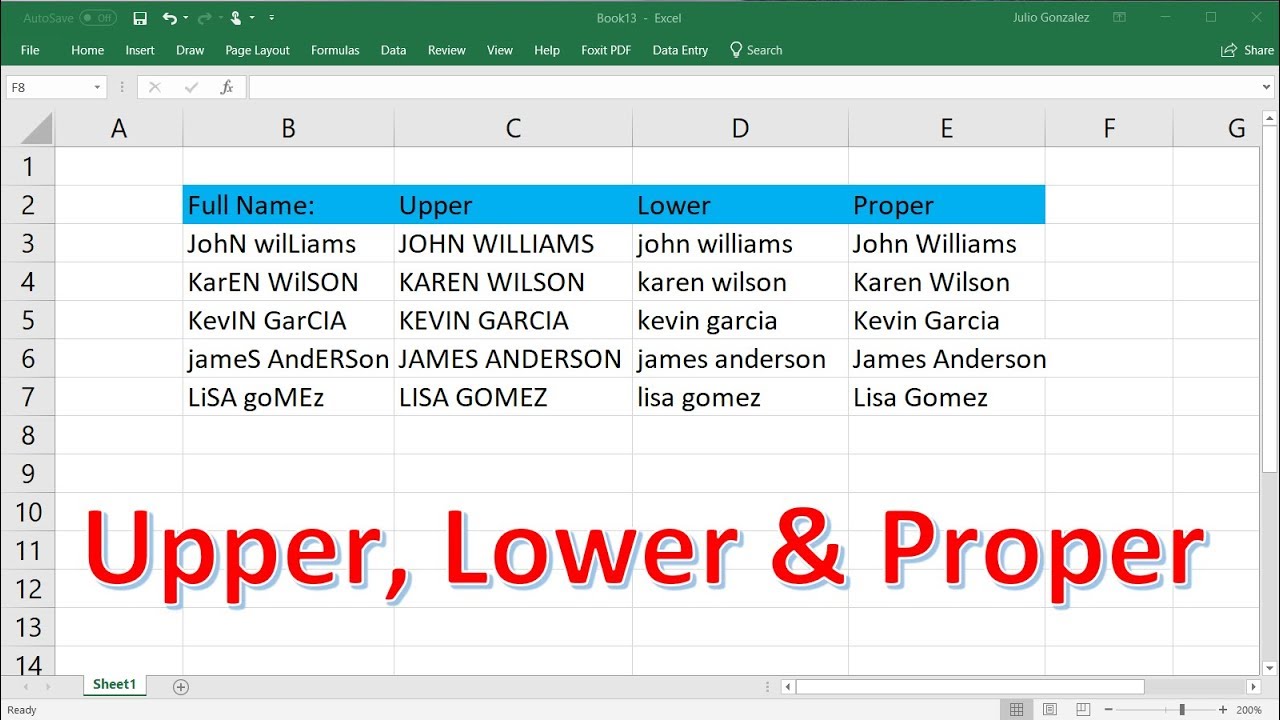
How To Lowercase In Excel Excel Tutorial How To Use The If Function
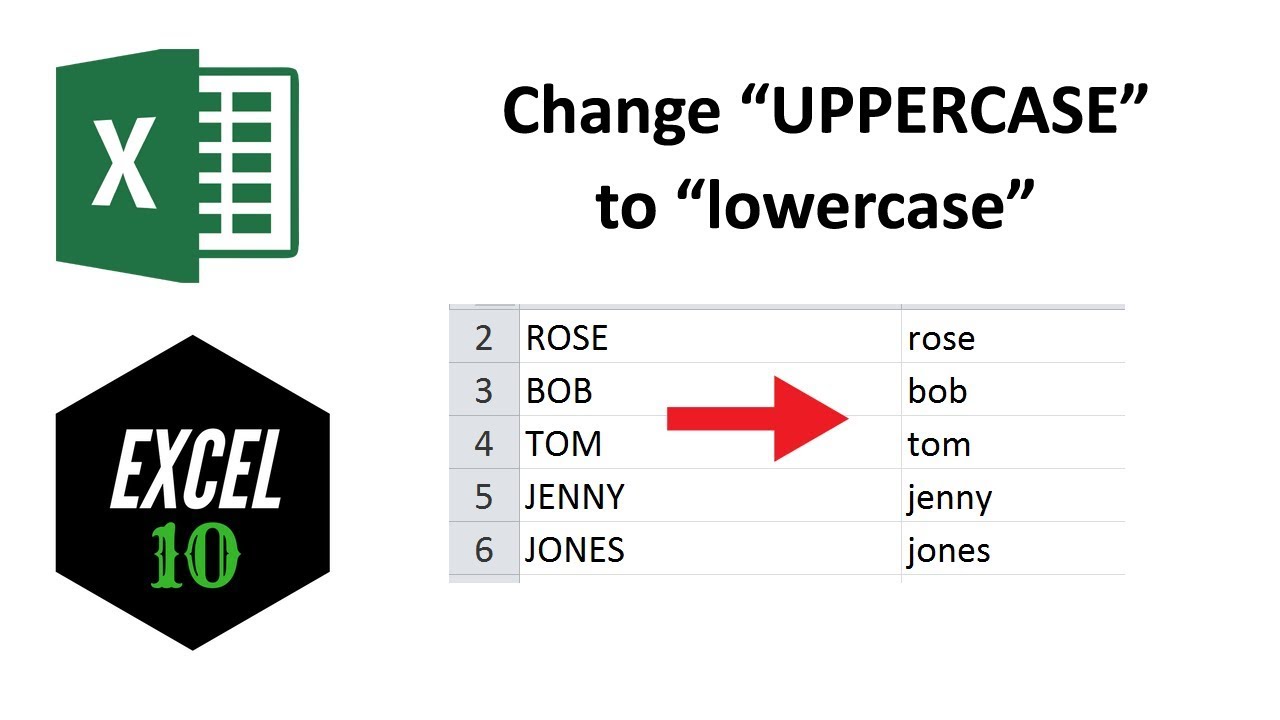
How To Change Uppercase Letter To Lowercase In Excel YouTube

Convert Text To Upper Lower Or Proper Case In Excel
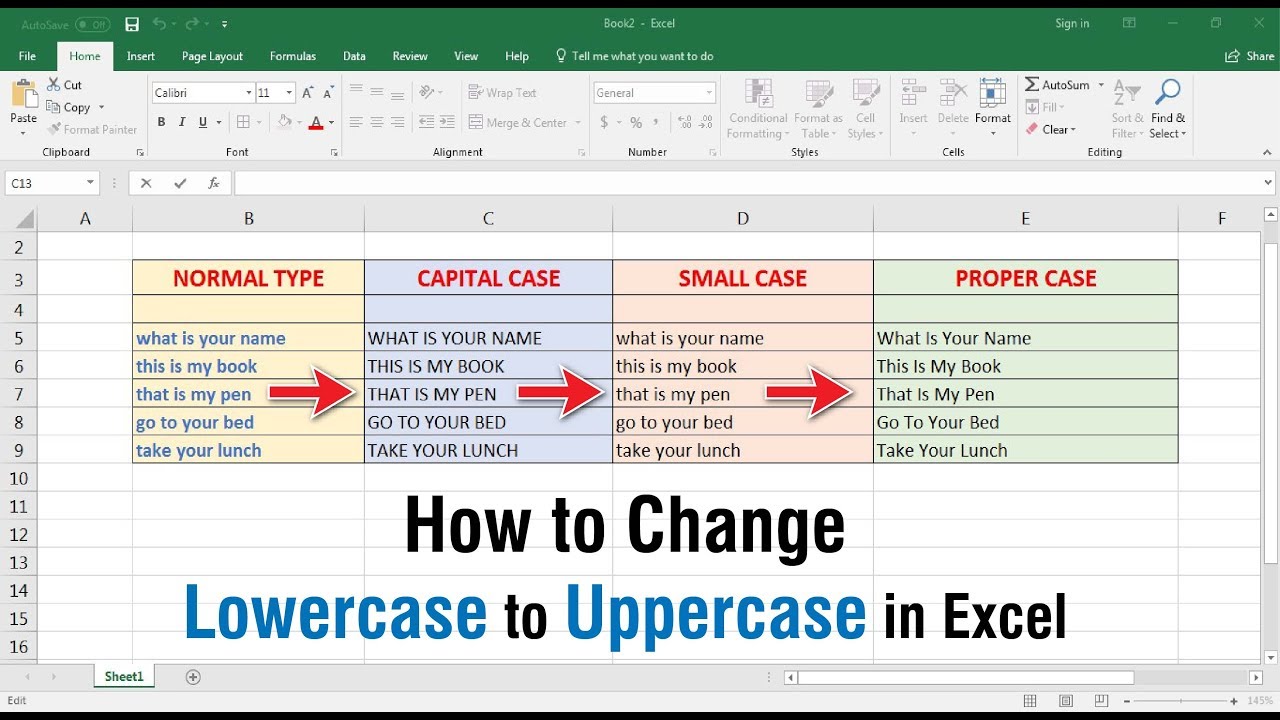
How To Change Small Letter To Capital Letter In MS Excel Uppercase

4 Ways To Change From Lowercase To Uppercase In Excel WikiHow
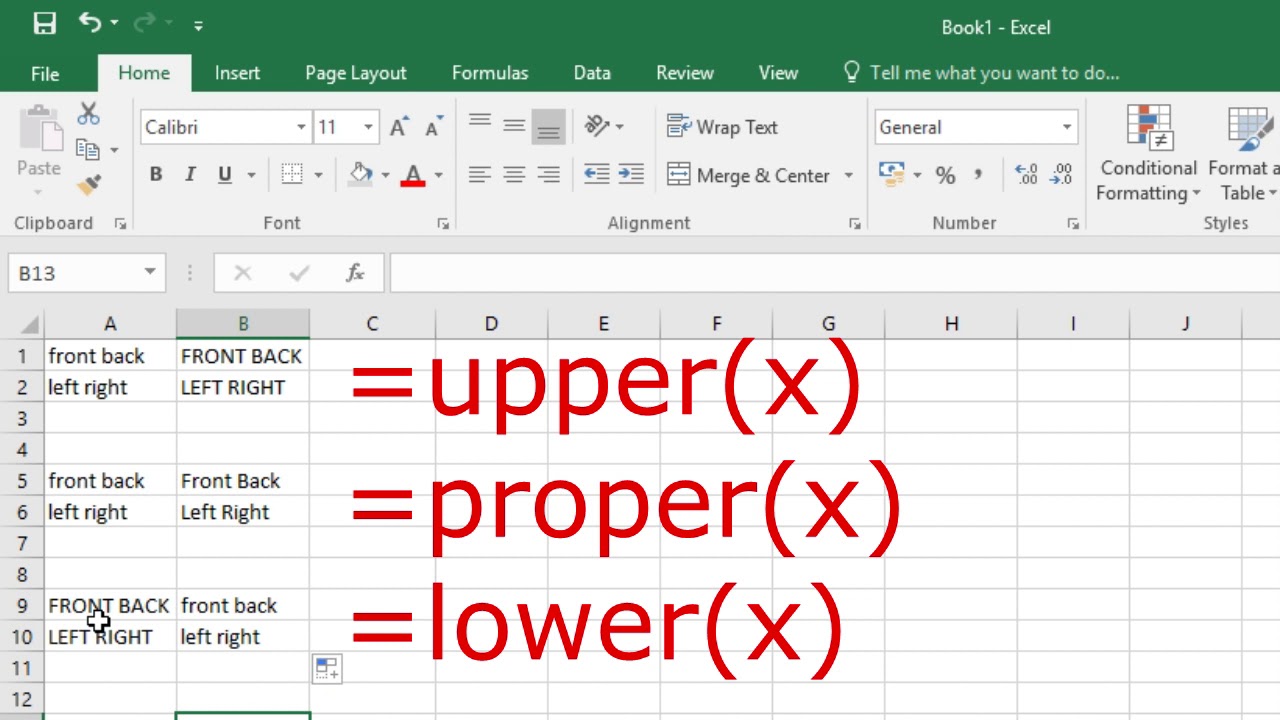
How To Change Lowercase To UPPERCASE In Excel YouTube

Select the text for which you want to change the case Go to Home Change case To capitalize the first letter of a sentence and leave all other letters as lowercase click Sentence case To exclude capital letters from your text click lowercase To capitalize all of the letters click UPPERCASE To capitalize the first letter of each word

In the menu bar on the Home tab click the Change Case icon which has an uppercase A and lowercase a Select the appropriate option from the list of values For example if you want to change to all uppercase letters select the UPPERCASE option To change to all lowercase letters select the lowercase option Use our text tool to

Select the text Click the Home tab in the Ribbon Click Change Case in the Font group Aa A drop down menu appears Select the desired case The Change Case drop down menu appears as follows The following options appear in the Change Case drop down menu Sentence case capitalizes the first letter of a sentence

To use the shortcut simply highlight the text you want to convert and press the Shift and F3 keys at the same time Each time you press the shortcut the text will cycle through all lowercase all uppercase and sentence case capitalizing the first letter of each sentence If the keyboard shortcut doesn t work for you or if you need to
The selected text changes to the selected capitalization type If you want to use your keyboard to change the case on some text select the text and then press Alt H to activate the Home tab Then press 7 and then choose an option such as S for Sentence case l a lowercase L for lowercase U for UPPERCASE C for
Change Case is designed to make your job easier by presenting most of the options in a single click To put it another way this web application allows you to alter the Case of selected text in a variety of ways such as CAPITALISE LETTERS to small letters small letters to CAPITALISE LETTERS and capitalizing the initial letter of each sentence Now CTRL SHIFT U will capitalise selected text even if multi line In the same way CTRL SHIFT L will make selected text lowercase this was super useful in scripting DB2 to lowercase Postgres SQL change over Neil Gaetano Lindberg Nov 16 2020 at 14 22 Add a comment 1 I think this is a feature currently missing right now
Select the text you want to transform Press Ctrl Shift P on Windows and Linux Command Shift P on macOS Note you can also press F1 to open the Command Palette Type transform to and select Transform to Uppercase or Transform to Lowercase Note make sure to select the text before running the transform command