Change Resolution Android Adb How To Apply Update From ADB On Android Updato Change Password AS Android Materials Library Change Resolution Of Android Without Root Web Sep 23 2011 nbsp 0183 32 9 Answers Sorted by 128 You can also access the WindowManager through ADB adb shell wm usage wm subcommand options wm size reset WxH wm
Web Mar 3 2015 nbsp 0183 32 Plug in your Android to your computer open up Terminal Mac or a Command Prompt Windows then enter the following command copy and paste works best here adb shell dumpsys display grep Web Jan 17 2023 nbsp 0183 32 Method 1 Without Root In this method we will use Android Debug Bridge ADB to connect your device to a computer and issue commands to it ADB is a command line tool that lets you communicate
Change Resolution Of Android Without Root How To Change Resolution CreateStudioPRO How To Change Screen Resolution Via ADB Techilife Resolution Changer Uses ADB Para Android Download How To Change Resolution On Windows 10 2 Methods Resolution Changer Uses ADB Android GitHub Weiqifa0 android adb How To Access Azure Databricks Account Admin Microsoft Q A ADB Internship Application Review Get Your Dream Internship
Change Resolution Android Adb
 Change Resolution Android Adb
https://updato.com/wp-content/uploads/2020/04/Android-ADB.png
Web Jan 4 2023 nbsp 0183 32 I would like to change the output resolution hdmi programmatically I understand that we can change the hdmi resolution by changing the value of the file
Pre-crafted templates offer a time-saving service for producing a diverse series of files and files. These pre-designed formats and designs can be utilized for different personal and expert jobs, consisting of resumes, invitations, leaflets, newsletters, reports, presentations, and more, improving the content creation process.
Change Resolution Android Adb
Resolution Changer Uses ADB APK Android App Free Download

How To Change Resolution CreateStudioPRO
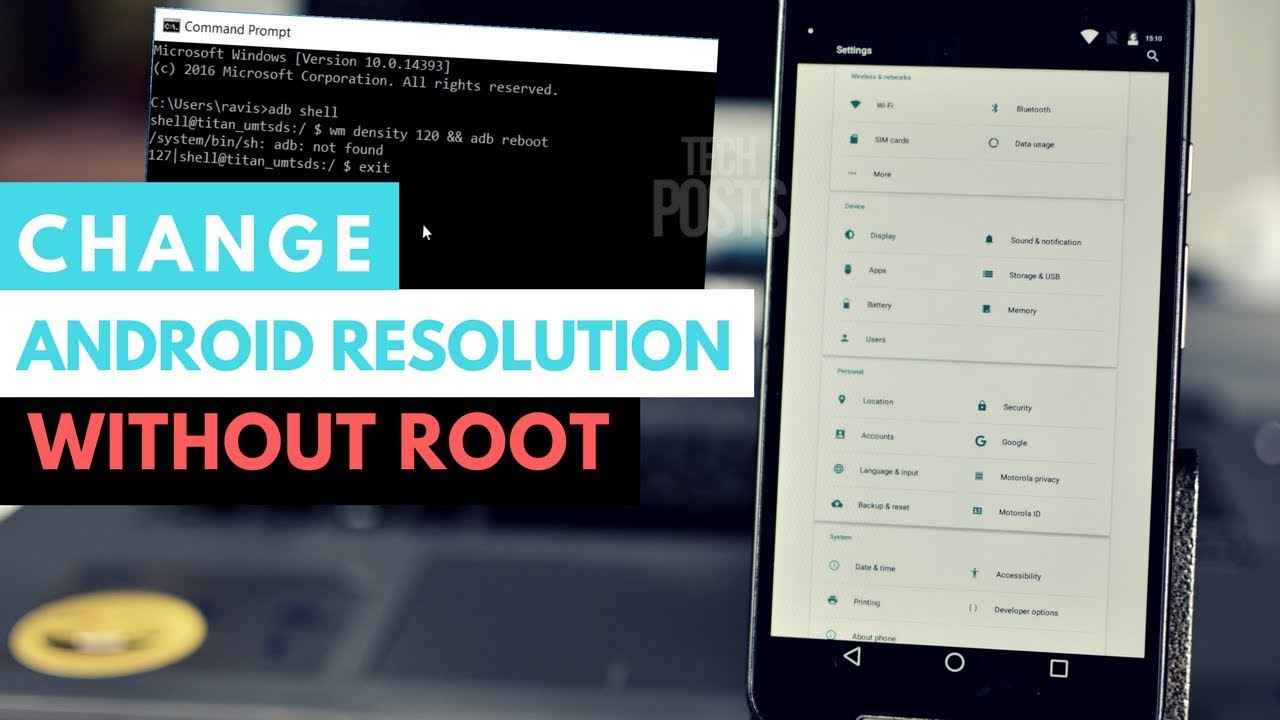
How To Change Screen Resolution Via ADB Techilife
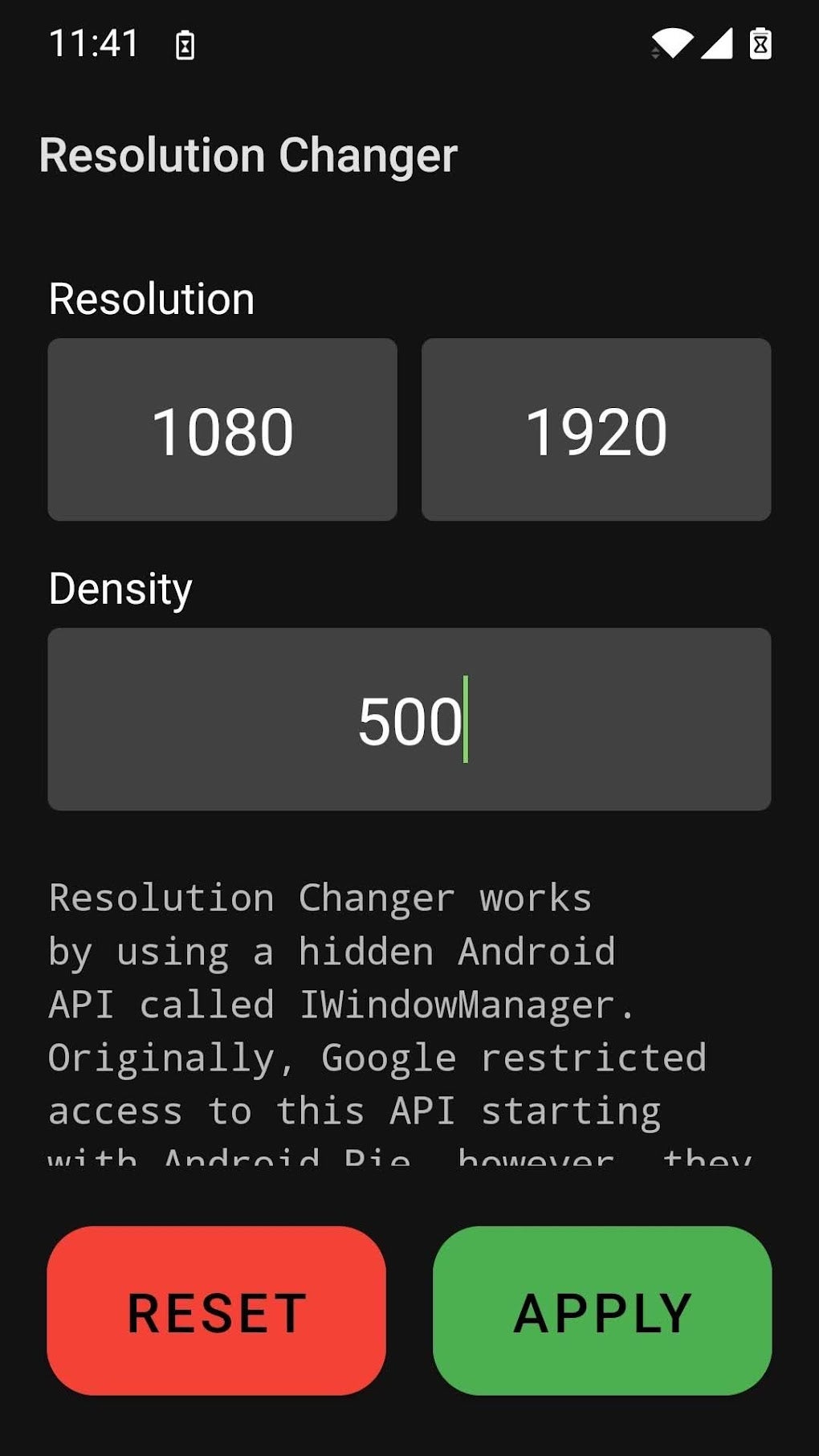
Resolution Changer Uses ADB Para Android Download
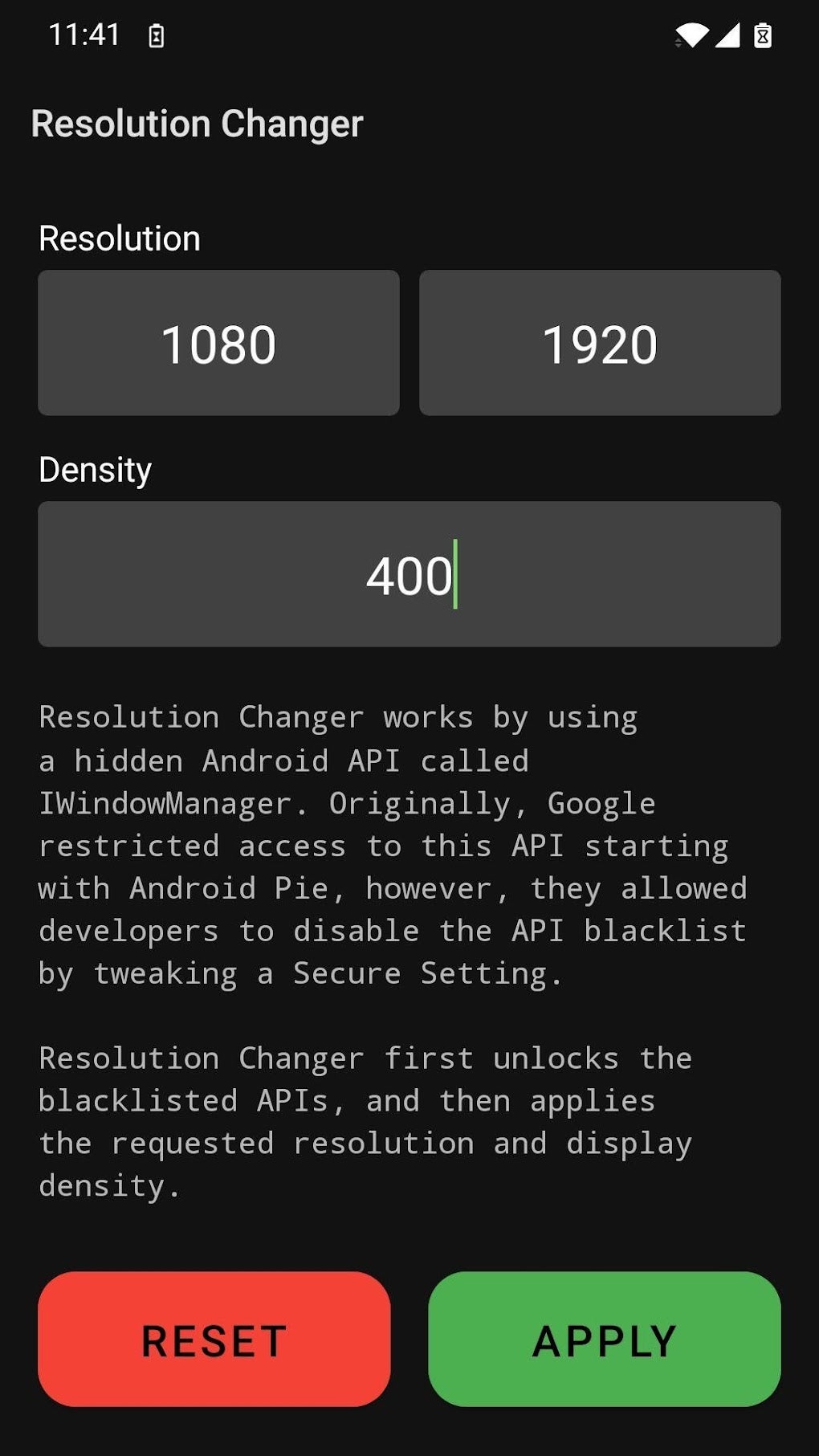
Resolution Changer Uses ADB Android
GitHub Weiqifa0 android adb

Web Jan 25 2016 nbsp 0183 32 How to Change Screen Resolution on Android via ADB without Root Setup ADB on your PC Enable USB debugging on your phone Open Settings 187 go to About phone and tap seven times on Build

Web Open Settings 187 go to About phone and tap multiple times on Build number this will empower Developer choices Now return to Settings and you ll

Web adb shell wm size shows the real size and current size adb shell wm density shows the real density and current density Click image to enlarge I ve tested successfully on stock Android 5 x and 6 x Since wm tool

Web Jun 6 2023 nbsp 0183 32 Method 1 Using the Display Settings Menu Download Article 1 Open your Android s Settings It s the icon that resembles a gear Tap the icon in your Apps menu

Web Jun 4 2020 nbsp 0183 32 To change the resolution of your device using the no root method you ll be using a tool called the Android Debug Bridge or ADB for short ADB communicates with
Web Changing the screen resolution on Android devices may be a challenge but with the right methods and tools it is possible to achieve the desired results Whether you prefer a user Web Oct 12 2023 nbsp 0183 32 Android Debug Bridge adb is a versatile command line tool that lets you communicate with a device The adb command facilitates a variety of device actions such
Web Android resoulation and dpi changer you can change your android resolution or dpi Requirements ADB Must installed on computer and Set the Environment variables