Change Pivot Table Row Name How To Show Different Values In Pivot Table Printable Templates How To Put 2 Rows Next Each Other In Pivot Table Excel Brokeasshome Automatic Row And Column Pivot Table Labels How To Add Multiple Lines In Pivot Chart Best Picture Of Chart Beginning Of Pivot Table Creation If you change or reset your password you ll be signed out everywhere except Devices you use to verify that it s you when you sign in Some devices with third party apps that you ve given
ICP 030173 1 2023 1034 029 169 2025Baidu To make sure the change applied to the correct file types review the list below the quot Set default quot button To easily open Chrome later add a shortcut to your taskbar
Beginning Of Pivot Table Creation Excel Non nested Data Column In Pivot Tables Super User Change Column Name In Pivot Table Excel Brokeasshome How To Open Pivot Table Field After Closing In Excel 2010 Pivot Table Date Only Showing Year Brokeasshome Pivot Table Year Over Year By Month Exceljet How To Bine Two Row Labels In Pivot Table Tutorial Pics Multiple Row Filters In Pivot Tables YouTube Automatic Row And Column Pivot Table Labels
Change Pivot Table Row Name
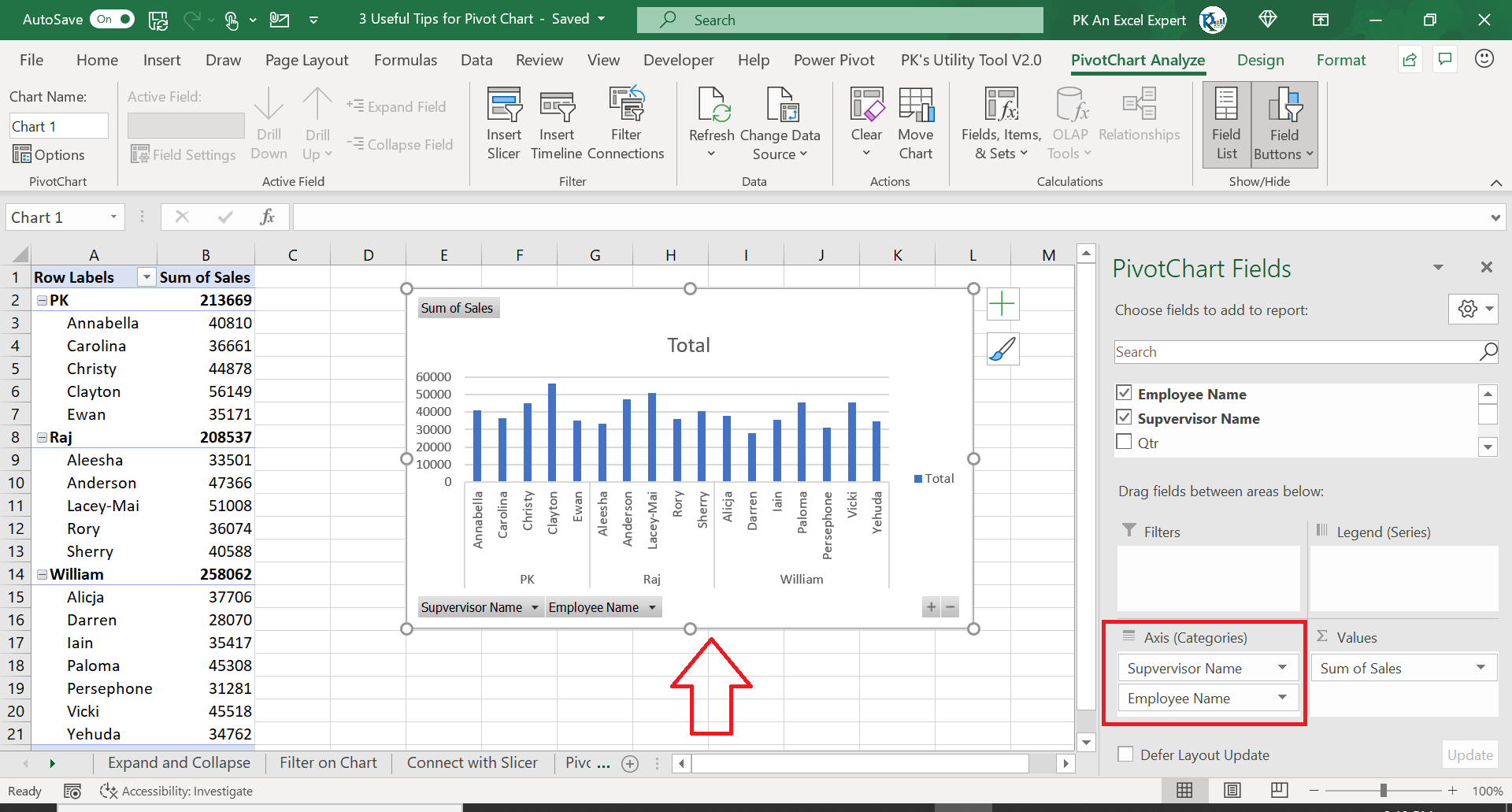 Change Pivot Table Row Name
https://www.pk-anexcelexpert.com/wp-content/uploads/2021/05/Pivot-Chart-Tips-2.png
You can change your YouTube channel name just make sure it follows our Community Guidelines After changing your name it may take a few days for the new name to update and
Pre-crafted templates use a time-saving option for creating a diverse range of documents and files. These pre-designed formats and designs can be made use of for different individual and expert projects, including resumes, invitations, flyers, newsletters, reports, presentations, and more, streamlining the content creation procedure.
Change Pivot Table Row Name

Excel Of Row Total In Pivot Table Stack Overflow

Excel Non nested Data Column In Pivot Tables Super User
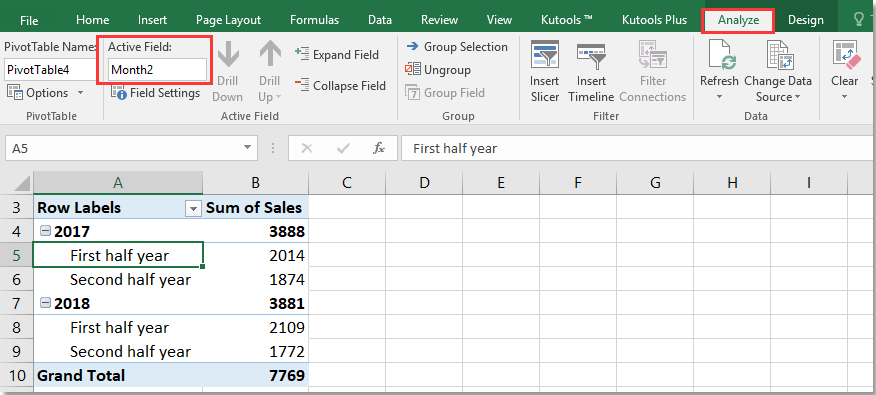
Change Column Name In Pivot Table Excel Brokeasshome
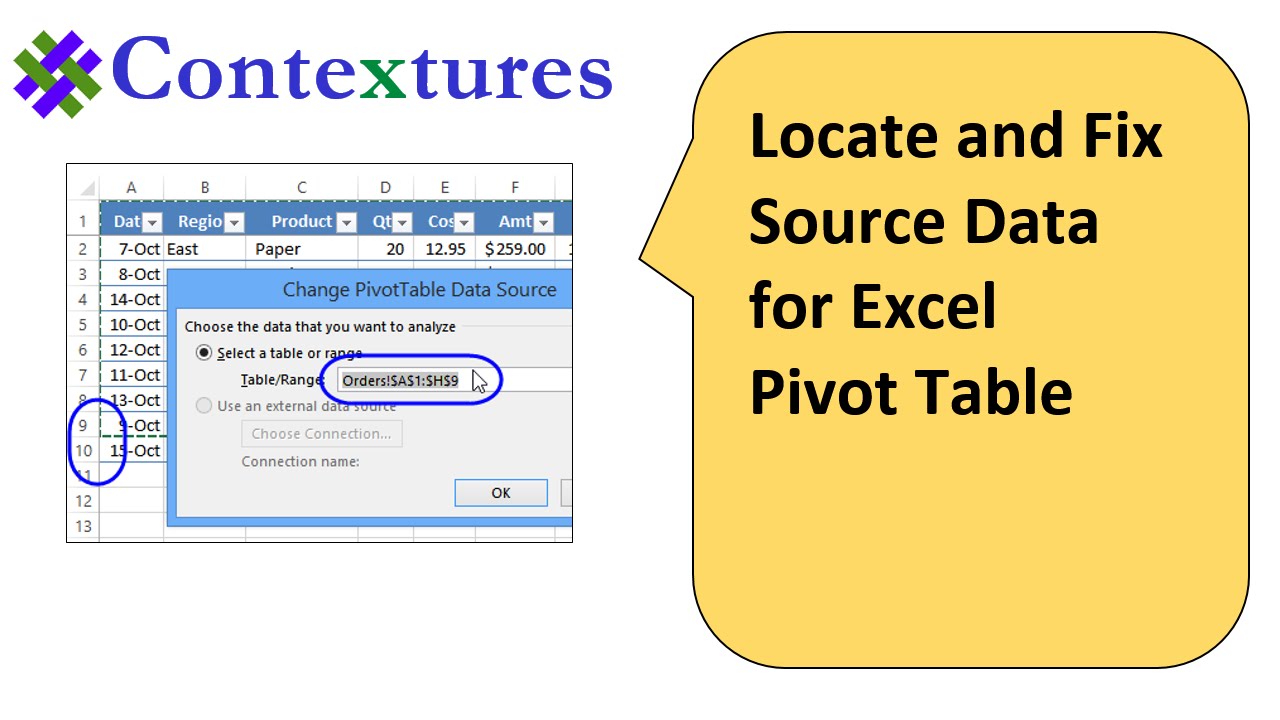
How To Open Pivot Table Field After Closing In Excel 2010
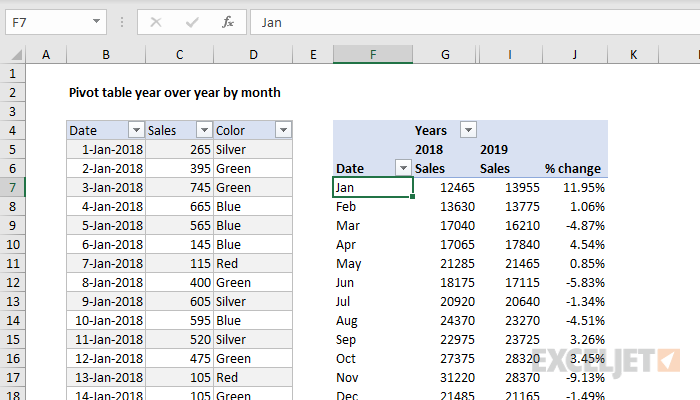
Pivot Table Year Over Year By Month Exceljet
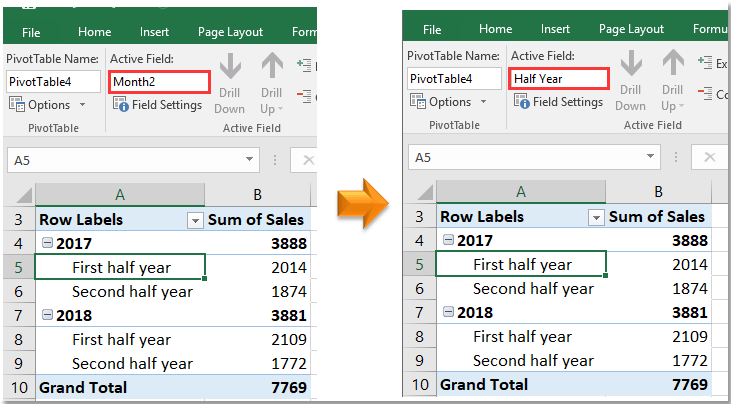
How To Bine Two Row Labels In Pivot Table Tutorial Pics
On your computer go to Gmail In the top right click Settings See all settings At the top choose a settings page such as General Labels or Inbox Make your changes After you re done with

What happens after I change my Google Account password If you change or reset your password you ll be signed out everywhere except Devices you use to verify that it s you when
Under quot Contact info quot click Email Select Google Account email If you can t open this setting it might not be possible to change your email or username If your account s email address ends

To get results from Google each time you search you can make Google your default search engine Set Google as your default on your browser If your browser isn t listed below check its

Change the phone number on your account amp how it s used You can add update or remove phone numbers on your Google Account Phone numbers are used for different reasons and
[desc-11] [desc-12]
[desc-13]