Change Permissions Linux 777 File Linux File Permissions Task KodeKloud Engineer KodeKloud DevOps Linux File Permissions Tutorial For Beginners Linux Chmod And Chown How To Change File Permissions And Ownership In How To Change File Or Directory Permissions In Linux Tom s Hardware 2 Ways To Check File Permissions In Linux Howtouselinux Web Dec 20 2023 nbsp 0183 32 Setting 777 permissions chmod 777 to a file or directory means that it will be readable writable and executable by all users and may pose a huge security risk For instance if you recursively change the permissions of all files and subdirectories under the var www directory to 777 any user on the system will be able to create delete or
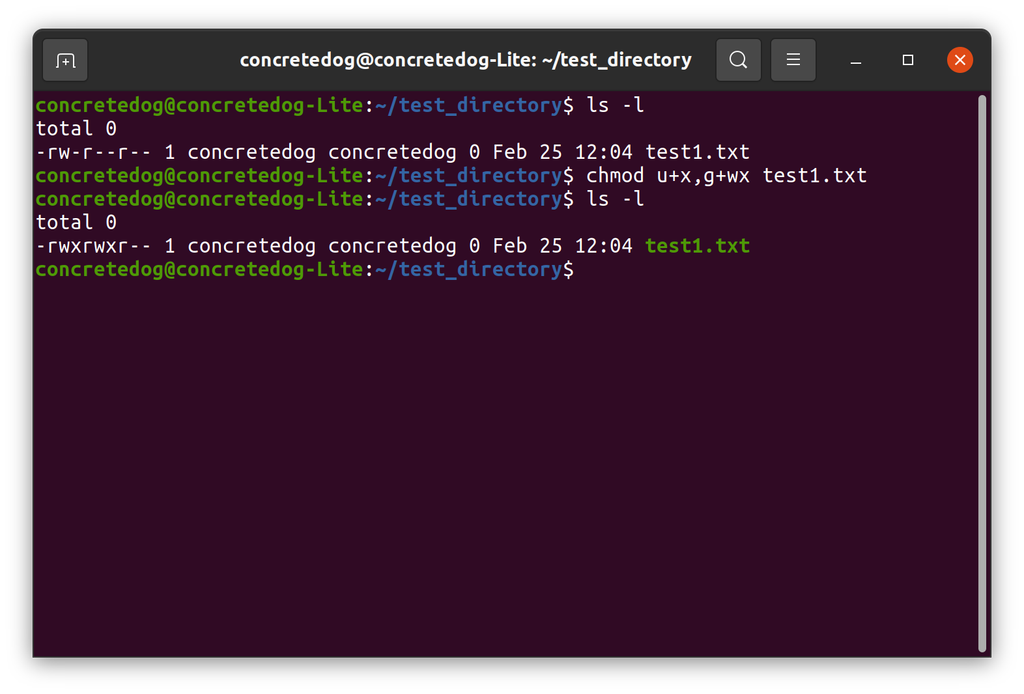
Web Jan 2 2023 nbsp 0183 32 What is the chmod Command chmod is a command that lets you change the permissions of a file or directory to all types of users Here s the syntax of the chmod command chmod lt Operations gt lt File Directory Name gt Syntax to use chmod command You can grant or revoke the permission by replacing the Operations in the above command Web Tom Rankin Updated May 11 2021 If you re a Linux user or a system administrator managing a Linux server you ll come across the You do not have the permissions to upload file to the folder error After some Googling the solution is often as easy as setting the file permission to 775 or 777
2 Ways To Check File Permissions In Linux Howtouselinux Linux File Permissions And Ownership Explained YouTube What Does Chmod 777 Mean In Linux Its Linux FOSS How To Change File Permissions To 777 In IFile YouTube How To Use Chmod Command In Linux Explained With Examples Www vrogue co Modify File Permissions With Chmod Linode Docs Backup Permissions On Linux Linux Tutorials Learn Linux Configuration Setting Default Permissions Of Files And Directories In Linux How To Change File Or Directory Permissions In Linux Tom s Hardware
Change Permissions Linux 777 File
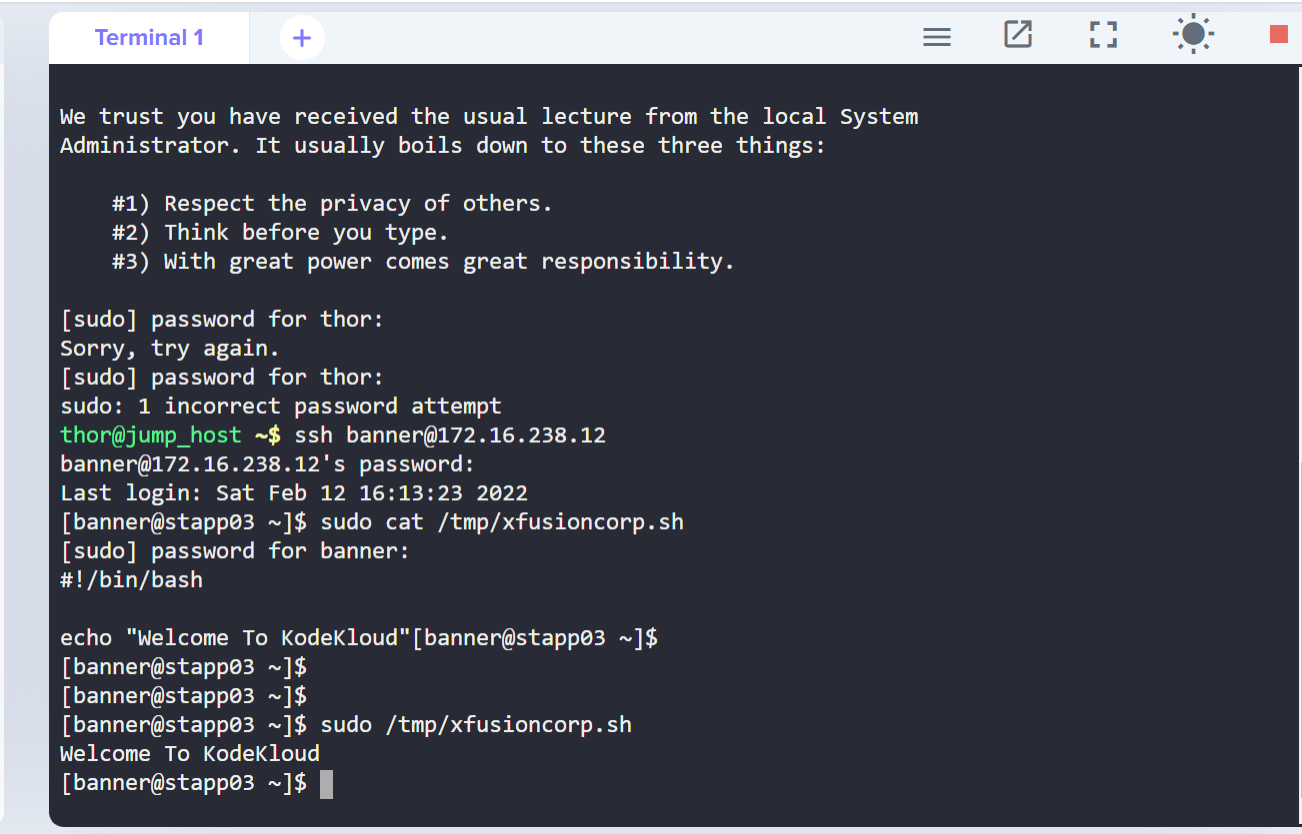 Change Permissions Linux 777 File
https://kodekloud.com/community/uploads/db1265/original/3X/3/c/3c20f50c8b9dc54708373ce78d9b06af41e1503c.png
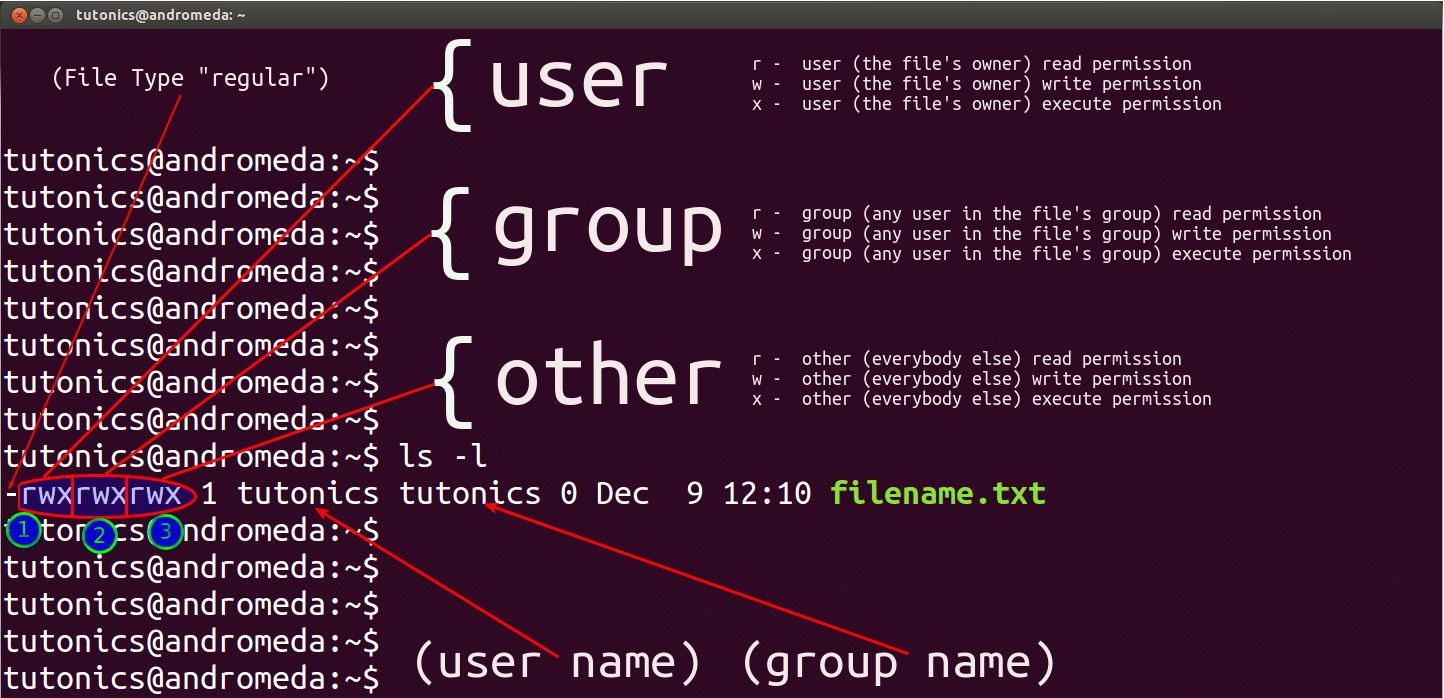
Web Sep 10 2019 nbsp 0183 32 Of course you can change this setting with the chmod command which is the focus of this article So to understand this concept in a simpler way think of file permissions as a 3x3 matrix where owners groups and others each have r w and x settings In the above example
Templates are pre-designed files or files that can be utilized for various purposes. They can conserve effort and time by supplying a ready-made format and layout for developing various type of material. Templates can be used for personal or expert projects, such as resumes, invitations, flyers, newsletters, reports, discussions, and more.
Change Permissions Linux 777 File

Understanding UNIX Linux Permissions And Chmod Linux Permissions
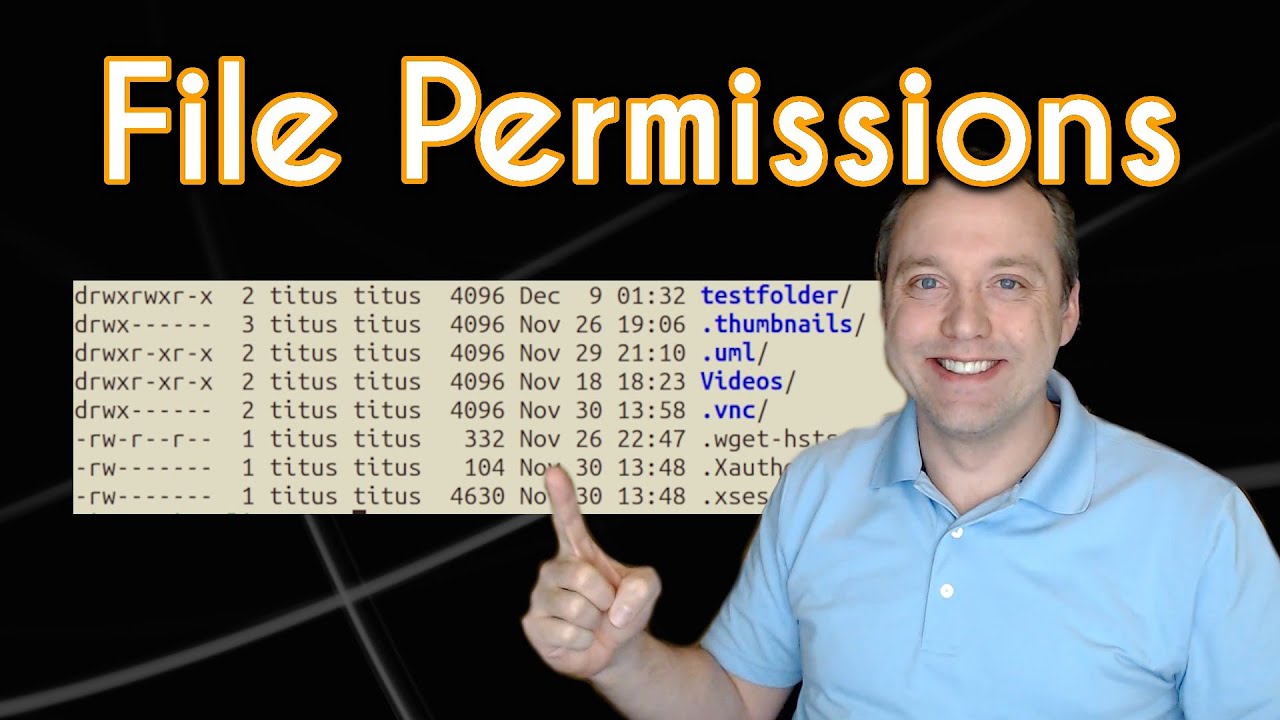
Linux File Permissions And Ownership Explained YouTube
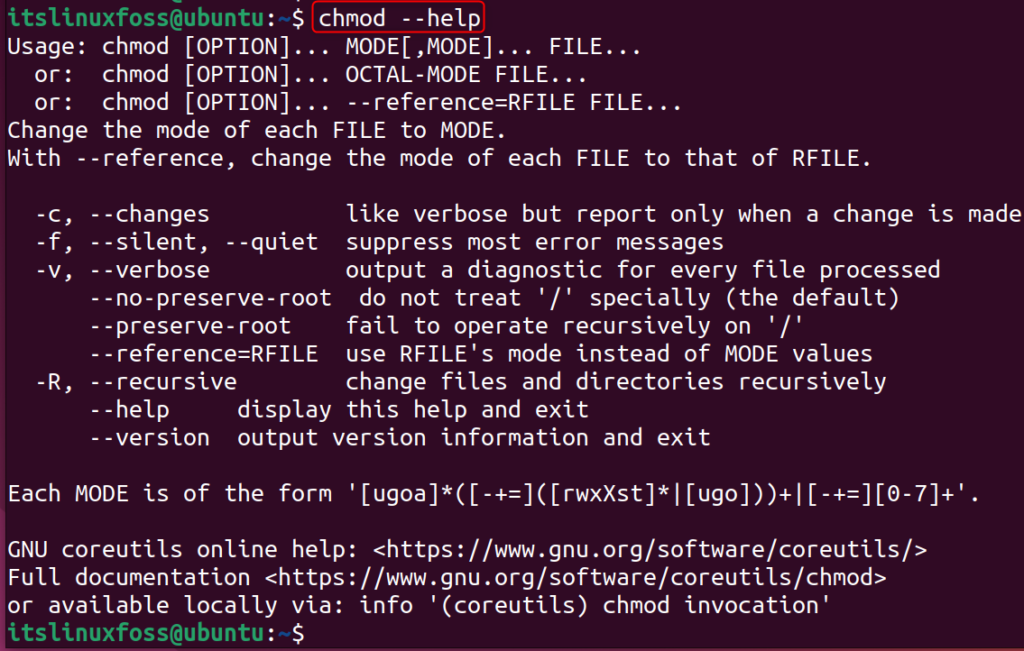
What Does Chmod 777 Mean In Linux Its Linux FOSS

How To Change File Permissions To 777 In IFile YouTube

Modify File Permissions With Chmod Linode Docs
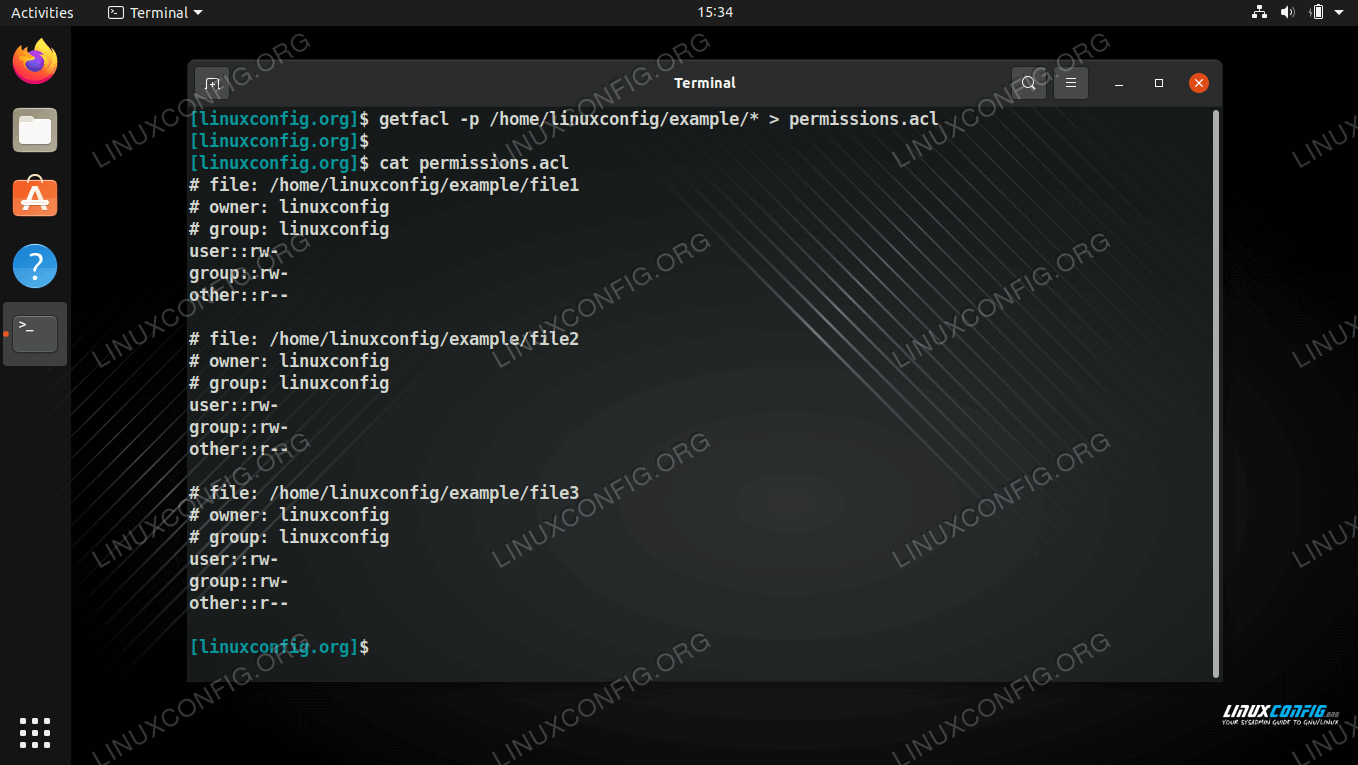
Backup Permissions On Linux Linux Tutorials Learn Linux Configuration

Web Mar 5 2022 nbsp 0183 32 So for example chmod 777 gives all three types full read write and execute permissions while chmod 740 gives the user full permissions the group read permissions and others no
Web If you want to change the mode to 777 you can use the command like this chmod 777 filename chmod 777 is considered potentially dangerous because you are giving read write and execute permission on a file directory to everyone who is on your system You should totally avoid it

Web Nov 30 2011 nbsp 0183 32 If you are going for a console command it would be chmod R 777 www store The R or recursive options make it recursive Or if you want to make all the files in the current directory have all permissions type chmod R 777 If you need more info about chmod command see File permission
Web Apr 27 2022 nbsp 0183 32 Linux File Permissions File permissions fall in three categories read write and execute Read permission For regular files read permissions allow users to open and read the file only Users can t modify the file Similarly for directories read permissions allow the listing of directory content without any modification in the directory

Web Sep 16 2019 nbsp 0183 32 For example to change the permissions of all files and subdirectories under the var www directory to 755 you would use chmod R 755 var www Operating on Symbolic Links Symbolic links always have 777 permissions By default when changing symlink s permissions chmod will change the permissions on the file the link is pointing
Web Apr 20 2024 nbsp 0183 32 2 1 Listing File and Directory Permissions We can use the ls ld command to show us the permissions on a directory ls ld folder drwxrwxr x 2 baeldung baeldung 4096 Jul 14 08 50 folder Additionally we can apply the ls l command to show us the permissions on the files in a directory ls l total 0 Web Jan 11 2024 nbsp 0183 32 To change a file permission to 777 type the command chmod 777 followed by the filename you want to change the permission of and press ENTER For example to change the permission of the file named script sh to 777 run the command chmod 777 script sh using the command prompt
Web Oct 31 2022 nbsp 0183 32 The chmod 777 command is often suggested as the solution to quickly fix permission issues while managing web servers in Linux Now you might be wondering what does chmod 777 mean in Linux Well to give you a basic primer it grants all the permissions including sensitive ones to a file or directory