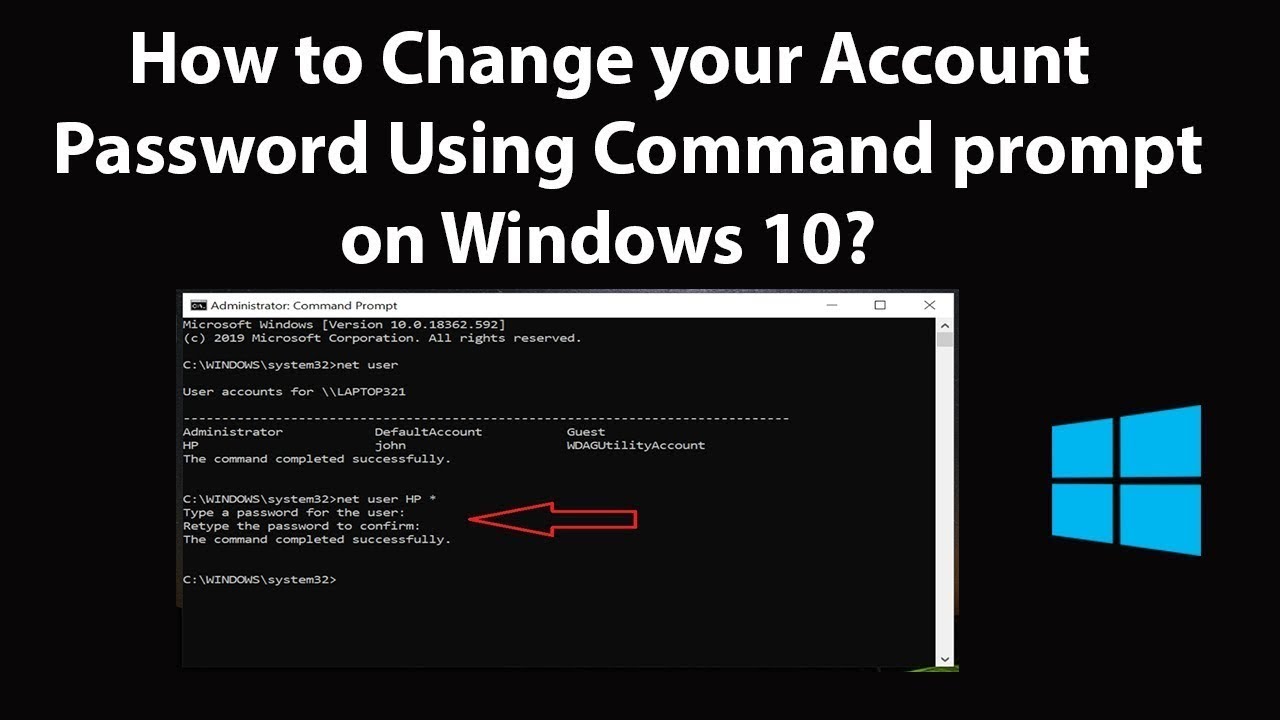
Change Password From Command Line Windows 10 2021 Reset Windows 10 Password Without Software Using Only Command Line Reset Your Forgotten Password In Windows 10 Ultimate Guide How To How To Change Password In Windows 10 YouTube Fixed Deleting Directory In Windows XP Command Line Fileologist 5 Ways To Change Windows 10 Password With Administrator Account Www To make sure the change applied to the correct file types review the list below the quot Set default quot button To easily open Chrome later add a shortcut to your taskbar
Google is stuck as my homepage Google won t change your homepage settings without your permission Reset your homepage Choose a browser above then follow the steps to replace You can change delete and add a backup payment method to make sure your membership stays active Make sure you use an accepted payment method
5 Ways To Change Windows 10 Password With Administrator Account Www How Do I Change My Password In Windows 10 Support Helpdesk How To Change Username On Windows 10 3 Methods Itechguides Windows 7 Backup Command Line Dusupernal How To Create New User Account With Or Without Password Using Command How To See Wifi Password From Command Prompt On A Windows PC YouTube Solved How To Change FTP Password From Command Line 9to5Answer How To Use Mysql Command Line Client In Windows Login Pages Info How To Change Password On Windows 10 3 Methods Itechguides
Change Password From Command Line Windows 10
 Change Password From Command Line Windows 10
https://i.ytimg.com/vi/U_3vrmS5Bxc/maxresdefault.jpg
How to change your name For example if you get married you could change from quot Lisa Brown quot at sportsfan gmail to quot Lisa Jones quot at sportsfan gmail Important You can t change
Templates are pre-designed files or files that can be used for numerous purposes. They can save time and effort by supplying a ready-made format and layout for creating various kinds of content. Templates can be used for individual or professional tasks, such as resumes, invites, flyers, newsletters, reports, discussions, and more.
Change Password From Command Line Windows 10
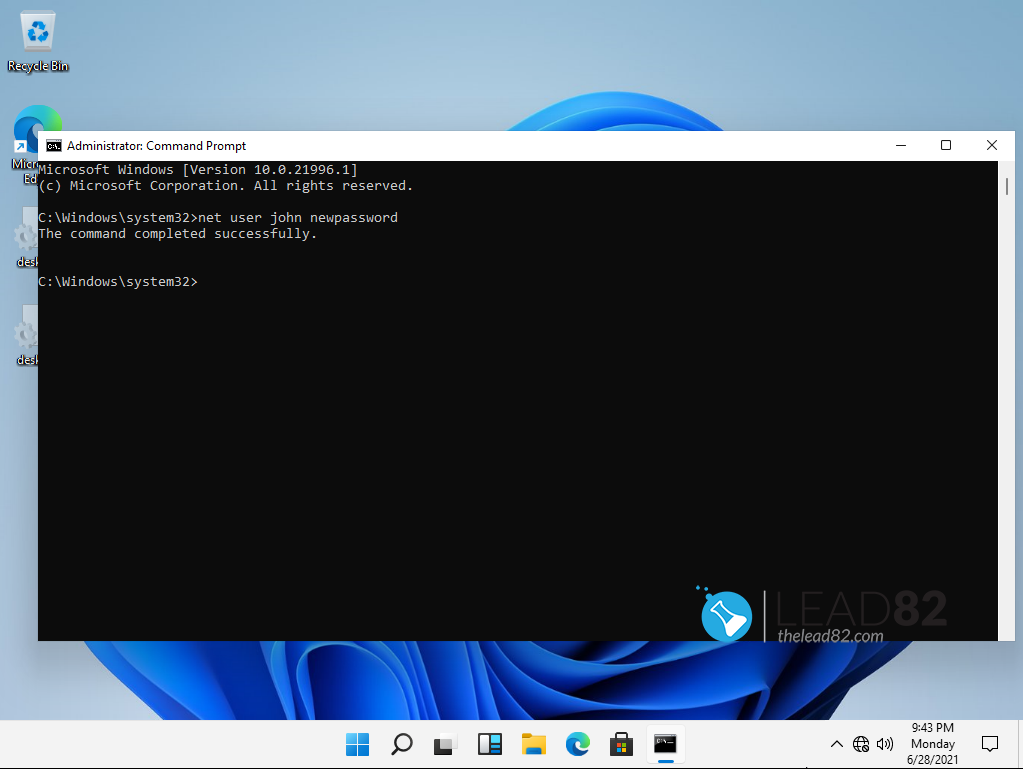
How To Add Remove Password In Windows 11 2021 Youtube Vrogue
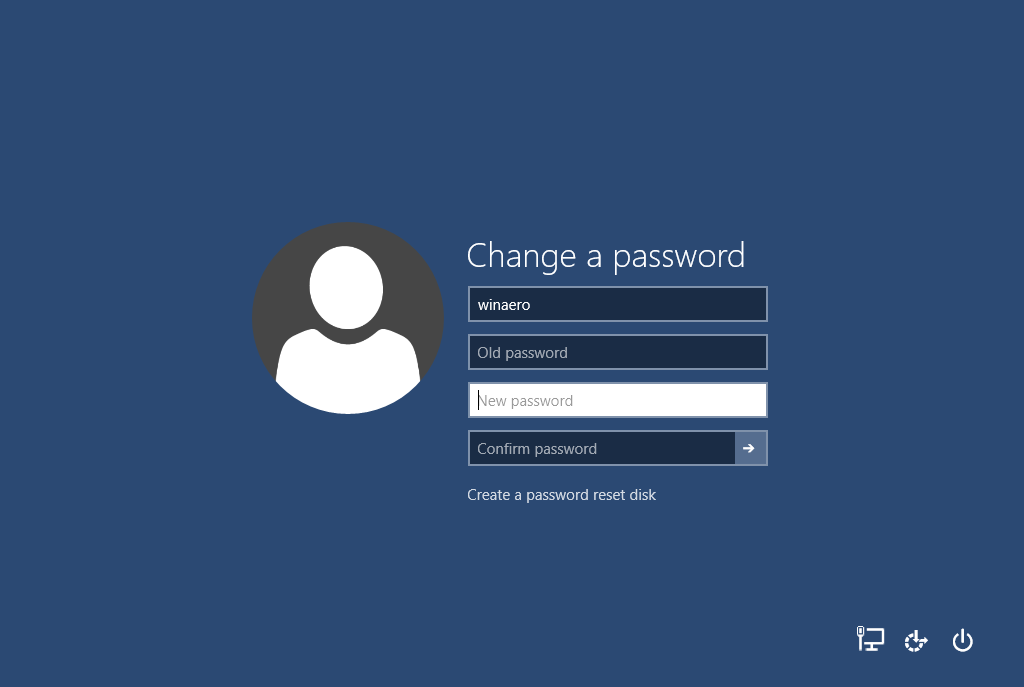
How Do I Change My Password In Windows 10 Support Helpdesk
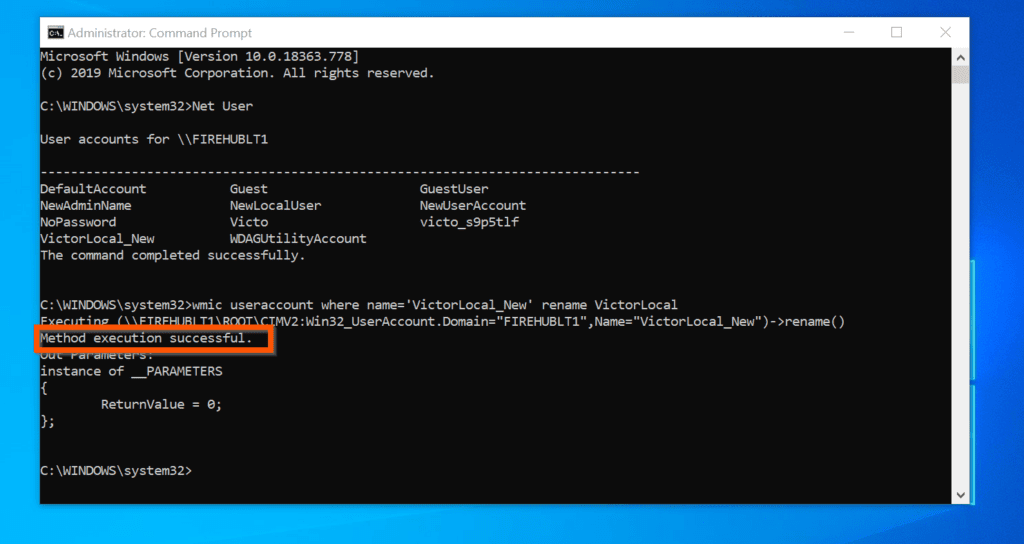
How To Change Username On Windows 10 3 Methods Itechguides
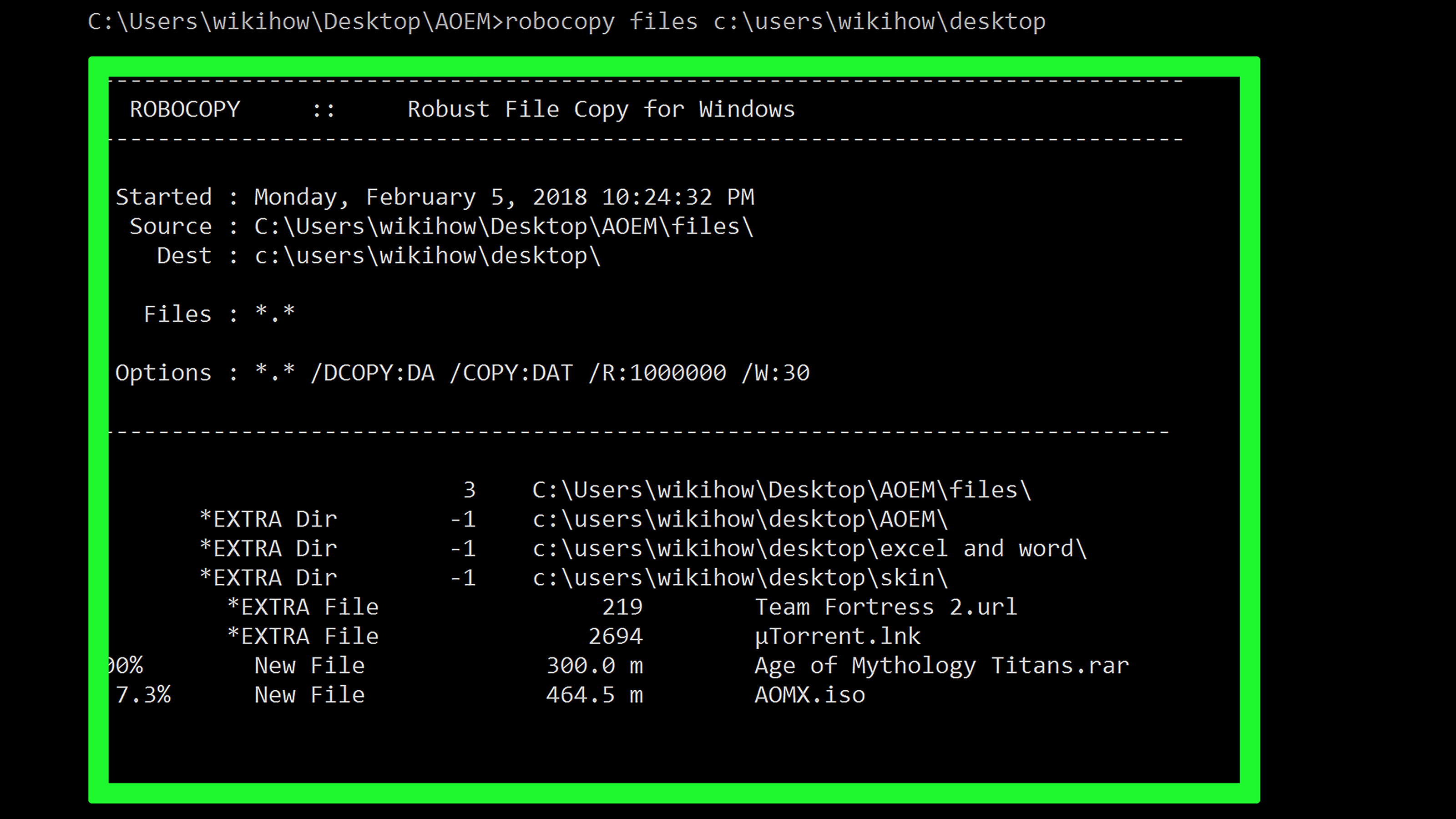
Windows 7 Backup Command Line Dusupernal

How To See Wifi Password From Command Prompt On A Windows PC YouTube

Solved How To Change FTP Password From Command Line 9to5Answer
Change Gemini s voice You can change the voice that Gemini uses across all Gemini Apps For now you can only access Gemini s voice setting in the Gemini mobile app

On your computer go to Gmail In the top right click Settings See all settings At the top choose a settings page such as General Labels or Inbox Make your changes After you re done with

change of change in quot Change of quot quot change in quot
Change settings quickly on your Android phone Find amp delete files on Android Add apps shortcuts amp widgets to your Home screens Get to know your Android phone Learn how to use your

Enter your new password then select Change Password Change password Reset your password Follow the steps to recover your account You ll be asked some questions to confirm it s your
[desc-11] [desc-12]
[desc-13]