Change Network Password Windows 10 How to quickly find Wi-Fi password on Windows 10 - Pureinfotech How to Find Your WiFi Password in Windows 10!!! It's easy - YouTube How to Find Your WiFi Password on a Windows 10 PC : HelloTech How Forget your Wi-Fi password? Find it in Windows 11 and 10 settings How to Change a WiFi Password in Windows 10 - iTechFixes [desc-7]
Web Aug 11 2023 nbsp 0183 32 Throughout this guide we have covered the process of changing the Wi Fi password on Windows 10 starting from opening the Network and Sharing Center selecting the Wi Fi network opening the Wi Fi Status window changing the password itself and finally saving the new password [desc-8]
How to Change a WiFi Password in Windows 10 - iTechFixes How To Change Homegroup Password In Windows 10 - YouTube Fixed: Enter Network Credentials [11 Best Solutions] How to Change Wi-Fi Network Name and Password on Windows 10 How to Change Your Wi-Fi Password | HighSpeedInternet.com How to change wifi password in windows 10 - YouTube How to Reset a Forgotten Password in Windows 10 or Windows 11 | PCMag How to connect to a Wi-Fi network on Windows 10 | Windows Central How to View Forget Wi-Fi Password in Laptop & PC (Easy) - YouTube
Change Network Password Windows 10
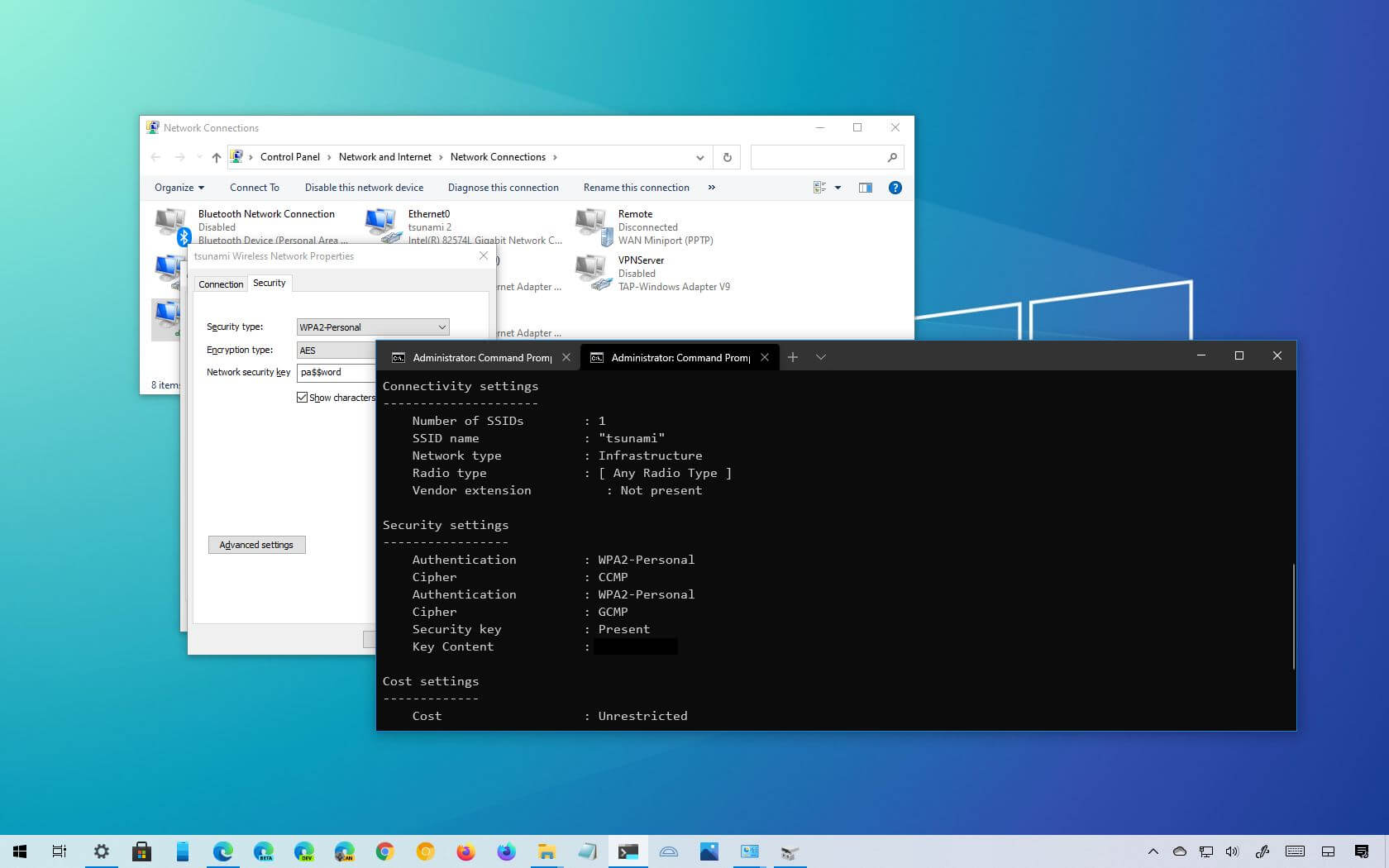 Change Network Password Windows 10
https://pureinfotech.com/wp-content/uploads/2020/08/find-wifi-password-windows-10_hero.jpg
[desc-9]
Pre-crafted templates provide a time-saving service for creating a varied series of documents and files. These pre-designed formats and layouts can be made use of for various personal and expert projects, consisting of resumes, invitations, leaflets, newsletters, reports, presentations, and more, enhancing the content development procedure.
Change Network Password Windows 10
How to Find Wi-Fi Passwords on Your Windows 10 Computer

How To Change Homegroup Password In Windows 10 - YouTube
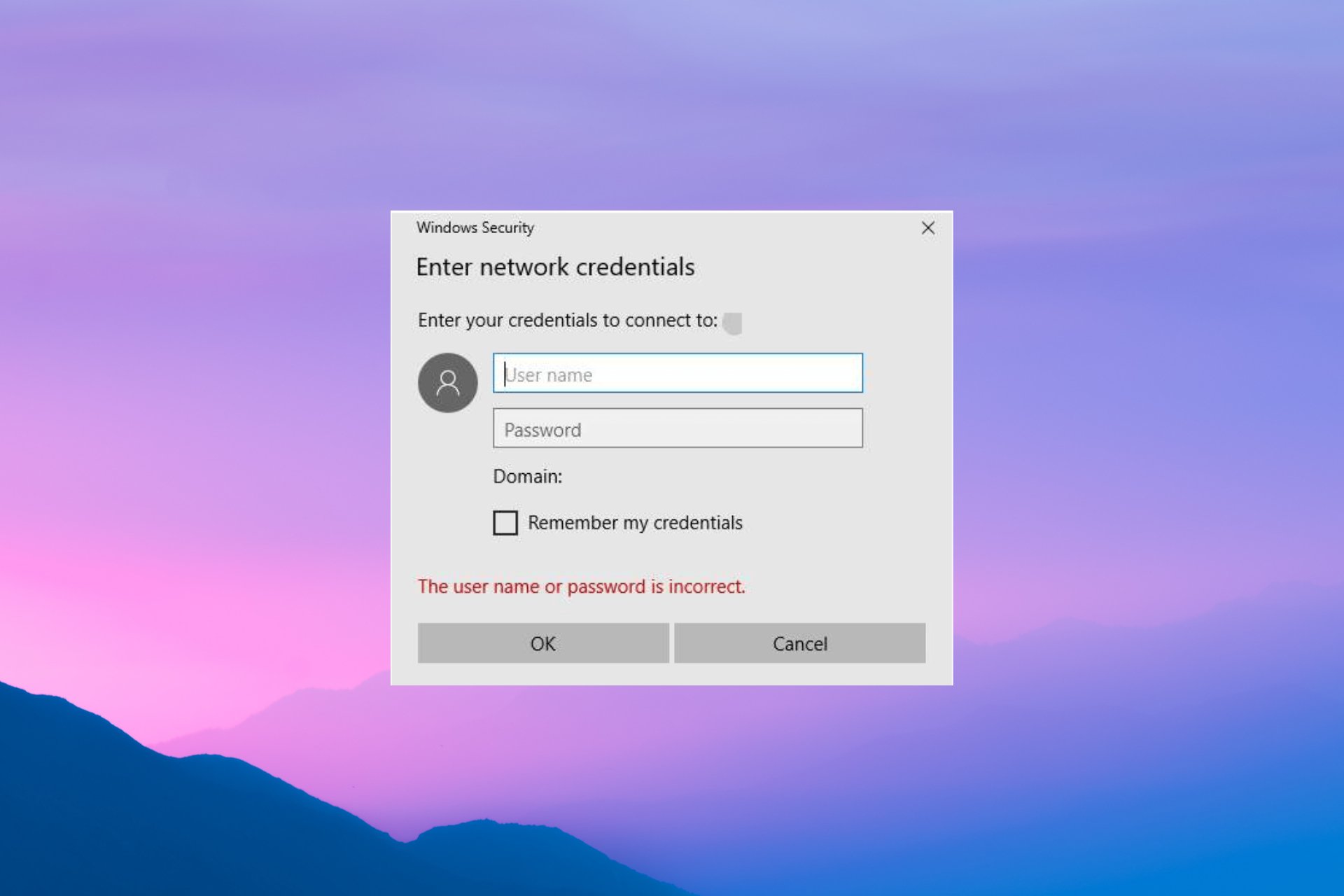
Fixed: Enter Network Credentials [11 Best Solutions]

How to Change Wi-Fi Network Name and Password on Windows 10

How to change wifi password in windows 10 - YouTube

How to Reset a Forgotten Password in Windows 10 or Windows 11 | PCMag
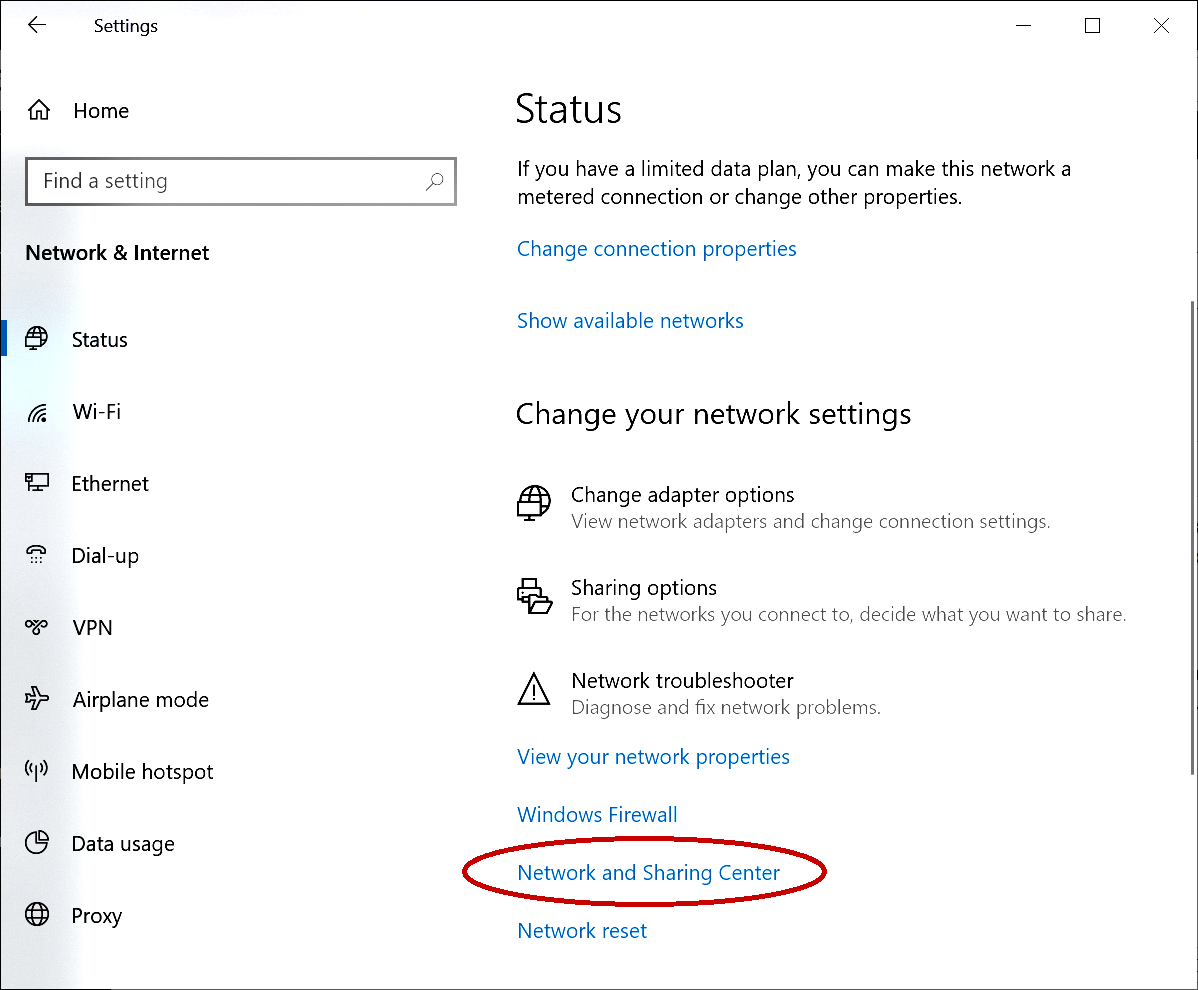
Web On Windows 10 select the Start button then select Settings gt Network amp Internet gt Status gt Network and Sharing Center On Windows 8 1 or 7 search for Network and then select Network and Sharing Center from the list of results

Web If you already know your current password and want to change it Select Start gt Settings gt Accounts gt Sign in options Under Password select the Change button and follow the steps Reset your Windows 10 local account password

Web Apr 16 2021 nbsp 0183 32 Go to Settings gt Network amp Internet gt Status Click View hardware and connection properties to see details about your various network connections Under the entry Ethernet or Wi Fi look for
Web Jul 7 2021 nbsp 0183 32 Click on the tab named Wireless or similar depending on the brand of the router As soon as you will click on it the following screen will be displayed Change the SSID Network Name
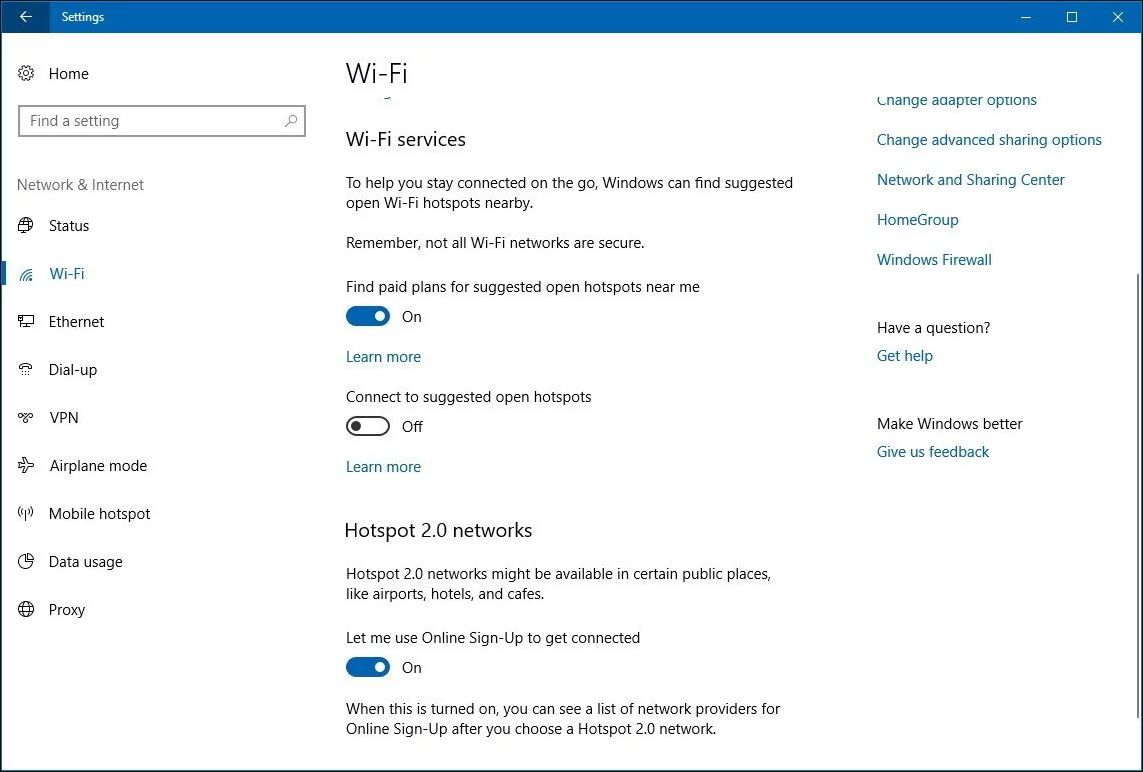
Web Jun 21 2023 nbsp 0183 32 To find your IP address on a Windows computer press the Windows R keys on your keyboard type CMD into the Run window and click OK Finally type ipconfig into the Command Prompt window and hit Enter You will find your router s IP address next to Default Gateway Read More How to find your router s IP address on
[desc-11] [desc-12]
[desc-13]