Change Keyring Password Ubuntu Ermittlungen Gegen K nstlerInnen Wegen Bildung Einer Kriminellen Ubuntu Forgot Default Keyring Password Ubuntu 14 10 YouTube 8 Streiche Die Dein Verstand Dir Spielt Love Your Enemies Bad Posture How To Change Root Password In Ubuntu Linux LinuxStoney How To Reset Root Password On Ubuntu 18 04 20 04 LTS This question already has answers here Closed 12 years ago Possible Duplicate ubuntu Enter Password for Default Keyring to Unlock Whenever I login to ubunutu it prompts me a Enter password to unlock your login keyring Is there anyway I can skip that dialog Thank you
If you are changing the password for a different user you will first need to Unlock the panel and select the account under Other Users Enter your current password then a new password Enter your new password again in the Verify New Password field You can press the icon to automatically generate a random password To update the password for a password keyring Select the password keyring from the list under Passwords on the left side panel Right click on the selected password keyring and select Change Password Type your old password to authenticate yourself and press Continue
How To Reset Root Password On Ubuntu 18 04 20 04 LTS How To Change The Gnome Default Keyring Password In Ubuntu Karmic may Docker Grundinstallation Laitco Change Keyring Password In Linux Fedora 17 YouTube Wall Clock Clip Art Library Kl vsj Storhogna SkiMap default Ubuntu The Keyring Concept In Ubuntu What Is It And How To Use It Human Made Keyring Leather Necklace Duck Black SOMEWHERE
Change Keyring Password Ubuntu
 Change Keyring Password Ubuntu
https://perspektive-online.net/wp-content/uploads/2019/04/18406730073_8c1a782f18_k.jpg
After that the following command unlocks the default keyring named Login usually present the gnome keyring daemon command also creates it if it doesn t exist unlock py PASSWORDHERE If you also want to unlock a non default keyring just create an item in the Login keyring with the name and password of that keyring
Templates are pre-designed files or files that can be used for different purposes. They can conserve time and effort by providing a ready-made format and layout for producing different type of content. Templates can be used for personal or expert jobs, such as resumes, invites, flyers, newsletters, reports, discussions, and more.
Change Keyring Password Ubuntu

Keyring Diabetic Accessories

How To Change The Gnome Default Keyring Password In Ubuntu Karmic may

Docker Grundinstallation Laitco

Change Keyring Password In Linux Fedora 17 YouTube

Kl vsj Storhogna SkiMap

default Ubuntu

Ubuntu Linux Linux Abhishek Pr

1 The solution I found you can delete the keyring that you have forgotten the password for which results in you being prompted for a new keyring password on the command line use locate default keyring to find the location of your keyring folder delete the keyring you have forgotten the password for

Modified 14 days ago Viewed 20 times 0 On the new installed Ubuntu22 04 I receive the popup to unlock keyring to save password for an app like skype etc I enter my current pwd and it is incorrect Also I have tried to change password but the Keyring requires an old pwd How to fix it may be reset pwd somehow

You can change the keyring password on your own You can export by unlocking the keyring first and import it on some other computer to get your manually saved passwords Change keyring password Suppose you changed your account password Now when you login your system tries to unlock the keyring automatically using the new login password
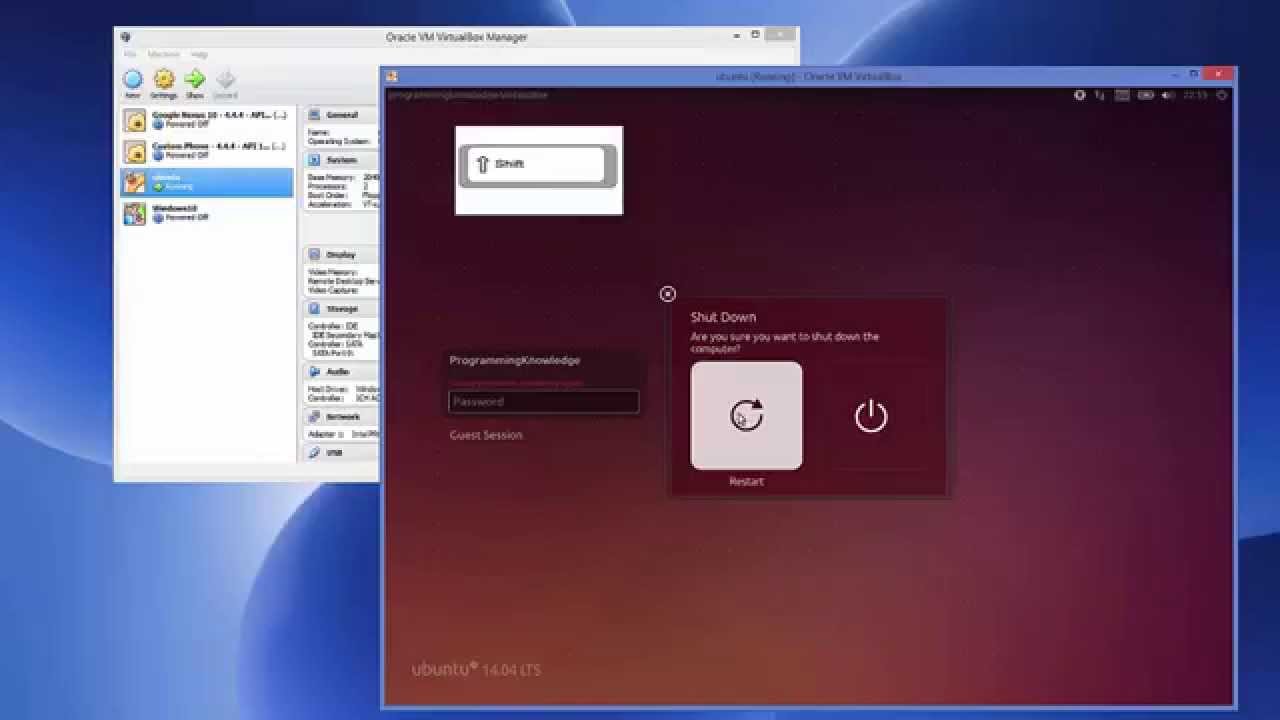
How do I change the Default keyring password Ask Question Asked 4 months ago Modified 4 months ago Viewed 279 times 0 i am on Kubuntu 22 04 running KDE Plasma 5 24 7 I have recently changed my Operating System user password and I also changed my KWallet password Since then when I boot my pc this popup appears sayng that
I found a thread explaining to go to System Preferences Passwords Encryptions and right click on the keyring and click Set as Default I did that and the problem persists I tried changing the password but it told me that my original password was incorrect even though it is the password I use to login and provide root authentication Reset Forgotten Login Keyring In Ubuntu Jul 4 2020 2 minute read If you ve ever changed your Ubuntu login password you should also change your keyring password If you don t do it it might display the following dialog when you do certain things on your system like connecting to wireless starting up your browser etc
If you want to change your current password simply run this command in a terminal passwd You ll be asked to enter your current password and the new password twice You won t see anything on the screen while typing the password This is perfectly normal behavior for UNIX and Linux Change Password using passwd