Change Image On Hover W3schools Change Image On Hover In Elementor Uriel Soto Tailwind CSS Hover Effects Free Examples Tutorial Shopify Change Image On Hover Tutorial Venture Theme YouTube Card On Hover Effects Figma Community How To Add Eye Popping Menu Hover Animation Effects To Divi WP Zone Answer Use the CSS background image property You can simply use the CSS background image property in combination with the hover pseudo class to replace or change the image on mouseover Let s try out the following example to understand how it basically works
Add CSS Style the image by setting its max width min width and max height Set the position to relative and the overflow to hidden Add the text align property with its center value Add the transition of the image class We use the asterisk selector that selects all the elements in a document Set the max width of the image to 100 How to Scale Images and Background Images on Hover How to Scale Images and Background Images on Hover In this snippet we will learn how to zoom scale an element particularly images and background images on hover with pure CSS
How To Add Eye Popping Menu Hover Animation Effects To Divi WP Zone Change Images On Hover In Elementor 3 Methods YouTube Change Cursor On Image Hover YouTube How To Make Your Hover From The Middle In CSS TheSassWay Team Member Hover Awwwards Change Background Image On Hover With Css Transition Effects CSS How To Change A WooCommerce Product Image On Hover AThemes How To Change Images On Hover Using Javascript YouTube Vests Customizeit
Change Image On Hover W3schools
 Change Image On Hover W3schools
https://urielsoto.com/wp-content/uploads/2022/09/change-image-on-hover.jpg
The approach of this article is to change an image when the user hovering the mouse over it This task can be simply done by using the CSS background imag e property in combination with the hover pseudo class to replace or change the image on mouseover Example HTML DOCTYPE html html lang en head title How to Change Image on
Pre-crafted templates provide a time-saving solution for producing a diverse range of documents and files. These pre-designed formats and layouts can be made use of for different individual and professional projects, including resumes, invitations, flyers, newsletters, reports, presentations, and more, enhancing the content creation procedure.
Change Image On Hover W3schools
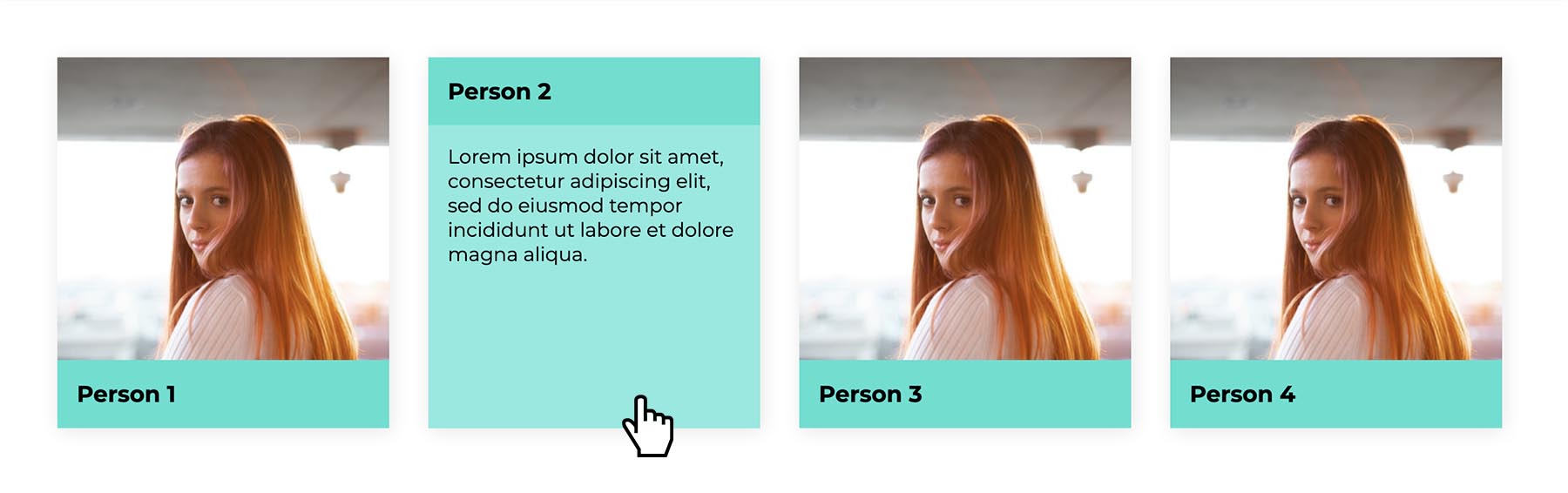
Css Hover Effects Vseradevil

Change Images On Hover In Elementor 3 Methods YouTube

Change Cursor On Image Hover YouTube

How To Make Your Hover From The Middle In CSS TheSassWay
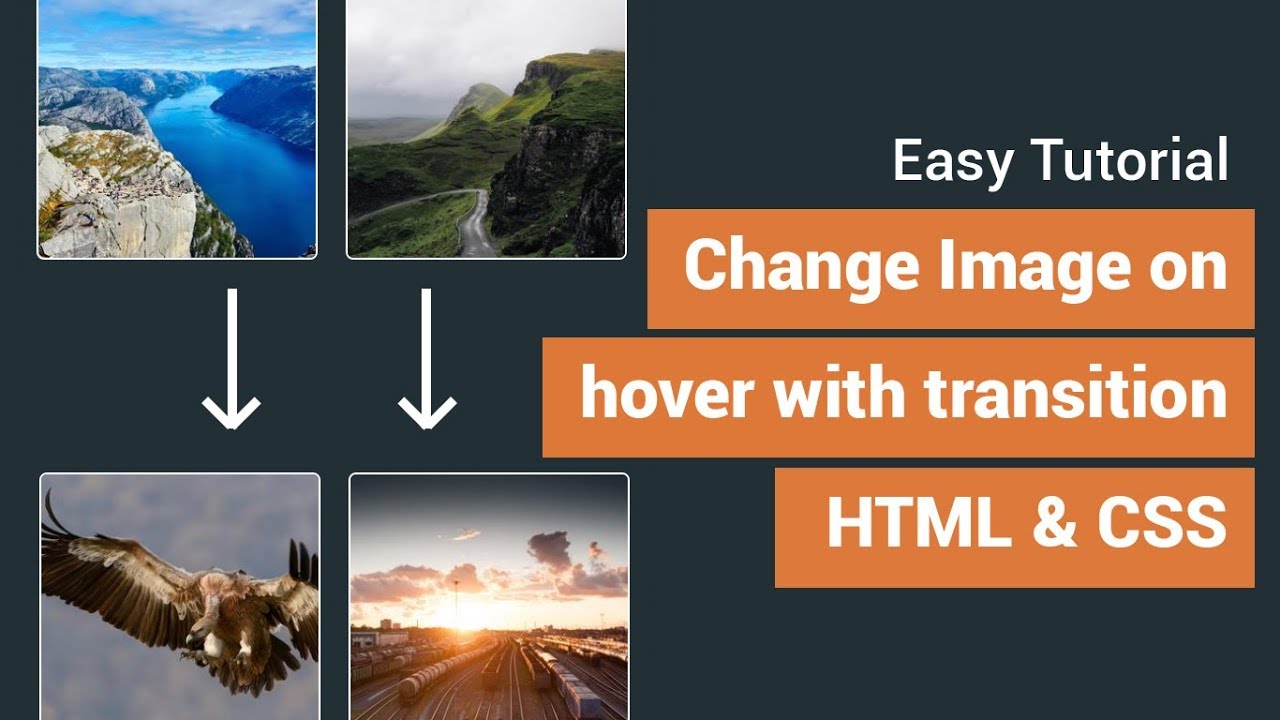
Change Background Image On Hover With Css Transition Effects CSS

How To Change A WooCommerce Product Image On Hover AThemes

Definition and Usage The hover selector is used to select elements when you mouse over them Tip The hover selector can be used on all elements not only on links Tip Use the link selector to style links to unvisited pages the visited selector to style links to visited pages and the active selector to style the active link

Previous Next Learn how to style images using CSS Rounded Images Use the border radius property to create rounded images Example Rounded Image img border radius 8px Try it Yourself Example Circled Image img border radius 50 Try it Yourself Thumbnail Images Use the border property to create thumbnail images Thumbnail Image

img src LibraryTransparent png onmouseover this src LibraryHoverTrans png onmouseout this src LibraryTransparent png Share Improve this answer Follow edited Dec 12 2017 at 1 19 answered Jul 14 2014 at 20 48 kurdtpage 3 171 1 24 24 6

2 years ago Learn how to create image overlay hover effects Read on how to do it in this link https www w3schools howto howto css image overlay asp Image Overlay Fade Learn how to create a fading overlay effect to an image on hover Try it yourself here https www w3schools howto tryit asp filename tryhow css image overlay fade

Image Overlay Icon Hover over the image to see the overlay effect Try it yourself https www w3schools howto tryit asp filename tryhow css image overlay icon Learn how to create an image overlay icon effect on hover Read how to do it in this link
The fastest and simplest way is explained below Pure CSS to swap image on hover The best way to swap images on hover is to place both images in the same container with the rollover image transparent by default When the user hovers over the container the rollover image becomes opaque Html How to change source of img tag on hover Stack Overflow How to change source of img tag on hover Ask Question Asked 10 years 5 months ago Modified 9 months ago Viewed 616k times 155 I need to change img source URL on hover I have tried this but won t work HTML img id my img src http dummyimage 100x100 000 fff CSS
Switch to SQL Mode Auto update Share this example with Facebook Twitter Gmail Please give us a Like if you find it helpful Like if you find it helpful