Change How Often Windows Synchronize Time How To Synchronize Windows Clock With Internet Time Server Synchronize Windows 10 Time With Microsoft Server A Comprehensive Guide How To Synchronize Time With NTPD Time Server Linux Tutorials Learn UX Issue How To Synchronize Time In Multiple Windows Discussion 2 How To Synchronize Time Settings In Exchange Across A Domain Change bubble notification settings You can keep conversations accessible with bubble notifications When you pin bubbles to your home screen you can get messages from contacts in fewer steps Dismiss a notification Touch and hold the
If you change or reset your password you ll be signed out everywhere except Devices you use to verify that it s you when you sign in Some devices with third party apps to which you ve given account access Learn how to remove an app s access to your account Helpful home devices that you ve given account access Change your background and use visual effects Important Participants who join the meeting while not logged into a Google account and participants who need to knock to get admitted can only change their background or use visual effects once in the meeting Your camera is automatically turned on when you click on an effect
How To Synchronize Time Settings In Exchange Across A Domain Multi Region Content Not Synchronize The Time Help Topics Xibo 4 Ways To Synchronize Windows 10 Time With Microsoft Server Fixit How To Synchronize Clock In Windows 7 8 1 10 To Be As Precise As How To Synchronize The Clock In Windows With Internet Time Servers Synchronize Windows Time And Date Using NTP Windows Diy Tutorial Diy Synchronize Windows 8 Apps Manually YouTube How To Fix Cannot Synchronize Time Error In Windows 7 Using 3 Easy How To Synchronize The Clock In Windows 10 With Internet Or Atomic Time
Change How Often Windows Synchronize Time
 Change How Often Windows Synchronize Time
https://www.guidingtech.com/wp-content/uploads/Time-Sync_4d470f76dc99e18ad75087b1b8410ea9.jpg
Choose which email addresses you use to do things like sign in to your Google Account get back into your account if you lose access and get information from Google
Templates are pre-designed files or files that can be used for various functions. They can conserve effort and time by supplying a ready-made format and layout for creating different sort of content. Templates can be utilized for individual or professional projects, such as resumes, invites, leaflets, newsletters, reports, discussions, and more.
Change How Often Windows Synchronize Time
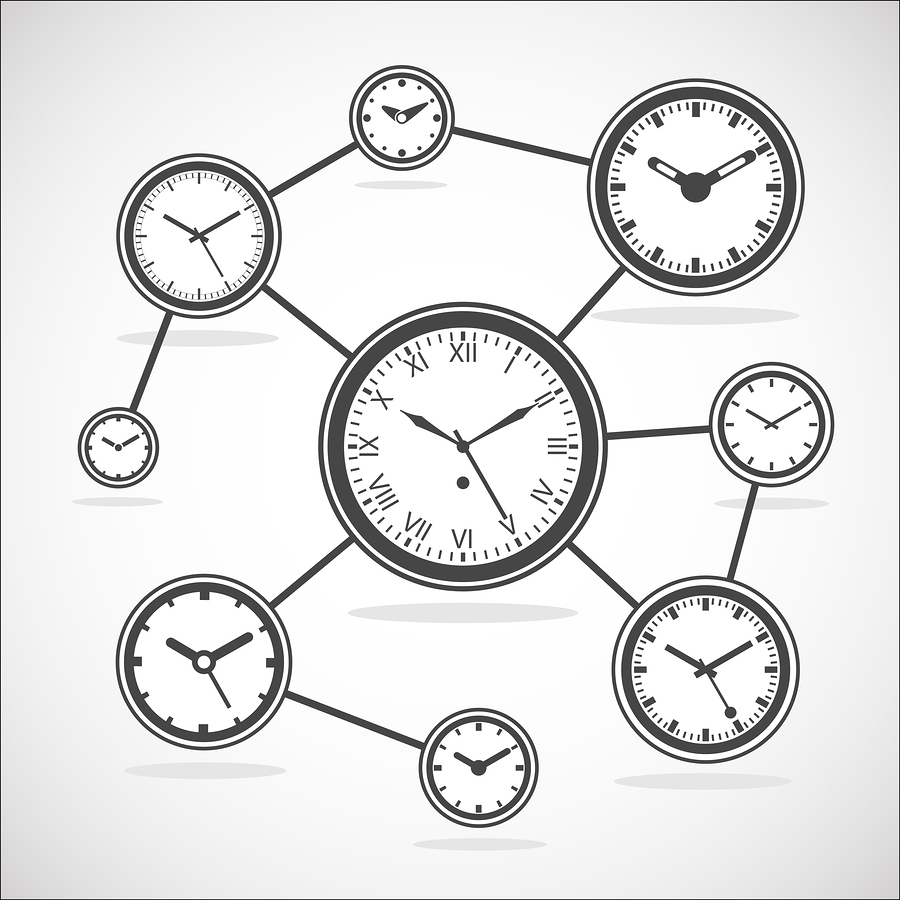
Installing And Running Time Synchronization With Chrony Robohub

Multi Region Content Not Synchronize The Time Help Topics Xibo

4 Ways To Synchronize Windows 10 Time With Microsoft Server

Fixit How To Synchronize Clock In Windows 7 8 1 10 To Be As Precise As

Synchronize Windows Time And Date Using NTP Windows Diy Tutorial Diy

Synchronize Windows 8 Apps Manually YouTube

If you change or reset your password you ll be signed out everywhere except Devices you use to verify that it s you when you sign in Some devices with third party apps that you ve given account access Learn how to remove an app s access to your account Helpful home devices that you ve given account access Learn how to unlink these devices from your Google Account

On your computer go to Gmail In the top right click Settings See all settings At the top choose a settings page such as General Labels or Inbox Make your changes After you re done with each page click Save Changes at the bottom

If you make Chrome your default browser links you click will open automatically in Chrome whenever possible In some countries you may be asked to choose your default browser You can change your d

You can use Chrome to translate pages You can also change your preferred language in Chrome Translate pages in Chrome You can use Chrome to translate a page into other languages
Change of change in change of change in quot Change of quot
[desc-11] [desc-12]
[desc-13]