Change Header In Google Sheets How To Make A Header On Google Sheets On PC Or Mac 8 Steps How To Add Header And Footer In Google Sheets YouTube Free Technology For Teachers Now You Can Customize Headers Footers And Page Numbers In Google How To Change Header In Word For Each Page Vastvo Google Docs Headers And Footers YouTube Web To use and see headers and footers make sure your document is in pages format Open a document in the Google Docs app Tap Edit In the top right tap More Turn on quot Print Layout quot Tap the
Web Jun 14 2021 nbsp 0183 32 To begin open Google Sheets and select the row or column that you wish to rename With the column or row selected right click the selected cells and select quot Define The Named Range quot in the context menu The quot Named Ranges quot menu will open as a panel on the right Type your chosen name in the box provided Web This help content amp information General Help Center experience Search Clear search
Google Docs Headers And Footers YouTube How To Create A Header Row In Google Sheets In 2022 Google Sheets Google Tutorial How To Change Header In Word For One Page Pickplora How To Add A Header In Google Docs Complete 2023 Guide How To Make A Header In Google Sheets Draw public How To Create A Table And Pin And Unpin Header Rows In Google Docs How To Rotate Text In Table Google Docs Brokeasshome How To Change Header In Word For Different Pages 2016 Bayareahooli How To Create A Header In Google Sheets Pc savvy
Change Header In Google Sheets
 Change Header In Google Sheets
https://www.wikihow.com/images/6/6e/Make-a-Header-on-Google-Sheets-on-PC-or-Mac-Step-8.jpg
Web Jul 31 2022 nbsp 0183 32 In Google Sheets the column headers are named A B C and so on by default Some users want to change the names of the column headers to something more meaningful Unfortunately Google Sheets does not allow the header names to be changed Note The same applies to row names in Google Sheets
Templates are pre-designed documents or files that can be used for different purposes. They can save time and effort by offering a ready-made format and design for developing different kinds of material. Templates can be utilized for individual or expert tasks, such as resumes, invites, flyers, newsletters, reports, discussions, and more.
Change Header In Google Sheets
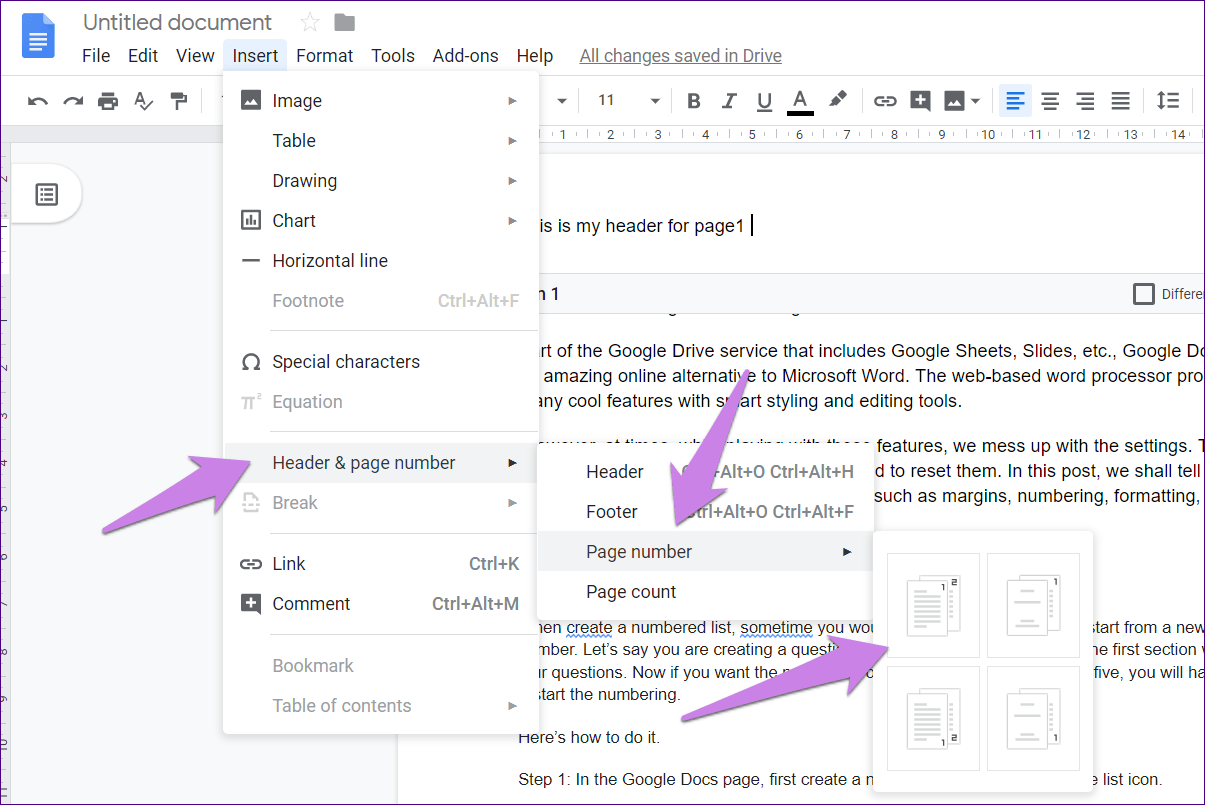
How To Change Header In Word For Different Sections Holdenchristian

How To Create A Header Row In Google Sheets In 2022 Google Sheets Google Tutorial
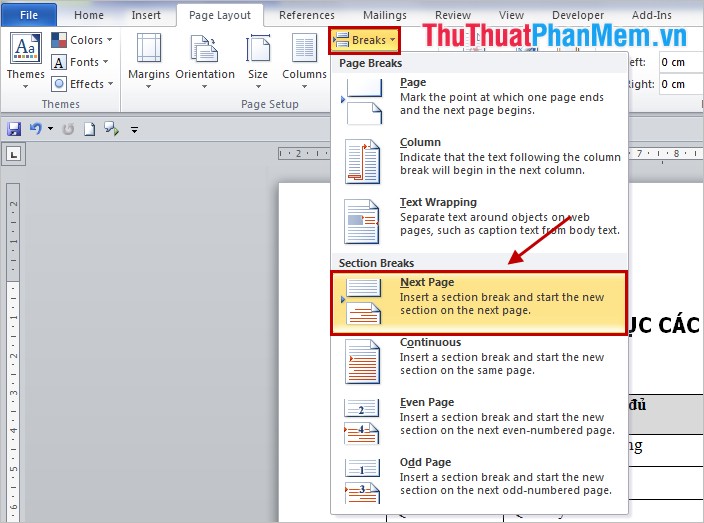
How To Change Header In Word For One Page Pickplora

How To Add A Header In Google Docs Complete 2023 Guide
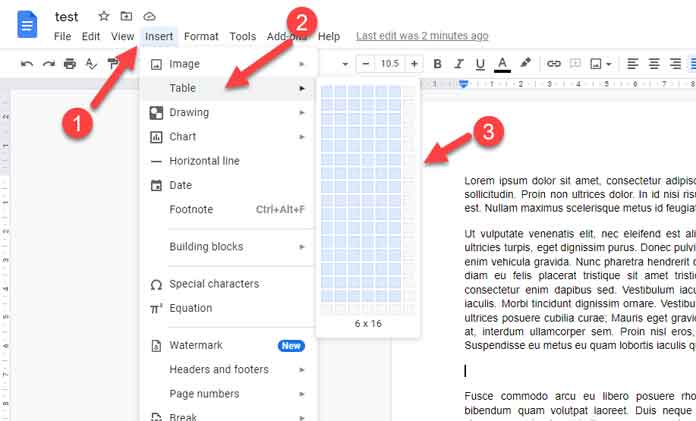
How To Create A Table And Pin And Unpin Header Rows In Google Docs
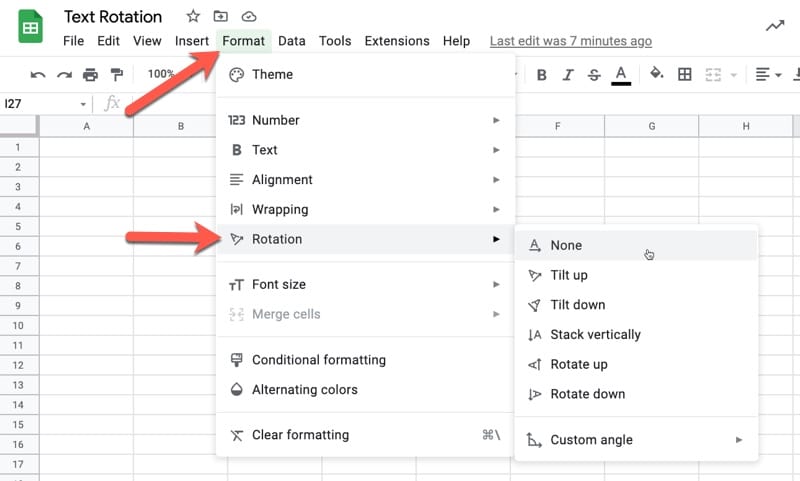
How To Rotate Text In Table Google Docs Brokeasshome

Web On your computer open a document in Google Docs Click in a header or footer At the top left click Format Headers amp footers More options Under quot Apply to quot choose a section or the entire
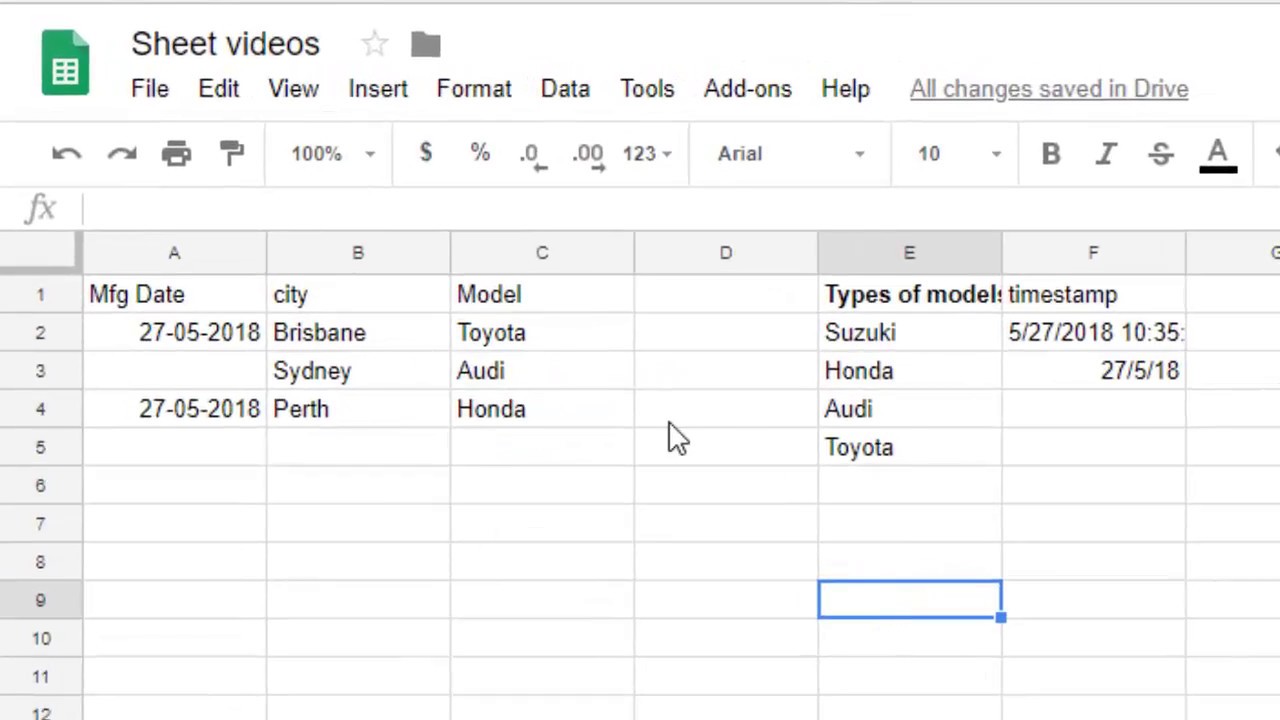
Web Oct 9 2017 nbsp 0183 32 Google is rolling out a new feature that allows you to customize the headers and footers in your Google Sheets with whatever text you choose In addition you can choose from pre defined options date time etc and move those elements around within your header and footer
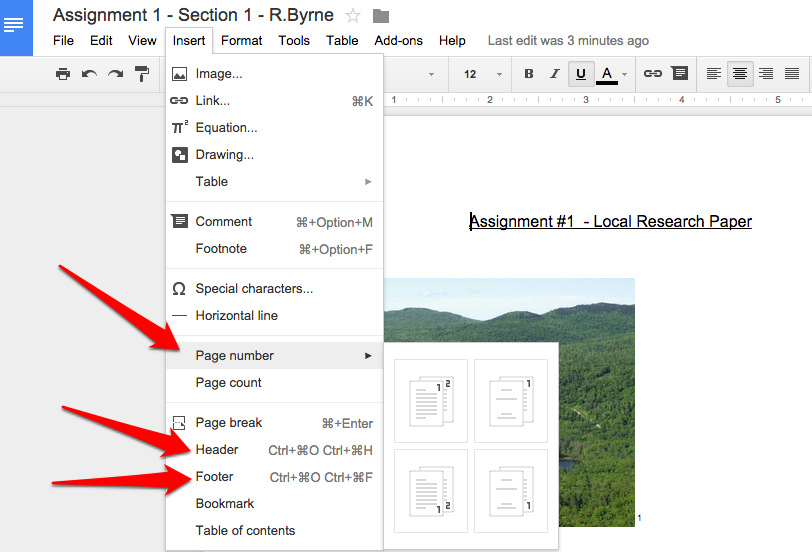
Web Step 1 Right click on the row number you want to insert a header above This will usually be row 1 Step 2 Step 3 Step 4

Web Feb 23 2018 nbsp 0183 32 1 Answer At this time the feature to customize headers and footers doesn t include a way to set a custom formatting font color size effects like bold italics etc One alternative is to use rows to hold the header footer text and use the cell formatting or in cell text formatting to customize the quot headers quot and quot footers quot

Web Step 1 Select one or more cells in your header row If your header is in the first or second row you can skip this step Step 2 Open the View menu and hover over the Freeze submenu then choose an option If your header is in the first or second row choose the corresponding number of rows to freeze
[desc-11] [desc-12]
[desc-13]