Change Git Repo Name How To Change Git Repo Public To Private YouTube GIT EBook StudyEasy Organisation How To Change Git Remote Origin URL DevsDay ru How Do You Reset Git Repo To Specific Branch tag In Origin Hashnode Git WEB Feb 2 2024 nbsp 0183 32 git mv lt old name gt lt new name gt In a nutshell GitHub allows us to change our repository s name on the settings tab You must set the new name on the command line using the git set remote url command To rename a local repo you will have to rename the directory containing the repo Author John Wachira
WEB Feb 14 2024 nbsp 0183 32 Renaming a Git repository also known as performing a git rename repository operation is a simple yet crucial task that allows for the updating of a project s name on both local and remote servers This post guides you through the process How to rename a repository on GitHub or other remote services WEB Jul 3 2020 nbsp 0183 32 Cameron McKenzie TechTarget 03 Jul 2020 Rename a GitHub repo steps It s not a task you will likely have to do often but every once in a while the situation arises in which you must rename a Git repository Here are the required steps to accomplish this task Ensure you have logged into the GitHub admin console
Git Commit Changes To A Git Repository TestingDocs Git Status Remove Untracked Files Rekaequi Git Cheat Sheet 10 Git Commands Every Developer Should Know GIT Branch And Its Operations An Easy Understanding Digital Varys Rashad Mirza Blog Git Cheat Sheet Crayon Couronne Crocodile Git Correct Commit Message Stylo Magasin La Stefan s Web Weekly 6 DEV Community Setup Git User Open Source Agenda
Change Git Repo Name
 Change Git Repo Name
https://i.ytimg.com/vi/QAmtsiz5WZw/maxresdefault.jpg
WEB Mar 25 2024 nbsp 0183 32 Rename the repository by typing the repo s new name and selecting Rename You can use az repos update to update the default branch or rename a repository az repos show repository default branch detect false true name org project subscription
Templates are pre-designed files or files that can be utilized for numerous functions. They can save time and effort by supplying a ready-made format and layout for developing various sort of content. Templates can be utilized for individual or expert tasks, such as resumes, invites, leaflets, newsletters, reports, presentations, and more.
Change Git Repo Name

Free Tutorial Undo Changes In Git
Commit Changes To A Git Repository TestingDocs

Git Status Remove Untracked Files Rekaequi

Git Cheat Sheet 10 Git Commands Every Developer Should Know

Rashad Mirza Blog Git Cheat Sheet
Crayon Couronne Crocodile Git Correct Commit Message Stylo Magasin La
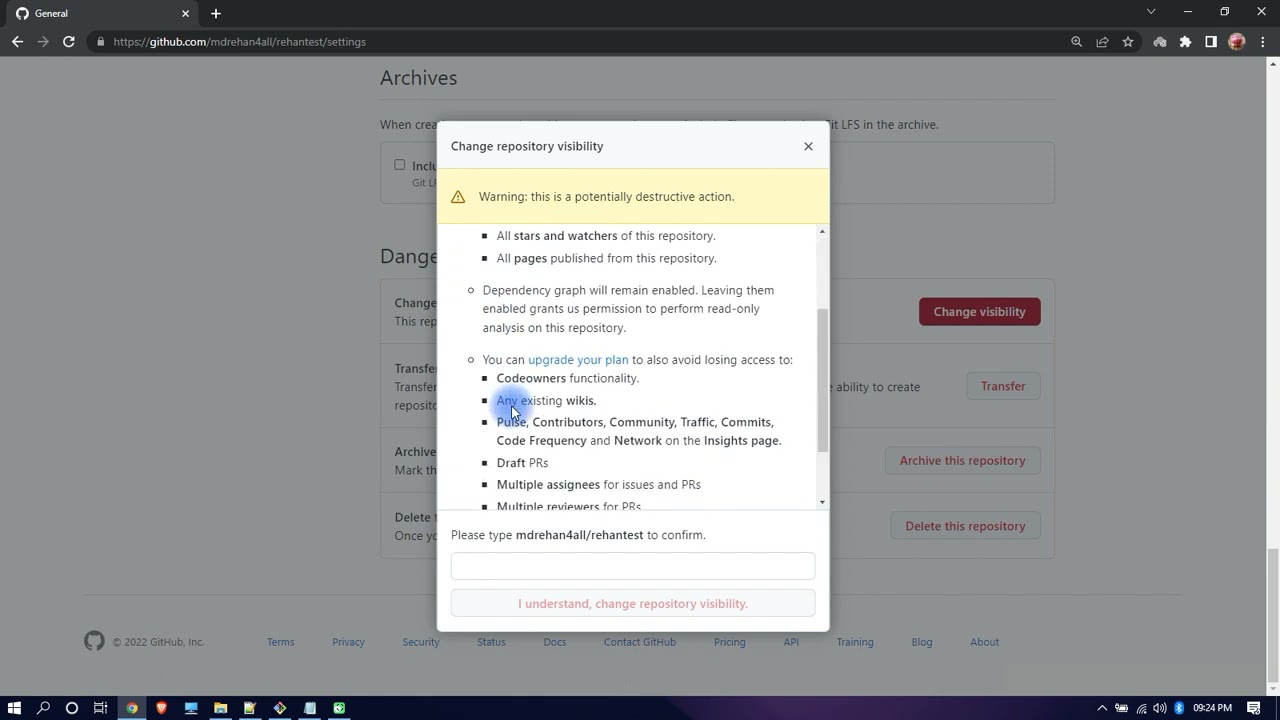
WEB Apr 22 2011 nbsp 0183 32 Rename a GitHub repository as follows Log in to your http github account Browse to the repository to rename Click Settings Set Repository Name to the new name Click Rename After this step your online repository matches your local folder name You may also want to rename your local folder

WEB On GitHub navigate to the main page of the repository Under your repository name click Settings If you cannot see the quot Settings quot tab select the dropdown menu then click Settings In the Repository Name field type the new
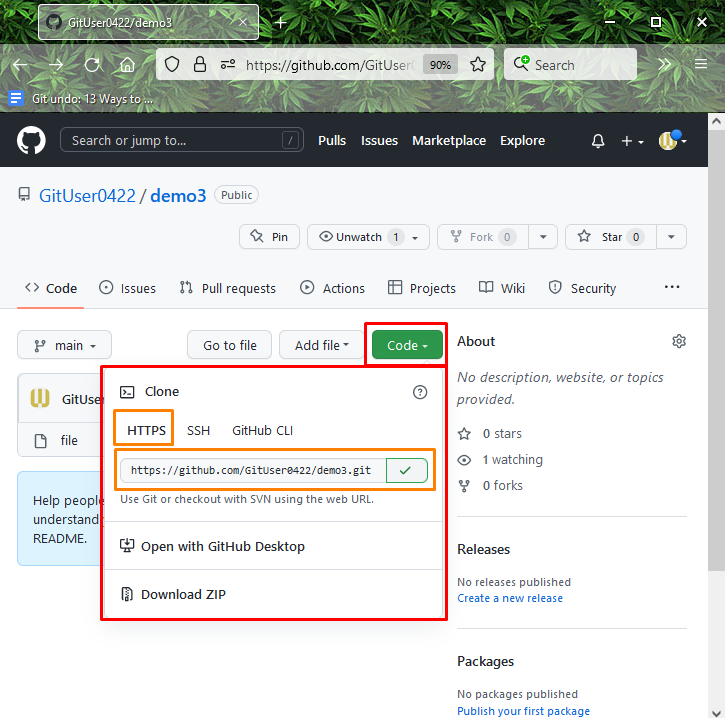
WEB Mar 5 2020 nbsp 0183 32 At your command prompt execute git remote v This command will list the current remote repositories each one of them with its name and url For example the output could be origin http myserver myproject git fetch origin http myserver myproject git push origin is the name alias of the remote repository Execute
WEB Nov 4 2021 nbsp 0183 32 Effect of changing the name the name is changed Side effect of changing the name everyone who uses the name has to change it Who uses the name URLs sure but also local paths embedded in scripts references if there are any and so forth Find them all and change them and you re done
WEB Changing the name associated with your Git commits using git config will only affect future commits and will not change the name used for past commits Setting your Git username for every repository on your computer Open Terminal Terminal Git Bash Set a Git username git config global user name quot Mona Lisa quot Confirm that you have set the Git
WEB Oct 25 2017 nbsp 0183 32 On GitHub navigate to the main page of the repository Under your repository name click Settings Under the Repository Name heading type the new name of your repository Click Rename View full answer 1 reply Oldest Newest Top a a ron on Oct 25 2017 WEB Apr 26 2024 Edward S 5min Read Git Rename Branch Learn How to Rename a Local and Remote Git Branch Git is a Version Control System VCS used by developers to facilitate collaboration It is useful for coordinating work and tracking source code changes during the software development process
WEB GitHub CLI Take GitHub to the command line gh repo rename lt new name gt flags Rename a GitHub repository By default this renames the current repository otherwise renames the specified repository Options R repo lt HOST OWNER REPO gt Select another repository using the HOST OWNER REPO format y yes Skip the