Change Font Size In Data Validation List Data Validation Lists Microsoft Excel Basic Advanced Data Validation Exists In List Excel Formula Exceljet MacroSonic 029 CubedCinder128Request jpg Data Validation Lists Microsoft Excel Basic Amp Advanced Riset Create A Data Validation List In Excel By Chris Menard Youtube Riset Web Jul 9 2018 nbsp 0183 32 2 Answers Sorted by 1 I needed a drop down list in column E to be larger to be readable The following macro zooms to 100 if I click on any cell in column E past E4 and then goes back to my preferred zoom of 70 when I click anywhere else
Web Apr 27 2022 nbsp 0183 32 Hello Steve I understand the requirement and request you to refer to this article How to Change Drop down Width and Font Size in Excel Excel Campus Third party link disclaimer Microsoft provides no assurances and or warranties implied or otherwise and is not responsible for the information you receive from the third party Web Oct 11 2018 nbsp 0183 32 Unfortunately you cannot change the font size or styling in a drop down list that is created using data validation Power to the Developer MSI GV72 17 3 quot i7 8750H Hex Core 32GB DDR4 4GB GeForce
Create A Data Validation List In Excel By Chris Menard Youtube Riset How To Change System Font Size On Windows 10 Pureinfotech How To Change Font Size In Google Sheets Shortcut Key To Increase Vrogue Create A Data Validation List In Excel By Chris Menard Youtube Riset How To Change The Font Size In Windows Mobile Legends Appoint Goat Will Do Data Validation Table In Excel Trouble Barely Train Excel Data Validation Drop Down Lists With Vlookup Function Tutorial Reference A Table In Excel Data Validation Elcho Table Data Validation Microsoft Excel 2003 TechSupp247
Change Font Size In Data Validation List
 Change Font Size In Data Validation List
https://www.goskills.com/Video/2700/thumbnail-720p.jpg?t=T96921
Web There is no way to change the font size of a validation dropdown list You might increase the zoom percentage of the sheet but if you use a 25 point font that is probably not an attractive option Perhaps you could use a smaller font size on the sheet and increase the zoom percentage
Pre-crafted templates offer a time-saving option for developing a varied variety of documents and files. These pre-designed formats and layouts can be used for numerous personal and expert tasks, including resumes, invitations, leaflets, newsletters, reports, discussions, and more, simplifying the material production process.
Change Font Size In Data Validation List
Data Validation Basics For Google Sheets Simplify Sheets

How To Change System Font Size On Windows 10 Pureinfotech
How To Change Font Size In Google Sheets Shortcut Key To Increase Vrogue
Create A Data Validation List In Excel By Chris Menard Youtube Riset
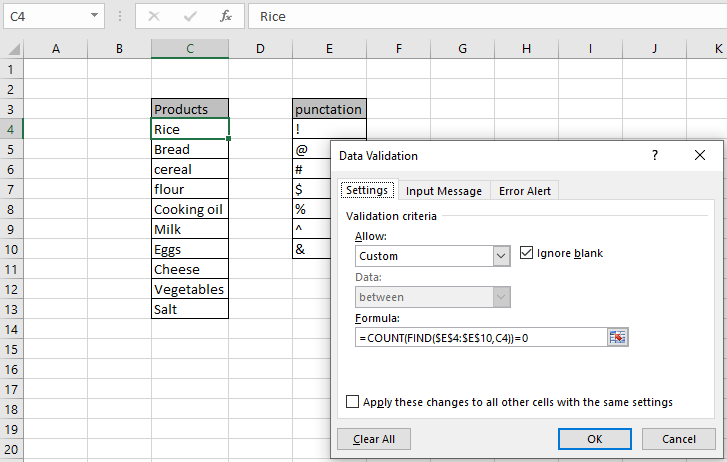
Appoint Goat Will Do Data Validation Table In Excel Trouble Barely Train
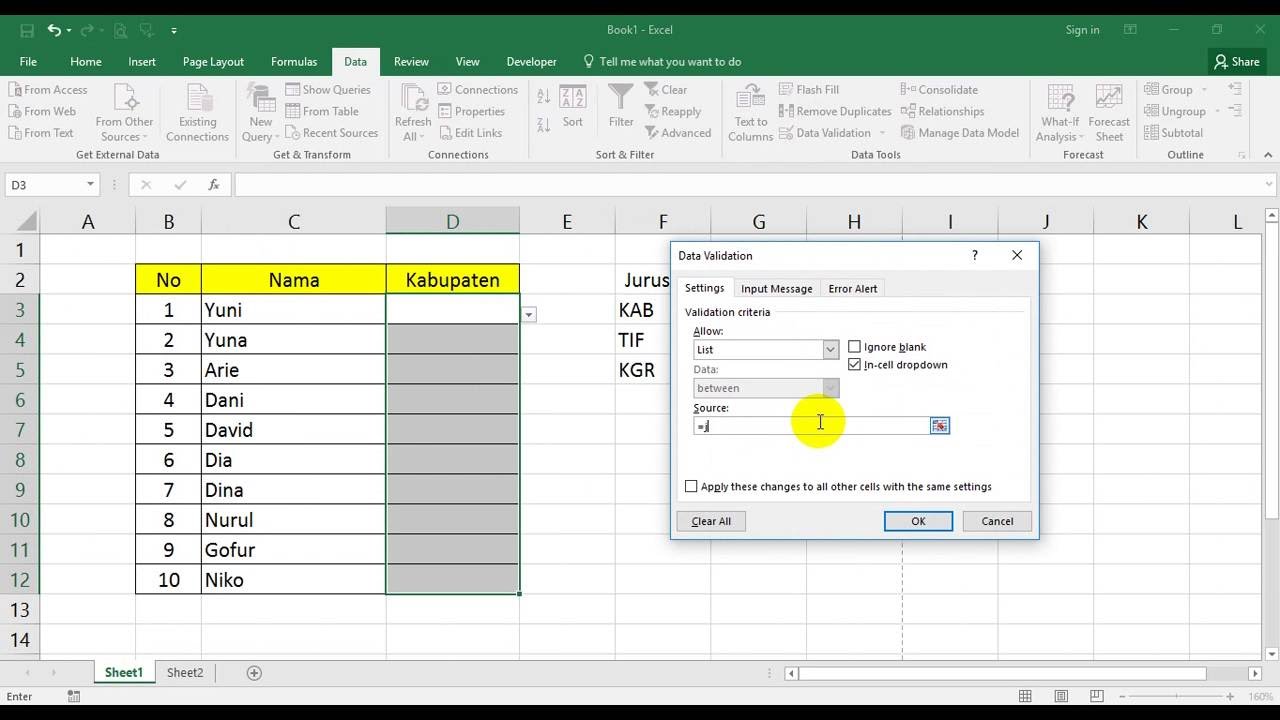
Excel Data Validation Drop Down Lists With Vlookup Function Tutorial

Web Sep 15 2022 nbsp 0183 32 What s New in Excel for the web December 2021 by Avital Nevo on How can increase the font size of the Data Validation List in excel 365 Windows Ithe elements of a list are displayed with very small font

Web Dec 21 2018 nbsp 0183 32 Here is another possibility Make Data Validation List Appear Larger September 25 2012 When you create a drop down list with data validation you can t change the font or font size If you have reduced the zoom setting for a worksheet it can be difficult to read

Web Unfortunately you can t change the font size or styling in a drop down list that is created using data validation You can style the text in a combo box however Follow the instructions here Excel Data Validation Combo Box

Web Jun 7 2023 nbsp 0183 32 There is no way to change the font size of a validation dropdown list You might use a smaller font size on the sheet and increase the zoom percentage Beware of Scammers posting fake Support Numbers here Reply Was this reply helpful Yes No The font populated in the dropdown list is unreadable How can I enlarge the font

Web Jan 7 2020 nbsp 0183 32 To address the problem you could Use a combo box or list box The font in those can be set to any size and you can also set them to show more than the default 8 items at a time Temporarily increase the zoom setting You can lower the font size of the entire worksheet and then raise the zoom
Web Jun 17 2020 nbsp 0183 32 Unfortunately best to my know you cannot increase the font size in a drop down list with data validation But if you are using form control then you can list increase the size in changing the drop down property Web Dec 11 2005 nbsp 0183 32 In a data validation dropdown list you can t change the font size There are a couple of programming workarounds here http www contextures xlDataVal08 html Font Ryan wrote
Web Sep 28 2022 nbsp 0183 32 How to increase font size in quot Data Validation quot drop down list Excel kitsa Sep 28 2022 K kitsa Board Regular Joined Mar 4 2016 Messages 109 Office Version 365 2016 Sep 28 2022 1 Hi Guys I have done a Data Validation to list on another sheet but the front on the drop down list is too small