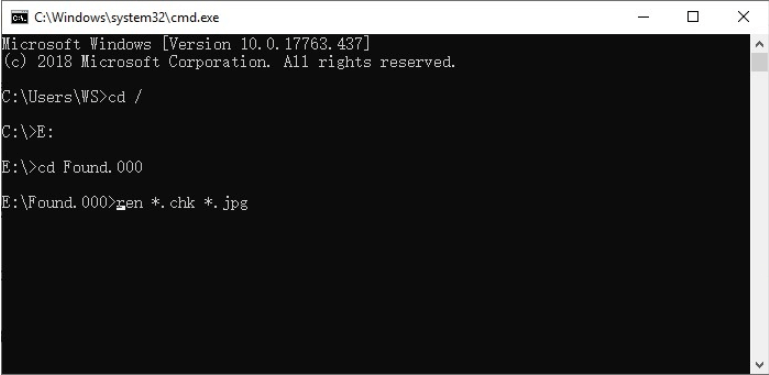
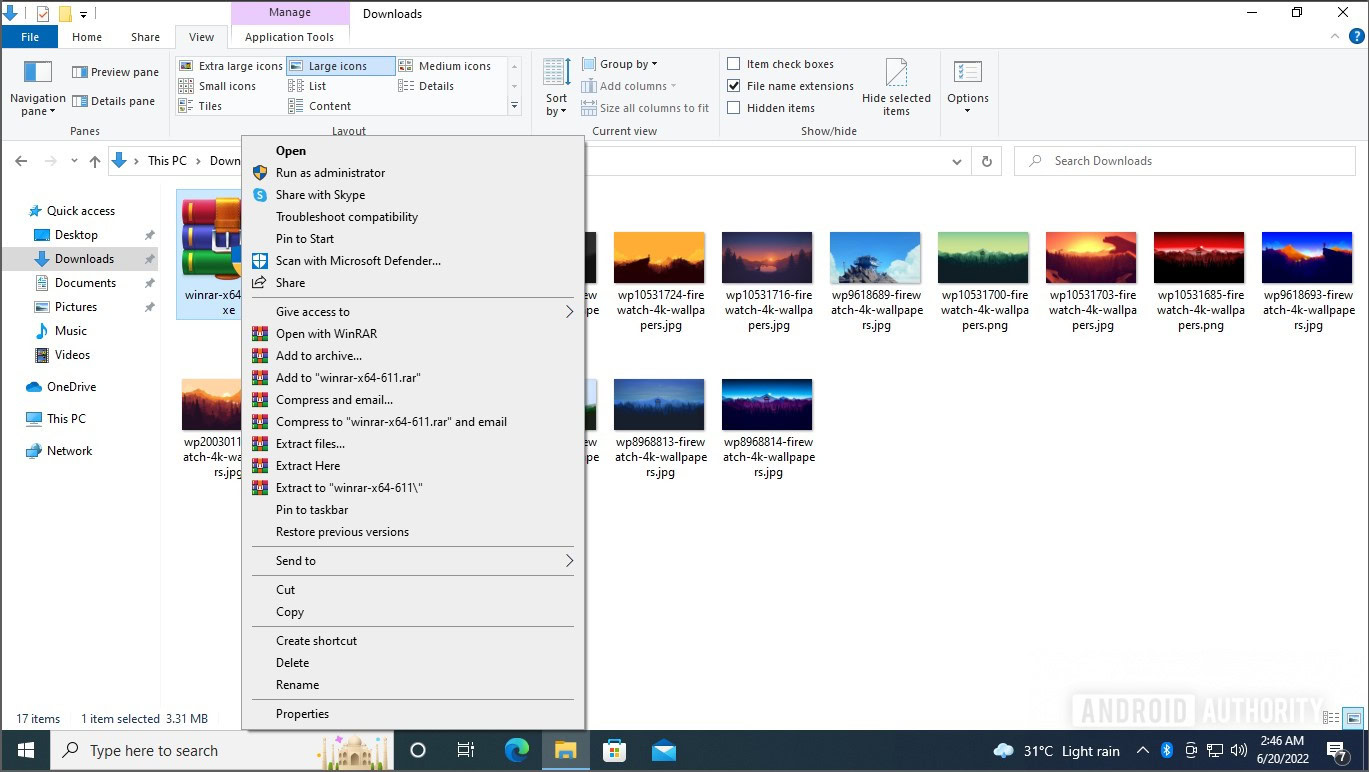
Change File Extension By Cmd Change Extension Of Multiple Files At Once CMD Batch File Best Way To Recover CHK Files From Found 000 Folder In Windows11 10 How To Show And Change File Extensions In Windows Android Authority Cmd Windows 10 How To Change File Extension In Windows 10 8 7 And XP The schedule is tentative and subject to change Flights are subject to delay because of dense fog
LM studio May 30 2022 nbsp 0183 32 The title exceeds 70 characters with spaces the author is suggested to give an abbreviated runnin
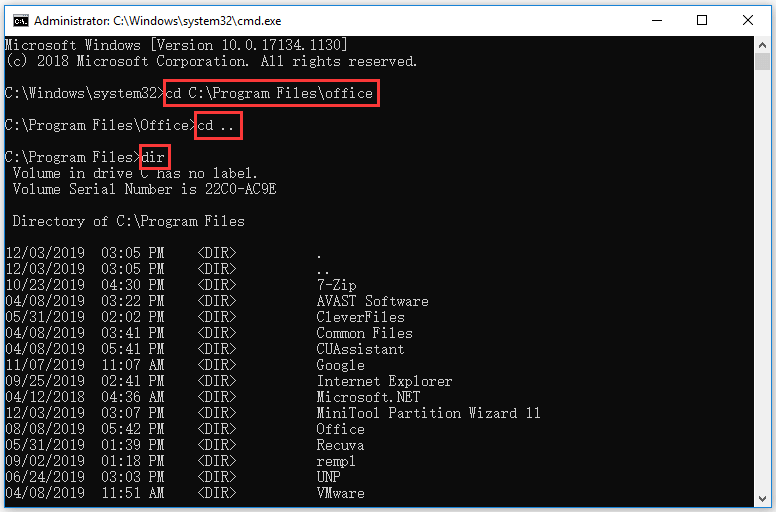
How To Change File Extension In Windows 10 8 7 And XP Wiki How To COURSE VN Windows Command Line Tutorial 2 Listing Files And Directories YouTube How To Change Directory In CMD On Windows 10 Via Command Line How To Change File Extension In Windows 10 8 7 And XP All CMD DOS Command List CracK File DownloadeR C ch Sao Ch p T p Tin Trong Command Prompt k m nh WikiHow 2021 Latest How Can I Recover Deleted Files Using CMD Change File Extensions In Windows 10 Like A Pro Infetech Tech
Change File Extension By Cmd
 Change File Extension By Cmd
https://www.get-itsolutions.com/wp-content/uploads/2020/11/Change-extension-of-multiple-files-at-once.png
Manage your payment methods You can change delete and add a backup payment method to make sure your membership stays active Make sure you use an accepted payment method
Templates are pre-designed documents or files that can be utilized for various purposes. They can conserve time and effort by supplying a ready-made format and design for creating various kinds of content. Templates can be utilized for individual or professional jobs, such as resumes, invitations, flyers, newsletters, reports, presentations, and more.
Change File Extension By Cmd

Change File Extension Reterrich

Wiki How To COURSE VN
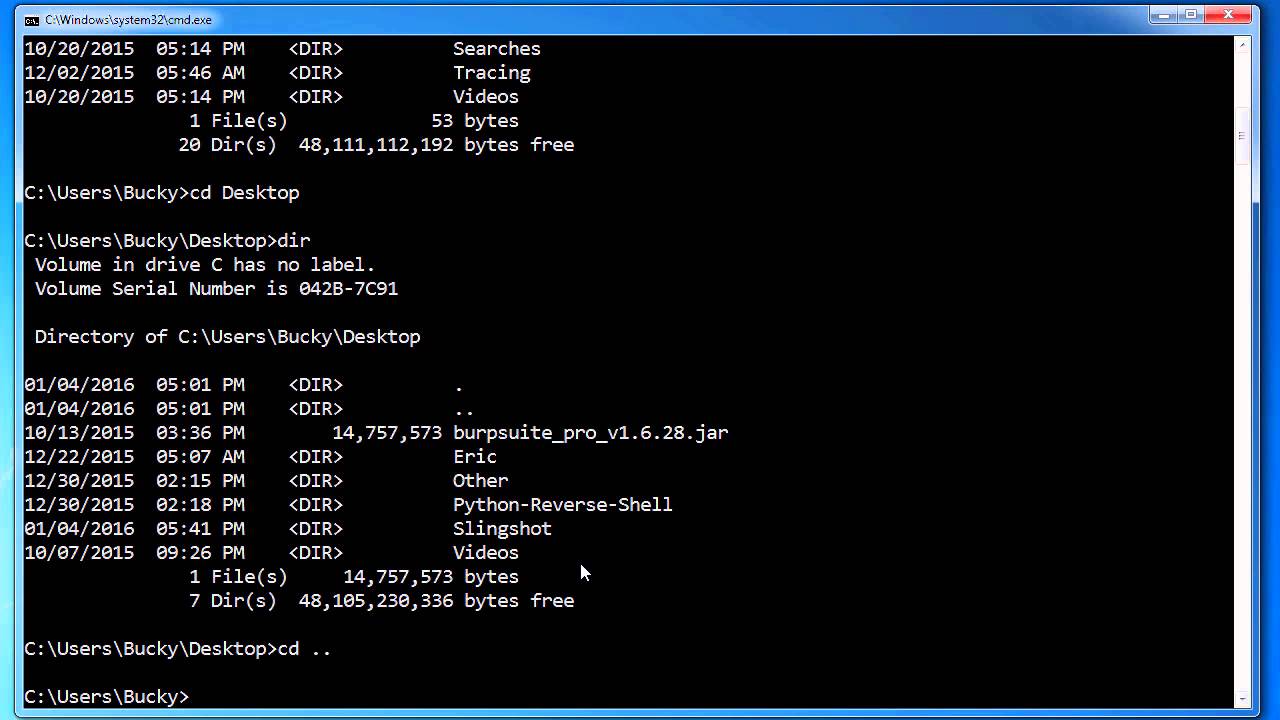
Windows Command Line Tutorial 2 Listing Files And Directories YouTube
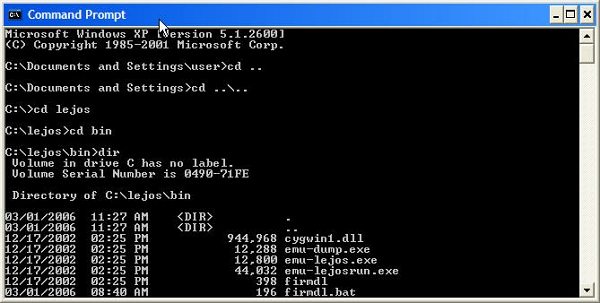
How To Change Directory In CMD On Windows 10 Via Command Line
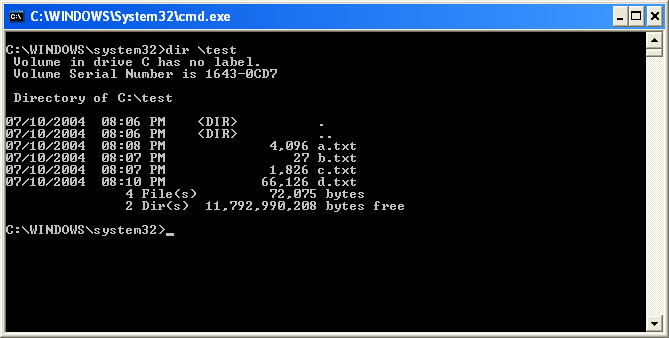
All CMD DOS Command List CracK File DownloadeR

C ch Sao Ch p T p Tin Trong Command Prompt k m nh WikiHow
Apr 6 2011 nbsp 0183 32 2 change 3 modify 4 transform
On your computer go to Gmail In the top right click Settings See all settings At the top choose a settings page such as General Labels or Inbox Make your changes After you re done with
If you change or reset your password you ll be signed out everywhere except Devices you use to verify that it s you when you sign in Some devices with third party apps that you ve given
If you make Chrome your default browser links you click will open automatically in Chrome whenever possible In some countries you may be asked to choose your default browser You

Change of change in change of change in quot Change of quot
[desc-11] [desc-12]
[desc-13]