Change Document Creation Date Where To Start With Automated Document Creation At Your Firm Document Creation Awato Knowledge Base Change Document Edit Form Icon Download On Iconfinder Document Creation Busy Bee Organisers Document ESign Pune Web Apr 13 2023 nbsp 0183 32 1 TimeStamp Changer TimeStamp Changer is a lightweight and easy to use app with a minimalist user interface To use the tool navigate to the File tab and click Add From there select either the File or Folder option Alternatively you can add your files by dragging and dropping them onto the tool
Web Aug 3 2019 nbsp 0183 32 To change the file date using PowerShell here are the commands you need to run Change the creation date timestamp of a file named log1 txt Get Item quot D Test log1 txt quot CreationTime quot 3 August 2019 17 00 00 quot Change the last write date timestamp of a file named log1 txt Get Item quot D Test log1 txt quot LastWriteTime quot 3 Web Apr 7 2020 nbsp 0183 32 How to Change the Last Modified Date Creation Date and Last Accessed Date for Files and Folders Word Document Creation Date Changing Microsoft Community Each data her build instead modify on Windows 10 has file attributes attached to it revealing you or somebody else when who open was created modified opened
Document ESign Pune Pdf Document Creation By Dilem Ak ner Ak k On Dribbble Document Bundling Auto Rename Document Creation Date Analyst Research View The Transformation Of Product Design Report Official Resolution Document The First Part Of Managing The Document Lifecycle Document Creation Nobody Is An Outsider Prisoner Training Education Prison Mentoring How To Change Word Document Creation Date YouTube
Change Document Creation Date
 Change Document Creation Date
https://caretlegal.com/wp-content/uploads/2023/11/shutterstock_2062341515-scaled.jpg
Web Jul 9 2018 nbsp 0183 32 How to change Content Created date and time in ms word HI i have a file that showing date created on 1 1 2018 and the content created on 30 12 2017
Templates are pre-designed files or files that can be utilized for different functions. They can save effort and time by offering a ready-made format and layout for creating different sort of content. Templates can be used for individual or professional tasks, such as resumes, invites, flyers, newsletters, reports, presentations, and more.
Change Document Creation Date

BlueMeg
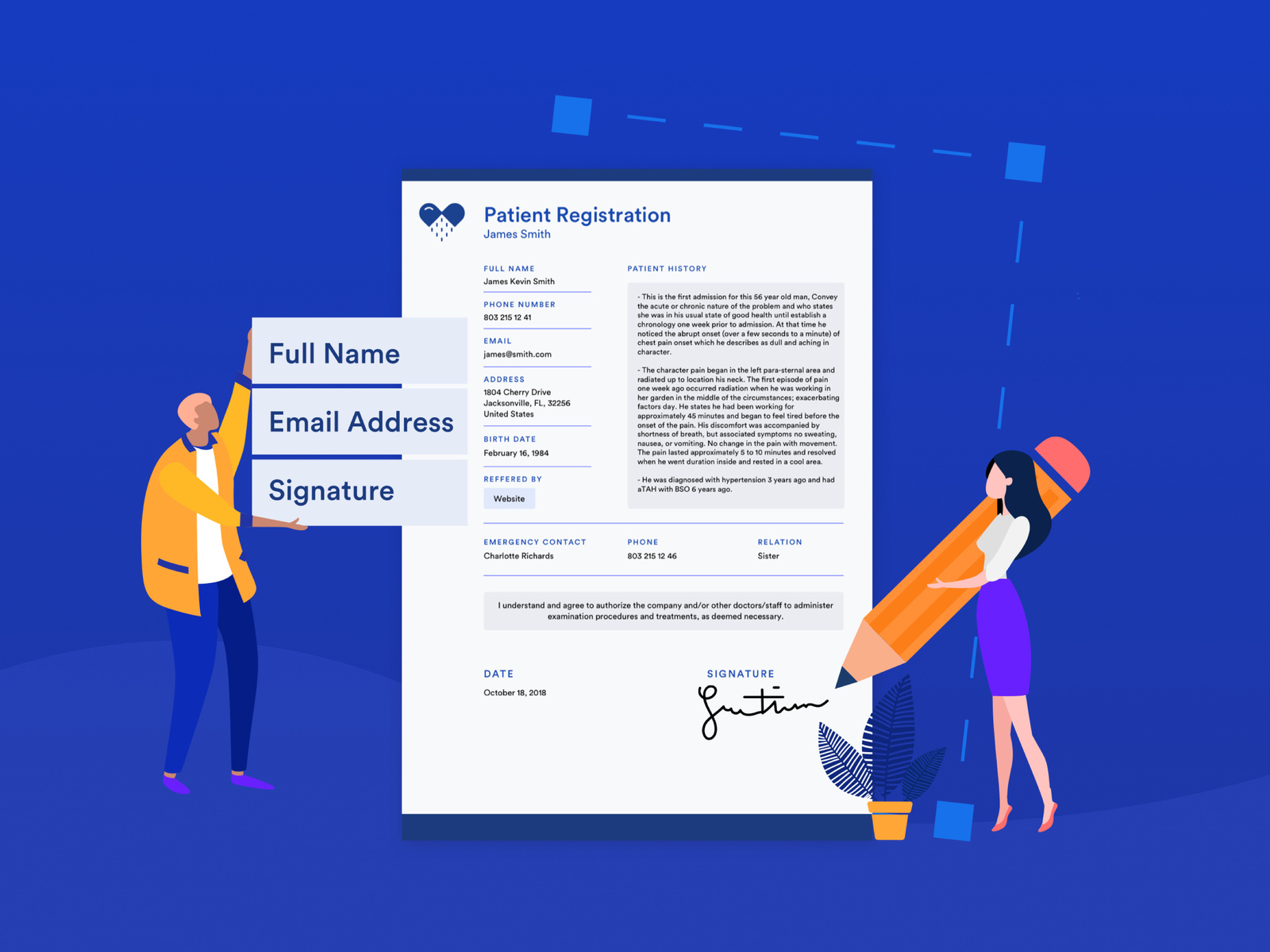
Pdf Document Creation By Dilem Ak ner Ak k On Dribbble

Document Bundling
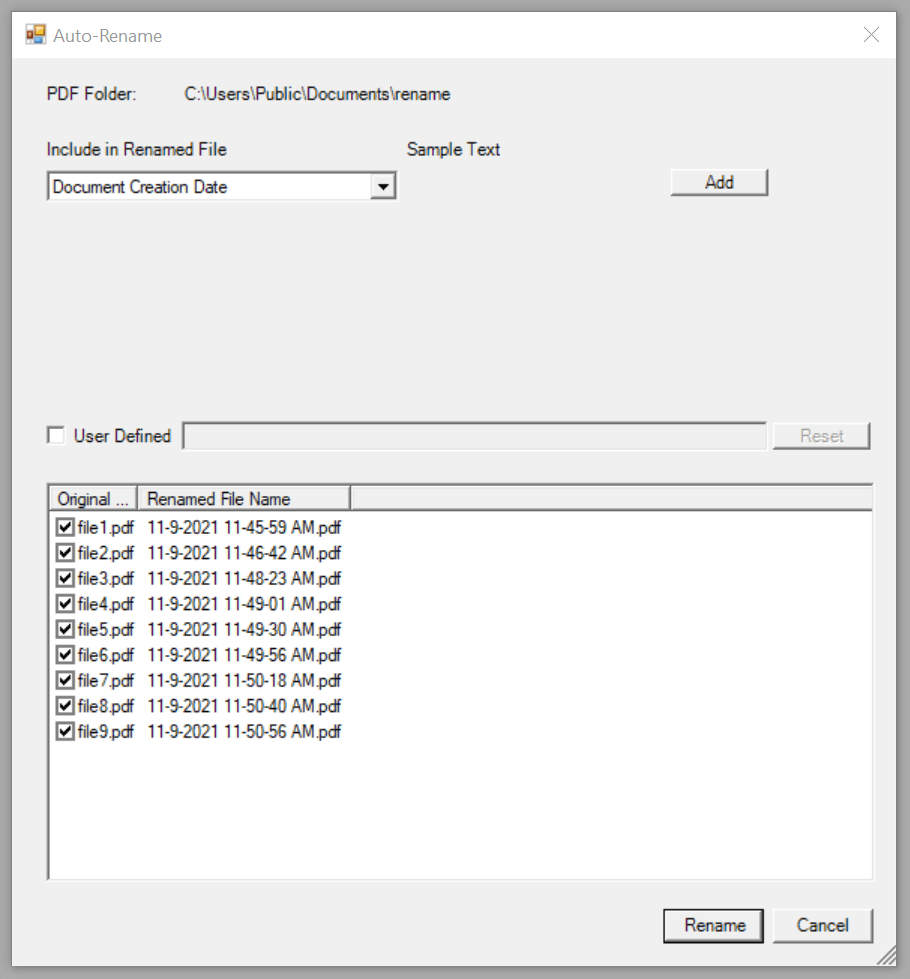
Auto Rename Document Creation Date

Official Resolution Document

The First Part Of Managing The Document Lifecycle Document Creation

Web Jun 25 2021 nbsp 0183 32 Change the File Creation Date You have to click on the File Properties and make sure the box next to Modify File Date and Time Stamps is checked to alter the formation date on the settings of the Word documents The date of the last accessed of the file may also be modified Make the changes you want and choose Save

Web To change the creation date on Word document settings select the quot File Properties quot tab and check the box next to Modify File Date and Time Stamps The dates are located below and you can manually change the creation date and if desired the date and times of edits and modifications

Web Dec 11 2017 nbsp 0183 32 You can modify the date created by copying a file The file s created date becomes the modified date and the current date when the file is copied becomes the created date You can copy a file on your PC to check Let us know if

Web Sep 24 2022 nbsp 0183 32 First download the Bulk File Changer tool from its website Next unzip the file and launch the application Then go to Files gt Add Files and select the files you wish to edit After that

Web Oct 31 2020 nbsp 0183 32 Steps to change or modify the creation date of a Word document In our case we are going to select the Save as option and then we are going to choose the type of file And then the Save As window will be displayed The next step is
Web Sep 19 2018 nbsp 0183 32 The dates are based on the system clock So use the brute force approach Unplug your computer from the internet corporate network set your system clock to the desired date time https www dummies software for seniors how to set the date and time on your computer create a new blank document paste your content into it save Web Feb 22 2023 nbsp 0183 32 To change the date created on a Word document open the document in Microsoft Word and click on the File tab Then select Info and click on Properties In the Properties window click on Advanced Properties Under the Summary tab you can change the date created 2 Is it possible to change the date created on a Word document
Web Aug 25 2022 nbsp 0183 32 The creation date should remain August 11 2022 and the modified date should be today August 17 2022 as I only edited my document How do I correct this to maintain my word documents to keep the original creations date and to just change modified dates when my word document is actually modified Thank you T This thread