Change Default Font On Mac Change Default Font On Mac Email Deltaspy How To Change Default Font On Mac Office 2016 Deltamassage How To Change Default Font On Mac Outlook Hoolifoot How To Change Default Font On Mac Outlook Senturinpractice How To Change The Notepad Default Font On Windows DigitizedPost Web To change these settings in the Mail app on your Mac choose Mail gt Settings then click Fonts amp Colors Option Description Message list font Set the font and font size for
Web On your Mac choose Apple menu gt System Settings then click Accessibility in the sidebar You may need to scroll down Click Display on the right go to Text then click Text Web Do one of the following Click the Download button next to a font Control click a font then choose Download Select multiple fonts Control click the selection then choose Download Select one or more fonts then choose
How To Change The Notepad Default Font On Windows DigitizedPost How To Change The Default System Font On Windows 10 How To Change The Font On A Mac Desktop DeviceTests How To Change Default Font On Android Devices Change Android Fonts Windows 11 Font How To Change Default Font On Mac Outlook Senturinpractice Change The Default Font In PowerPoint Text Boxes Change Your Default Microsoft Outlook Font Settings For New Emails How To Change Default Font In Outlook 2010 And 2013 Emails YouTube
Change Default Font On Mac
 Change Default Font On Mac
https://i.ytimg.com/vi/Mvy-jGixNqo/maxresdefault.jpg
Web To change a font everywhere it occurs in your document you can replace it with another font Choose Format gt Font gt Replace Fonts from the Format menu at the top of the
Pre-crafted templates offer a time-saving service for producing a diverse series of documents and files. These pre-designed formats and layouts can be made use of for various individual and expert tasks, consisting of resumes, invitations, leaflets, newsletters, reports, discussions, and more, streamlining the content production process.
Change Default Font On Mac

How To Change Default Font On Windows 11 TechYorker
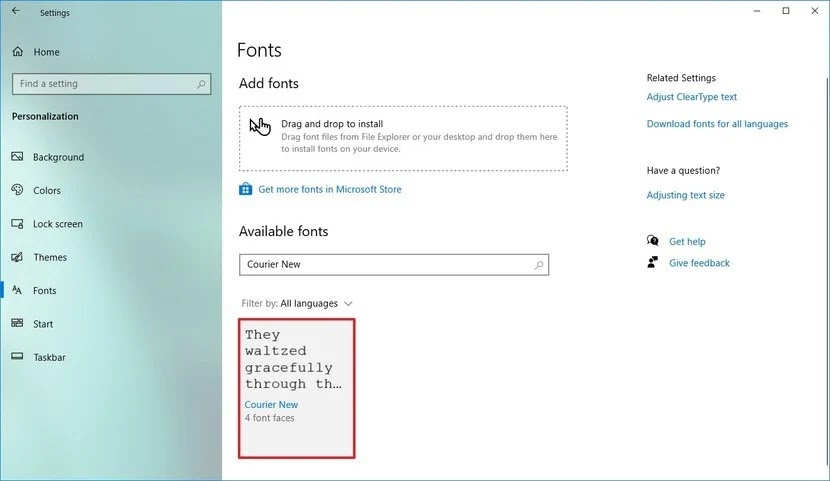
How To Change The Default System Font On Windows 10
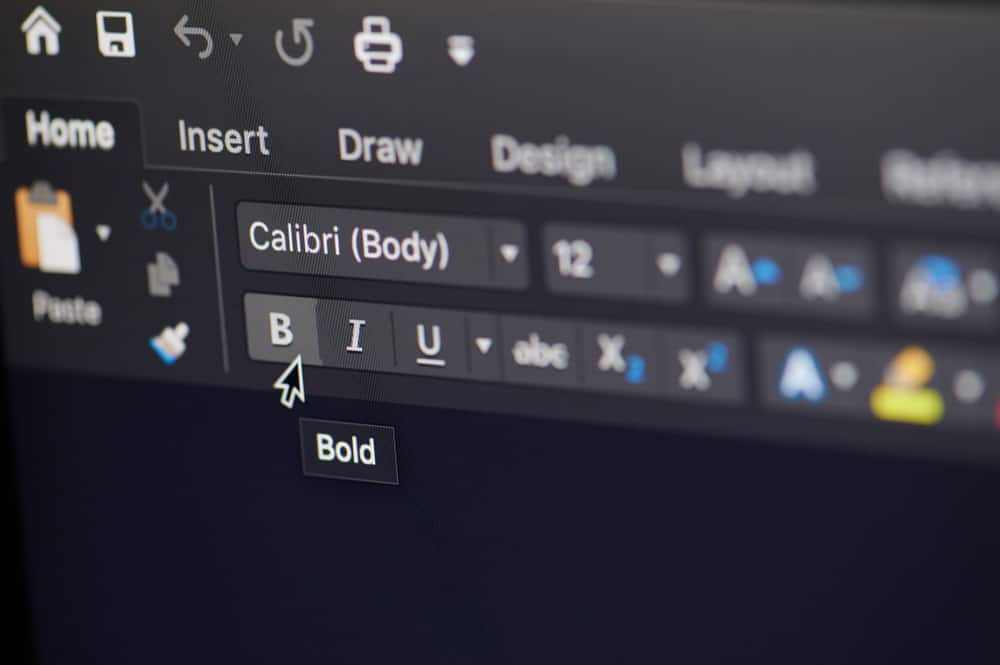
How To Change The Font On A Mac Desktop DeviceTests

How To Change Default Font On Android Devices Change Android Fonts

How To Change Default Font On Mac Outlook Senturinpractice

Change The Default Font In PowerPoint Text Boxes

Web Jun 14 2022 nbsp 0183 32 You can use Font Book to install and remove fonts validate and resolve duplicate fonts and restore the standard fonts that came with macOS Monterey For
Web Apr 10 2021 nbsp 0183 32 If you find yourself with a Mac where fonts are misbehaving it s easy to restore them to their default state using macOS s built in Font Book app Here s how to

Web Mar 14 2021 nbsp 0183 32 How to Change the Default Font in Microsoft Word for Mac Melissa Holt Read more March 14 2021 There are dozens of fonts included in Microsoft Word for

Web May 4 2021 nbsp 0183 32 Here s how to set default font recognition on Mac Shut down your Mac and power it back on while holding Shift to boot in Safe Mode In Safe Mode your fonts should look normal Launch Terminal

Web Set a default font in Pages on Mac You can set a default font and font size for the templates in the Basic category Each time you begin a new document using these templates your preferred font and font size are
Web Nov 21 2014 nbsp 0183 32 While in the Classic Mac OS version 9 and earlier Apple included options for changing the default system font this has not been an option in OS X However if Web To change these settings in the Terminal app on your Mac choose Terminal gt Settings click Profiles select a profile then click Text Note The options you choose in this pane
Web 9 Answers Sorted by 17 There s no built in systemwide means of adjusting the font scaling short of running at a lower than native Resolution In general OS X is a fairly