Change Default App Android 12 New How To Reset Default Apps Android App Android Apps Android How To Change Default Program To Open In Android Lasoparesource Solved How To Get Default Typeface Of Android Device 9to5Answer Change Default Email App Ios Kurtfor Solved How To Get Default Typeface Of Android Device 9to5Answer Browser There are numerous browser apps that can be set as the default app on the Android smartphone These include Google Chrome Firefox or Opera for example Android 12 Tap on Settings Tap on Apps Tap on Default apps Tap on Browser app Set the default Browser app
Choose your plan or to save your preferences Not all of the apps your phones and computers want you to use are the ones that make the most sense for your life Help Desk walks you through Clear an app s default settings on your phone Open your device s Settings app Tap Apps Tap the app that you no longer want to be the default If you don t see it first tap See all apps or App info Tap Open by default Turn off Open supported links After clearing the default when you take that action again your device will ask you which
Solved How To Get Default Typeface Of Android Device 9to5Answer Chrome GalaxySC 51C Goog OKWAVE Prevent Windows From Changing Default PDF App Change Default App By File Type How To Change Default App To Open Files On Pc Kurtweek Windows 10 Cannot Change Default App Pilotstarter How To Change Default App Icons On MacOS How To Set Or Change Default Apps In Android Tom s Guide Top 9 Ways To Fix Unable To Change Default Programs In Windows 10
Change Default App Android 12
 Change Default App Android 12
https://i.pinimg.com/originals/b9/d6/b5/b9d6b51833221da0a25206e96375e4c4.jpg
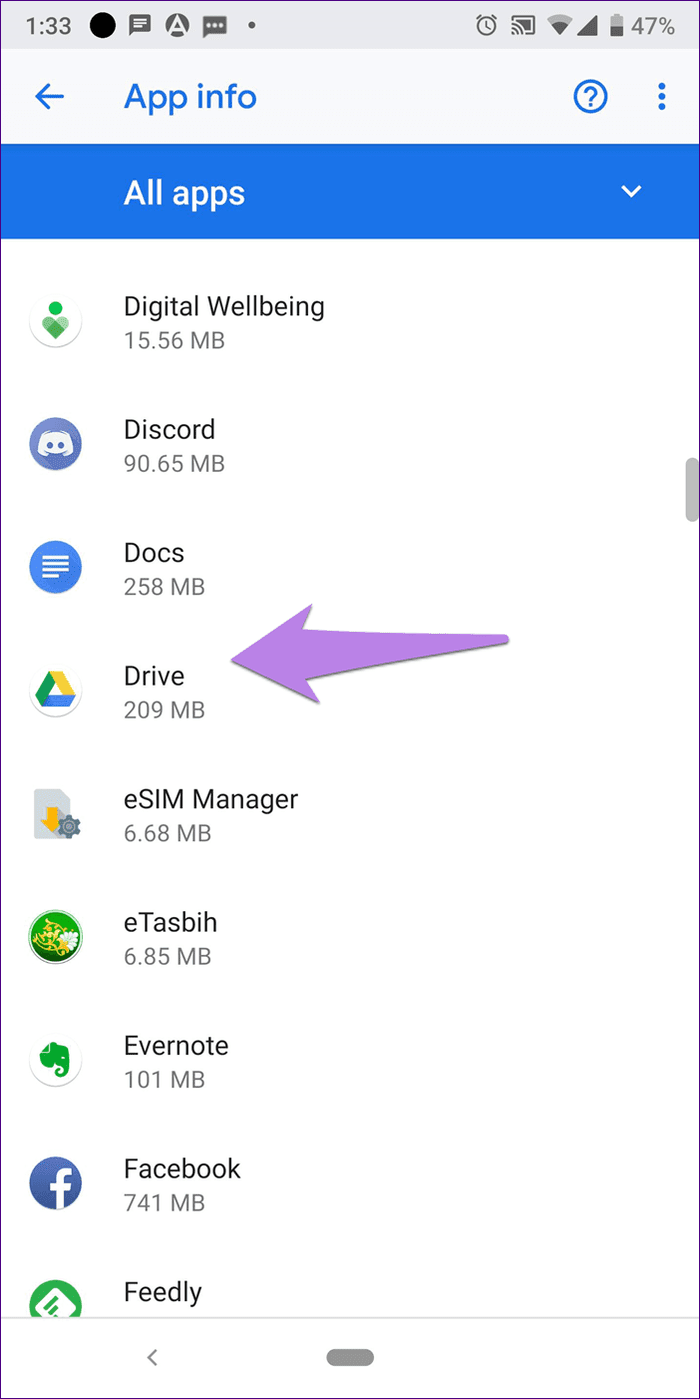
Follow these steps for Android 11 In this example we want to change our default browser from Chrome to Opera Open Settings and then Apps and notifications Click See all apps Find the app from which you want to stop from automatically opening In this example we look for Chrome since we want to remove it as our default browser
Pre-crafted templates provide a time-saving option for creating a varied range of files and files. These pre-designed formats and designs can be made use of for various personal and expert projects, consisting of resumes, invitations, leaflets, newsletters, reports, presentations, and more, improving the material production process.
Change Default App Android 12
Samsung Change Default App For Pdf Verassets

Chrome GalaxySC 51C Goog OKWAVE

Prevent Windows From Changing Default PDF App

Change Default App By File Type
Windows 10 Cannot Change Default App Pilotstarter

How To Change Default App Icons On MacOS

How to manage default apps on Android Open the Settings app on your Android phone Go into Apps Select Default apps Pick the apps you want for each option You can also go into Opening links to

Want to know How to Change Default apps on Android smartphone This guide will show you how to do on Android 12 With this guide you can change the default

Go to the Play Store and download the new app you want to set as the default Head to Settings Apps and under General tap Default apps Pick the app you want to replace in my case the

With that said let s change some of the default apps Change default apps on Android 12 1 Access the Settings Window Open your app drawer locate the Settings app and tap the entry figure 1 figure 1 The Settings app is found in the Android app drawer Image Jack Wallen 2 Open the Default Apps section

On stock Android 12 you ll find the default apps menu at Settings Apps Default apps This might be slightly different depending on your device or Android version Here you ll see your current default apps for a variety of categories such as Browser app Used to open links you tap
Fact is only one app can be the default app that opens up when you launch a file type or protocol on your device If none has been set you will instant get an action prompt where you are asked to select the app you want to open your selection with Note Screen show below maybe varies from different android version By default set phone as default phone app Chrome as browser app Pixel launcher as hom Here s how to change the default apps in Android 12 stock OS devices
Open your app draw the screen where all your apps are stored and tap the Settings app or swipe down from the top of the screen to open the Notification window then tap the little cog icon to launch Settings Tap Apps Notifications or anything similar such as Apps on Samsung devices In the main pane you should see the setting for Default