Change Current Branch Name In Git Displaying The Git Branch In The Terminal Prompt With And Without Perl Switching To A Different Branch Mastering Visual Studio 2017 Book Github Desktop How To Copy Paste Branch Name Stack Overflow Renaming A Git Branch How To Rename The Current Branch In Git Uiux zone How To Change Branch Name On Git Devconnected How to rename a remote git branch If you want to rename a branch that has already been pushed to a remote repository use the command below git push origin u new name And now you will need to delete the old name To do this use this command git push origin delete old name To check the changes you just did login into your client
You can rename a branch in a repository on GitHub For more information about branches see About branches When you rename a branch on GitHub any URLs that contain the old branch name are automatically redirected to the equivalent URL for the renamed branch How to rename a Git branch Common scenarios renaming Git branches are Renaming the current branch Renaming a separate branch other than the current one Renaming a remote branch Renaming the current branch Assuming that you are required to change the name of the current branch in your project then run the following command
How To Change Branch Name On Git Devconnected Shell git tag Setting Out Of Office Message In Microsoft Teams How To Change Branch Name In Git InMotion Hosting Solved How To Get The Current Branch Name In Git 9to5Answer Git Commit Hook Message How To Get The Current Branch Name In Git Gang Of Coders Fetch Only The Current Branch Name In Git 9to5Tutorial How To Create A Git Branch Learn New From Current What Is In And Use It Ultimate Guide Vrogue
Change Current Branch Name In Git
 Change Current Branch Name In Git
https://www.perl.com/images/displaying-the-git-branch-in-the-terminal-prompt-with-perl/Git-Logo-1788C.png
We can use this command to get the short current branch name git symbolic ref short HEAD feature 4 Using the git rev parse Command Since Git version 1 7 we can alternatively use the git rev parse command to get the current branch name git rev parse abbrev ref HEAD feature 5 Using the git name rev Command
Templates are pre-designed files or files that can be used for various purposes. They can conserve effort and time by providing a ready-made format and layout for producing various sort of content. Templates can be utilized for personal or expert jobs, such as resumes, invites, leaflets, newsletters, reports, discussions, and more.
Change Current Branch Name In Git

How To Change The Display Name In Git Bash Prompt

Shell git tag

Setting Out Of Office Message In Microsoft Teams

How To Change Branch Name In Git InMotion Hosting
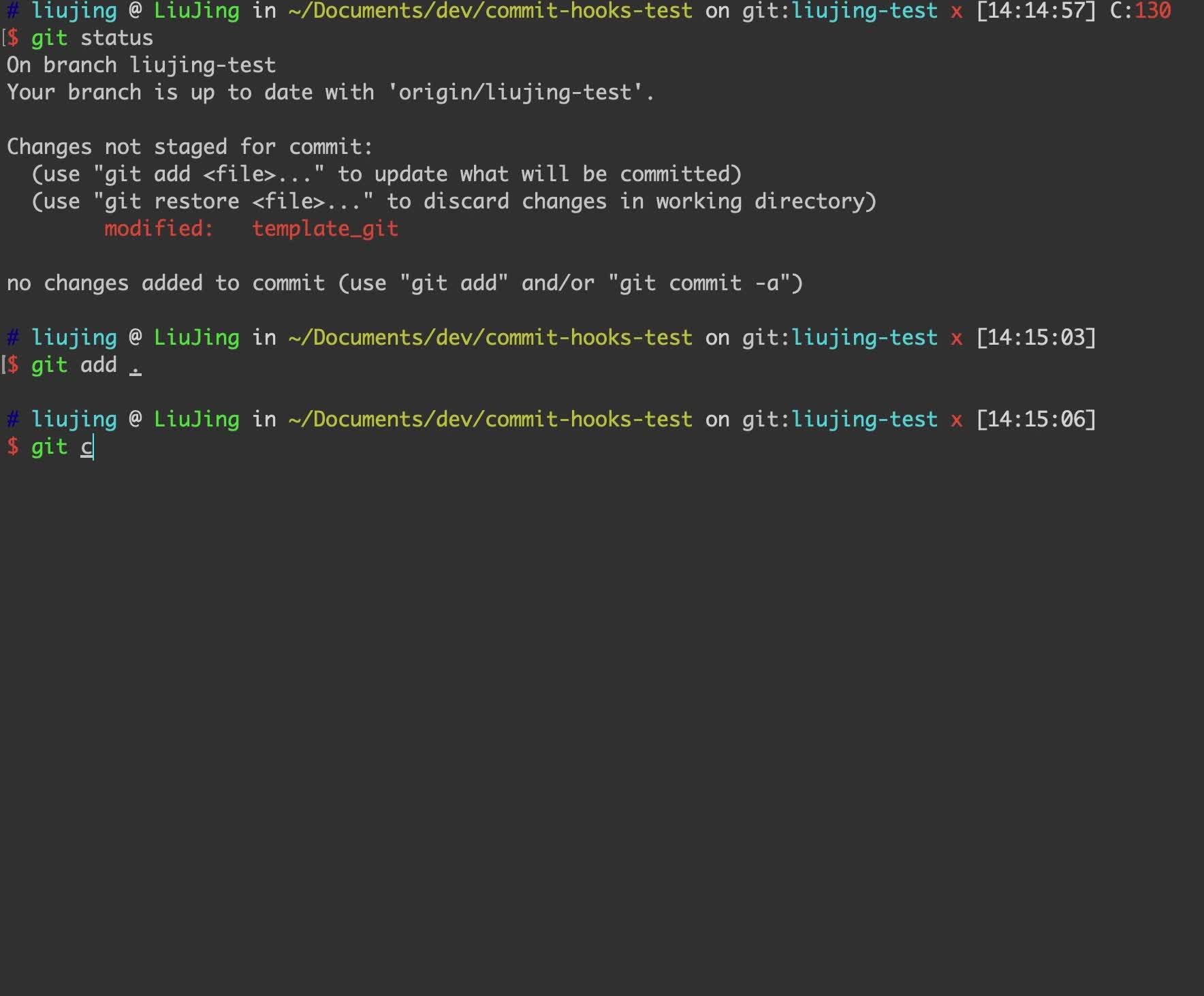
Git Commit Hook Message

How To Get The Current Branch Name In Git Gang Of Coders
To rename the current local branch use git branch m new name To rename a local branch from inside another use git branch m old name new name To rename a remote branch delete it with git push origin delete old name then push the renamed local branch with git push origin u new name Branching is a trivial exercise in Git

To rename a branch you are not currently working in you usually run the command git branch m old name new name For example I m currently on the main branch and I was able to rename kolade works to kolade codes Proceed to the next section of this article to see how you can rename the current branch in Git

In order to change a branch name on Git you have to use the git branch command followed by the m option Next you just have to specify the name of the new branch Optional command if you are not on the target branch git checkout branch git branch m new branch name

Step 1 Make sure you are in the master main branch To check if you are in the master main branch run git status If you are not in the master main branch then you will need to run git checkout master or git checkout main Step 2 Use the m flag to rename the branch You can use this syntax to rename the old branch to something new

Sep 27 2023 Edward S 5min Read Git Rename Branch Learn How to Rename a Local and Remote Git Branch Git is a Version Control System VCS used by developers to facilitate collaboration It is useful for coordinating work and tracking source code changes during the software development process
When a local branch is started off a remote tracking branch Git sets up the branch specifically the branch name remote and branch name merge configuration entries so that git pull will appropriately merge from the remote tracking branch This behavior may be changed via the global branch autoSetupMerge configuration flag That setting can be overridden by using the track and no To do this use the following steps Switch to the master via the command git checkout master Now enter the following command if you want to rename a Git branch git branch m old name new name To ensure that the rename was successful retrieve the current status of the branch using the git branch a command
To create a new branch in Git you use the git checkout command and pass the b flag with a name This will create a new branch off of the current branch The new branch s history will start at the current place of the branch you branched off of Assuming you are currently on a branch called master