Change Computer Login Password Windows 11 How To Change Computer Login Password In Windows 10 Administrator User Cara Menonaktifkan Password Di Windows 11 Homecare24 How Do I Change My Password In Windows 10 Support Helpdesk How To Change Password In Windows 10 YouTube Remove Windows 11 Download Meganelo Insert the password reset disk or USB flash drive into the computer and then click Reset password The Password Reset Wizard opens Click Next select the password key location from the drop down menu and then click Next Follow the on screen instructions to create a new password and password hint When done click Next and then click
Press the Windows 11 keyboard shortcut Windows I to open the Settings app Now move to Accounts Sign in options 2 Here click to expand the Password section and then click the Change button 3 After that enter the current password of your Windows 11 PC and click on Next 4 Learn how to change password and login settings in Windows 11 Learn how to change a local password in an account and with an administrator account in Windows 11 This video also
Remove Windows 11 Download Meganelo How To Change Mac Password Through Apple Account Bkfer How To Change Computer Password For Windows 8 7 XP Vista How To Change Computer Login Password In Windows 10 Administrator User Hur Du ndrar Ditt L senord I Windows 2021 How To Show Hide All User Accounts From Login Screen In Windows 10 Login Screen Royalty Free Stock Photo Image 34615355 How To Change Computer Password For Windows 8 7 XP Vista How To Hide User Accounts From The Login Screen In Windows 10
Change Computer Login Password Windows 11
 Change Computer Login Password Windows 11
https://www.winpasskey.com/wp-content/uploads/2018/03/go-to-accounts-in-windows-10-768x433.jpg
Insert the password reset disk or USB flash drive into the computer and then click Reset password The Password Reset Wizard opens Click Next select the password key location from the drop down menu and then click Next Follow the on screen instructions to create a new password and password hint When done click Next and then click
Pre-crafted templates use a time-saving option for developing a diverse series of documents and files. These pre-designed formats and designs can be used for different individual and professional tasks, including resumes, invitations, flyers, newsletters, reports, presentations, and more, simplifying the material production process.
Change Computer Login Password Windows 11

Sign In Page On Computer Screen Desktop Computer With Login Form And

How To Change Mac Password Through Apple Account Bkfer
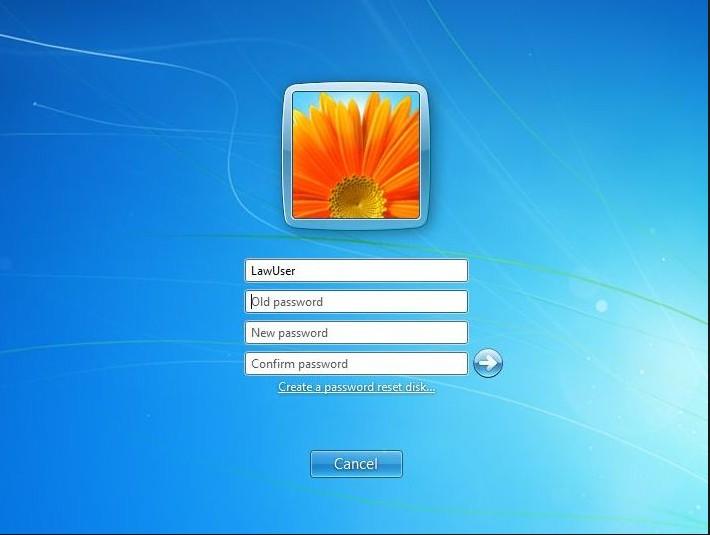
How To Change Computer Password For Windows 8 7 XP Vista
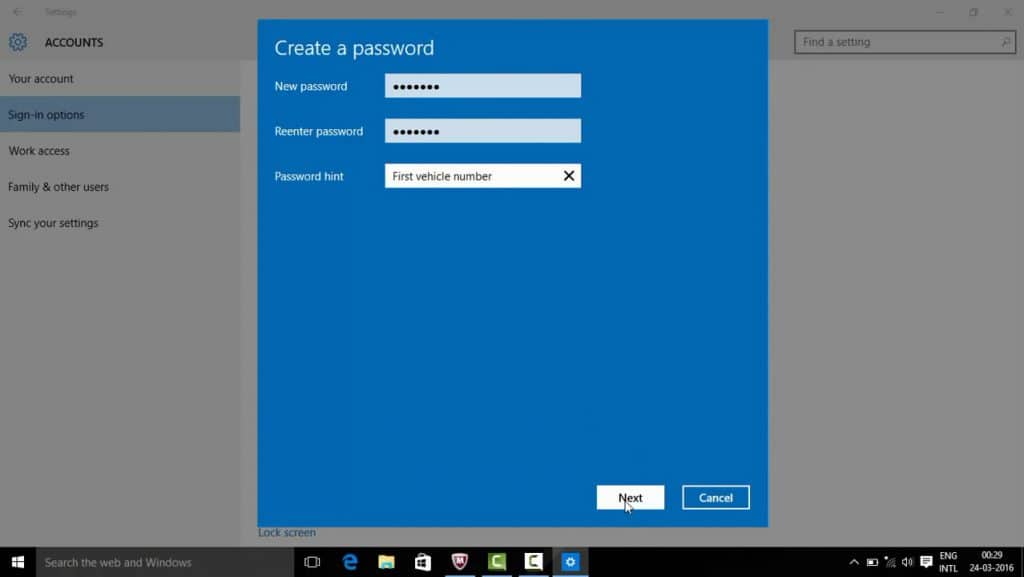
How To Change Computer Login Password In Windows 10 Administrator User
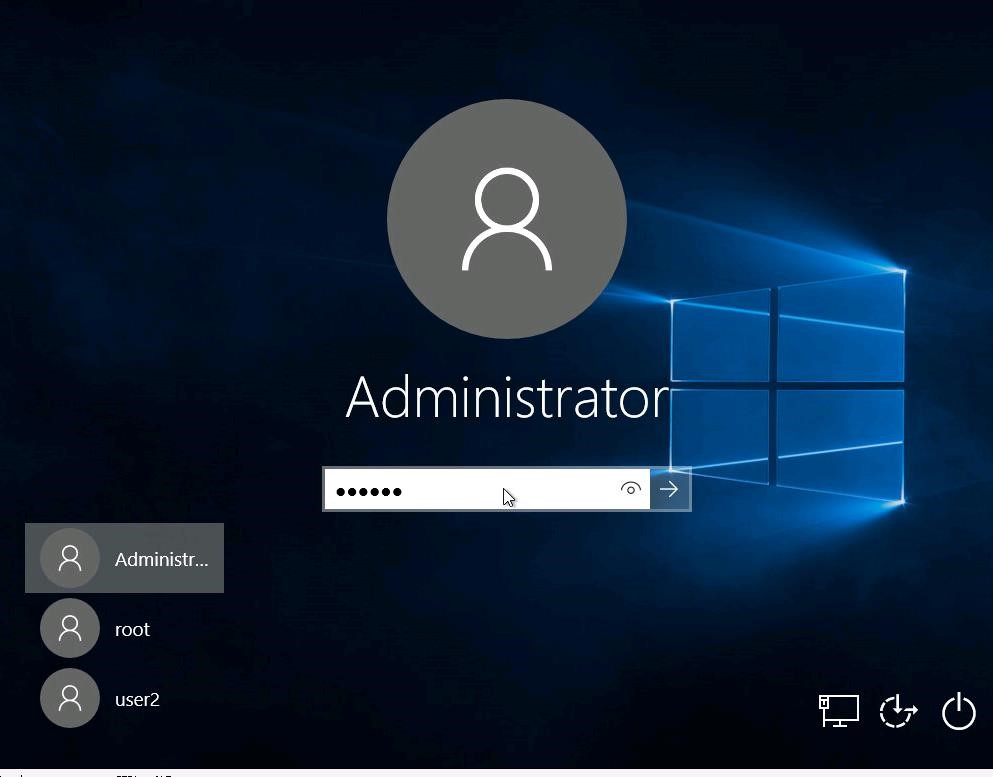
How To Show Hide All User Accounts From Login Screen In Windows 10

Login Screen Royalty Free Stock Photo Image 34615355
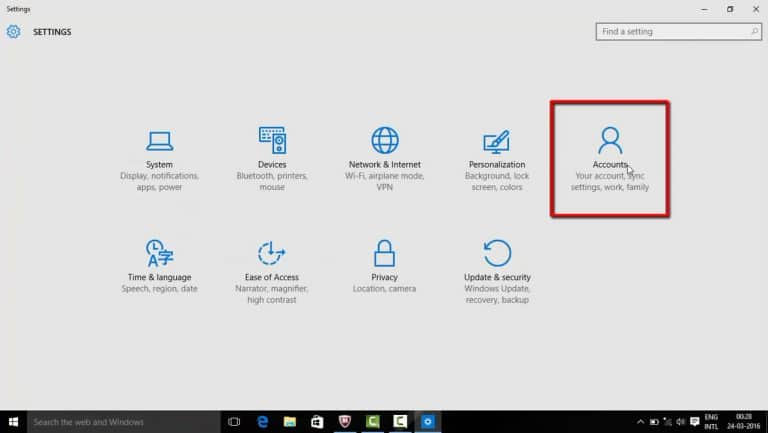
1 Open the Settings app s Accounts page The quickest way to access this page is to launch the Start menu search for Password and then select Change your password This will
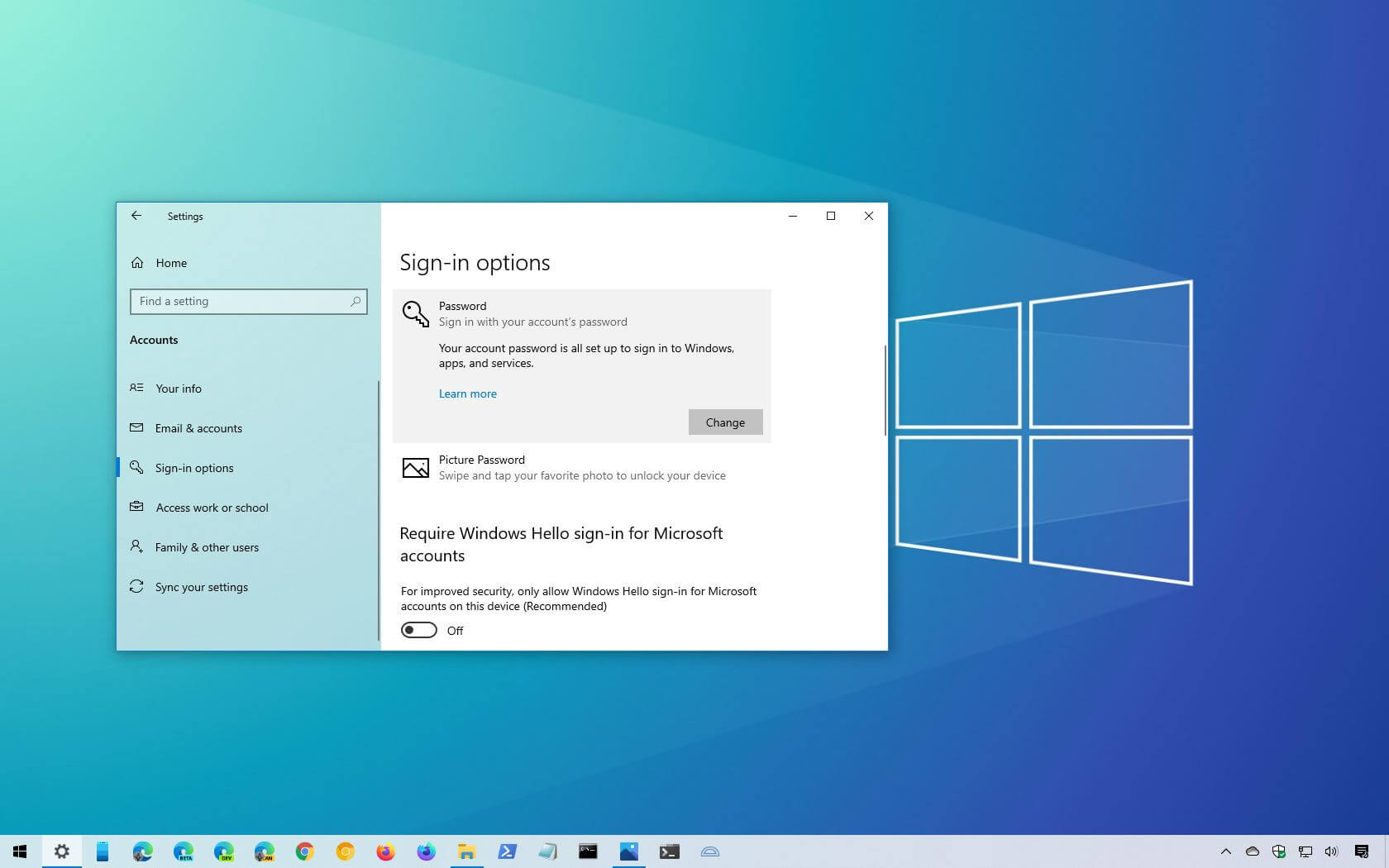
If you re on the latest version Windows 11 provides multiple ways to change your password whether the account is configured with a Microsoft account or you use a local account In this
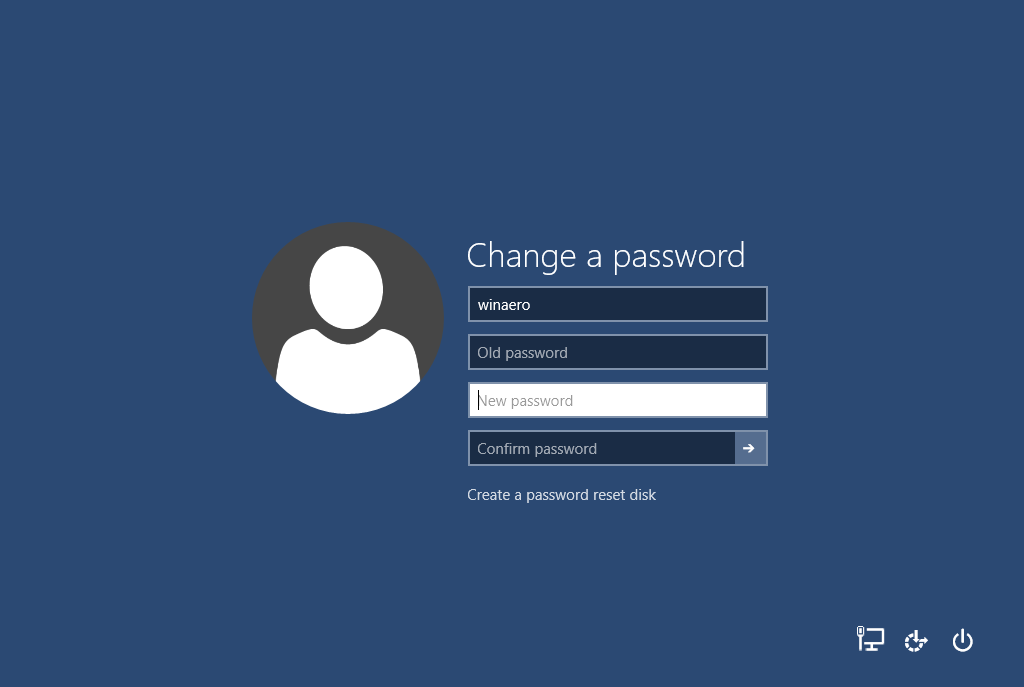
Windows 11 Windows 10 To access your sign in options go to Start Settings Accounts Sign in options Or just select this button Go to Sign in options Change or manage your password or PIN To change your password or PIN go to Start Settings Accounts Sign in options Select PIN Windows Hello and then select Change PIN

You will find all your various sign in options by clicking on Start icon Settings Accounts Sign in options Under Sign in options you ll see several different methods for signing in
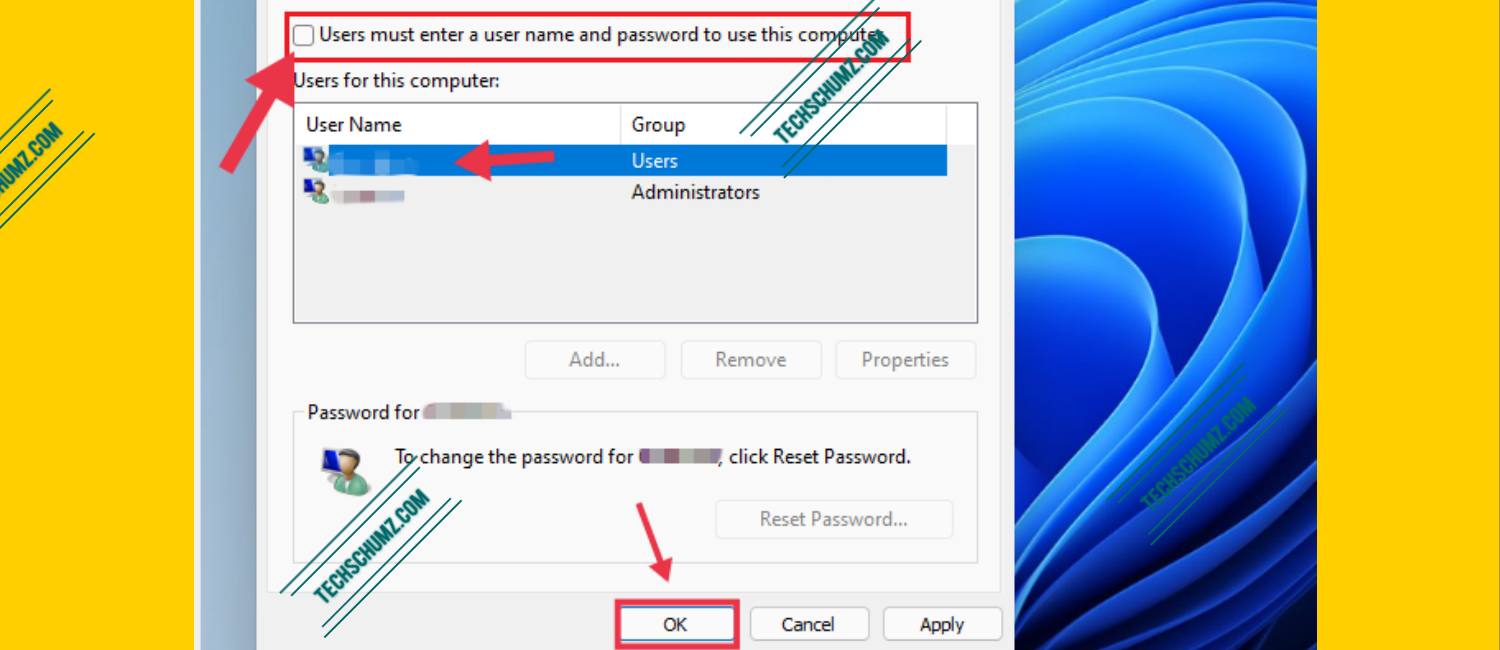
1 Go to Settings To change your local account s password in Windows 11 go to Settings Accounts Sign in options Select the option for Password and then click the Change button Click the
Step 1 Access Settings Click on the Windows Start button and then select Settings from the list of apps Step 2 Access Password settings In Settings select Accounts Sign in options and Changing your username and password in Windows 11 is probably the first action you want to do to personalize your new operating system You should know that it is quite simple and the available options won t be time consuming being performed with the easiest steps you can imagine
Method 1 Use Keyword Shortcut to Change Password and Username on Windows 11 Press Ctrl Alt Delete at the same time to call out the Windows Security screen Click Change a password to continue On the next page the first box is your user name If you want to change it you can do it