Change Background In Portrait Mode How To Show PowerPoint In Portrait Mode 2020 YouTube Digital Art Portrait Display CGI Space Universe Planet Stars Sun How To Show PowerPoint In Portrait Mode 2022 SlideLizard Portrait Landscape Wallpapers Wallpaper Cave Portrait Wallpapers Wallpaper Cave Additionally you can change the amount of background blur behind the subject With all of the tools and settings Apple built into portrait mode it can be easy to overlook their
May 5 2020 nbsp 0183 32 Available for the iPhone 7 Plus and newer Portrait mode uses machine learning on your iPhone to shoot images in portrait or landscape orientation with quot bokeh quot style blurred backgrounds and foregrounds Sep 2 2022 nbsp 0183 32 Portrait mode creates a depth of field effect in your iPhone camera which means that the subject of the image is focused and the background is slightly blurred This is perfect for people wanting to take a professional looking headshot or just a selfie without focusing on what s in the background
Portrait Wallpapers Wallpaper Cave Portrait Art Wallpapers Top Free Portrait Art Backgrounds Heldere Rode Bakstenen Muur Achtergrond Verticaal Portretweergeven Nature Desert Oasis In Libya IPad IPhone HD Wallpaper Free Nature Landscape Water Clouds Trees Beach Sunset Portrait 48 Portrait Wallpaper 1200x1920 WallpaperSafari Free Wallpaper Nature Potrait Free Download Professional Nature Photo Wallpapers Of The Week Abstract Portraits Free Download Portrait Mode Wallpapers 1080x1920 Danaspeitop 1200x1920
Change Background In Portrait Mode
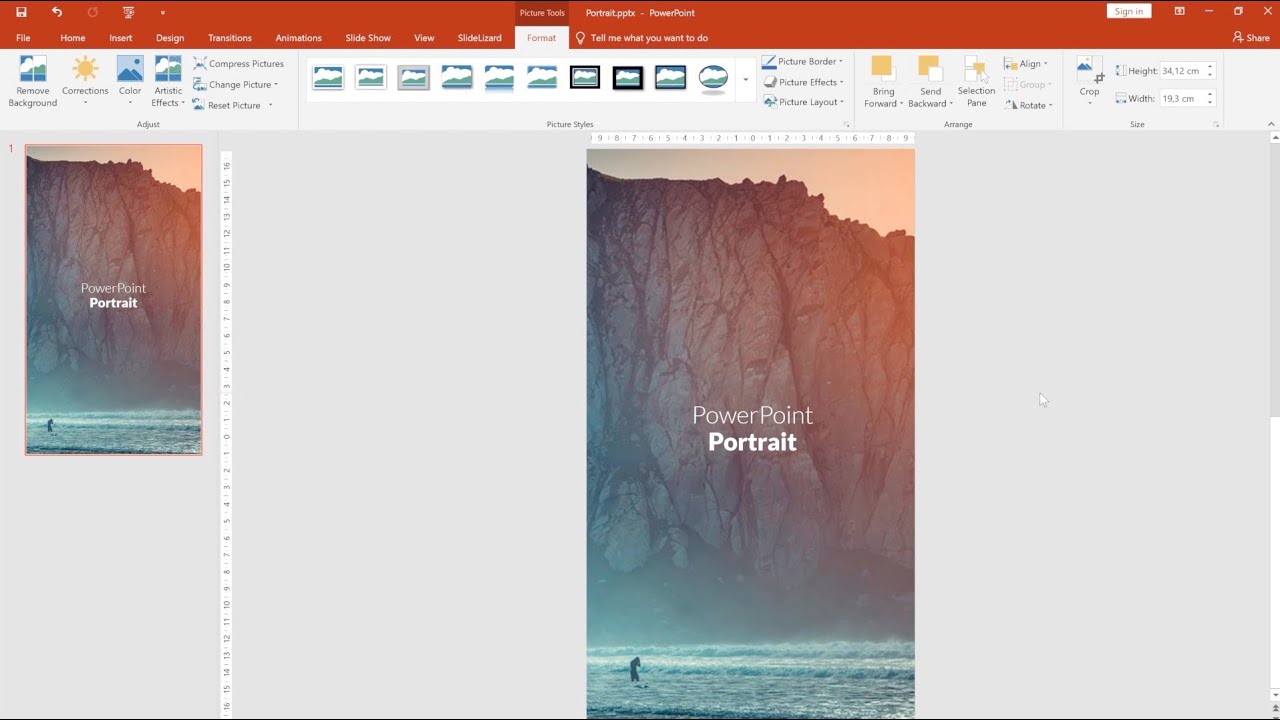 Change Background In Portrait Mode
https://i.ytimg.com/vi/k_DXQpfgxvo/maxresdefault.jpg
Oct 8 2022 nbsp 0183 32 You can look at a Portrait mode picture in Apple s Photos app and use a Depth slider to adjust the amount of blur to suit your creative requirements Unlike baked in DSLR bokeh you can adjust the strength of the Portrait mode s background blur during the shoot or afterwards in the Apple Photos app s Adjust panel as we see here
Pre-crafted templates provide a time-saving option for creating a varied range of files and files. These pre-designed formats and designs can be made use of for numerous personal and professional projects, including resumes, invites, flyers, newsletters, reports, discussions, and more, streamlining the content creation process.
Change Background In Portrait Mode

1080x1920 HD Wallpaper Portrait WallpaperSafari

Portrait Art Wallpapers Top Free Portrait Art Backgrounds

Heldere Rode Bakstenen Muur Achtergrond Verticaal Portretweergeven

Nature Desert Oasis In Libya IPad IPhone HD Wallpaper Free

48 Portrait Wallpaper 1200x1920 WallpaperSafari

Free Wallpaper Nature Potrait Free Download Professional Nature Photo
Oct 12 2023 nbsp 0183 32 Use Portrait mode on your iPhone With Portrait mode the camera creates a depth of field effect This lets you capture photos with a sharp focus on the subject and a blurred background Take photos in Portrait mode Open the Camera app and swipe to Portrait mode Follow the tips on your screen

Portrait mode is a shooting mode in the iPhone s built in Camera app It uses clever software to blur the background in your photos Portrait mode allows you to take jaw dropping professional looking portrait photos The subject s face will be perfectly sharp while the background appears beautifully blurred
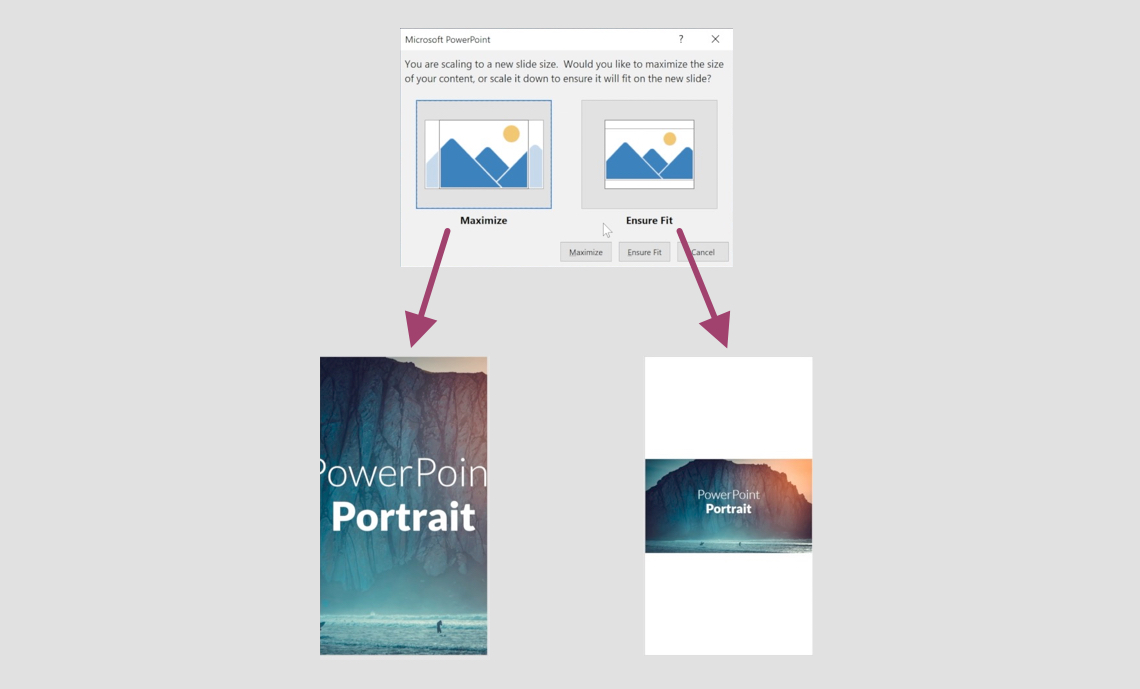
Nov 22 2018 nbsp 0183 32 iPhone Portrait mode lets you take portraits with beautifully blurred backgrounds also called shallow depth of field Portrait mode is used to emphasize your main subject while reducing distractions in the rest of your frame
Nov 23 2020 nbsp 0183 32 Portrait mode on the iPhone lets you take professional quality photos with an artfully blurred background Every iPhone since the iPhone X features some form of Portrait mode but you need to select it in the camera before you can use it

Sep 27 2023 nbsp 0183 32 Tap Portrait in the upper left corner of the frame to add the Portrait mode depth effect In addition to adding background blur you can switch the focus between subjects in the frame
Portrait Mode lets you fully isolate your subject from the background by blurring the background into a smooth bokeh This feature is built into modern iPhones but you might not know how it works even if you ve been using it for a while now Apr 12 2022 nbsp 0183 32 Go to Display gt Display Orientation and select Portrait Your display will shift to portrait mode You can choose to keep the changes or revert to your previous setting On a Windows 11 system
Mar 17 2016 nbsp 0183 32 For example to detect a mobile in portrait mode with max 480px media only screen and max device width 480px and orientation portrait Then you re gonna have to change the background size cover