Centos Check Interface Status Interface Status On Cisco Routers And Switches CCNA Networking YouTube Centos Check Software Raid Status Degraded Dna How To Check Memory Usage On CentOS Server Check IP Address CentOS RHEL Linux Tutorials Learn Linux Configuration How To Check Interface Status In Fortigate Firewall Finally this port is working normally 2 eth0 BROADCAST MULTICAST UP LOWER UP mtu 1500 qdisc fq state UP mode DEFAULT group default qlen 1000 It is administratively UP the LOWER UP indicates the physical layer is working i e there is a carrier and the second UP confirms in effect the IP layer is up Share
To display information about the specified links such as type state kernel module driver hardware and IP address configured DNS server and more use the status command If you don t specify any links routable links are shown by default Displaying IP Addresses Use the ip command to view device and address information A single network interface can have multiple IPv4 or IPv6 addresses An active interface is UP The link ether line speci es the hardware MAC address of the device The inet line shows an IPv4 address its network pre x length and scope
How To Check Interface Status In Fortigate Firewall Check IP Address CentOS RHEL Linux Tutorials Learn Linux Configuration Check Memory Usage On CentOS 8 Cisco Switch Troubleshooting Commands Denton Business Solutions LLC DevOps Fundamentals Step By Step Procedure To Setup Check mk On Centos 6 How To Check And List All Services In CentOS RHEL 6 7 8 Linux OSETC TECH How To Install Dig On CentOS Easy Installation Guide PhoenixNAP How To Check And List Installed Packages In CentOS Linux Linuxhowto Step By Step Install CentOS 7 On Vmware Workstation With Screenshots
Centos Check Interface Status
 Centos Check Interface Status
https://i.ytimg.com/vi/-3oahheChcg/maxresdefault.jpg
Command to check network adapter names in Linux Prerequisite By default lshw command may not be installed on your system Hence use the apk command on Alpine Linux dnf command yum command on RHEL co apt command apt get command on Debian Ubuntu co zypper command on SUSE OpenSUSE pacman command on Arch Linux to install the lshw
Templates are pre-designed documents or files that can be utilized for various functions. They can save effort and time by supplying a ready-made format and layout for creating various sort of material. Templates can be utilized for individual or expert jobs, such as resumes, invites, flyers, newsletters, reports, discussions, and more.
Centos Check Interface Status

C mo Configurar La Red IPv6 En CentOS RHEL 8

Check IP Address CentOS RHEL Linux Tutorials Learn Linux Configuration
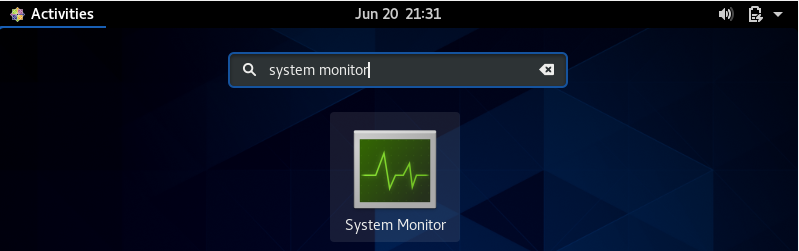
Check Memory Usage On CentOS 8

Cisco Switch Troubleshooting Commands Denton Business Solutions LLC

How To Check And List All Services In CentOS RHEL 6 7 8 Linux OSETC TECH

How To Install Dig On CentOS Easy Installation Guide PhoenixNAP

This command will give you information on the status of your eth0 interface including the IP address netmask broadcast address and more If you want to see all of the interfaces on your system you can use the a option with the ifconfig command For example ifconfig a
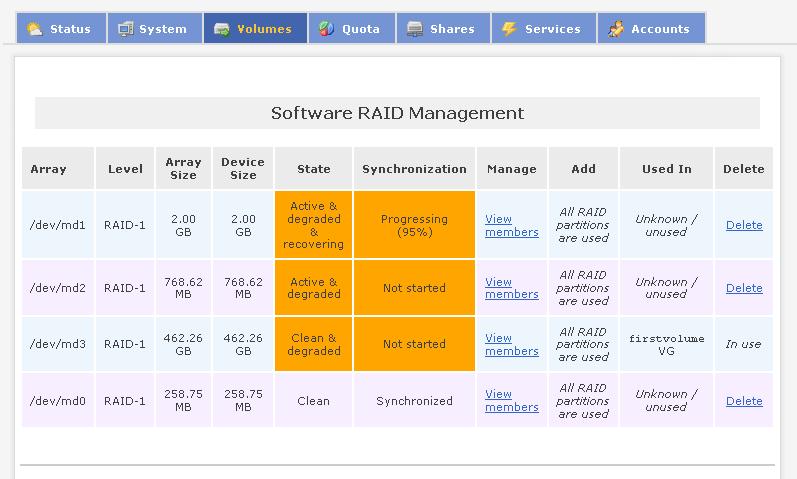
How to detect the physical connected state of a network cable connector Ask Question Asked 14 years 7 months ago Modified 1 year 1 month ago Viewed 372k times 165 In a Linux environment I need to detect the physical connected or disconnected state of an RJ45 connector to its socket Preferably using BASH scripting only

To verify the specific network interface MAC address run the below command ip link show dev eth0 awk link print 2 dc a6 32 b2 8b 11 4 Check speed of a network interface Network interface port speed can only be verified in Linux using the ethtool command

In this post we will discuss 4 different commands ifconfig ip addr ip link show dmesg The ifconfig command displays information about all active network interfaces on your system However this command has been deprecated in favor of ip command

Netstat command It is used to display network connections routing tables interface statistics masquerade connections and multicast memberships ifconfig command It is used to display or configure a network interface nmcli command A command to show or configure a network interface on Linux
News Linux Hint published a tutorial about how to check network interface status in CentOS 8 How to check network interface status in CentOS8 CentOS 8 generally comes with a preinstalled Network Manager which helps to configure available connections and keep them active To check the network interface status using ifconfig you can use the following command ifconfig eth0 This will return a list of information about eth0 including its status UP or DOWN MAC address and IP address Example eth0 flags 4163 UP BROADCAST RUNNING MULTICAST mtu 9001 inet 10 1 0 17 netmask 255 255 255 broadcast 10 1 0 255
To check whether NetworkManager is running systemctl status NetworkManager NetworkManager service Network Manager Loaded loaded lib systemd system NetworkManager service enabled Active active running since Fri 08 Mar 2013 12 50 04 0100 3 days ago