Cd Dvd Driver For Windows 10 Dvd Cd Rom Driver Download Hp Fishingyellow Windows 10 X64 Clean Install CD DVD USB Drivers Message Windows 10 Cd Rom Driver Download Malesoftis Cd Rewriter Device Driver Missing Windows 7 Install Abcgett How To Fix CD DVD Drive Not Working Or Detected In Windows 10 YouTube Web Nov 28 2023 nbsp 0183 32 Here are 7 best ways that proved to be able to fix your CD DVD disc drive missing or not showing up in file explorer disk management or device manager after Windows 10 update Apply each of the solutions until the CD DVD drive icon is back on your Windows computer
Web Jun 14 2023 nbsp 0183 32 One of the reasons why you can t see DVD CD ROM in your Windows 10 PC could be faulty device drivers You can reinstall the drivers to fix it Here is how 1 On your keyboard press the Windows logo key and R at the same time click Device Manager 2 Locate IDE ATA ATAPI controllers 3 Right click ATA Channel 0 and click Uninstall Web Dec 27 2022 nbsp 0183 32 1 Scratched or a bad disk 2 Wrong disk type this means you are trying to play a DVD in a CD only drive and a Blue ray disk in a normal DVD drive 3 You haven t installed the correct playback software 4 Faulty Windows update If soon after a Windows Update the CD DVD drive stops working try uninstalling the update
How To Fix CD DVD Drive Not Working Or Detected In Windows 10 YouTube Cd Dvd Driver For Windows 7 Download Crackpuzzle How To Fix Cd DVD Drive Missing From File Explorer In Windows 11 10 8 7 Fix DVD Drive Not Detected In Windows 10 COMPLETE GUIDE External DVD Drive USB 3 0 EEEkit Portable CD DVD RW Optical Drive Amazon External CD DVD Drive NOLYTH 5 in 1 USB3 0 USB C CD DVD External CD DVD Drive Type C USB 3 0 Portable CD DVD ROM Optical Drive CD ROM Super Beauty Product Restock Quality Top Deepfox Type C USB3 0 External CD DVD RW Optical Drive DVD Burner DVD
Cd Dvd Driver For Windows 10
 Cd Dvd Driver For Windows 10
https://fishingyellow566.weebly.com/uploads/1/3/4/1/134136313/525019098.jpg
Web Follow the steps mentioned below for updating CD DVD Driver for Windows 10 11 First of all visit the official website of the manufacturer of your DVD Drive and download the latest drivers for Windows 10 11 Save all those files on your PC Click on Device Manager and expand the DVD CD ROM Drives part
Templates are pre-designed files or files that can be utilized for different purposes. They can conserve time and effort by providing a ready-made format and design for developing different sort of content. Templates can be used for personal or expert projects, such as resumes, invites, leaflets, newsletters, reports, presentations, and more.
Cd Dvd Driver For Windows 10

FIX DVD Driver For Windows 10 Is Not Detected

Cd Dvd Driver For Windows 7 Download Crackpuzzle

How To Fix Cd DVD Drive Missing From File Explorer In Windows 11 10 8 7
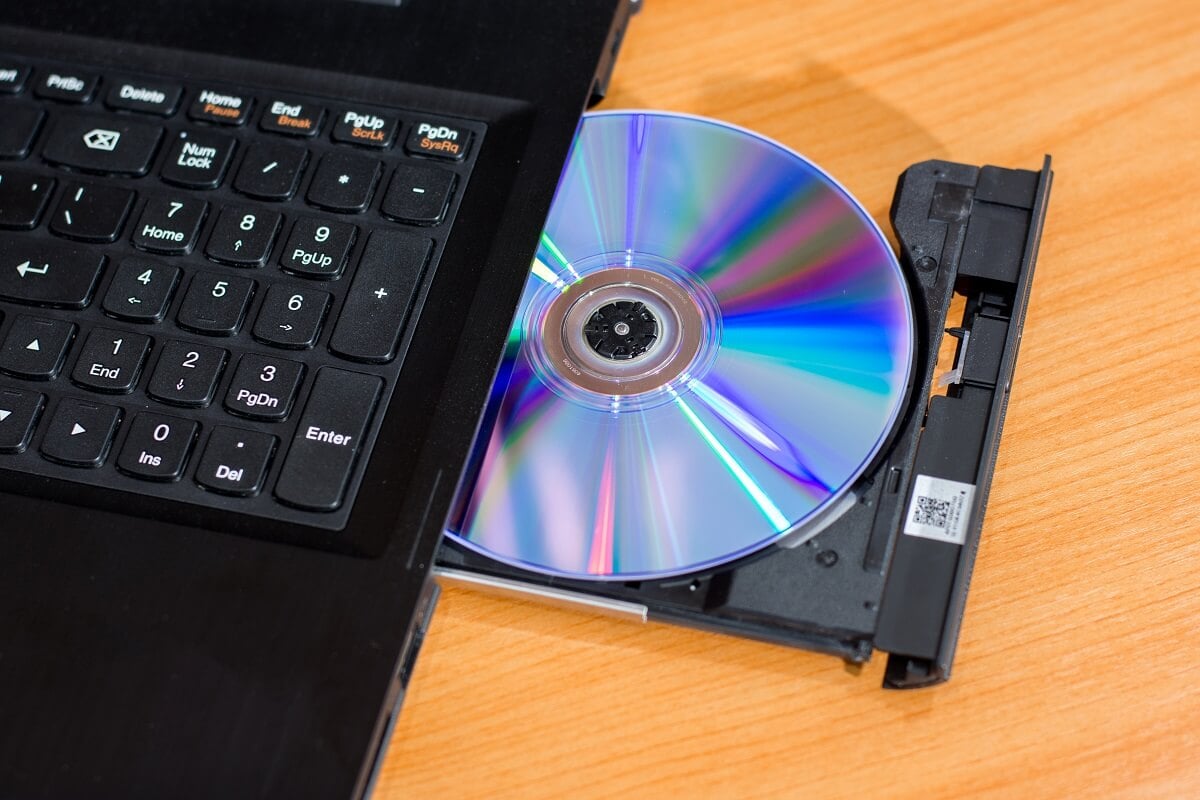
Fix DVD Drive Not Detected In Windows 10 COMPLETE GUIDE
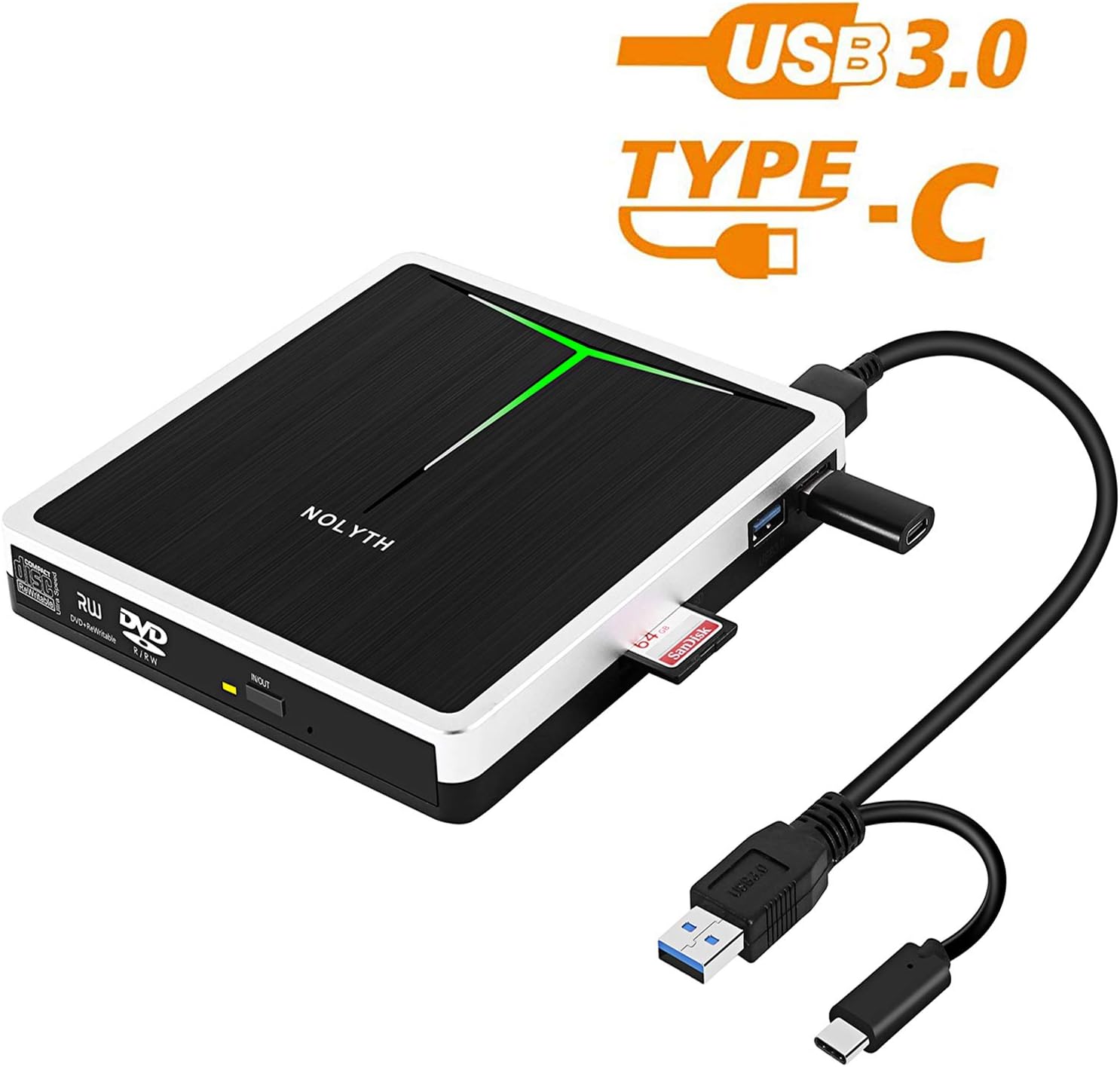
Amazon External CD DVD Drive NOLYTH 5 in 1 USB3 0 USB C CD DVD

External CD DVD Drive Type C USB 3 0 Portable CD DVD ROM Optical Drive

Web To update the driver search for the driver on the device manufacturer s website and then follow the installation instructions on the website To reinstall the driver follow these steps Press the Windows logo key R to open the Run dialog box

Web May 19 2017 nbsp 0183 32 The DVD CD Rom driver is typically the cdrom sys which is included in Windows 10 What is wrong with the DVD CD Rom drive I use Window 10 Edge The system dose not recognize my DVD machine Simply no drive indication So I download a DVD driver from LG website But is doesn t work and I cannot find a good driver from

Web Sep 24 2023 nbsp 0183 32 Click Start gt Settings gt Update amp security Make sure that your system is up to date and there are no hardware driver updates to install If you get a CD DVD driver that works for you you

Web Jul 13 2023 nbsp 0183 32 Follow the steps below to download and update DVD drivers on Windows 11 10 Step 1 On your keyboard press Windows X keys and choose Device Manager from the quick access menu list Step 2 In the Device Manager window look for the DVD CD ROM drives section and double click on the same to expand its category

Web Get a DVD player app for Windows 10 Windows 10 If you want to play DVDs in Windows 10 go to Microsoft Store to buy Windows DVD Player or another app that plays DVDs Free DVD player options are also available You can download a free trial version of Windows DVD Player to check if it s compatible with your device before you buy it
Web Feb 21 2021 nbsp 0183 32 How to install Drivers Insert Dell Drivers and Untilites CD DVD and click next Select Run autoRcd exe when AutoPlay appears see Figure 1 Select Driver you need to install Click on Extract see Figure 2 Click continue when extract pop up Web Dec 4 2023 nbsp 0183 32 Drivers CD DVD driver for Windows 10 isn t necessary in order to use the device However sometimes other drives can come into conflict with your drive Loose cables If DVD isn t detected it s possible that it s not connected properly
Web Nov 21 2023 nbsp 0183 32 Luckily Windows 10 works with most CD R W DVD R W and Blu ray BD drives automatically through Plug and Play so you might not even need to install a driver Hannah Stryker How To Geek You ll also need some blank CD R CD RW DVD R DVD RW BD R or BD RW discs that work with your drive