Cause Of Boot Loop Android How To Fix Apple Boot Loops 2017 Remove Bad Tweaks No Computer Needed Easy To Boot Repeat Nexusmain Adb Boot Loop Recovery With Access To Download Recovery Modes OEM Complete Guide Fix Android Stuck In Boot Loop In 2022 Boot Loop YouTube It could be because of hardware software or firmware error This week Kannon Yamada explains how to diagnose startup problems for unmodified Android devices and how to fix them A Reader Asks My Android smartphone doesn t work How can I fix it First something went wrong when I tried to update my smartphone to the newest version of Android
Attach the phone to computer using an USB cable and wait for TWRP to finish booting the order you attach the phone vs starting TWRP booting is not important Extract the kernel log from failed boot Run following on the host computer command line The required command for linux host adb shell cat proc last kmsg Desktop boot loop kernel You can do a factory reset in case of an abnormal boot loop Step 1 Boot into Android Recovery If the device has a separate Bixby key Press the Bixby Volume up and Power button simultaneously If the device does not have a Home button or a separate Power Button Press and hold the Volume up and Side key simultaneously
Boot Loop YouTube SOLVED How To Fix Android Boot Loop Issue Without Data Loss MiniTool How To Fix Boot Loop Problem On Any Android Easy Way Universal How To Diagnose And Fix Boot Loops YouTube Explain And Fix Boot Loop boot Encryption In Any Android Phone By SOLVED How To Fix Android Boot Loop Issue Without Data Loss MiniTool Loop In Android YouTube Nexus 5 In Boot Loop Android Enthusiasts Stack Exchange Boot Loop Solved Windows 7 Forums
Cause Of Boot Loop Android
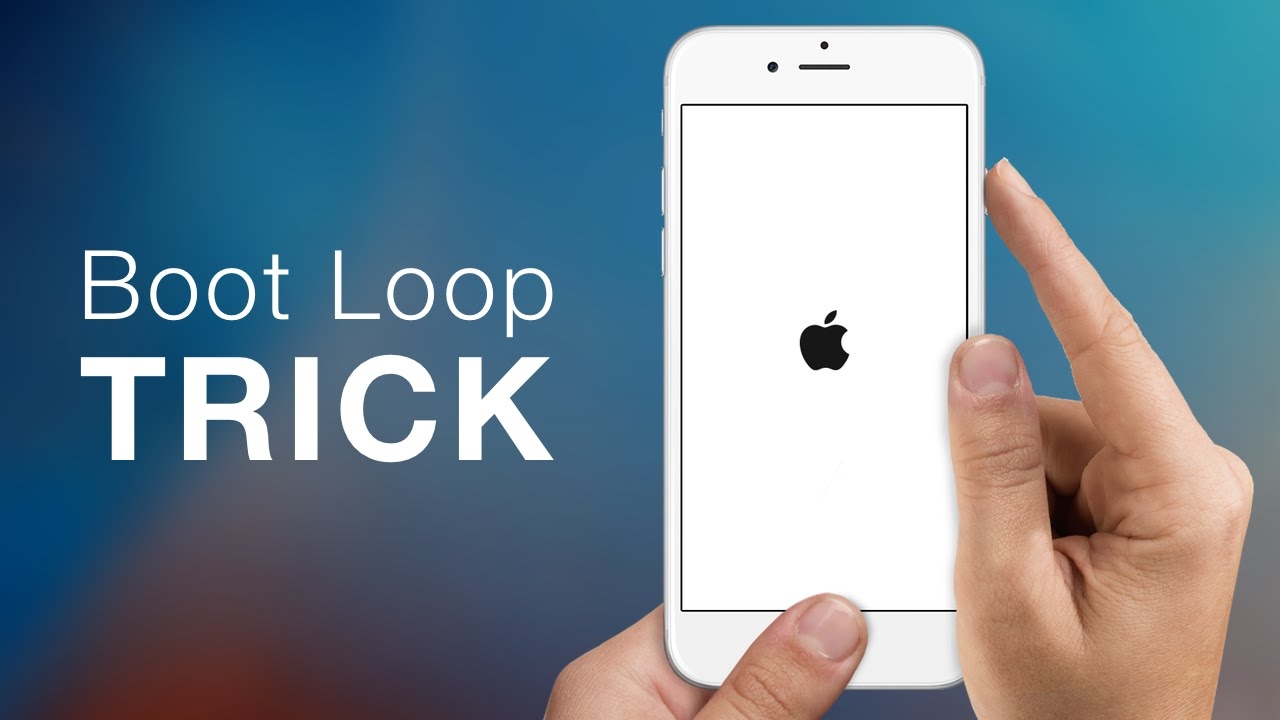 Cause Of Boot Loop Android
https://i.ytimg.com/vi/VZds4NtQUmA/maxresdefault.jpg
The only way to fix a bootloop is to remove the cause of the bootloop Yes some phones reject the magisk patched image because recenctly i wanted to change a phone from system to systemless root Phones which i think have no problem with magisk are Samsung phones Sincd you said you had downloaded a firmware flash the original boot img that
Templates are pre-designed files or files that can be utilized for numerous purposes. They can conserve effort and time by supplying a ready-made format and design for creating various sort of content. Templates can be utilized for personal or expert jobs, such as resumes, invites, leaflets, newsletters, reports, discussions, and more.
Cause Of Boot Loop Android
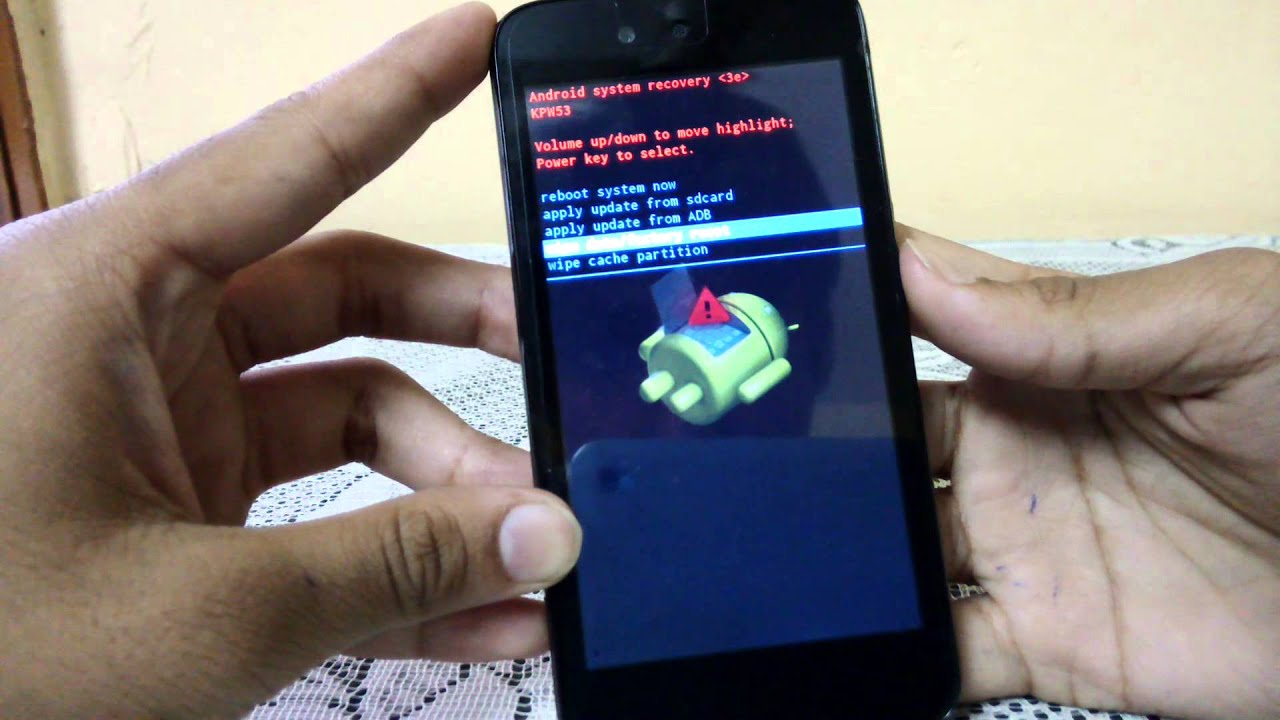
How To Fix Stuck On Booting Logo Screen Or Boot Loop On Android Phones

SOLVED How To Fix Android Boot Loop Issue Without Data Loss MiniTool

How To Fix Boot Loop Problem On Any Android Easy Way Universal

How To Diagnose And Fix Boot Loops YouTube

SOLVED How To Fix Android Boot Loop Issue Without Data Loss MiniTool

Loop In Android YouTube

In fact this issue can be caused by many reasons Some of you think this problem only happens on the rooted Android But it is not the act it can also happen on an Android device with the original software ROM and firmware
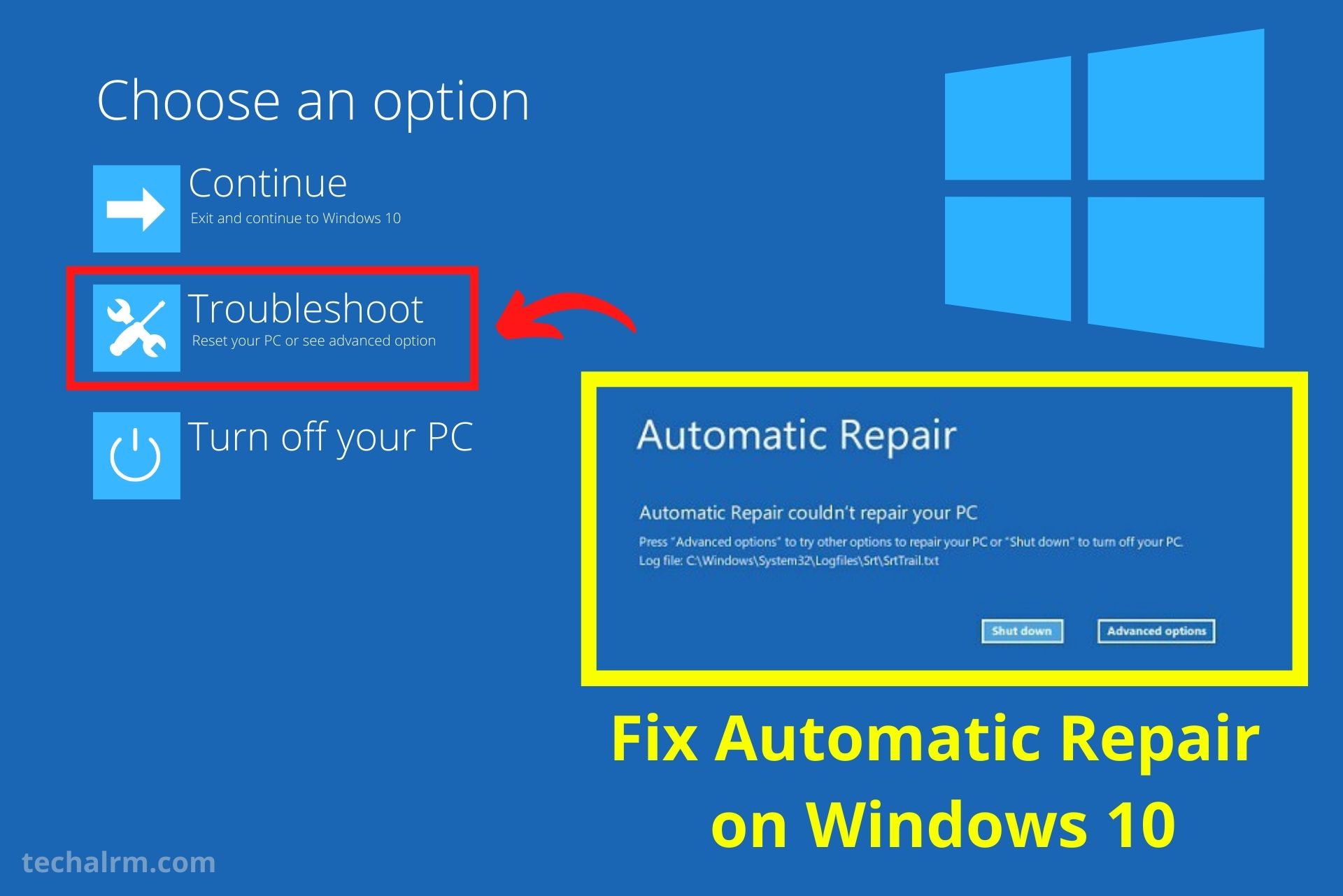
Part 1 What might cause the bootloop issue on Android Android boot loop error might seem weird and unexplainable but it occurs because of some specific reasons Firstly please understand that it is a misnomer that boot loop error occurs only in a rooted device

Usually this happens due to incompatible mods which modify the system files or custom ROMs But these aren t the only reasons why someone s device might get stuck in a bootloop The following is the list of unofficial processes which can lead to a bootloop issue Unlocking the bootloader Replacing the stock recovery

Google Pixel Nexus Press and hold the Power and Volume Down keys simultaneously Samsung Press and hold the Power Volume Up and Home buttons simultaneously HTC First go to Settings Battery and uncheck the Fastboot box Then with your phone off press and hold the Volume Down and Power buttons simultaneously

Why does this happen So why do smartphones boot loop There are a variety of potential causes The device s internal storage becomes corrupt or damaged A system update fails to apply
1 Tap on the Power Volume down buttons simultaneously for about 10 to 20 seconds 2 On holding the button simultaneously the device will turn off 3 Wait for the screen to reappear The Android stuck in a reboot loop issue should be fixed now If not then you can proceed with the Factory Reset of your Android phone Reboot System in Recovery Mode Way 5 Boot the Phone into Recovery Mode and Wipe Cache Partition Way 6 One click to Fix Android Bootloop Way 1 Soft Reset the Android Phone The most simplest and working for Android samsung boot loop fix is to soft reset your Android phone
What Causes Boot Loop Issue on Android This can be caused due to numerous factors However we have listed some of the common ones below Corrupt software Damaged or corrupt system files Malfunctioning app Frequent change in OS Virus or malware Physical damage to the device Use Android Repair Tool to Fix Boot Loop Issue Quick Solution