Cast As Timestamp Sql Server Sql Timestamp Column Use As Versioning Check To Control Concurrency SQL Server 2019 Enterprise Online Store Software How To Use The TimeStamp Data Type In SQL Server part 2 Of 2 YouTube Oracle TO TIMESTAMP Function With Examples Diferencia Entre SQL Server Y MySQL Gu as Donweb CAST definition 1 the actors in a film play or show 2 an object made by pouring hot liquid into a container Learn more
The meaning of CAST is to cause to move or send forth by throwing How to use cast in a sentence Synonym Discussion of Cast Due to browser security restrictions this version of Chrome may not support using a code to connect to your phone Please use Firefox or or see More Info
Diferencia Entre SQL Server Y MySQL Gu as Donweb Fabioms Como Identificar Os Outliers Dos Dados No SQL Server Multitenancy With SQL Server With Andreas Lengkeek Mehmet Ozdemir Contrato Sql Server 2019 Enterprise Por Volumen Riset Sql Server Multiple Ways To Convert Datetime Varchar T How Date Stack Ms Sql Server Timestamp Columns Being Shown As Datetime In Visual SQL Server 2016 Standard 5 Cals Inclusas Licen a Vital cia Nota Uygulamal Ba lay c Geli me Sql Server Timezone Dunwichtech Ms Sql Server Timestamp Columns Being Shown As Datetime In Visual Vrogue
Cast As Timestamp Sql Server
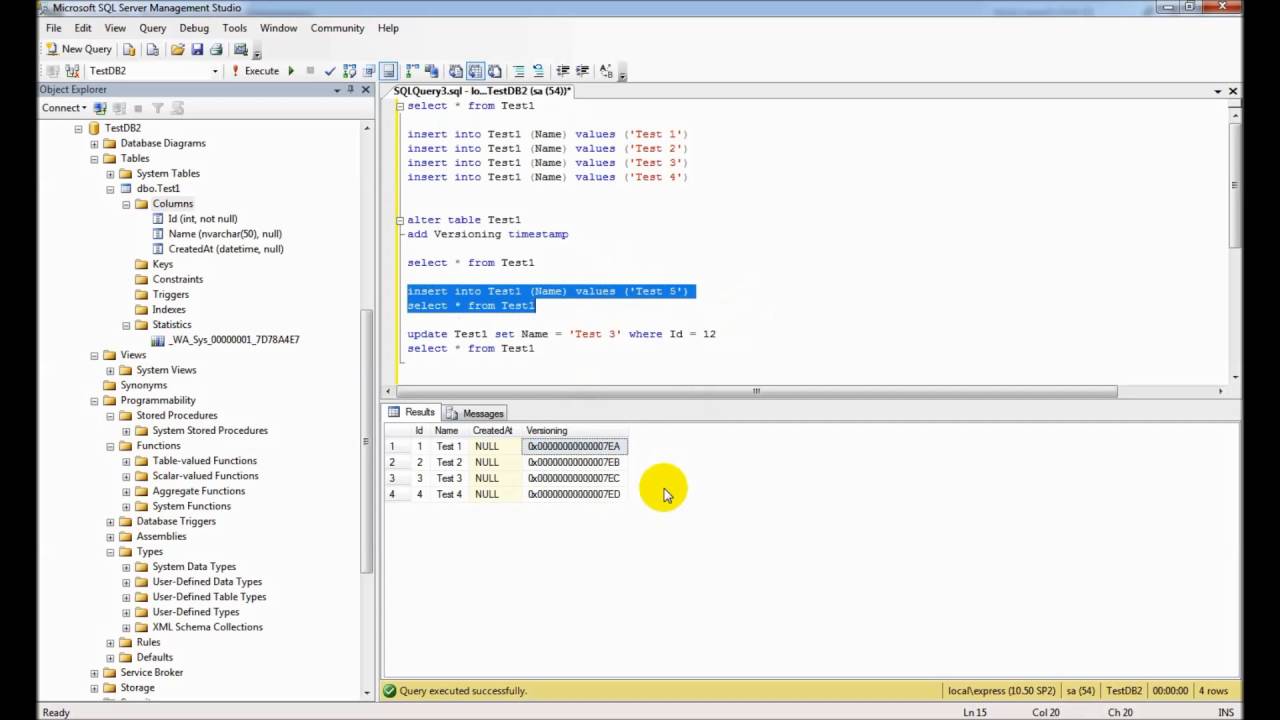 Cast As Timestamp Sql Server
https://i.ytimg.com/vi/OjKZcQcdAN8/maxresdefault.jpg
Oct 28 2023 nbsp 0183 32 Learn how to screen cast to your smart TV and enjoy your favorite content on a bigger screen Easy step by step guide to connect your devices
Pre-crafted templates provide a time-saving option for creating a diverse series of files and files. These pre-designed formats and layouts can be utilized for different individual and expert jobs, including resumes, invitations, flyers, newsletters, reports, discussions, and more, streamlining the content development process.
Cast As Timestamp Sql Server
Microsoft SQL Server 2019 Standard SQL Server 2017 Standard Edition

Fabioms Como Identificar Os Outliers Dos Dados No SQL Server

Multitenancy With SQL Server With Andreas Lengkeek Mehmet Ozdemir

Contrato Sql Server 2019 Enterprise Por Volumen Riset
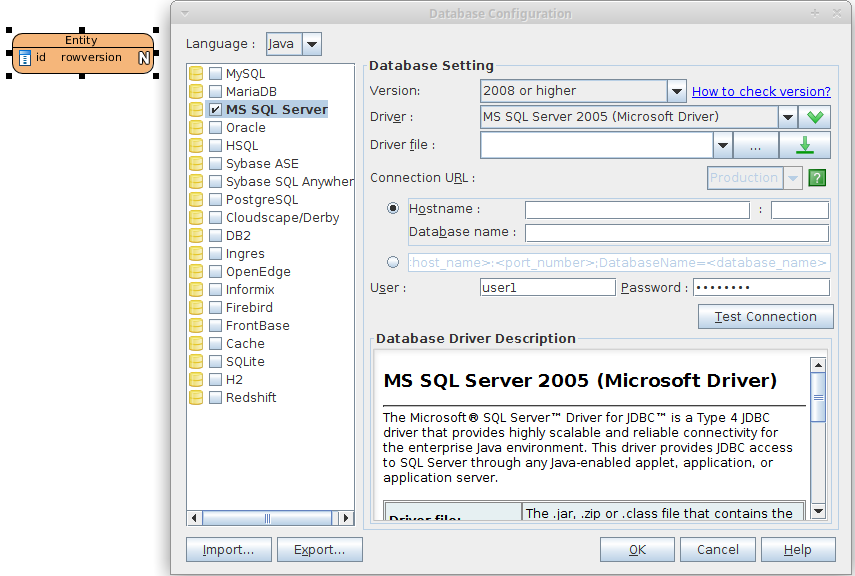
Ms Sql Server Timestamp Columns Being Shown As Datetime In Visual

SQL Server 2016 Standard 5 Cals Inclusas Licen a Vital cia Nota

AirDroid Cast enables wireless screen sharing from Android iOS Windows or Mac devices to browsers for seamless screen mirroring and collaboration

Jun 6 2024 nbsp 0183 32 Download T Cast for PC to control your Android TV This guide explains how to download install amp use T Cast on Windows Enjoy features like screen mirroring and voice

TV Screen Mirroring is a powerful and versatile Windows application designed to cast your local media files and PC screen directly to your smart TV or supported devices It supports multiple

Sep 19 2023 nbsp 0183 32 This process is called casting to a device and it s helpful to use during presentations get togethers or movie nights Here s how to cast your Windows desktop to

Learn how to cast to your TV from your iPhone iPad Android device or laptop to your TV
[desc-11] [desc-12]
[desc-13]