Canvas Drawimage Resize Quality Business Savvy Business Law Business Tools Business Planning Resize And Compress Images In HTML CSS JavaScript HTML Canvas DrawImage Quality YouTube Canvas Sketches Maps Canvas Inspiring every Instructure user to take charge of their success with resources self support tools and a thriving relationship network
The Canvas Admin Guide provides a thorough set of user tutorials on a variety of topics such as account structure integrations and settings Learn how to use the Canvas Student app on an Android device
Maps Canvas How To Draw With Javascript HTML Canvas Matt Morgante Canvas Wikipedia File Business Model Canvas Png Wikimedia Commons Riset How To Care For Your Canvas Prints TechRadar Fancy s Art Easy Landscape Painting Canvas Developers Dhaka canvas drawImage Javascript Canvas DrawImage Loading Big Image Stack Overflow
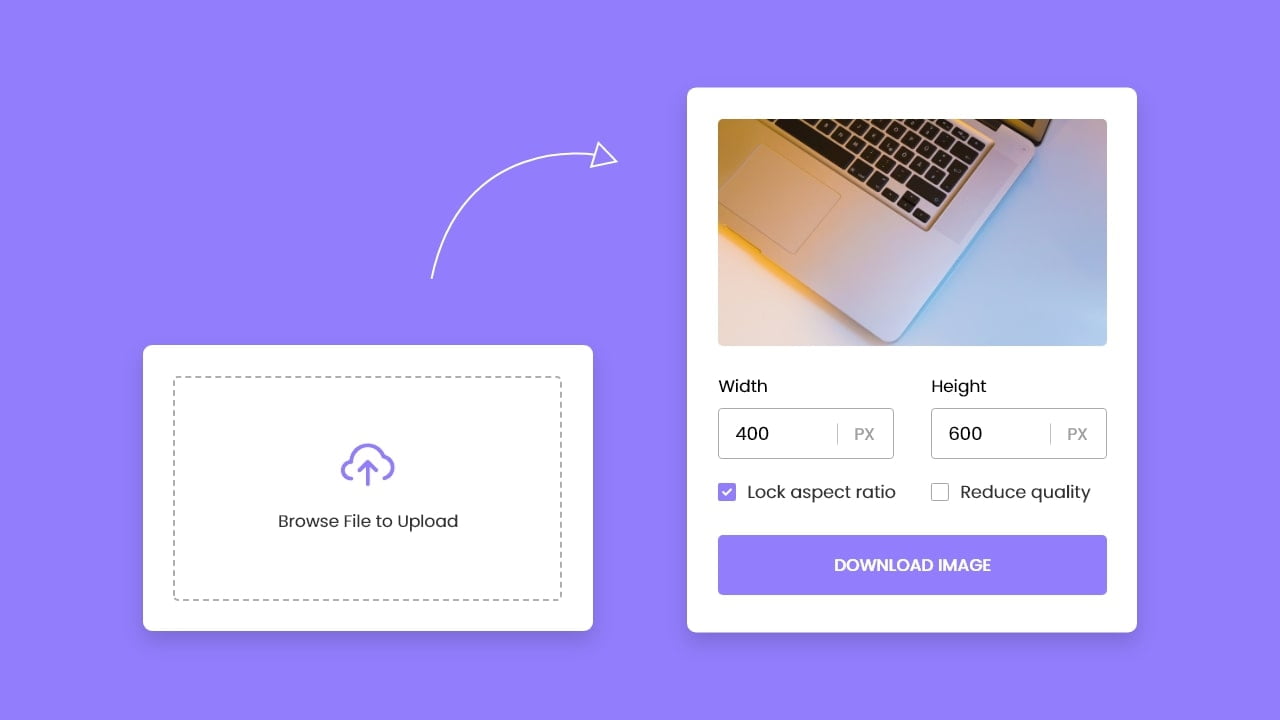
Canvas Drawimage Resize Quality
 Canvas Drawimage Resize Quality
https://i.pinimg.com/originals/fb/c7/cd/fbc7cd0b503174a0fb47f9574a458aa5.png
The Global Navigation Menu is located on the left side of every page in Canvas Global Navigation links provide quick access to frequently used Canvas features These links provide
Templates are pre-designed files or files that can be used for numerous functions. They can conserve effort and time by supplying a ready-made format and design for developing different type of content. Templates can be utilized for personal or expert projects, such as resumes, invitations, flyers, newsletters, reports, presentations, and more.
Canvas Drawimage Resize Quality

Canvas Kameradeals
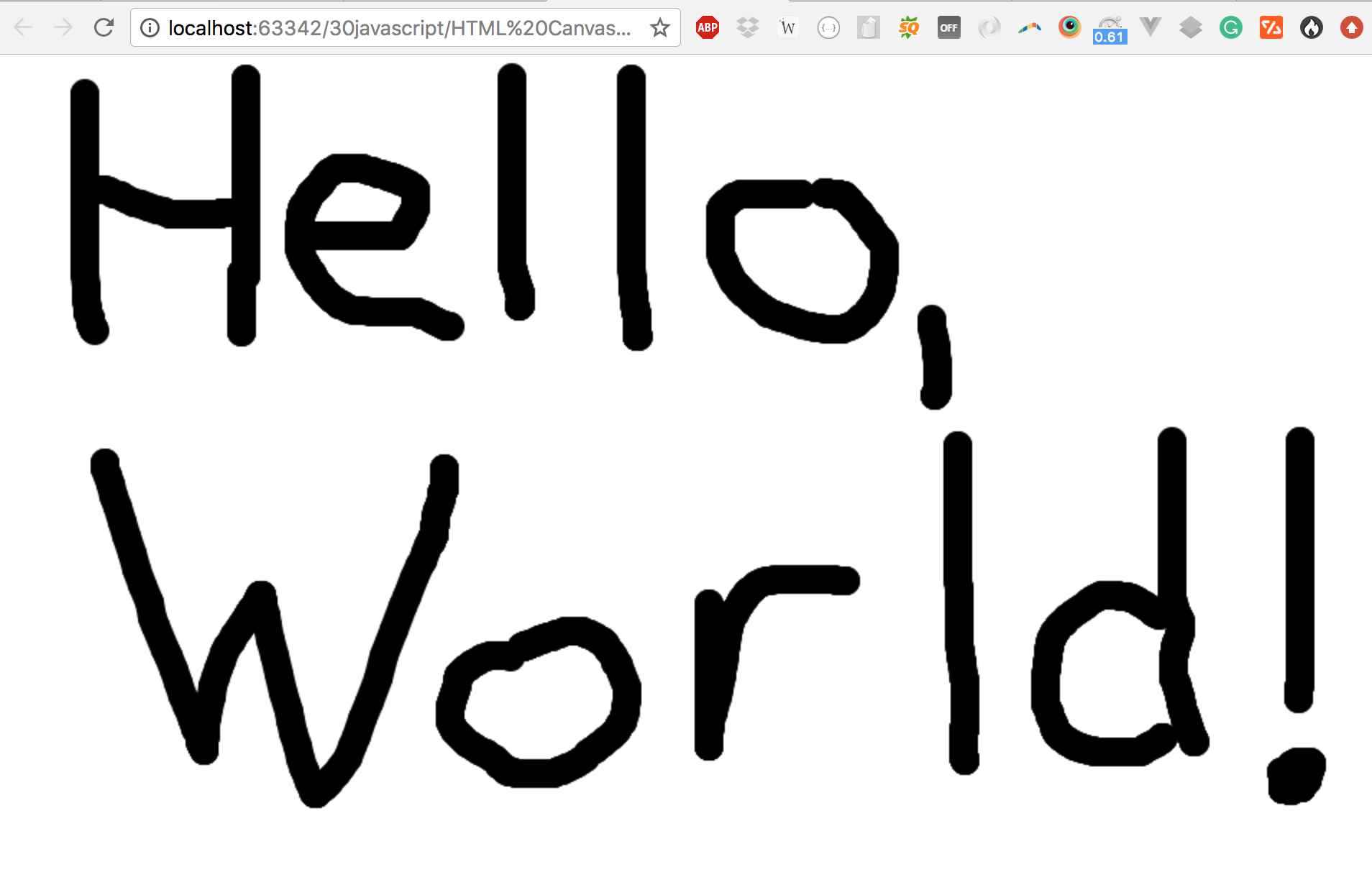
How To Draw With Javascript HTML Canvas Matt Morgante

Canvas Wikipedia

File Business Model Canvas Png Wikimedia Commons Riset

Fancy s Art Easy Landscape Painting

Canvas Developers Dhaka

Inspiring every Instructure user to take charge of their success with resources self support tools and a thriving relationship network
Canvas Web Students Instructors and Observers How do I get help with Canvas Admins To report any problems with Canvas contact Canvas Support For assistance with managing your

View concise overview videos on a variety of topics for Canvas LMS usage Videos can be used by students admins instructors and observers

You may be able to access Canvas Studio using a standalone Canvas Studio site or your institution may have configured the Canvas Studio integration for Canvas LMS You can use a

In our Instructor Guide you will find everything you need to know to use Canvas as a teacher from creating assignments to managing course settings
[desc-11] [desc-12]
[desc-13]