Canva Image Dimensions How To Resize Image In Canva On Mobile And PC TechWiser Tyr Sizes Offers Sale Save 47 Jlcatj gob mx Canvas Sizing Guide Standard Canvas Sizes Here At Canvas Vows Canvas Size Photo Print Sizes How To Outline Text In Canva with Just One click Fallon Travels Image Dimensions In Canva YouTube Resize an Image in Canva There are two ways to resize an image in Canva The first is one click resize of the canvas The second is the manual resize method Good news bad news Resizing is easy but requires Canva Pro
Apart from square images Instagram allows you to upload landscape and portrait images For both You can use Canva to create images with custom dimensions Canva also has a lot of suggested sizes such as for YouTube thumbnails YouTube channel art Facebook covers Instagram and much more
Image Dimensions In Canva YouTube Canva Review The Must Have Tool For Your Brand Visuals We Rock Your Web Residencia En Medicina Funcional Formaci n Medicina Funcional Con How Do I Change The Width And Height Of An Image In Canva WebsiteBuilderInsider Canva Size Guide Blogging Guide Canva Login Funktioniert Nicht Canva How To Change Dimensions Canva Image Sizes For Social Media Social Media Tips How To Use Canva How To Improve On Cara Desain Poster Di Canva Untuk Bikin Konten Keren Dan Menarik Kreativv
Canva Image Dimensions
 Canva Image Dimensions
https://techwiser.com/wp-content/uploads/2021/12/Edit-Photo-in-Canva.jpg
As a general rule the size of your Canva images should be at least 1 000 pixels wide 10 inches at 100 ppi This ensures that your images will be high enough resolution for print For most designs 2 000 pixels wide 20 inches at 100 ppi is sufficient However for very large prints or high resolution screens
Pre-crafted templates use a time-saving service for producing a diverse series of documents and files. These pre-designed formats and designs can be made use of for various individual and expert tasks, consisting of resumes, invitations, flyers, newsletters, reports, presentations, and more, enhancing the content development process.
Canva Image Dimensions
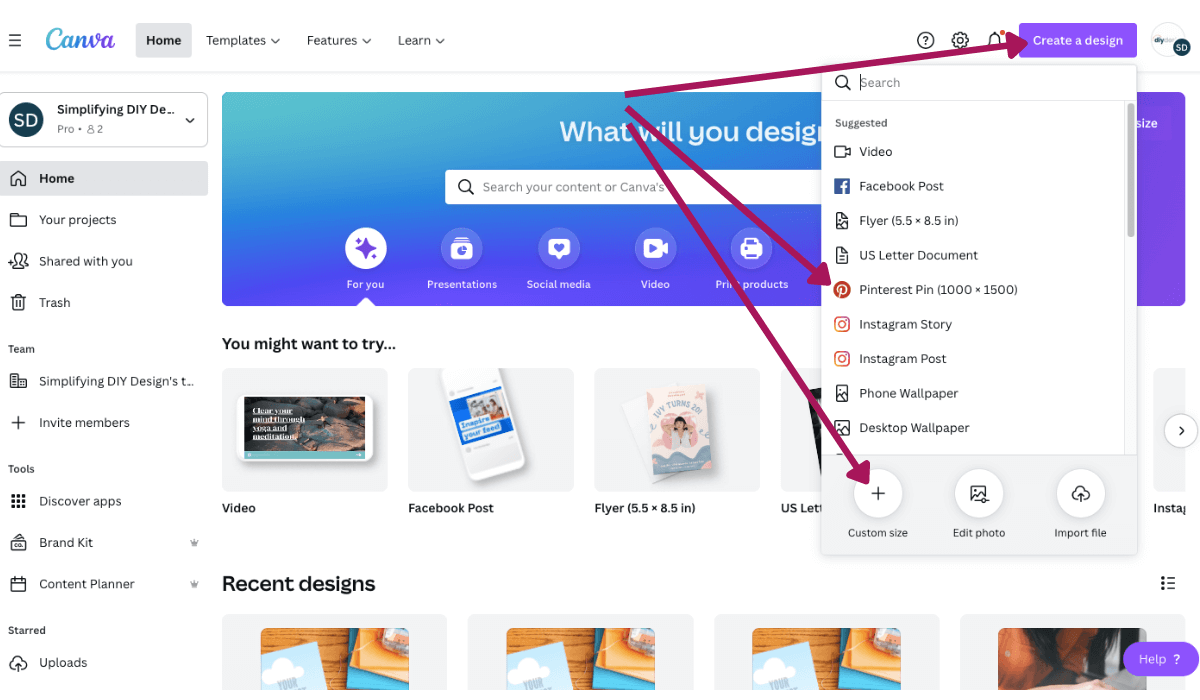
How To Resize In Canva 3 Easy Canva Resize Tricks For 2022 2022
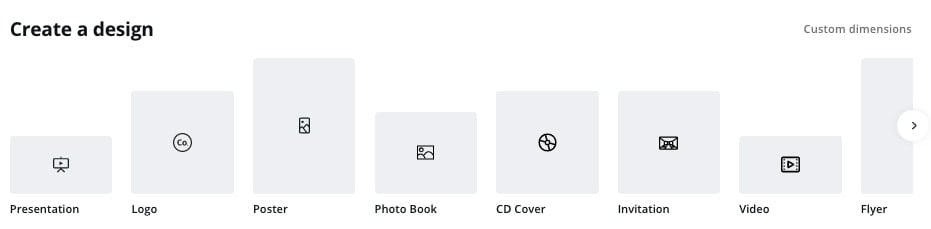
Canva Review The Must Have Tool For Your Brand Visuals We Rock Your Web

Residencia En Medicina Funcional Formaci n Medicina Funcional Con
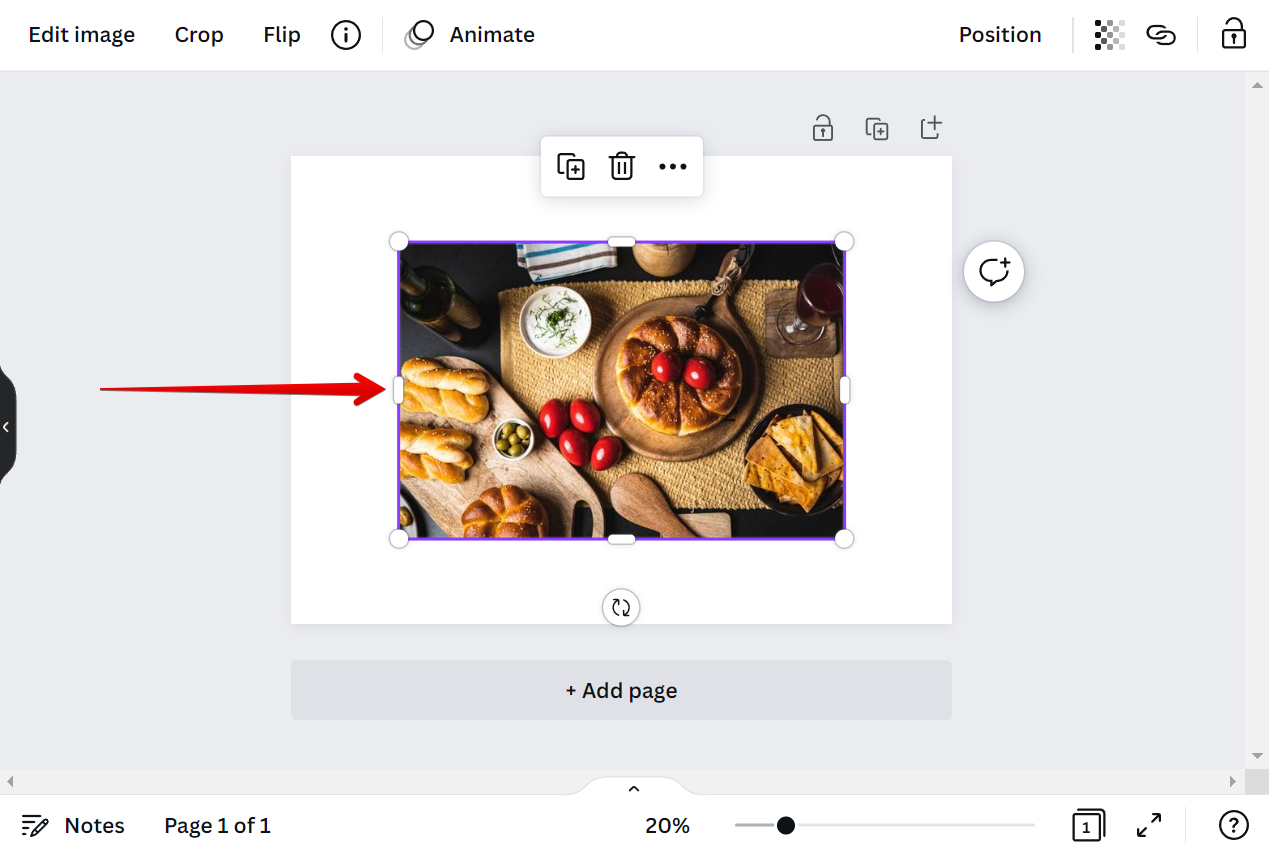
How Do I Change The Width And Height Of An Image In Canva WebsiteBuilderInsider
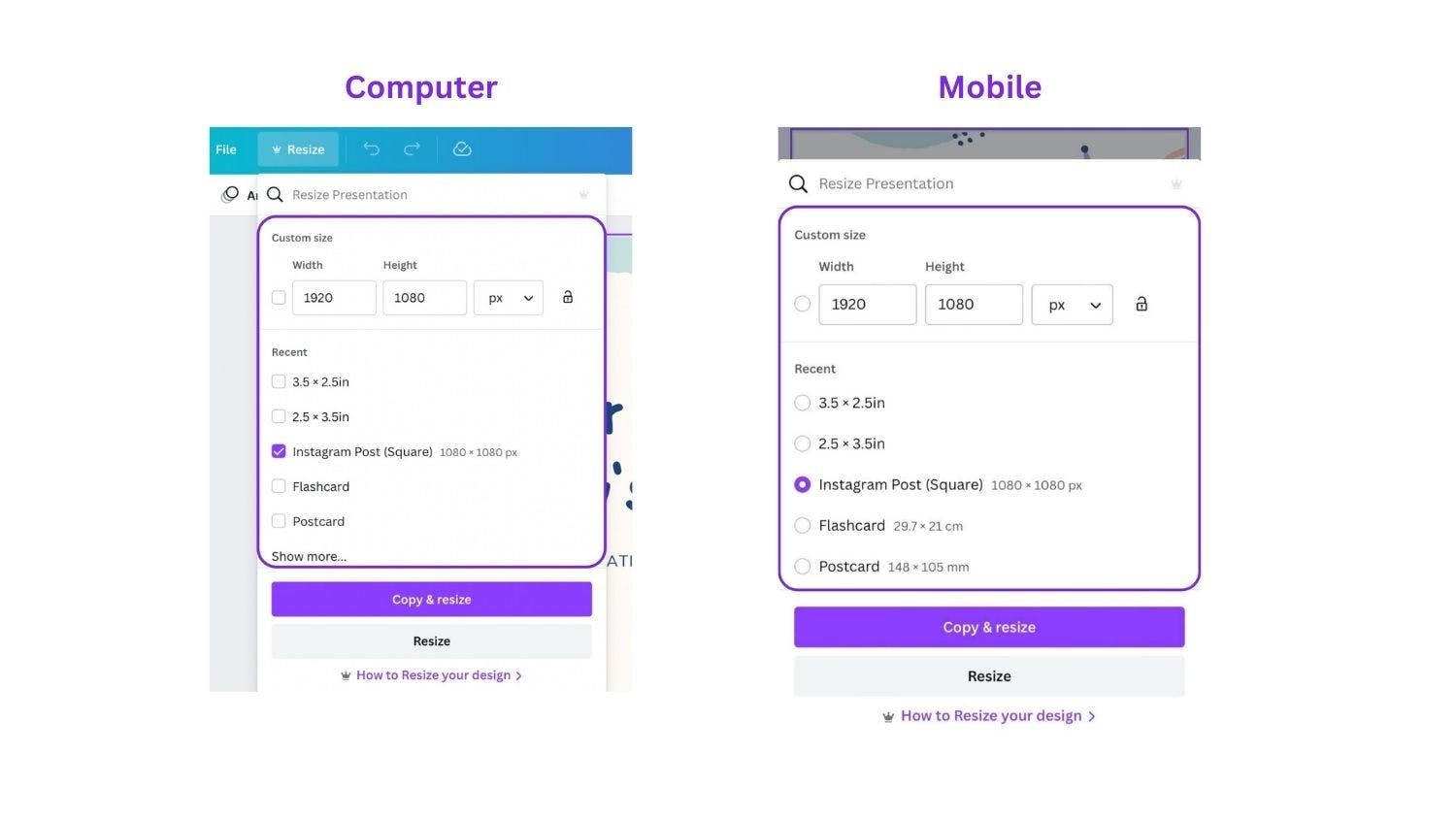
Canva Login Funktioniert Nicht

Canva How To Change Dimensions

You can only resize designs within Canva s dimensions limits Minimum dimensions 40 x 40 px pixels Maximum dimensions 8000 x 3125 px If the Custom size fields turn red it means that what you entered is outside of what s allowed

Choosing the right size for your photos is an important part of ensuring they work for your

To resize to exact dimensions click Position on the toolbar above the editor Under Advanced enter the pixel values in the Width and Height fields You can also Lock Aspect Ratio to keep its proportion For better control at resizing text use the
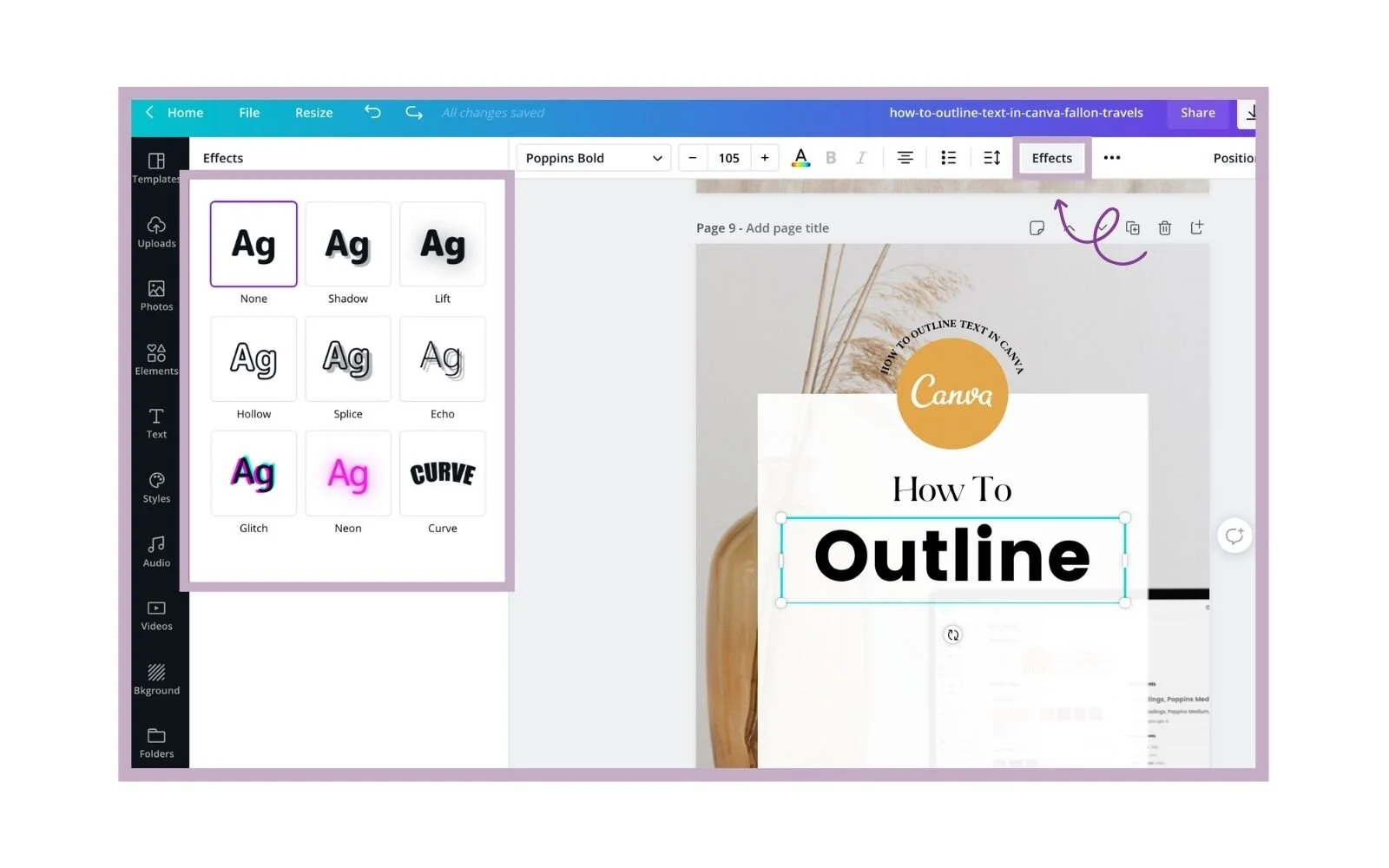
Select the image First click on the image in your Canva design to select it You will know the image is selected when you see a bounding box around it Resize the image Next move your cursor to one of the corners of the bounding box Click and drag the corner to resize the image

This is how it s done Open Canva on your browser Go to the project you want to resize Click on the Resize option in the upper left corner of your screen Tick the Custom Dimensions box on the drop down menu Type in the custom height and width of your design Set the value to inches
[desc-11] [desc-12]
[desc-13]