Canon Support Code 5200 G3020 Canon Support Code 6A80 6A81 6000 1313 Knocking Sound Fix Waste Ink Canon Support Code 5100 How To Fix YouTube Canon Light Blinking G2000 G1000 Support Code 5200 Solution YouTube CARA MEMPERBAIKI PRINTER CANON G1020 G2020 G3020 SUPPORT CODE 1726 Canon G2000 3000 G4000 G5000 G2002 Empty Ink Pipe Support Code 5200 100 Web Jan 4 2021 nbsp 0183 32 What to Do Check the remaining ink level and then refill the ink tank if necessary Turn off the printer and unplug it Wait about 10 minutes and then plug in the
Web List of Support Code for Error Support code appears on the printer s LCD and your computer screen when errors occur A quot support code quot is an error number and appears Web Nov 29 2019 nbsp 0183 32 Description This article provides information on the support code 5200 on the PIXMA G7020 Solution Cause Printer error has occurred What to Do Check the remaining ink level and then refill the ink tank if necessary Turn off the printer and unplug it Wait about 10 minutes and then plug in the printer again and turn it back on
Canon G2000 3000 G4000 G5000 G2002 Empty Ink Pipe Support Code 5200 100 CANON G2020 SUPPORT CODE 1726 YouTube CANON G2020 G3020 G3060 SUPPORT CODE 1476 COL YouTube Canon Printer Support Code 1724 1726 1728 YouTube Error 1726 Printer Canon Pixma G2020 G3020 The Maintenance Cartridge How To Fix Canon Support Code 7700 G2020 3020 3060 2060 YouTube Canon Support Code 5100 5 Ways To Clear The Error Print Like This Bedienung M glich Slipper Klimaberge Canon Laser Fax Schatz M ll Gro z gig Canon Error 5200 Everything You Need To Know Causes And Solutions
Canon Support Code 5200 G3020
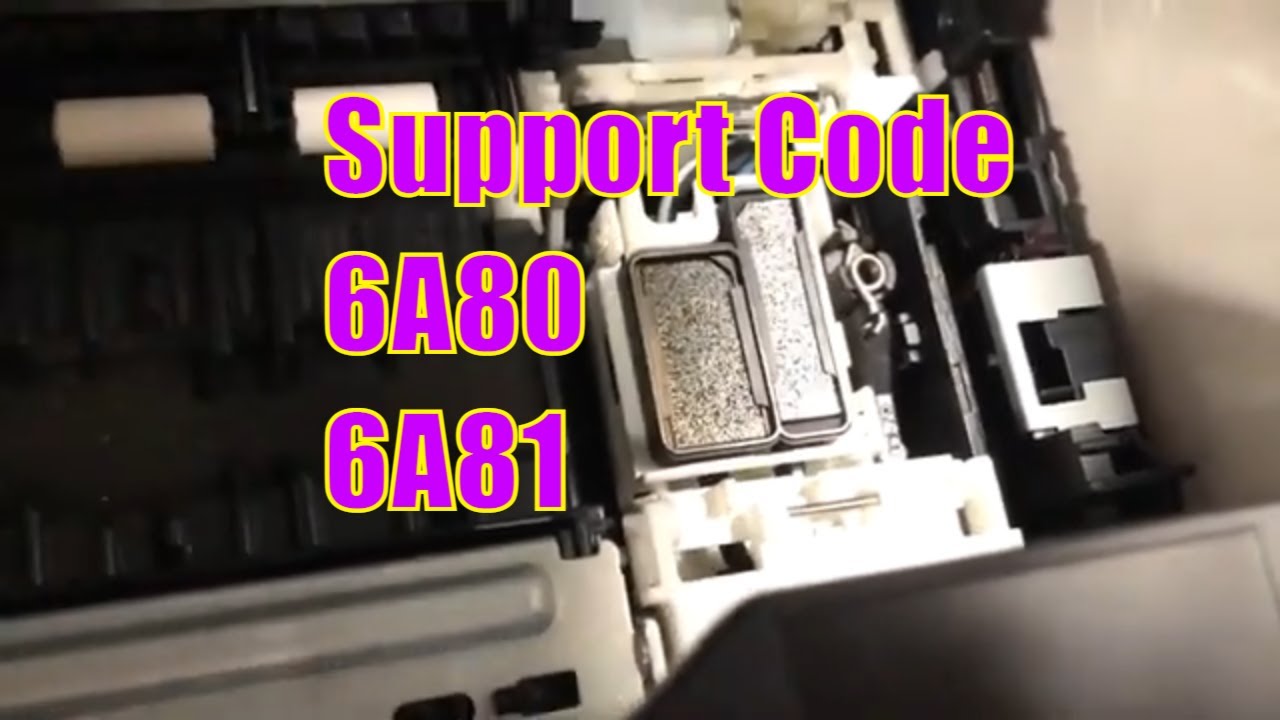 Canon Support Code 5200 G3020
https://i.ytimg.com/vi/aVwfItW3TYw/maxresdefault.jpg
Web Jan 1 2022 nbsp 0183 32 G4210 support code 5200 Colors are not printing after cleaning and refilling colors 01 01 2022 03 31 PM After cleaning heads etc refilling color tanks only the black prints 01 04 2022 04 07 PM Hi Since the refilling the ink cleaning and deep cleaning cycles did not resolve the issue there may be a internal issue with the print head
Templates are pre-designed files or files that can be used for various functions. They can save effort and time by offering a ready-made format and design for creating various kinds of content. Templates can be used for individual or expert tasks, such as resumes, invites, flyers, newsletters, reports, discussions, and more.
Canon Support Code 5200 G3020

Fichier Canon 30D 2 jpg Wikip dia

CANON G2020 SUPPORT CODE 1726 YouTube

CANON G2020 G3020 G3060 SUPPORT CODE 1476 COL YouTube

Canon Printer Support Code 1724 1726 1728 YouTube

How To Fix Canon Support Code 7700 G2020 3020 3060 2060 YouTube
Canon Support Code 5100 5 Ways To Clear The Error Print Like This

Web Mar 8 2024 nbsp 0183 32 Printer error 5200 has occurred on your Pixma G series printer Solution Check the remaining ink level and then refill the ink tank if necessary Turn off the printer and unplug it Plug in the printer again and turn it back on

Web Learn how to fix Canon Printer error 5200 One of the common causes of the Canon 5200 error code is that after refilling the black ink cartridge it still shows the error code There are several

Web Check the remaining ink level and then refill the ink tank if necessary Turn off the machine and unplug it Wait about 10 minutes Plug in the machine again and turn it back on If the ink tank is refilled because it runs out of ink perform system cleaning To perform system cleaning press and hold the Stop button until the Alarm lamp

Web Apr 25 2023 nbsp 0183 32 Refill the Ink You should never let the ink on your printer go too low if you want to avoid errors while printing If you have visible ink tanks or ink cartridges that are easily accessible you may visually check the ink levels Otherwise you need to use the maintenance tools from Canon

Web Hold down the Stop button until the Alarm lamp flashes twice and then release it The machine starts cleaning the print head The cleaning will be complete when the ON lamp lights after flashing Do not perform any other operations until the machine completes the cleaning of the print head This takes about 1 minute
Web Feb 26 2024 nbsp 0183 32 Description Printer error 5200 has occurred on your Pixma Maxify printer Solution Check the amount of remaining ink level If there is no ink left replace the empty ink tank to a new Canon Genuine ink tank If ink is left replace the print head If your printer uses cartridges and not ink tanks the print head is built into the cartridge Web Jan 8 2021 nbsp 0183 32 I have had a G6020 printer for over a year and it has been working well A few days ago printing a multipage color document I noticed that there was some banding on later pages So a nozzle check showed some issues with the yellow Ran a cleaning no change so I ran a deep cleaning The blue and
Web Jun 1 2023 nbsp 0183 32 Thanks for sharing your problem and how you resolved it I haven t done the ink flush yet but that s my next step when I get the time However after keeping the printer off for several days and after cleaning the heads it worked for printing black ink documents