Canon Printer Set Default Paper Size Canon Office Premium Printer Paper A4 Reviews Canon ImageCLASS LBP251dw Monochrome Laser Printer 0281C014 B H How To Setup Canon Wireless Printer An Easy Setup Guide How To Setting Default Paper Size On Printer YouTube Canon Pixma TR8620 Wireless Home Office All In One Printer Review 0HH3 018 If you have to change the paper size and type loaded in the drawer follow the procedure in this section to adjust the paper size and type settings You can also
You print on the paper loaded without changing the paper size setting Press the Color button or the Black button For example when the paper size setting for printing is A5 and the paper size setting set to A4 on Whenever you change the paper size and type loaded in the drawer and the tray follow the procedure in this section to adjust the paper size and type settings
Canon Pixma TR8620 Wireless Home Office All In One Printer Review Canon SELPHY CP1500 Compact Photo Printer Black 5539C001 B H Pixma TS3522 Drivers where Are They Canon Community Solved How Do I Change The Default Paper Size From Letter To A4 Setting Up Your Wireless Canon PIXMA MX922 Standard S Doovi Revit PDF Printers Gareth Spencer How To Connect Canon Printer To WiFi TechnoWifi Plain Printer Paper Canon UK Store Canon Printer App Download Paradox
Canon Printer Set Default Paper Size
https://media.4rgos.it/i/Argos/8267302_R_Z001A
When paper is loaded in the manual feed slot the screen for selecting the paper size for the manual feed slot is displayed The registered paper sizes are
Pre-crafted templates use a time-saving solution for creating a diverse series of files and files. These pre-designed formats and layouts can be used for different individual and professional projects, consisting of resumes, invites, flyers, newsletters, reports, presentations, and more, enhancing the content creation procedure.
Canon Printer Set Default Paper Size
Loading Paper Canon TS3500 Series Getting Started Page 8 ManuaLib

Canon SELPHY CP1500 Compact Photo Printer Black 5539C001 B H
Pixma TS3522 Drivers where Are They Canon Community
Solved How Do I Change The Default Paper Size From Letter To A4

Revit PDF Printers Gareth Spencer
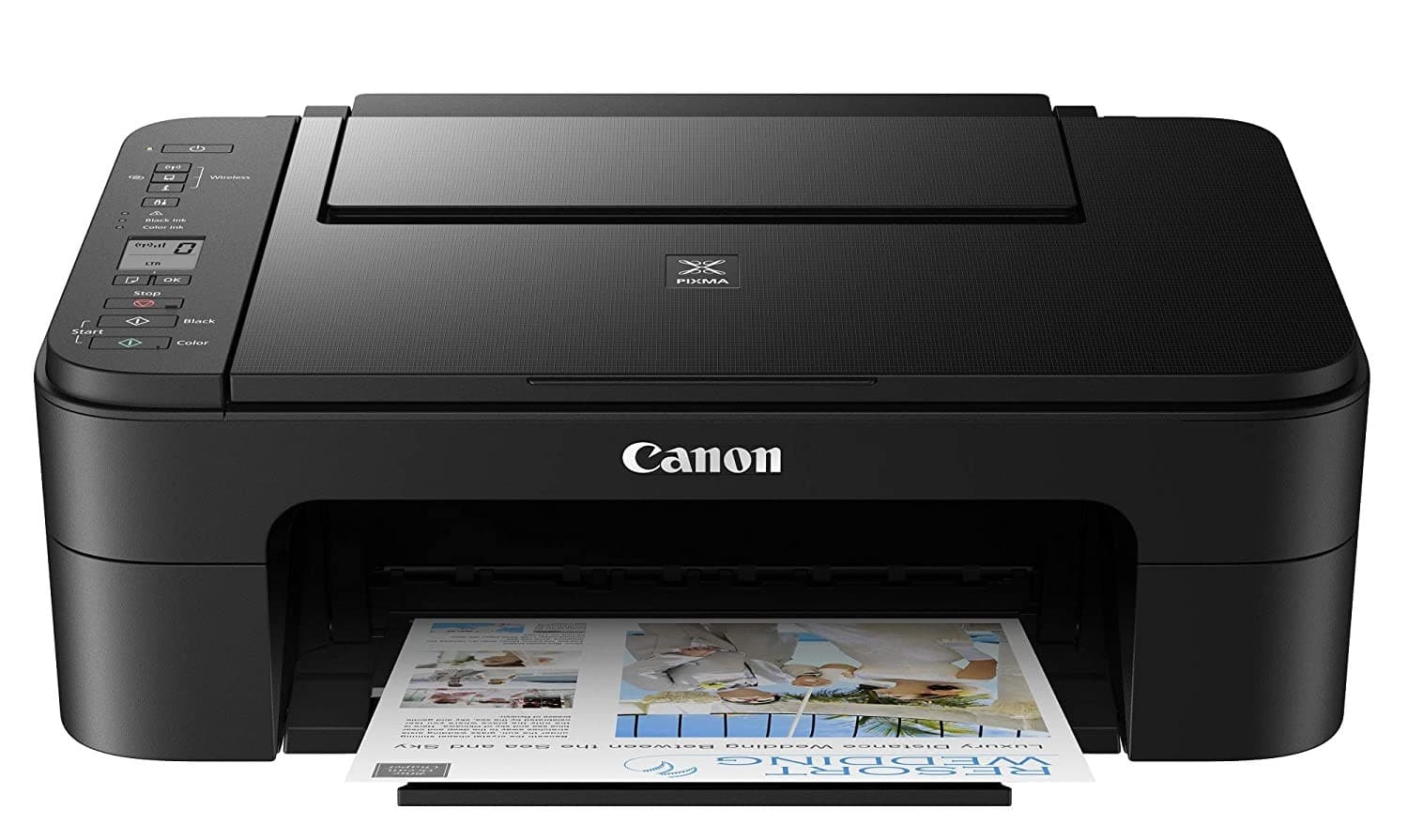
How To Connect Canon Printer To WiFi TechnoWifi
Press or to select the appropriate paper size A4 B5 A5 LTR LGL EXECUTIV ENVELOPE for the paper cassette A4 B5 A5 LTR LGL EXECUTIV
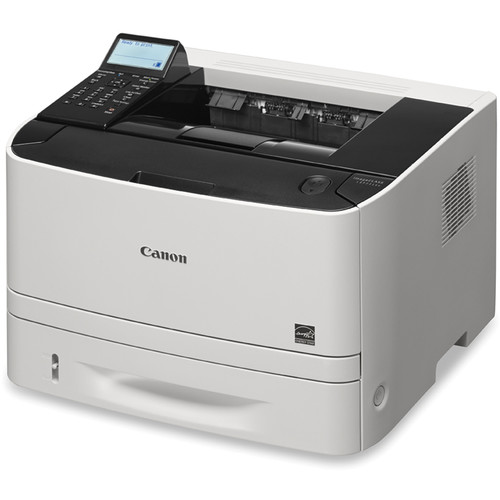
Click your right mouse button on the listing for your printer and then select Properties from the menu that appears On the Page Setup tab make sure that the

The default paper size type is set to and in the setting menu 1 Press Paper Settings repeatedly to select then press OK 2 Press

For the Paper Cassette 1 Press Paper Settings 2 Press or to highlight and then press OK 3 Press or to highlight a paper size and then press OK

Register the paper size and the media type according to the loaded paper Important For more on the proper combination of paper settings you can specify by the printer driver or on the LCD For Windows Paper
To change the default print settings you must log on to your computer as a member of the Administrators group 1 Click Start Control Panel Printer NOTE For After the default paper setting is registered the paper setting screen is not displayed when paper is loaded and the same setting is always used If you load a different
First verify that the paper size is set correctly for the drawer https oip manual canon USRMA 3547 zz SSM 740 enUS contents devu basicope