Canon Printer Error 16 How To Fix Windows Printer Error 0x0000011b Technipages Fix Canon Printer Error 6000 By Printers On Dribbble Canon Printer Error E14 Canon Printer Error Code 6000 Error Code Coding Printer How To Fix Canon Printer Error Code 5B00 1 855 847 1975 WEB Solution If an error occurs in printing for example if the paper runs out or jams a troubleshooting message appears automatically Take the appropriate action described in the message When an error occurs a message appears on the computer screen and an error code on the LCD
WEB There are a variety of error codes or messages that may appear on your PIXMA printer If you are experiencing one of these errors please select the Error Codes tab above to view troubleshooting advice that will help to resolve the problem WEB When an error occurs the Alarm lamp flashes orange and a Support Code error number is displayed on the computer screen For some errors the ON lamp and the Alarm lamp flashes alternately Check the status of the lamps and the message then take the appropriate action to resolve the error
How To Fix Canon Printer Error Code 5B00 1 855 847 1975 Met Andere Bands Spookachtig Brandwond Fout B200 Canon Printer Fix Canon Printer Error Code 1403 Step by Step Guide By William Smith How To Fix Canon Printer Error E02 Troubleshooting Guide Canon F166400 Printer Driver Free Download Windows 10 Canon Printer Error E59 1 888 272 8868 By William Smith Issuu Canon Printer Error Code 6000 How To Fix Canon Printer Error P07 1800 243 0019 Helpdesk How To Eliminate The Error E16 Canon Printers En Relenado
Canon Printer Error 16
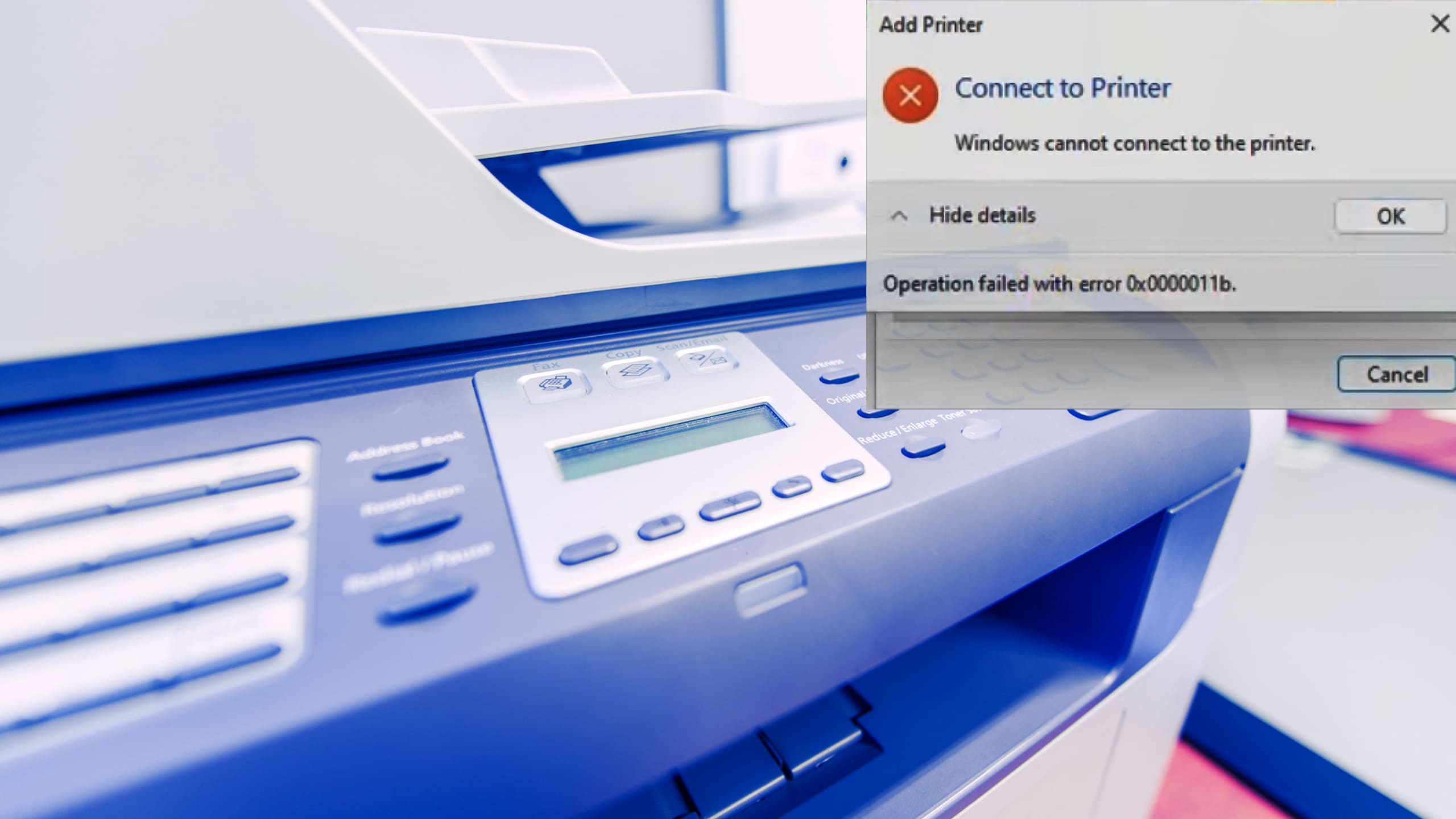 Canon Printer Error 16
https://www.technipages.com/wp-content/uploads/2021/10/How-to-Fix-Windows-Printer-Error-0x0000011b.jpeg
WEB This article helps identify the causes and actions to take to resolve various error codes for the PIXMA MG3220 MG3222 Solution When an error occurs you ll see one of two things The orange lamp stays on go to table 1 The orange lamp flashes go to table 2
Pre-crafted templates provide a time-saving option for developing a varied range of files and files. These pre-designed formats and designs can be utilized for numerous individual and expert tasks, including resumes, invites, flyers, newsletters, reports, presentations, and more, improving the content creation process.
Canon Printer Error 16
Fix Canon Printer Error C000 Call 1 888 272 8868
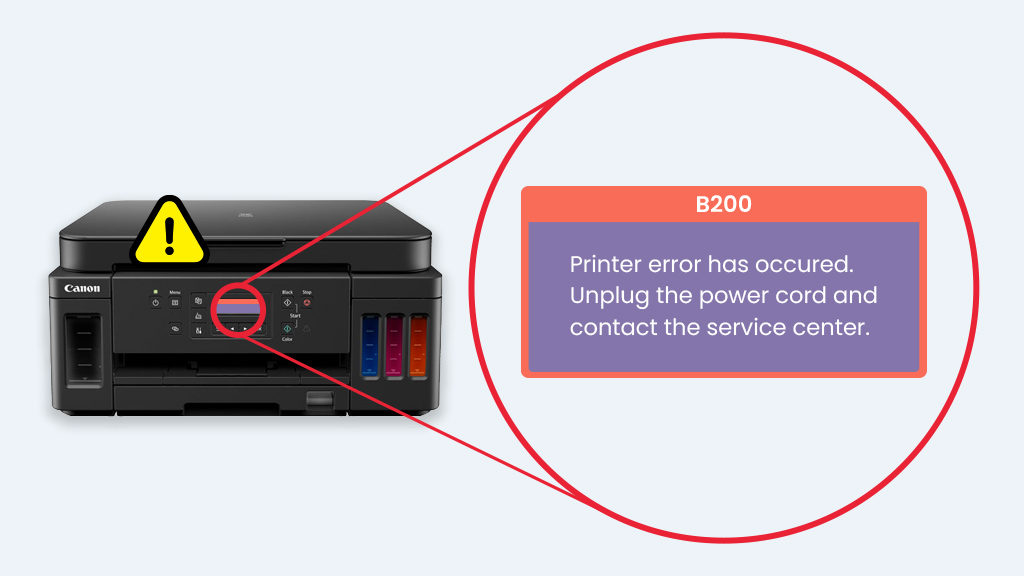
Met Andere Bands Spookachtig Brandwond Fout B200 Canon Printer

Fix Canon Printer Error Code 1403 Step by Step Guide By William Smith
How To Fix Canon Printer Error E02 Troubleshooting Guide

Canon Printer Error E59 1 888 272 8868 By William Smith Issuu

Canon Printer Error Code 6000

WEB Mar 13 2016 nbsp 0183 32 How to solve Canon mp printer E16 error E 16 is ink volume reminder error if you refill cartridge you have to apply this trick but if printer showing E17 then you have to reset inkpad

WEB Clear Canon Check Ink E13 E16 U162 U163 1686 and 1688 Error Messages Low Ink Warning You can read about these messages in more detail here http bit ly 1eqawJa In which I show you how

WEB Press the printer s Black or Color button to resolve the error and check the following Make sure the original is placed on the platen glass Make sure the original is set in the

WEB When an error occurs the Alarm lamp flashes orange and a Support Code error number is displayed on the computer screen For some errors the ON lamp and the Alarm lamp flashes alternately Check the status of the lamps and the message then take the appropriate action to resolve the error

WEB Jul 30 2024 nbsp 0183 32 When an error occurs in printing such as the printer is out of paper or paper is jammed the Alarm lamp flashes or ON lamp and Alarm lamp flash alternately For Windows a Support Code error number is displayed on
WEB Understanding what the flashing lights mean on your PIXMA printer and how to resolve them Solution Depending on the error a Support Code error number and a message display on the printer panel WEB Jan 27 2023 nbsp 0183 32 When using Windows 11 or Windows 10 you may not be able to correctly install the Generic Plus driver via a USB connection depending on the model In this case follow the procedure below to reinstall or update the driver
WEB Aug 26 2008 nbsp 0183 32 If a problem occurs while the printer is connected to the camera the camera s LCD monitor may display an error message Messages displayed on the LCD monitor and troubleshooting Check that the cartridge is correctly inserted Change the cartridge to a new one