Canon G3000 Error 5200 COMO RESOLVER O ERRO B204 CANON G3100 YouTube Canon Pixma G2000 And G3000 Inktank Printer Orange Light Blinking 8 CANON G3000 RESET How To Fix 5b00 YouTube How To Fix Canon 2000 3000 Orange Light Blinking Canon Pixma Amber Como Resetear Exitosamente Tu Impresora Canon G En 4 Pasos YouTube Web Jan 4 2021 nbsp 0183 32 Description Learn how to troubleshoot support code 5200 on the PIXMA G2260 G3260 Solution Cause Printer error has occurred What to Do Check the
Web Sep 10 2022 nbsp 0183 32 About Press Copyright Contact us Creators Advertise Developers Terms Privacy Policy amp Safety How YouTube works Test new features NFL Sunday Ticket Press Copyright Web Turn off printer and unplug it Plug in printer again and turn it back on Perform print head Cleaning Perform System Cleaning No Deep Cleaning is required If the error recurs after taking the above actions you may be able to resolve it by replacing the print heads For details click here
Como Resetear Exitosamente Tu Impresora Canon G En 4 Pasos YouTube Canon G2000 G3000 Error LED Blinking 8 Times YouTube Canon Pixma G1010 8 Blinks Error 5200 YouTube Canon G3160 Erro 5200 Resolvido Ar Nas Mangueiras De Tinta N O Cannon G Series G1000 G2000 G3000 G4000 5B00 Error Fix Service Reset Canon Printer Error 5100 YouTube Solucion Paso A Paso Luz Parpadeante Impresora Canon Pixma Series G2100 Canon Printer Error Light Blinking 5 Times Solved YouTube Error 5200 Canon G2020 Canon G3020 YouTube
Canon G3000 Error 5200
 Canon G3000 Error 5200
https://i.ytimg.com/vi/Auj0ZHi6q7k/maxresdefault.jpg
Web Turn off printer and unplug it Plug in printer again and turn it back on Perform print head Cleaning Perform Ink Flush No Deep Cleaning is required If the error recurs after taking the above actions you may be able to resolve it by replacing the print heads For details click here Important
Templates are pre-designed files or files that can be used for different purposes. They can save effort and time by supplying a ready-made format and layout for creating different sort of material. Templates can be used for personal or expert projects, such as resumes, invites, flyers, newsletters, reports, discussions, and more.
Canon G3000 Error 5200

Canon Pixma G3000 G3010 G3020 Color Missing Solved YouTube
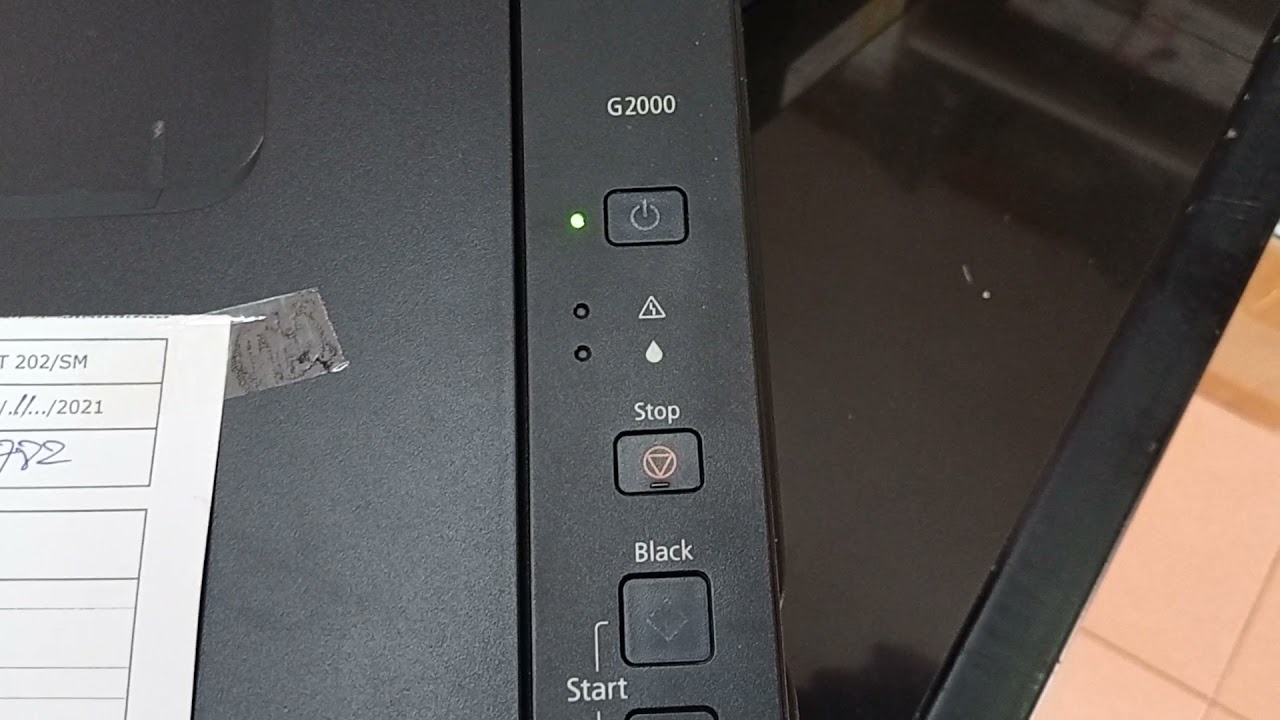
Canon G2000 G3000 Error LED Blinking 8 Times YouTube

Canon Pixma G1010 8 Blinks Error 5200 YouTube

Canon G3160 Erro 5200 Resolvido Ar Nas Mangueiras De Tinta N O

Canon Printer Error 5100 YouTube
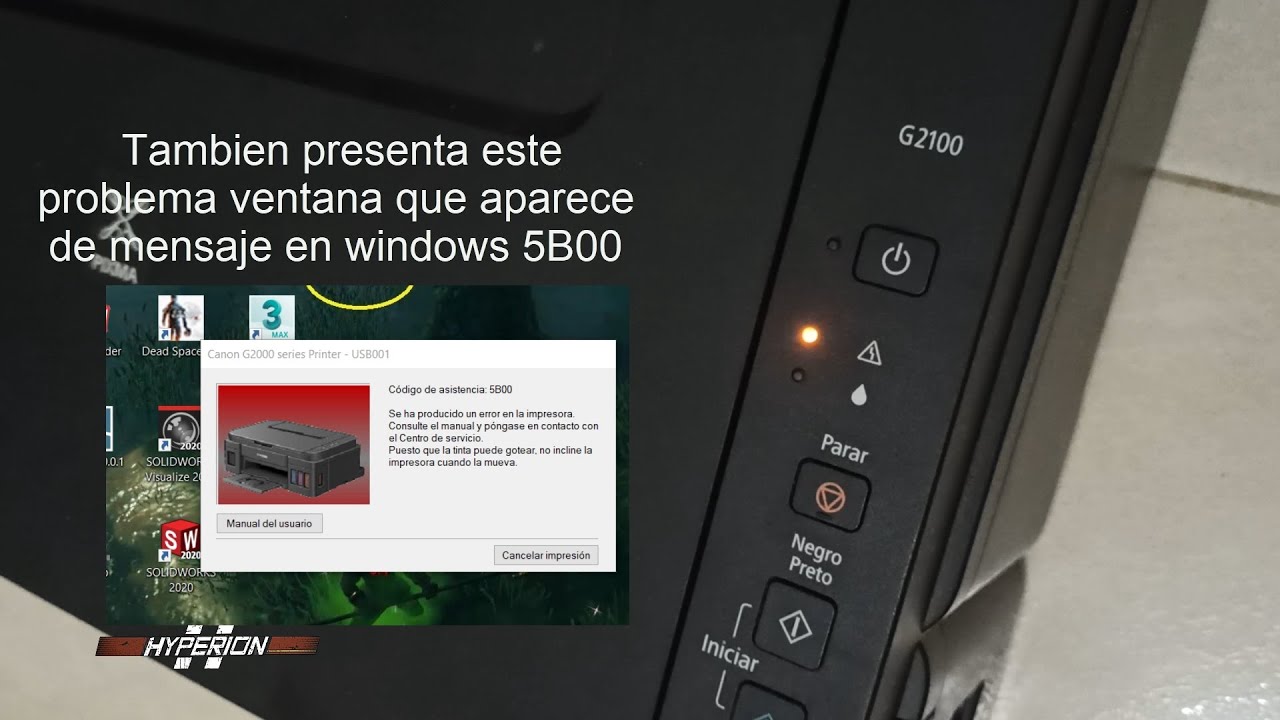
Solucion Paso A Paso Luz Parpadeante Impresora Canon Pixma Series G2100

Web Feb 8 2014 nbsp 0183 32 Learn how to fix Canon Printer error 5200 One of the common causes of the Canon 5200 error code is that after refilling the black ink cartridge it still shows the error code There

Web May 2 2024 nbsp 0183 32 Description Printer error 5200 has occurred on your Pixma G series printer Solution Check the remaining ink level and then refill the ink tank if necessary Turn off the printer and unplug it Plug in the printer again and turn it back on

Web What to Do Important Perform all of the following steps in order Changing the order or omitting steps may cause other problems Check the remaining ink level and then refill the ink tanks if necessary Turn off machine and unplug it Plug in machine again and turn it back on Perform print head Cleaning Perform System Cleaning

Web Apr 25 2023 nbsp 0183 32 Fill the ink tank or change the depleted ink cartridge accordingly Only use the Canon genuine ink It will solve the error If you face the 5200 error even when trying to print the nozzle check pattern it indicates a fatal state where your printer has almost no ink Refill the ink immediately

Web How to refill ink in ink tank color printers My printer Canon g3000 was out of ink and suddenly error 5200 occurred this video I shot while ink refilling and
Web Jan 8 2021 nbsp 0183 32 My colors gradually stopped printing and none would print when doing a NOZZLE CHECK in MAINTENANCE mode I tried to run the CLEAN function and got the error 5200 A deep INK FLUSH of just the COLOR nozzles 9 min worked for me to get the colored inks to print verified by nozzle check test print Web Apr 26 2023 nbsp 0183 32 Our Updated Helpline Number 1 857 557 6884 Canon Printer Error 5200 4 Quick Solutions Method 1 Change the Ink Cartridge 0 00 09 Method 2 Perform a Cleaning Cycle 0 01 23 Method 3
Web Nov 29 2019 nbsp 0183 32 This article provides information on the support code 5200 on the PIXMA G7020 Solution Cause Printer error has occurred What to Do Check the remaining ink level and then refill the ink tank if necessary Turn off the printer and unplug it Wait about 10 minutes and then plug in the printer again and turn it back on